Explore Category

Horror Gemini AI Prompts

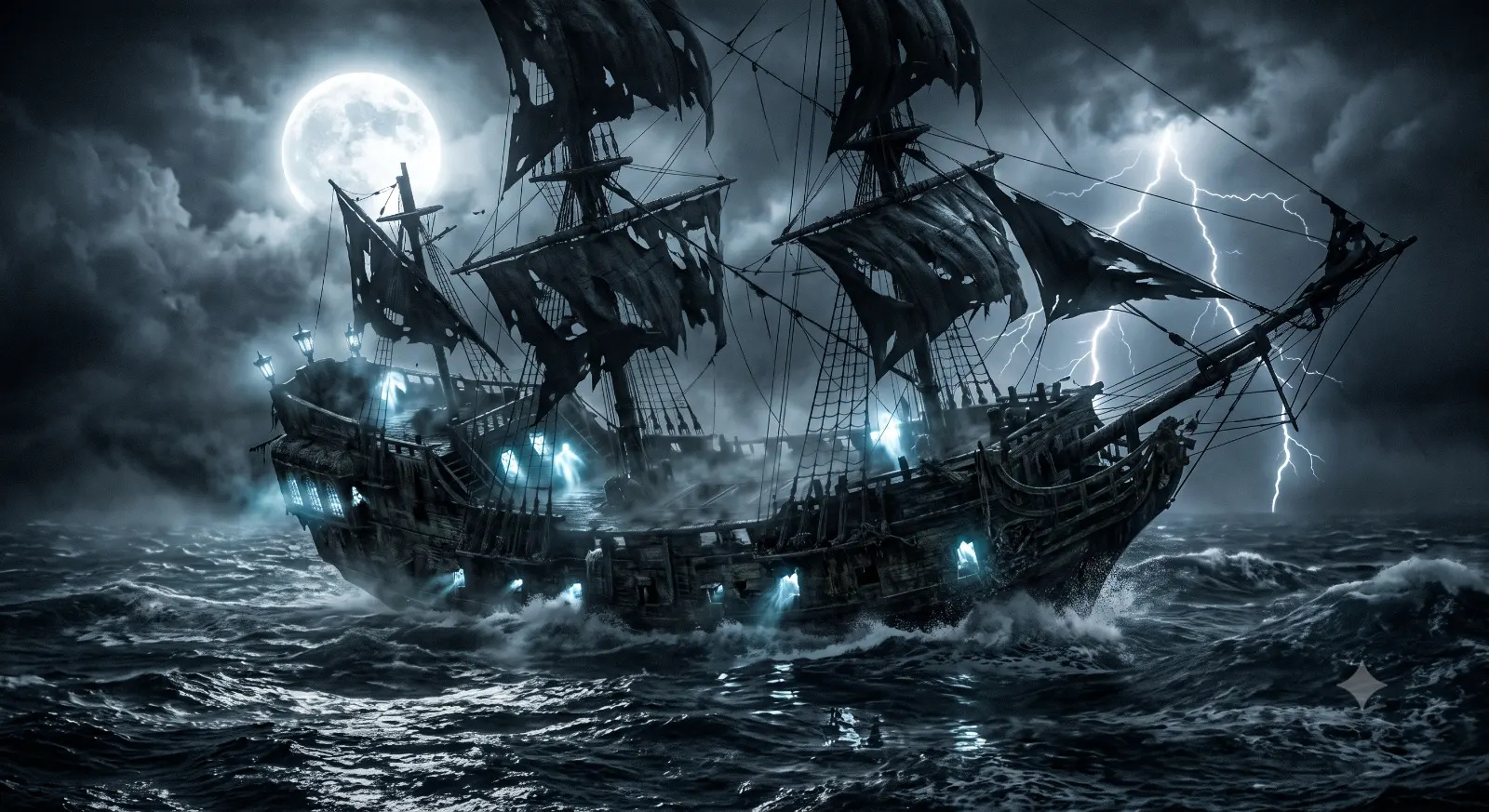
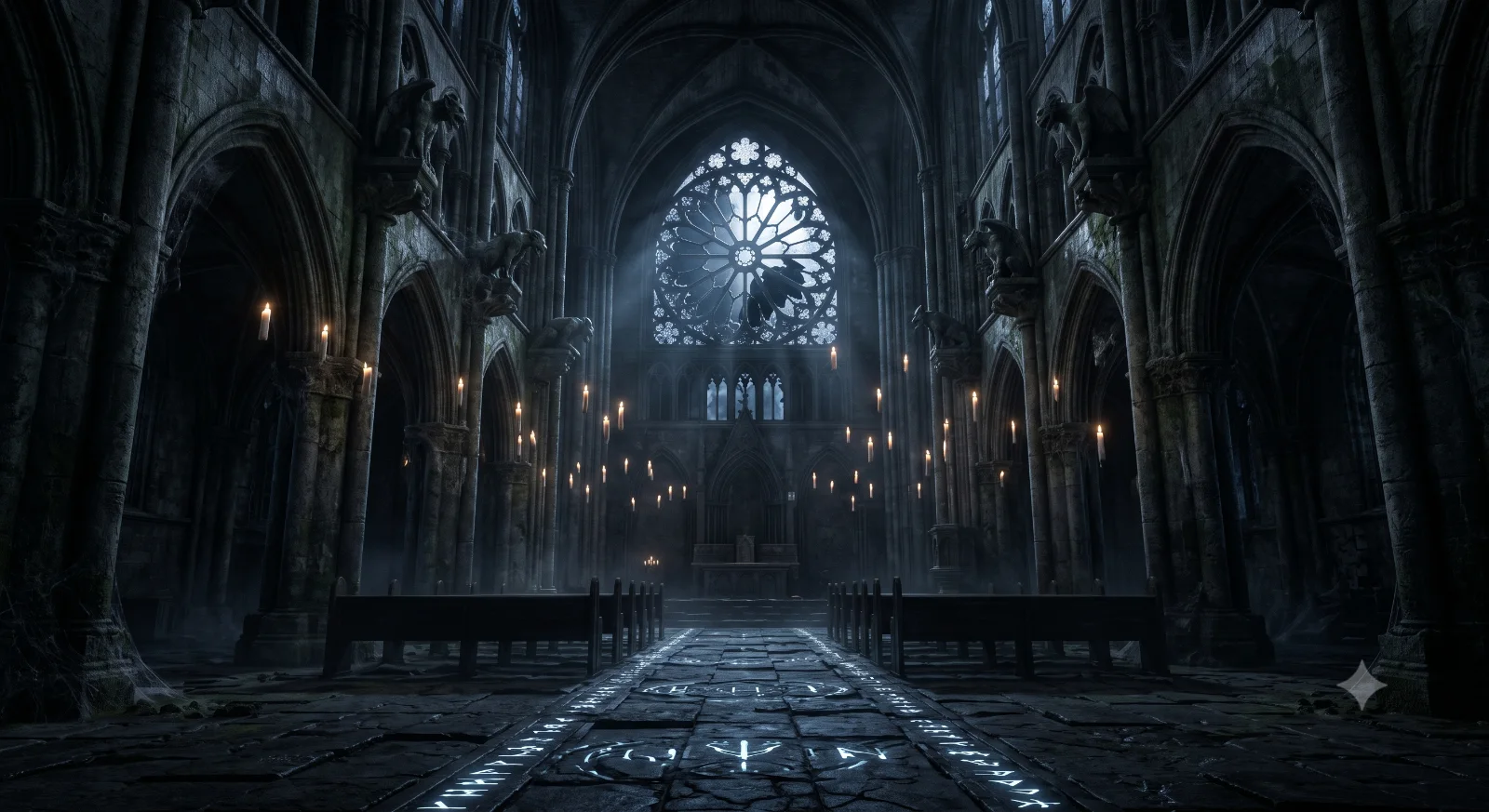
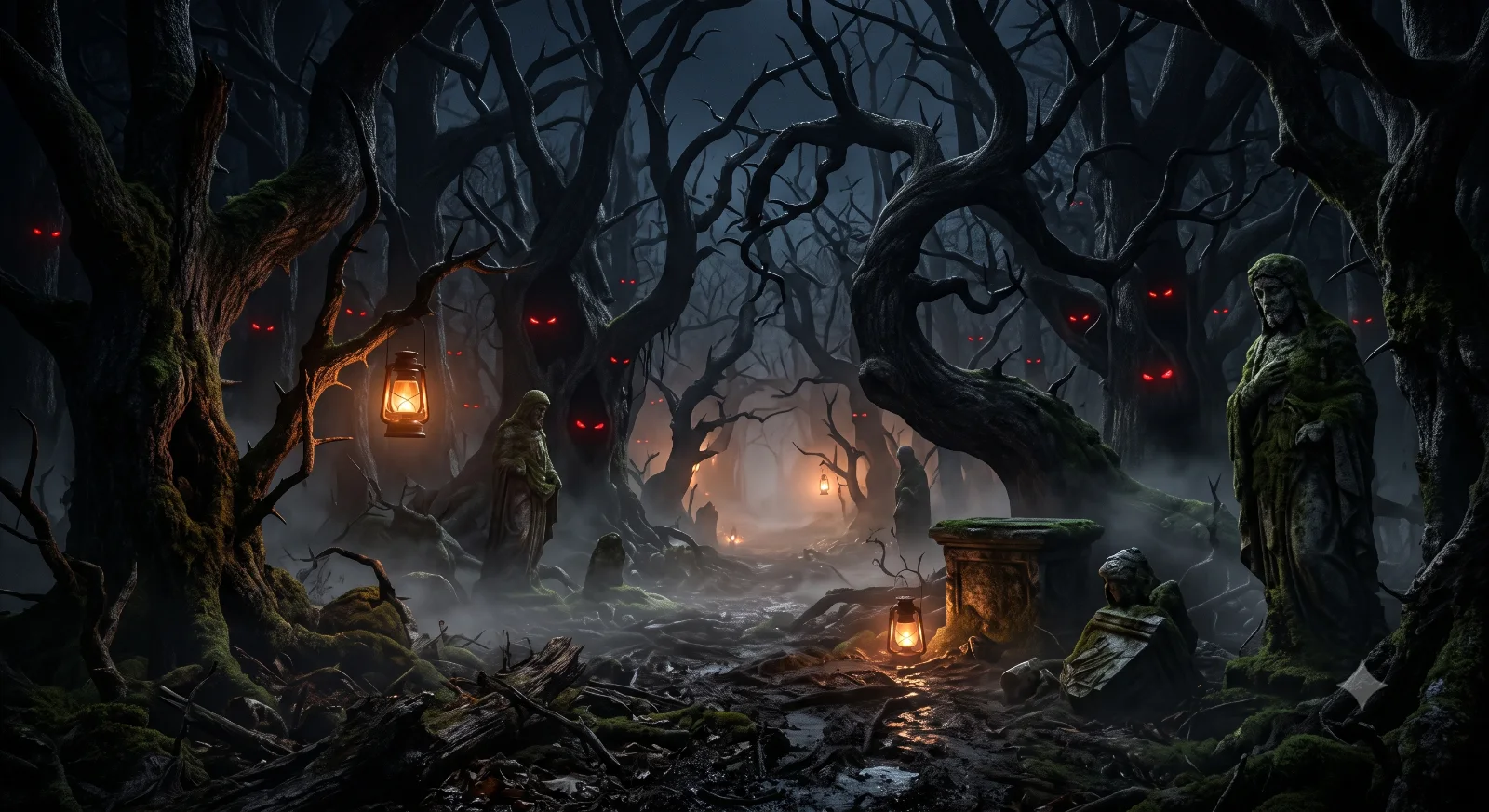
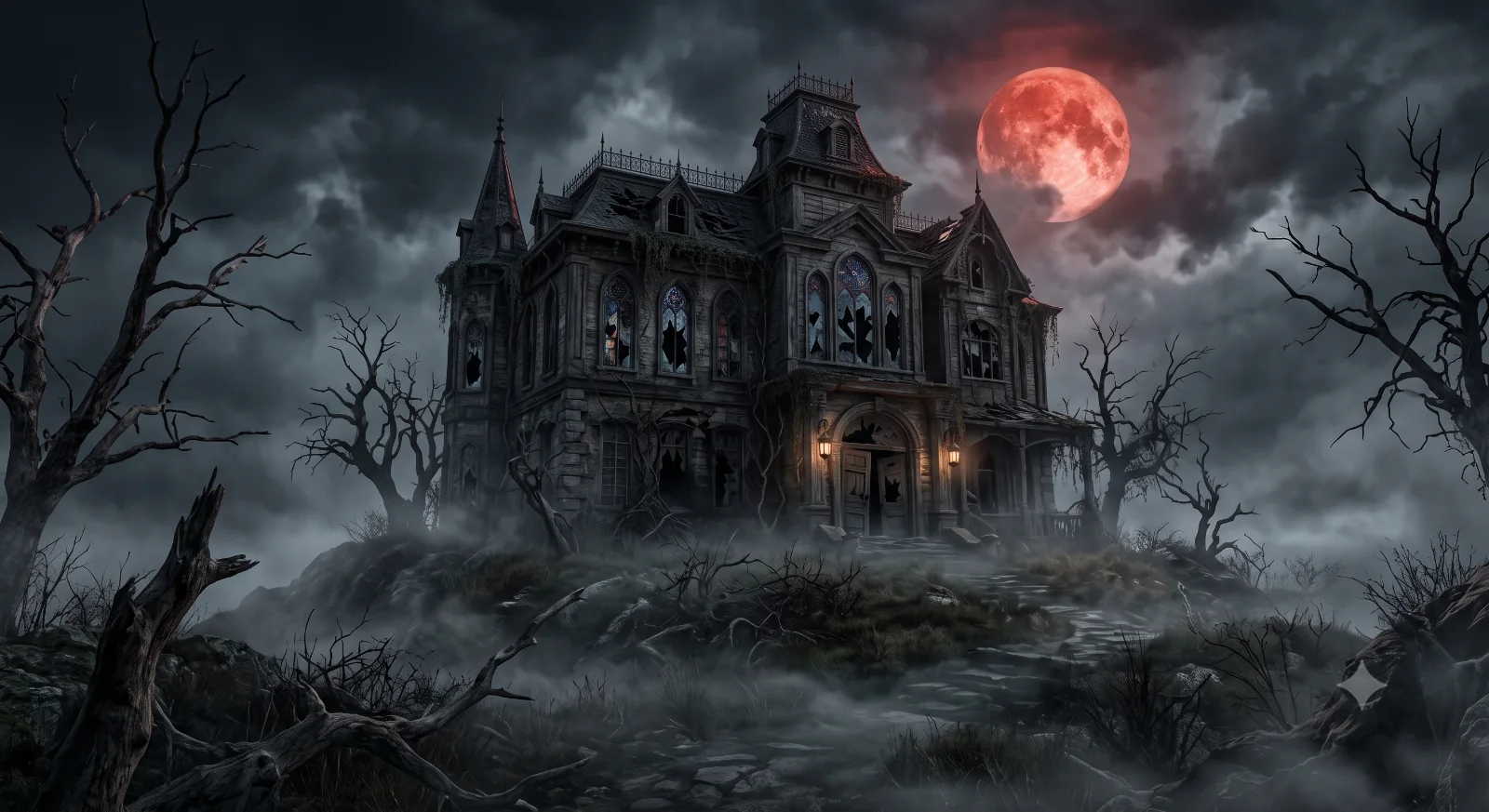
Generate spooky gothic castles, terrifying monsters, and dark cinematic horror scenes with scary AI prompts.

Horror Cover Image
AIPromptNest

Horror AI Prompts

Structured Prompts for Gemini & Modern AI Models

Horror Prompts
5

Organized library

Update Cycle
Regular

Fresh examples added

Prompt Structure
Detailed

Practical parameters included

About Horror Prompts

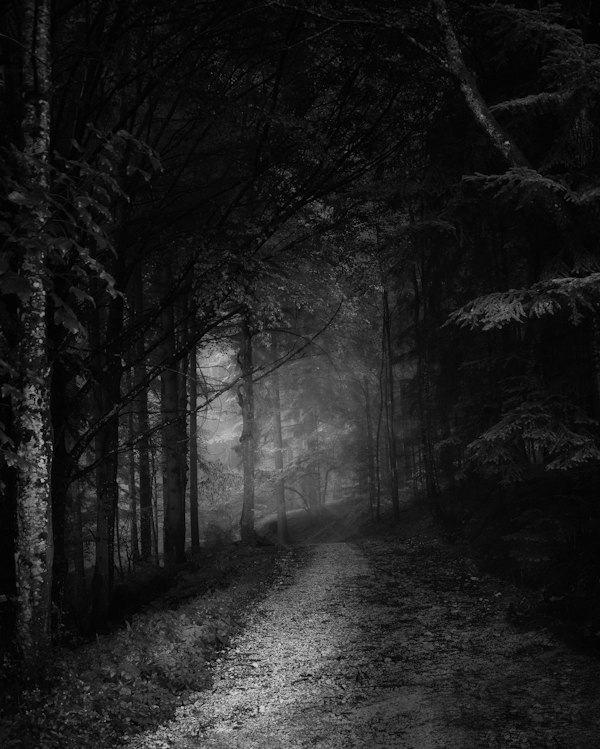
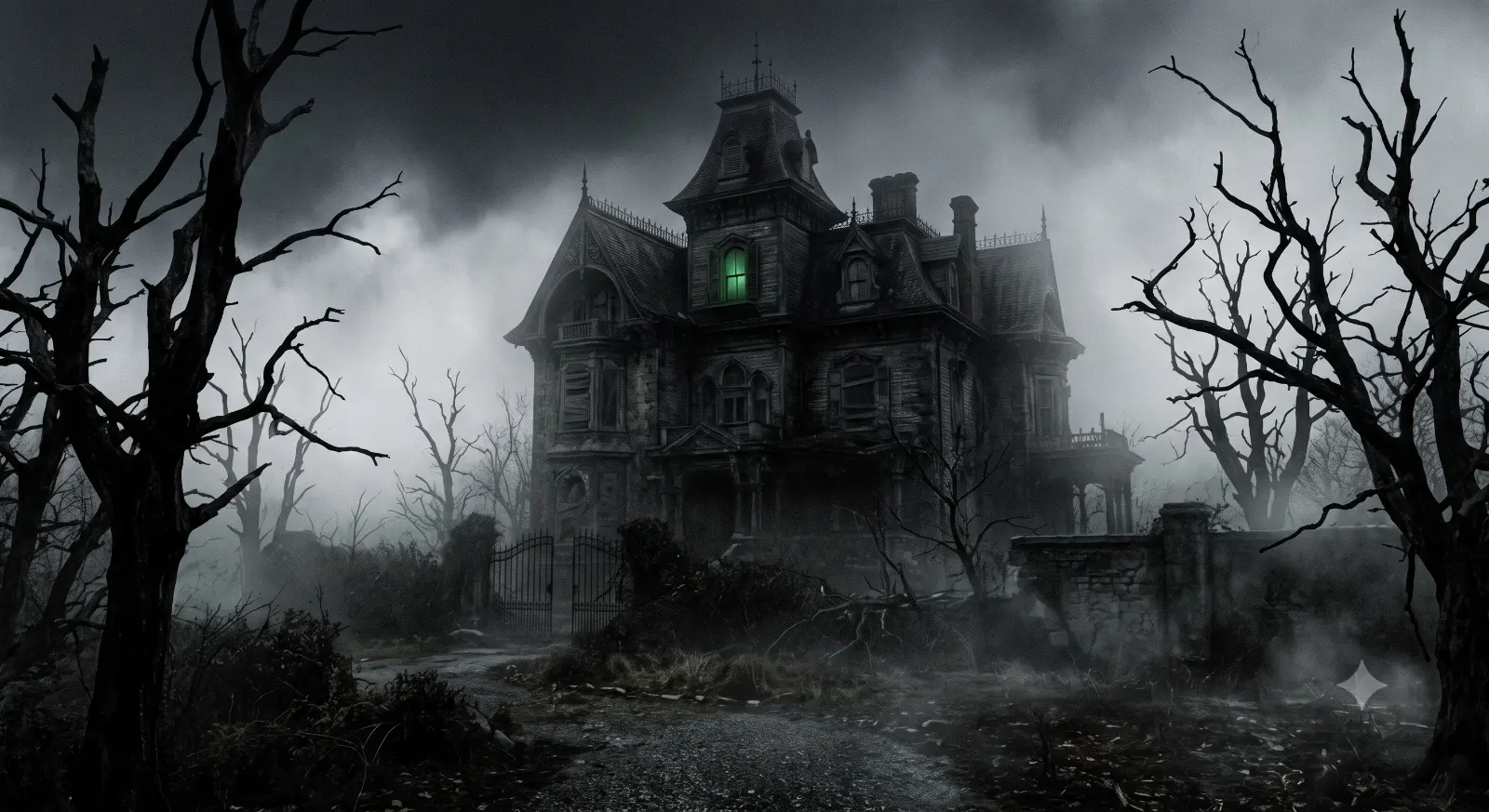
Horror prompts here cover the genre's major registers: gothic architecture in perpetual overcast twilight with creaking gates, psychological unease in abandoned sanitarium corridors with peeling wallpaper and overturned wheelchairs, creature-feature silhouettes in dark forests with minimal moonlight, and supernatural tableaux in ordinary domestic settings made sinister by one wrong detail. The prompts prioritise atmospheric dread over explicit gore.

The visual techniques of effective horror AI imagery concentrate on shadow ratio, environmental decay markers, and the uncanny placement of familiar objects. High shadow ratio—a single hard light source throwing deep shadows across the majority of the frame—creates the chiaroscuro effect central to horror aesthetics. Decay markers (peeling paint, cracked plaster, water-stained ceiling, broken glass, rusted hinges) signal abandonment and age. The uncanny works by placing ordinary things in wrong contexts: a child's tricycle at the end of a dark hallway, a single lamp lit in an empty room.

Adapt horror prompts by adjusting the register: gothic architecture, urban decay, and domestic uncanny each require different material palettes. The most effective single-line addition to any horror prompt is a specific light source in the dark—"a single bare tungsten bulb hanging from a rusted chain", "green-tinged fluorescent hospital light flickering at one corner". Results for atmospheric fog and shadow depth are strong in both Gemini and Midjourney. DALL-E tends to brighten horror scenes; add "high contrast, deep shadow, very low key" explicitly to counteract.

Prompt Tips

  • Use a single hard light source in darkness for chiaroscuro: 'bare tungsten bulb on rusted chain'
  • Add decay markers to set the environment: 'peeling paint, cracked plaster, water-stained ceiling'
  • Place ordinary objects in wrong contexts for uncanny effect: 'child's toy at end of a dark corridor'
  • Specify 'high contrast, deep shadow, very low key' to prevent AI models from brightening the scene
  • Choose a register and match materials: gothic (stone, iron, candles) vs. domestic uncanny (wallpaper, linoleum)

Browse Horror AI Prompts

Copy-and-paste ready prompts for Gemini and other AI image generators

Showing  5 of  5 Horror prompts

Limitless styles

Ready to Explore More Creative Styles?

Unleash your imagination by browsing over 1,100 copy-and-paste templates across all creative domains.