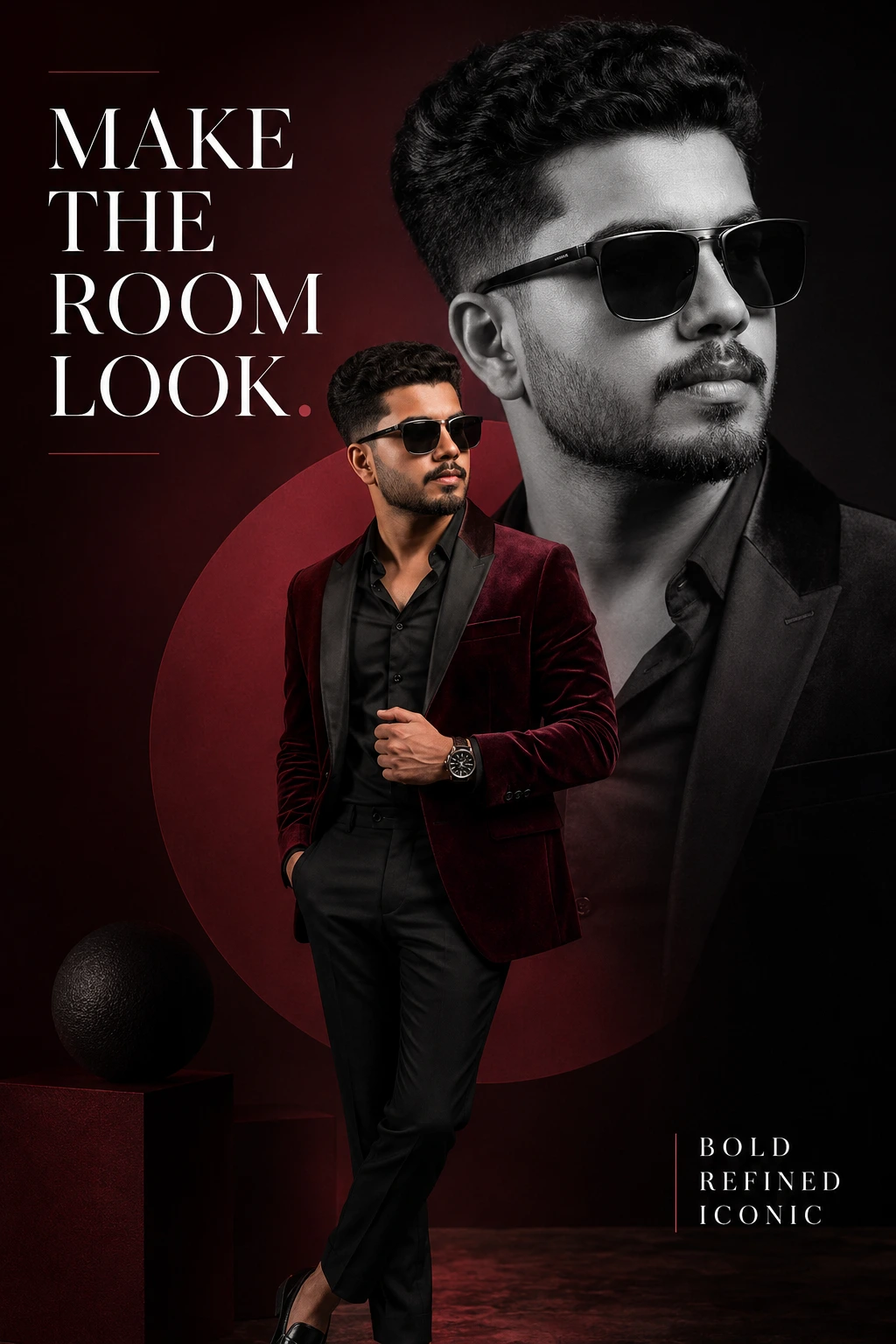
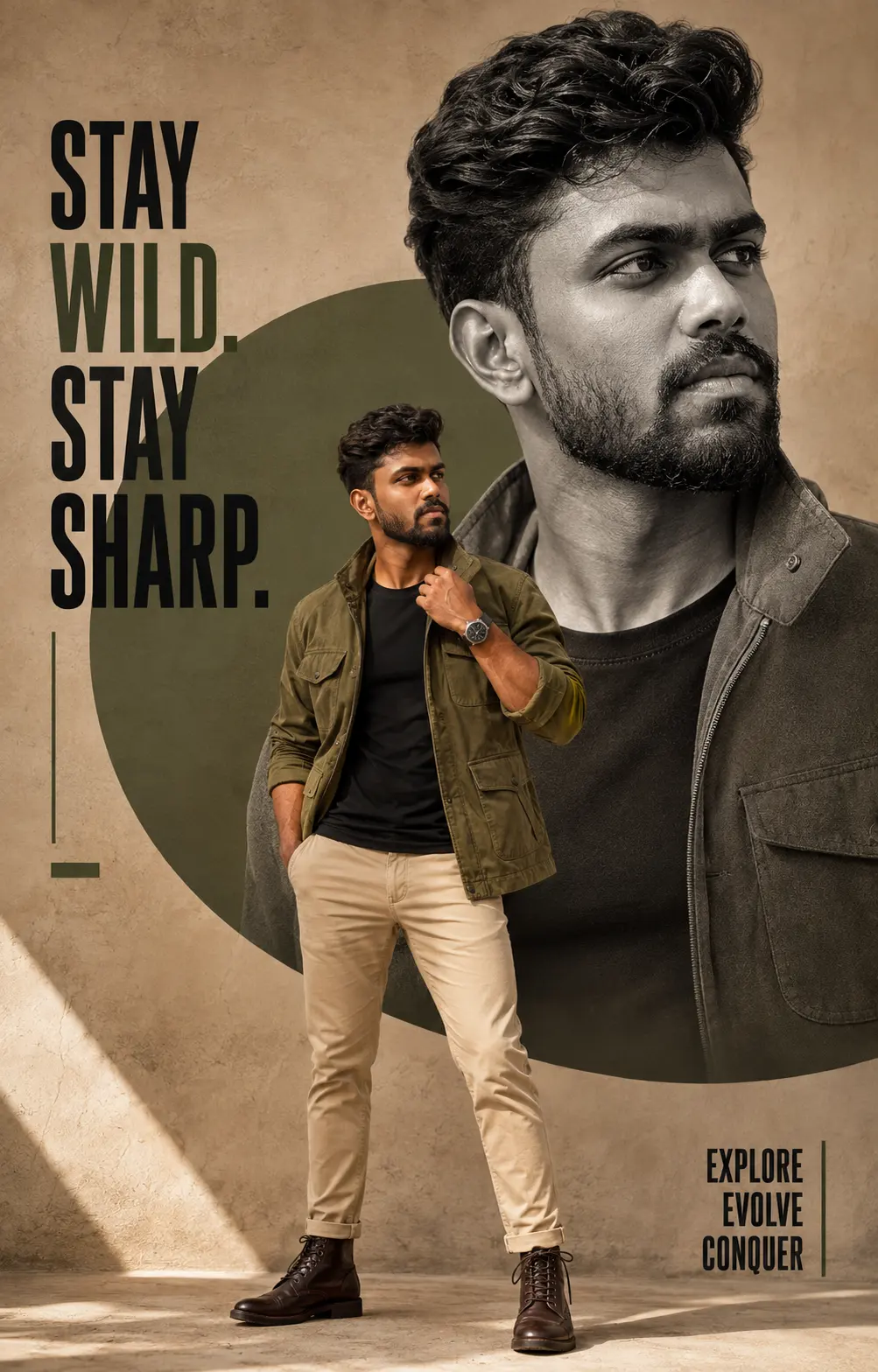
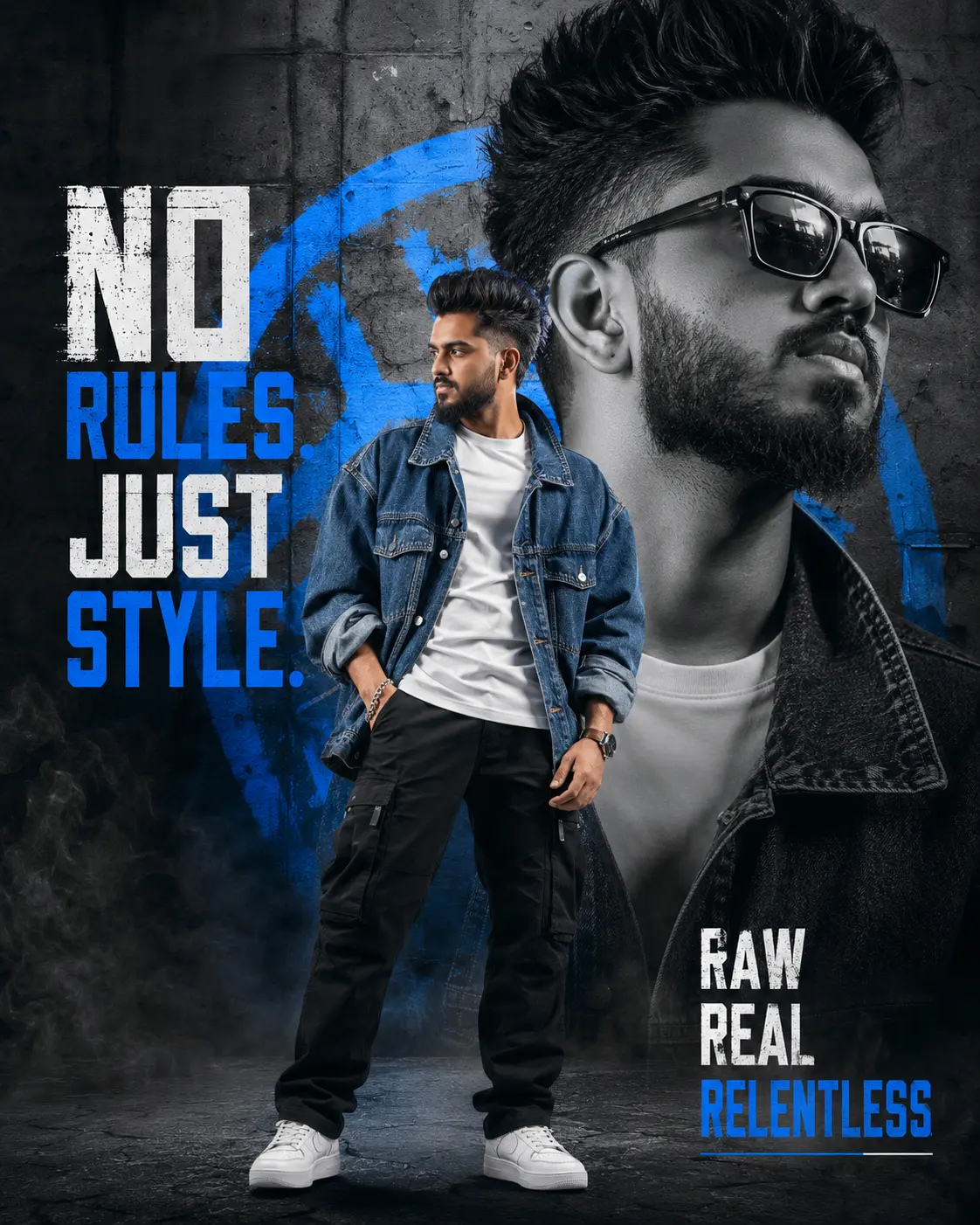
Blue Vector Street-Art Editorial Portrait
Create an epic men AI image using this high-quality prompt optimized for Gemini AI image generation.
Prompt Content
Use this prompt in your favorite AI image generator.
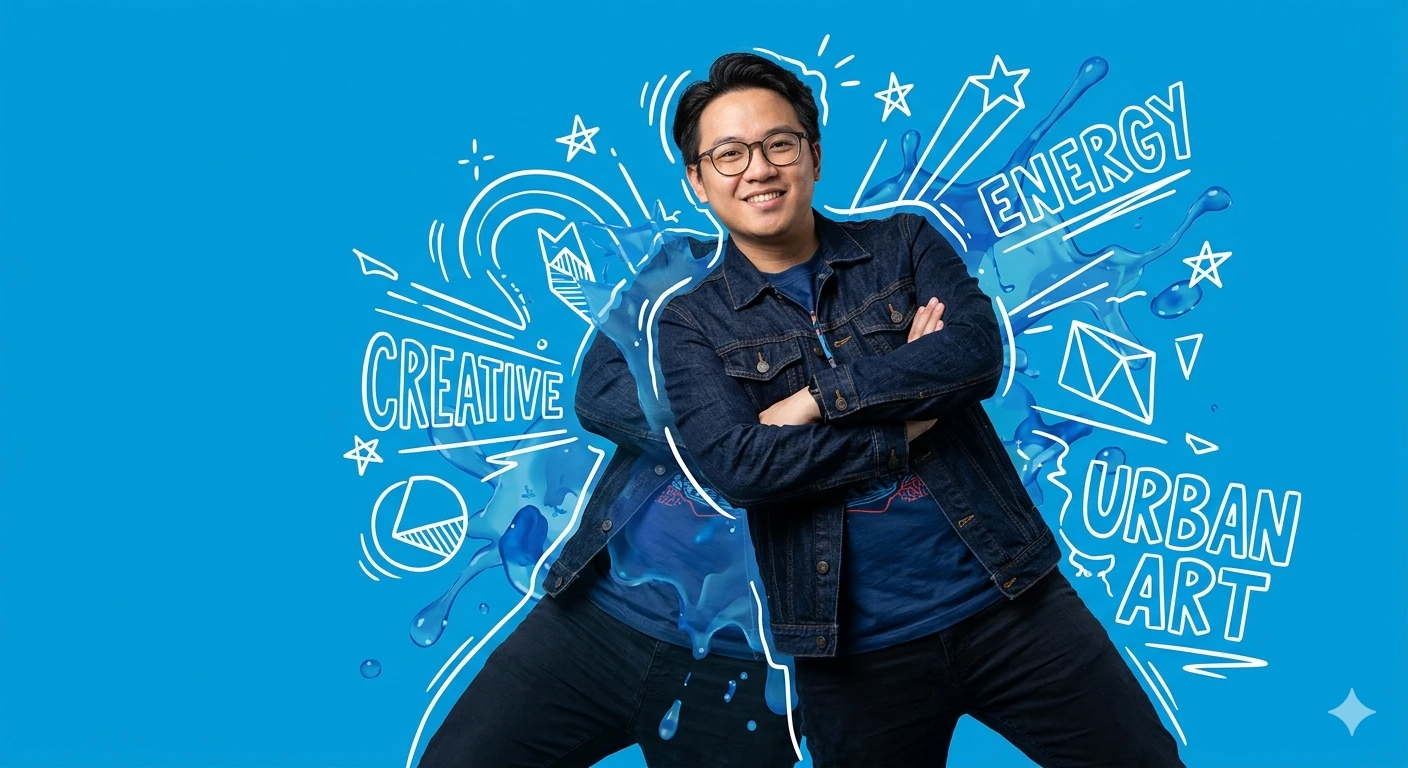
Create a high-quality mixed media image that blends realistic photography with vector illustration. Use the attached image strictly for facial identity matching only: the face shape, glasses, eyes, nose, lips, and hair texture must match exactly, while clothing, pose, lighting, and background must not be copied from the reference. The result should be a high-resolution full-body studio portrait of a person in a dynamic, confident pose against a solid bright blue background, combining realistic photography with white hand-drawn vector doodles and abstract blue liquid shapes for a modern street-art editorial look. The environment is a studio graphic design composition with an energetic, urban, creative, cool atmosphere. Use artificial studio lighting that is soft, diffused, neutral white, and dominant from the front-right, with an even, shadow-free background. The palette should focus on a bright blue background, deep blue clothing, and white graphic accents with high contrast. Use a low-angle, slightly upward
How To Use
Reusable Guide- 1Copy the prompt using the "Copy Prompt" button above.
- 2Open your preferred AI model (Gemini AI) and paste the prompt into the input field.
- 3Optionally, replace bracketed placeholders (e.g. [subject], [style]) with your own values to personalise the output.
- 4Run the prompt and review the result — iterate by tweaking descriptors for different moods or compositions.
- 5Save or export your favourite generations directly from the AI tool's interface.
For best results, use this prompt as-is before making edits — the defaults are already optimised.