Cinematic Motivational Poster Design
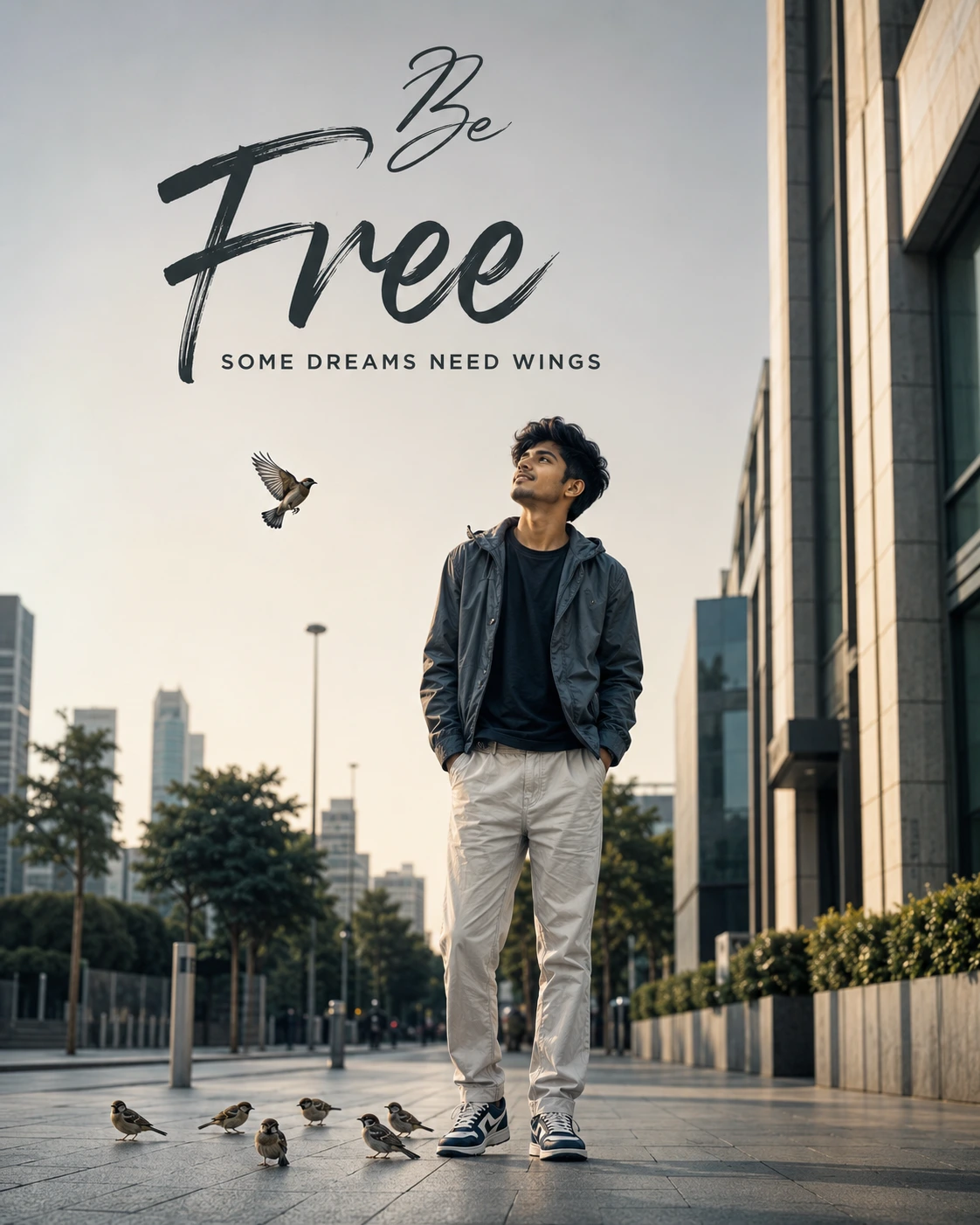
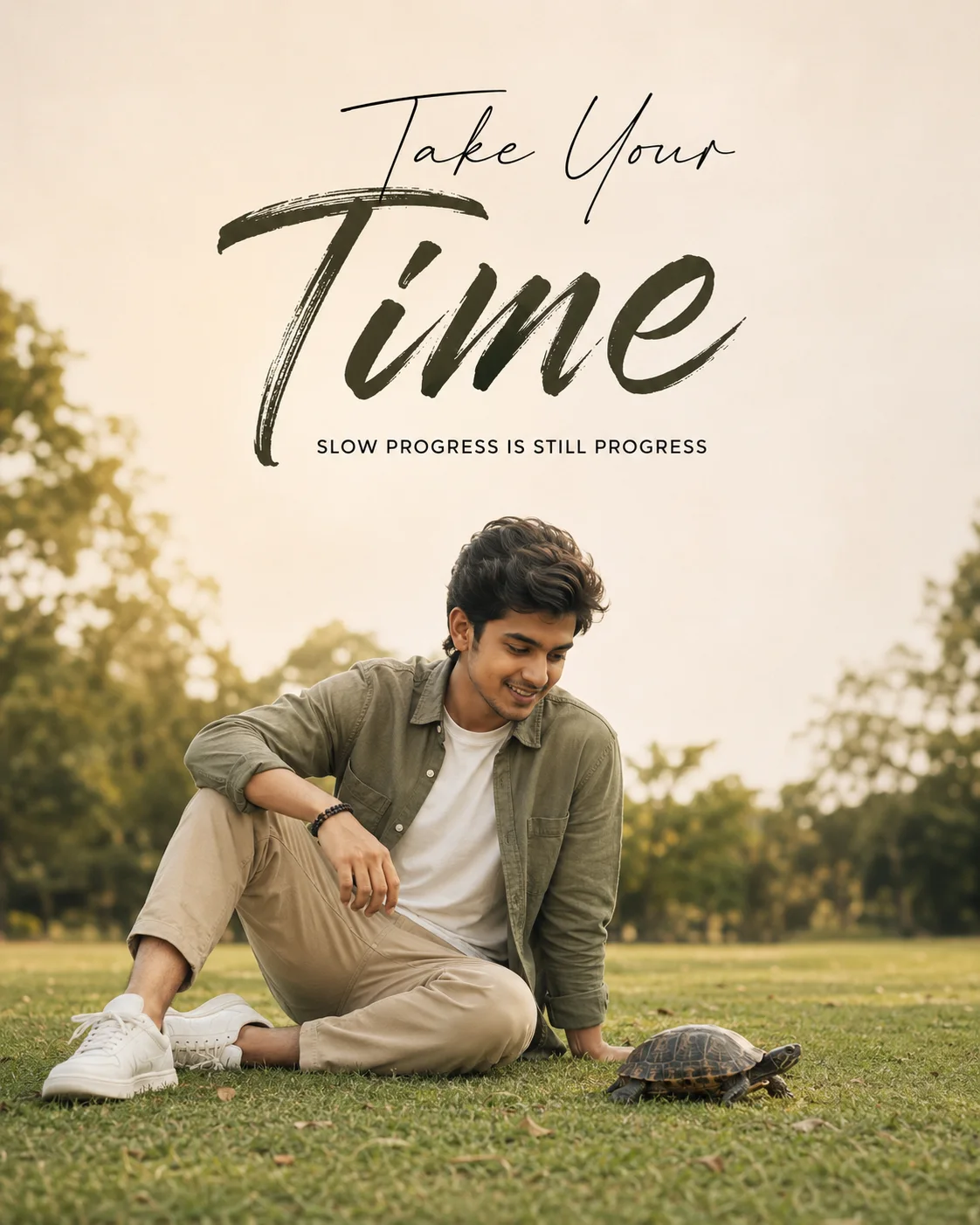
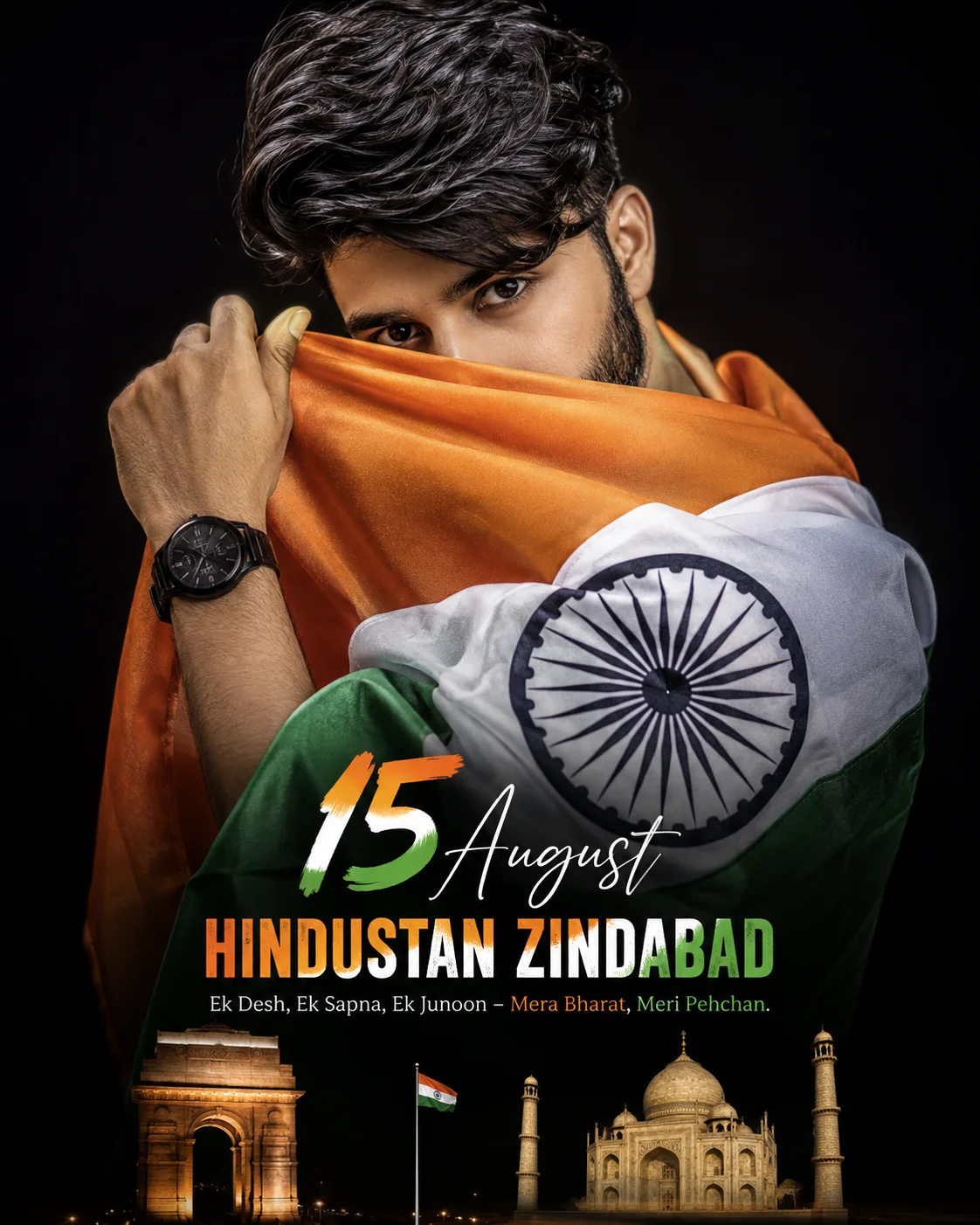
A detailed cinematic image titled "Cinematic Motivational Poster Design", crafted with approximately 126 words of visual direction for Gemini AI. It produces a finished visual showcasing clear subject focus, harmonious color treatment, and refined environmental context suitable for portfolio, editorial, or commercial concept projects. Shallow depth of field with creamy optical bokeh draws immediate visual attention to fine subject details. Specific tactile material descriptors prevent flat procedural rendering, prompting the AI to render realistic tactile surface qualities. Industry-standard editorial and compositional cues guide the generative model toward balanced framing and restrained color harmony.
Prompt Content
Use this prompt in your favorite AI image generator.
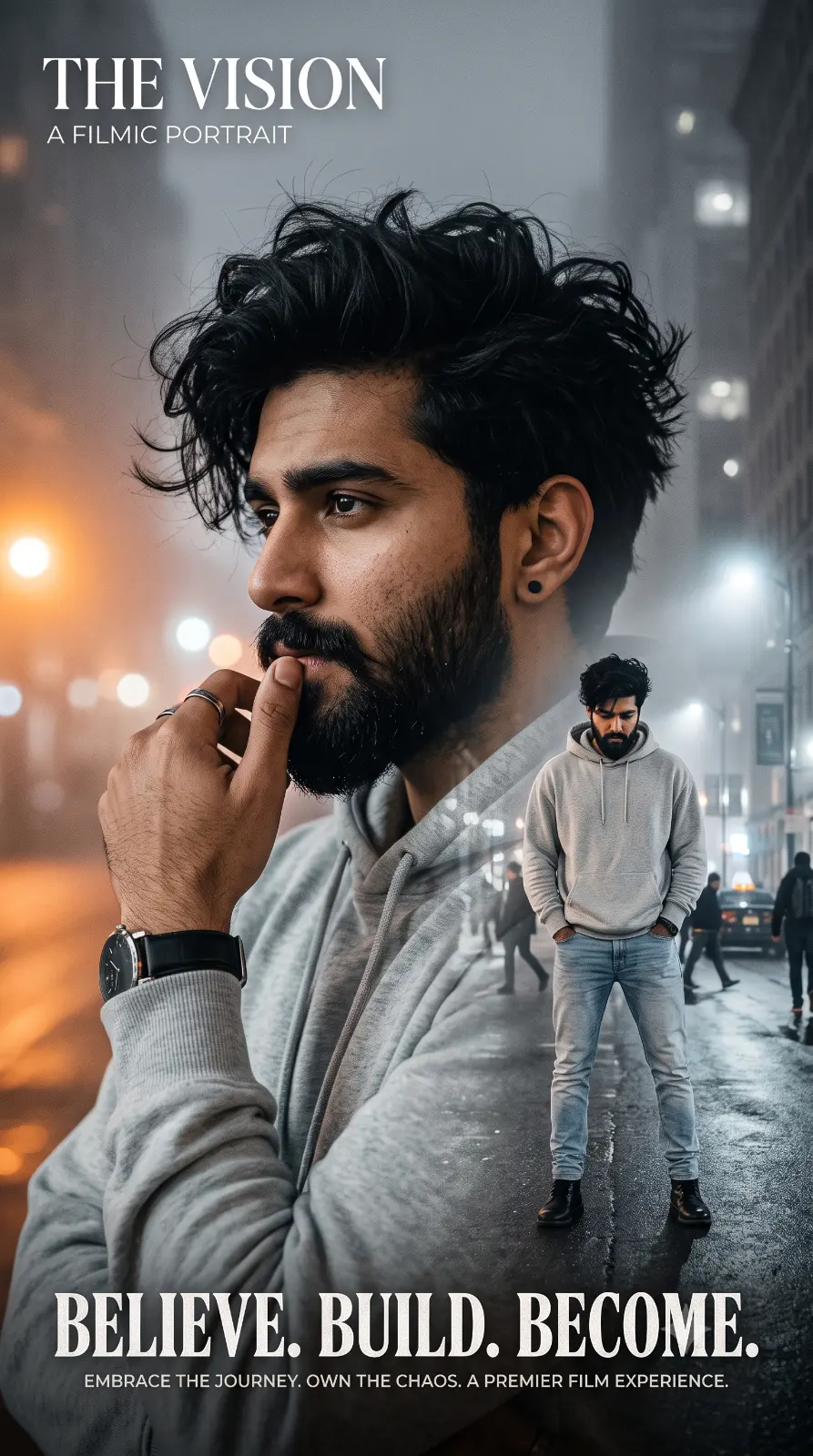
Create a premium cinematic motivational poster featuring the same person from the reference image, with thick, voluminous messy black hair, a well-groomed full beard, and a small black stud earring. He is wearing a light grey oversized hoodie, light blue faded jeans, and a black leather strap wristwatch.Use a double-exposure composition: one large close-up portrait with a thoughtful expression, resting his hand near his mouth, and one full-body portrait standing with both hands in pockets, looking down confidently. The background is a dramatic foggy urban street at night with soft bokeh lights, grey tones, and a warm orange glow on the left side.High-end fashion photography, ultra-realistic, HDR, sharp facial details, soft cinematic lighting, shallow depth of field, premium color grading, 8K resolution, luxury editorial poster design.
How To Use
Reusable Guide- 1Copy the complete prompt text into your preferred AI image generator (e.g., Gemini AI).
- 2Review the initial output against the recommended aspect ratio (16:9) to verify composition.
- 3Customize the key variables above (such as subject & focal point or lighting & atmosphere) to suit your creative vision.
- 4Refine the guidance scale or apply negative prompt exclusions to eliminate any artifacts without compromising image fidelity.
For best results, use this prompt as-is before making edits — the defaults are already optimised.