Cinematic Romantic Portraits
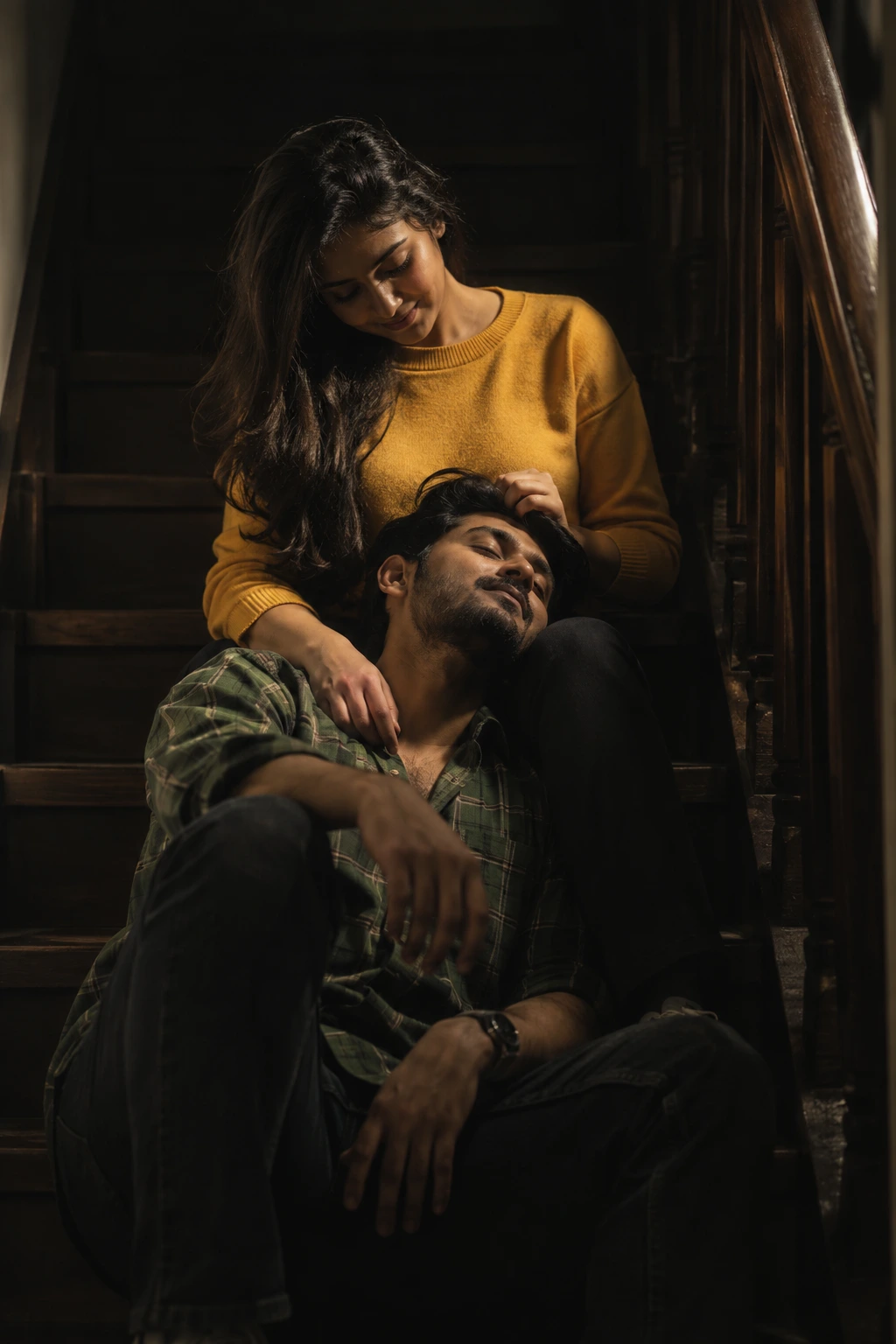
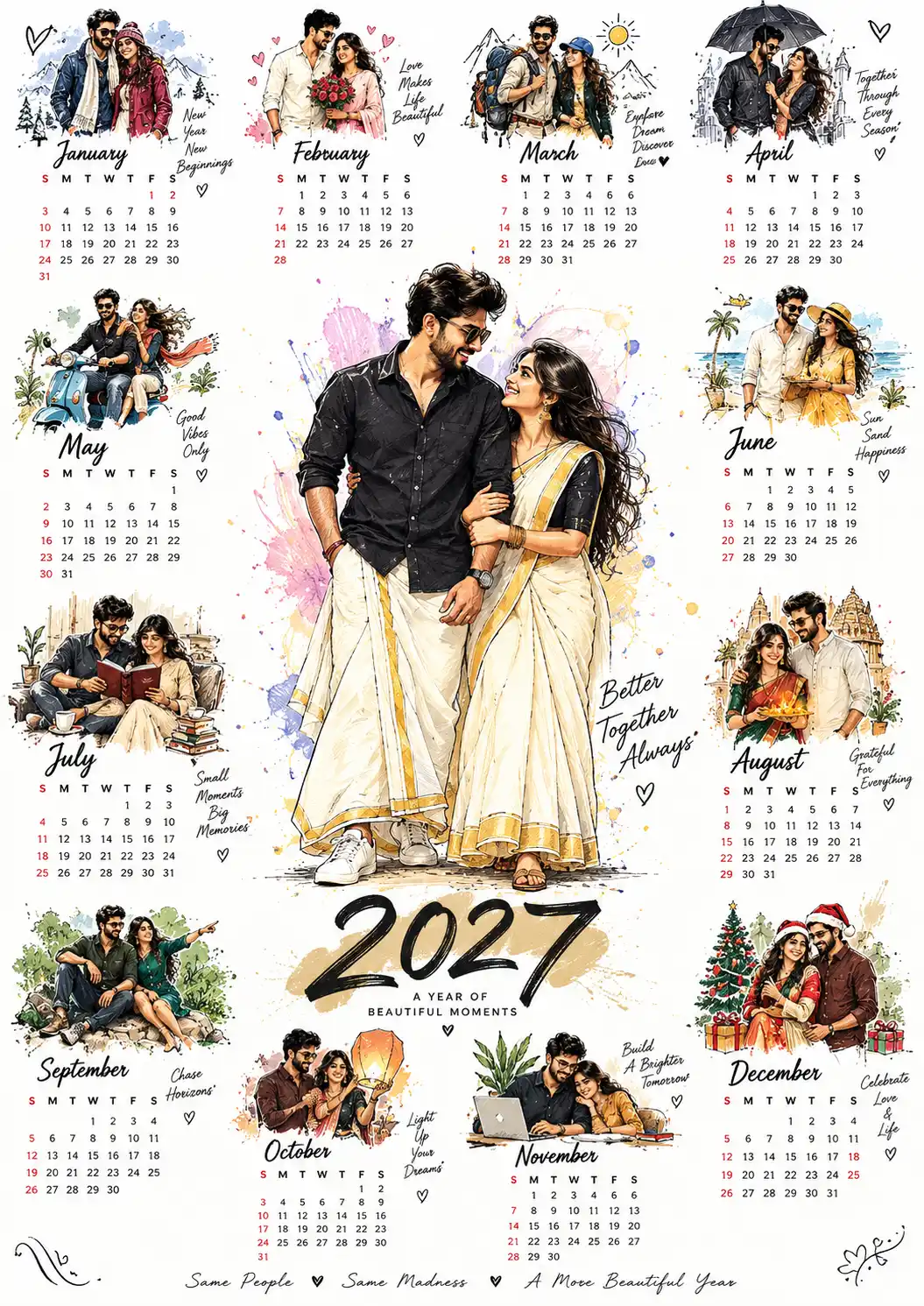
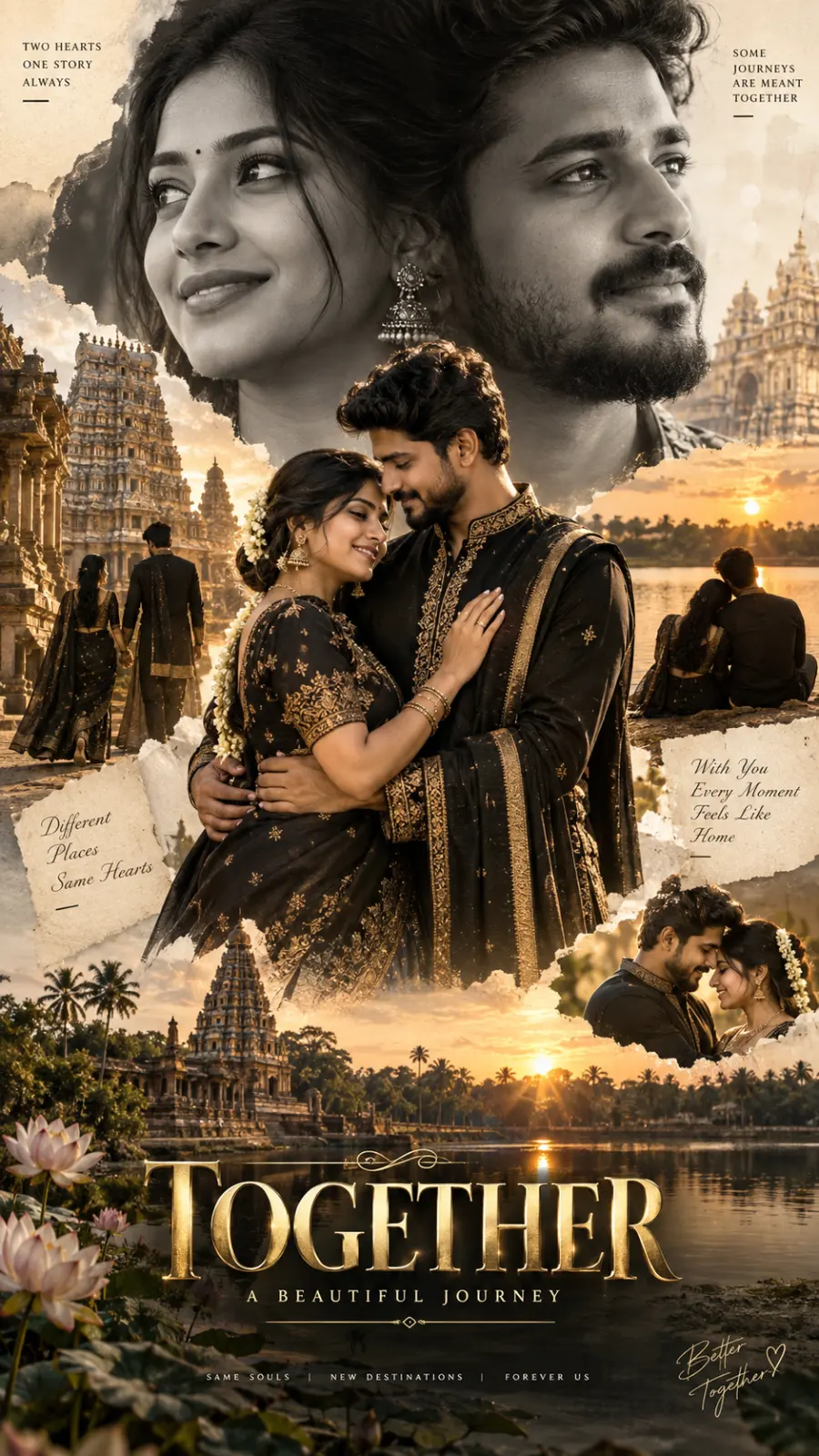
A detailed couple image titled "Cinematic Romantic Portraits", crafted with approximately 166 words of visual direction for Chat GPT. It produces a finished visual showcasing clear subject focus, harmonious color treatment, and refined environmental context suitable for portfolio, editorial, or commercial concept projects. Chiaroscuro lighting introduces deep shadow contrast, evoking mood and artistic gravitas. Specific tactile material descriptors prevent flat procedural rendering, prompting the AI to render realistic tactile surface qualities. Industry-standard editorial and compositional cues guide the generative model toward balanced framing and restrained color harmony.
Prompt Content
Use this prompt in your favorite AI image generator.
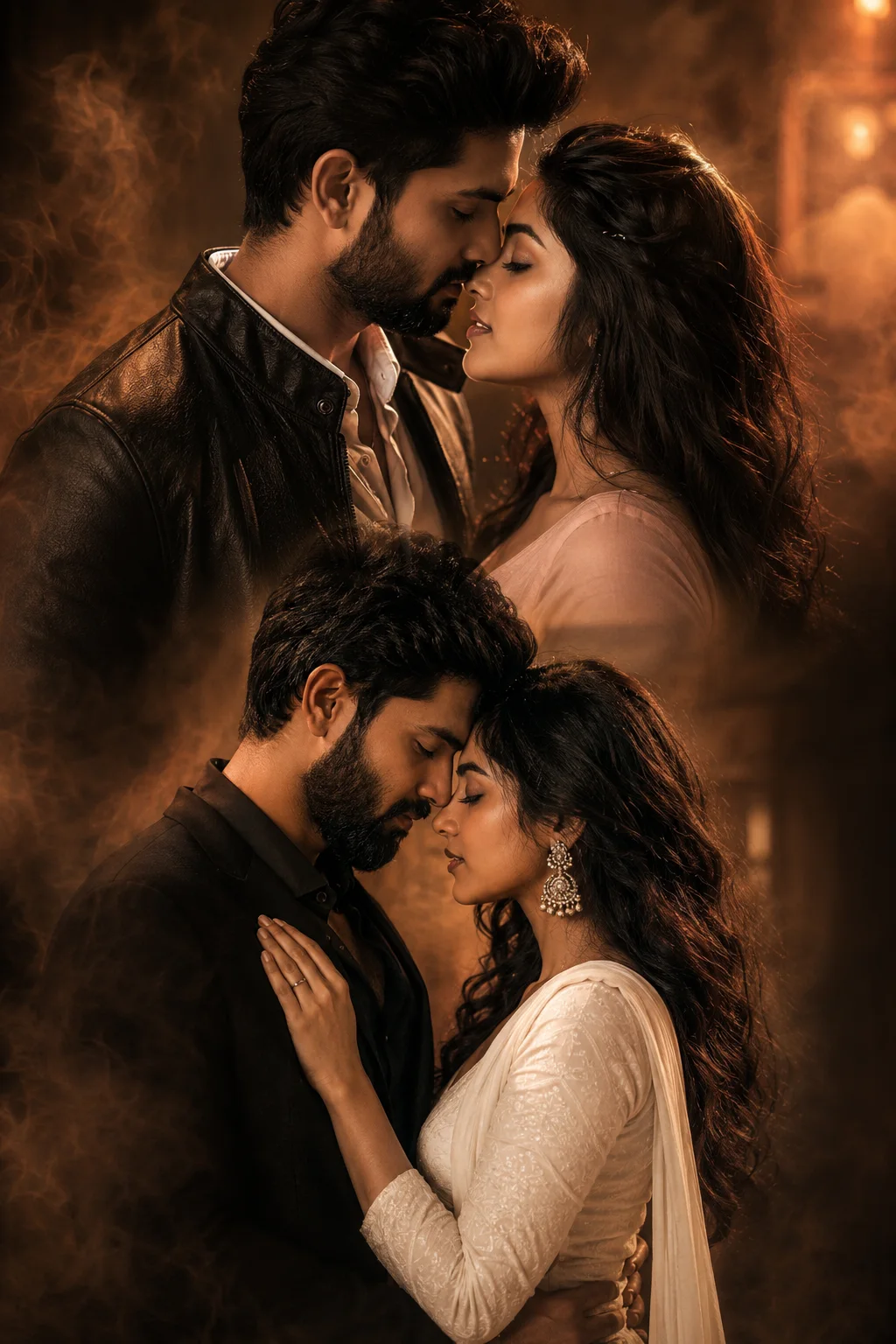
A composite portrait featuring two pairs of South Asian individuals in an intimate, romantic aesthetic. In the upper portion, a man with a short, styled dark beard and hair, wearing a dark leather jacket over a white collared shirt, leans closely toward a woman with long, dark wavy hair wearing a pale pink top. In the lower portion, a man with a dark beard, dressed in a black ensemble, holds a woman wearing a white, textured ethnic dress.The couple is captured in a close, tender embrace with their foreheads touching and eyes closed in a moment of quiet connection. The composition uses a warm, smoky, amber-toned lighting palette with a soft, cinematic blur in the background, creating a dreamy and romantic atmosphere. The style is that of a professional editorial or movie poster, focusing on emotional intimacy, sophisticated styling, and dramatic lighting effects that highlight the facial features of the subjects.The overall mood is soft, poetic, and atmospheric, emphasizing the interplay of shadow and golden light.
How To Use
Reusable Guide- 1Copy the complete prompt text into your preferred AI image generator (e.g., Chat GPT).
- 2Review the initial output against the recommended aspect ratio (1:1) to verify composition.
- 3Customize the key variables above (such as couple posing & chemistry or ceremony & bridal attire) to suit your creative vision.
- 4Refine the guidance scale or apply negative prompt exclusions to eliminate any artifacts without compromising image fidelity.
For best results, use this prompt as-is before making edits — the defaults are already optimised.