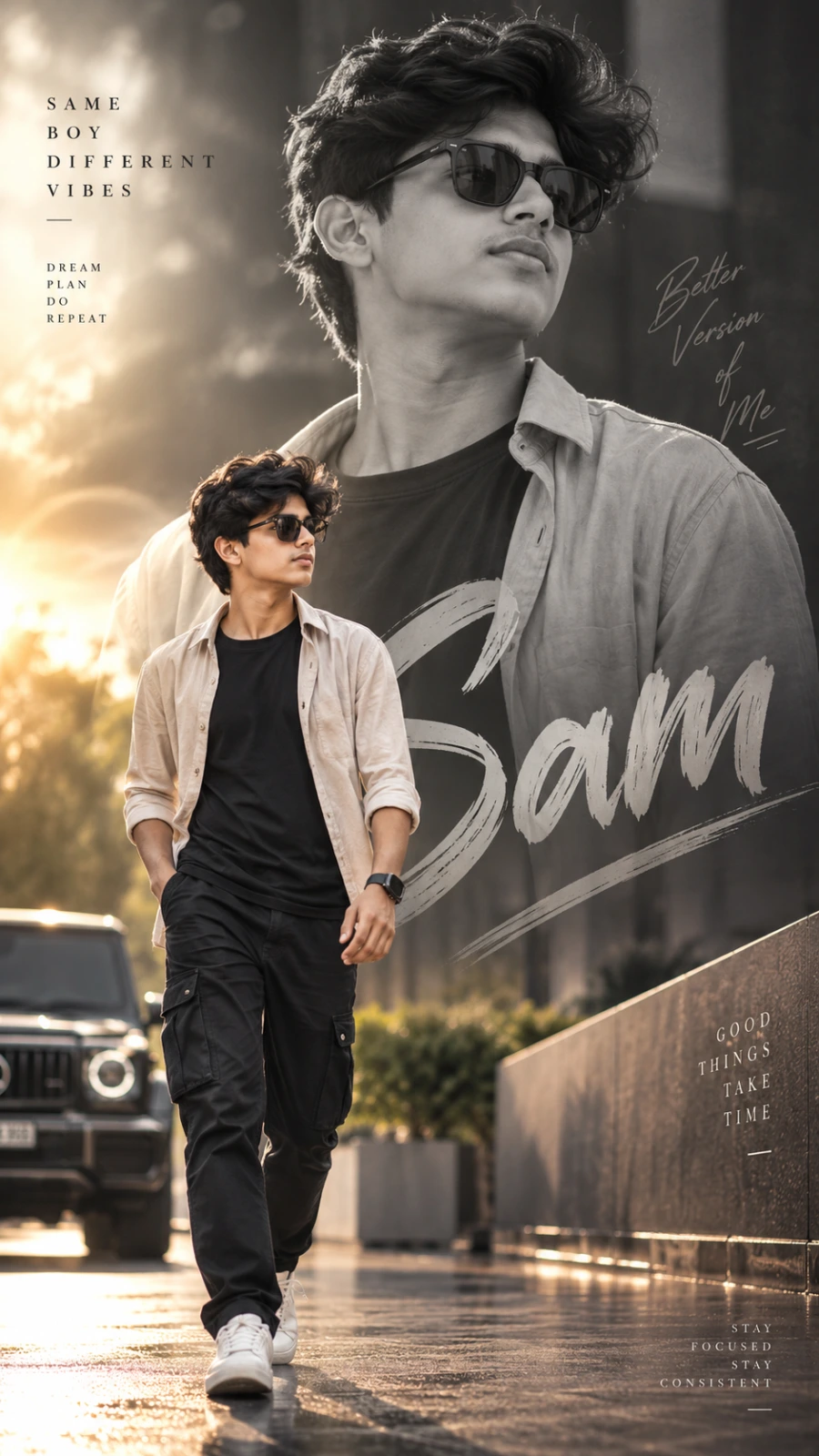
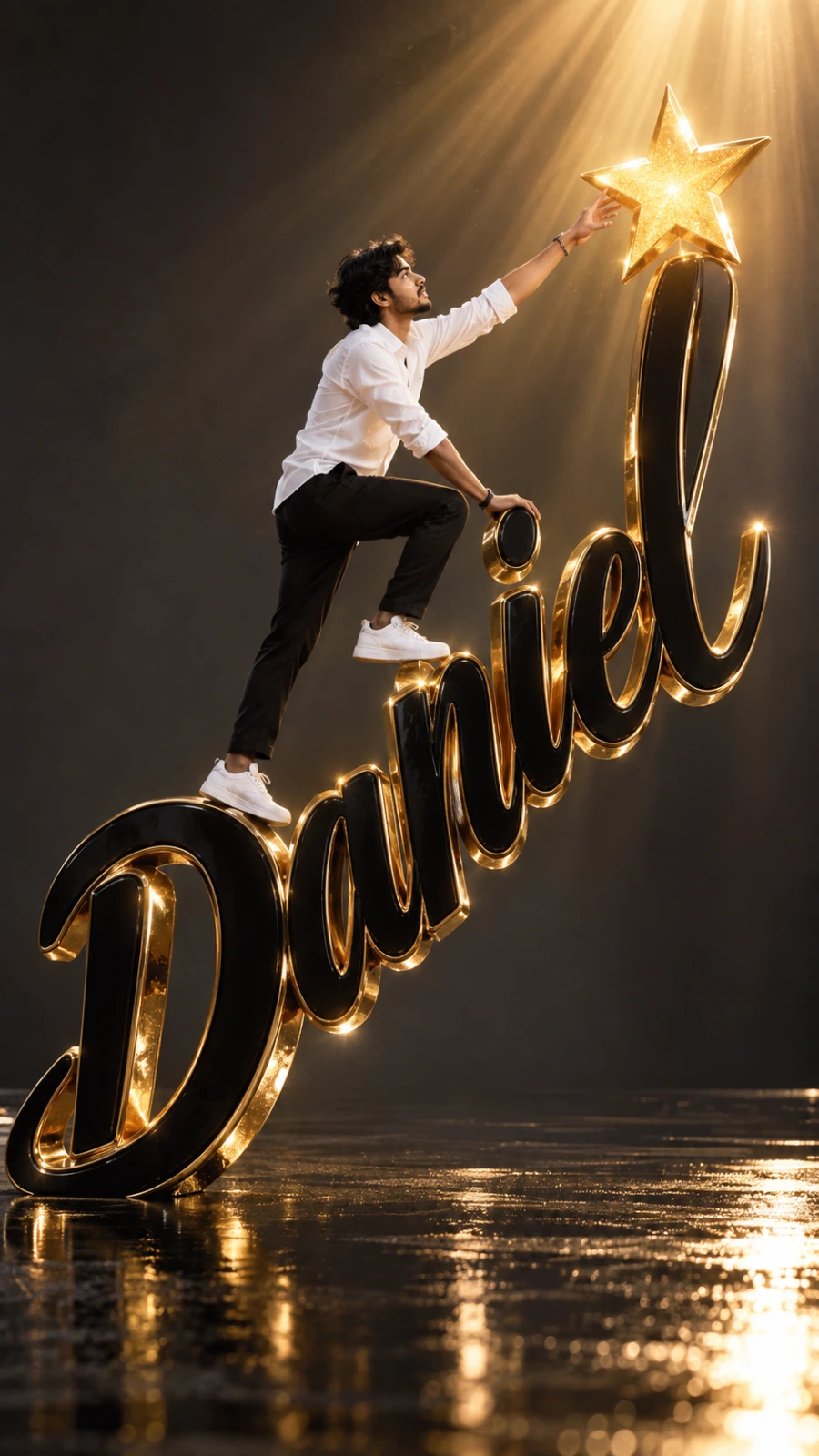
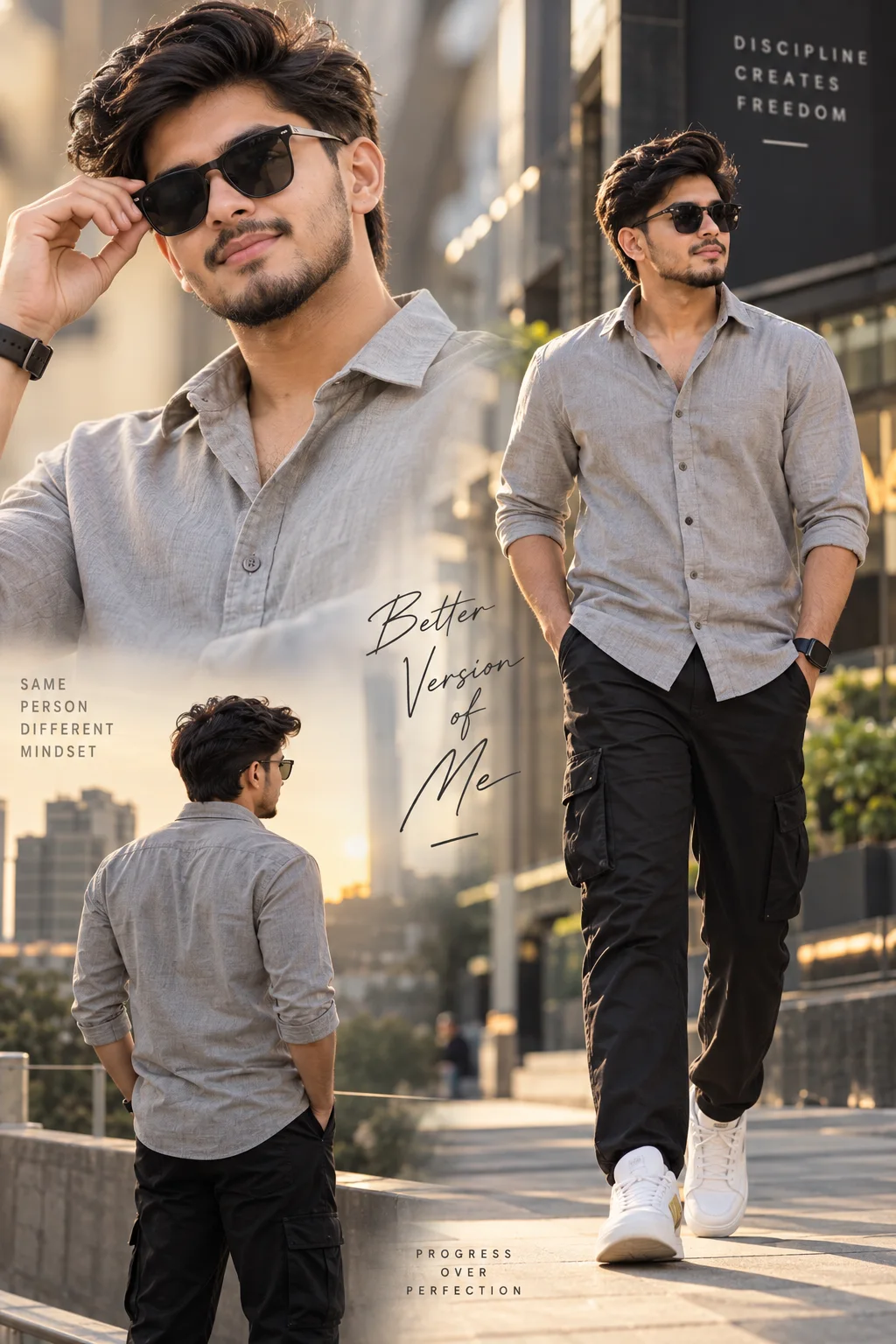
Crimson Editorial Portrait Collage
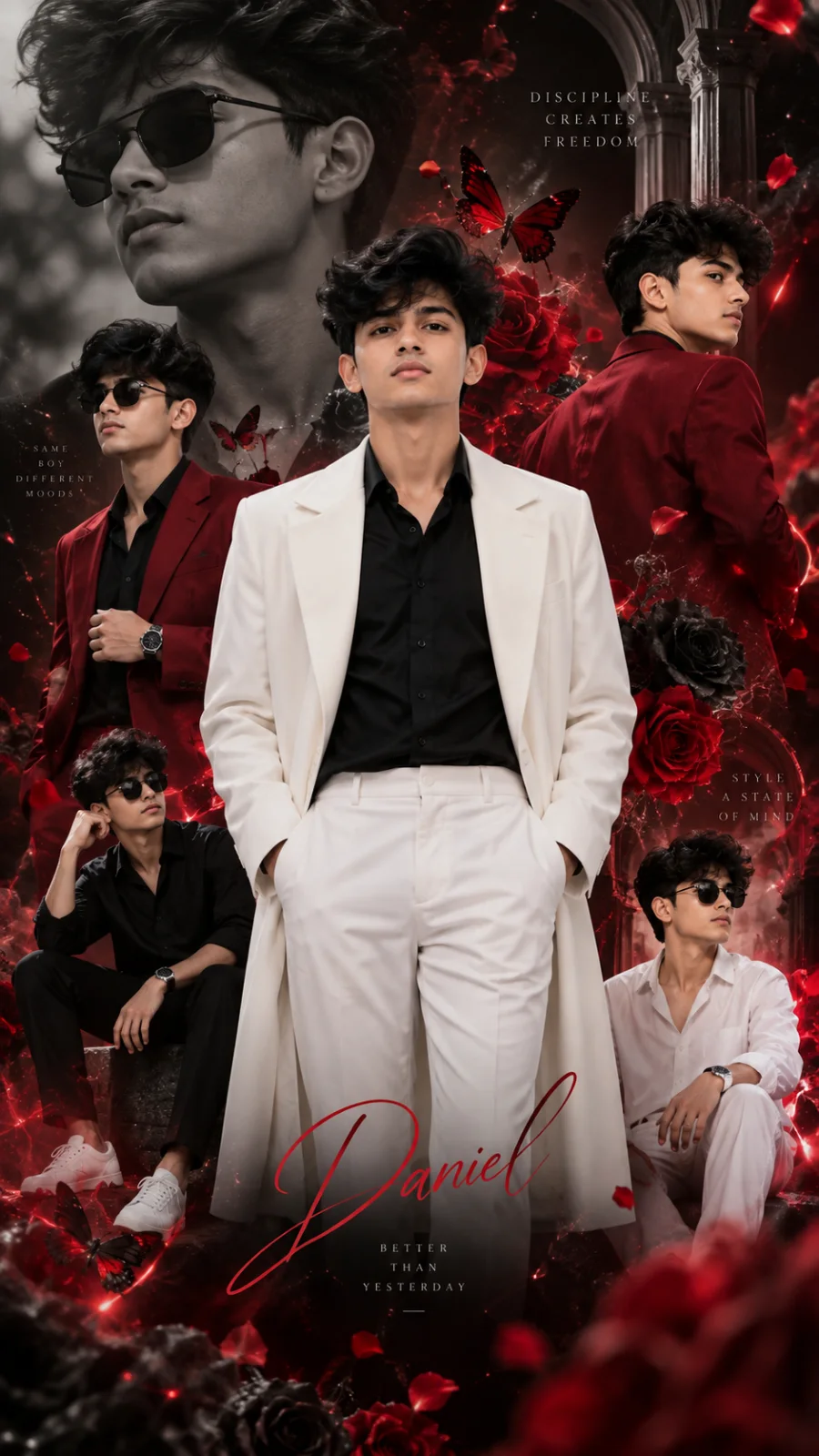
A detailed men image titled "Crimson Editorial Portrait Collage", crafted with approximately 401 words of visual direction for Chat GPT. It produces a finished visual showcasing clear subject focus, harmonious color treatment, and refined environmental context suitable for portfolio, editorial, or commercial concept projects. Controlled studio-style lighting balances highlights and preserves micro-textures across surfaces without harsh blowout. Shallow depth of field with creamy optical bokeh draws immediate visual attention to fine subject details. Specific tactile material descriptors prevent flat procedural rendering, prompting the AI to render realistic tactile surface qualities.
Prompt Content
Use this prompt in your favorite AI image generator.
Hyperrealistic 8K UHD vertical luxury fashion editorial portrait of a young East Asian boy, using the uploaded reference image as the identity source. Preserve his exact facial identity, facial proportions, distinctive features, hairstyle, skin tone, and natural appearance. Do not alter, morph, beautify, age, de-age, or replace his face. The primary subject stands confidently at the center, facing directly toward the camera with a calm, composed, regal expression. He wears an impeccably tailored black shirt beneath a crisp, luxurious white long coat, paired with premium white trousers. Elegant posture, subtle confidence, sophisticated royal presence. Create an artistic multi-layered fashion collage surrounding the main subject. Include several smaller photographic versions of the SAME person, maintaining identical facial identity, wearing different luxury outfits in deep crimson red, pure white, and classic black. Each secondary figure has a distinct confident pose — standing, walking, side profile, looking over the shoulder, adjusting the coat, or posing elegantly. Integrate every figure naturally into the composition with realistic scale, perspective, lighting, shadows, and depth. Surround the figures with sophisticated luxury visual elements: dramatic deep-red roses and black floral arrangements, delicate butterflies, floating flower petals, subtle translucent smoke, fine atmospheric particles, and elegant swirling ethereal light trails. All decorative elements must feel physically integrated into the photography rather than pasted or digitally layered. Background: premium dark smoky studio environment with rich black shadows, deep crimson and magenta illumination, subtle atmospheric haze, glowing red rim lighting, controlled reflections, soft volumetric light beams, and cinematic light falloff. Create a mysterious, luxurious, powerful royal atmosphere while keeping the background refined and uncluttered. Facial rendering must be extremely realistic: authentic skin texture, visible pores, fine natural expression lines, subtle freckles, realistic eyes, natural lips, individual hair strands, accurate skin tones, realistic facial symmetry, and subtle photographic imperfections. Keep the primary face extremely sharp and naturally detailed while allowing surrounding collage figures and decorative elements to fall into a controlled cinematic depth of field. High-end professional fashion photography, premium mirrorless camera aesthetic, 85mm portrait lens, f/1.8 aperture, shallow depth of field, precise studio lighting, realistic HDR, physically accurate shadows, refined contrast, rich tonal range, realistic fabric weave, detailed clothing textures, premium photorealistic materials, cinematic color grading, luxury magazine editorial aesthetic, sophisticated composition, symmetrical visual balance, seamless photographic integration, ultra-detailed, masterpiece quality. Vertical 9:16 composition, 8K UHD, photorealistic, cinematic, premium luxury fashion campaign, dramatic crimson-black atmosphere, elegant royal aesthetic, realistic photography, no artificial-looking CGI.
How To Use
Reusable Guide- 1Copy the complete prompt text into your preferred AI image generator (e.g., Chat GPT).
- 2Review the initial output against the recommended aspect ratio (9:16) to verify composition.
- 3Customize the key variables above (such as subject identity or focal length & lens) to suit your creative vision.
- 4Refine the guidance scale or apply negative prompt exclusions to eliminate any artifacts without compromising image fidelity.
For best results, use this prompt as-is before making edits — the defaults are already optimised.