Back to Browse
Logo Design

Cyberpunk Logo Generation Request

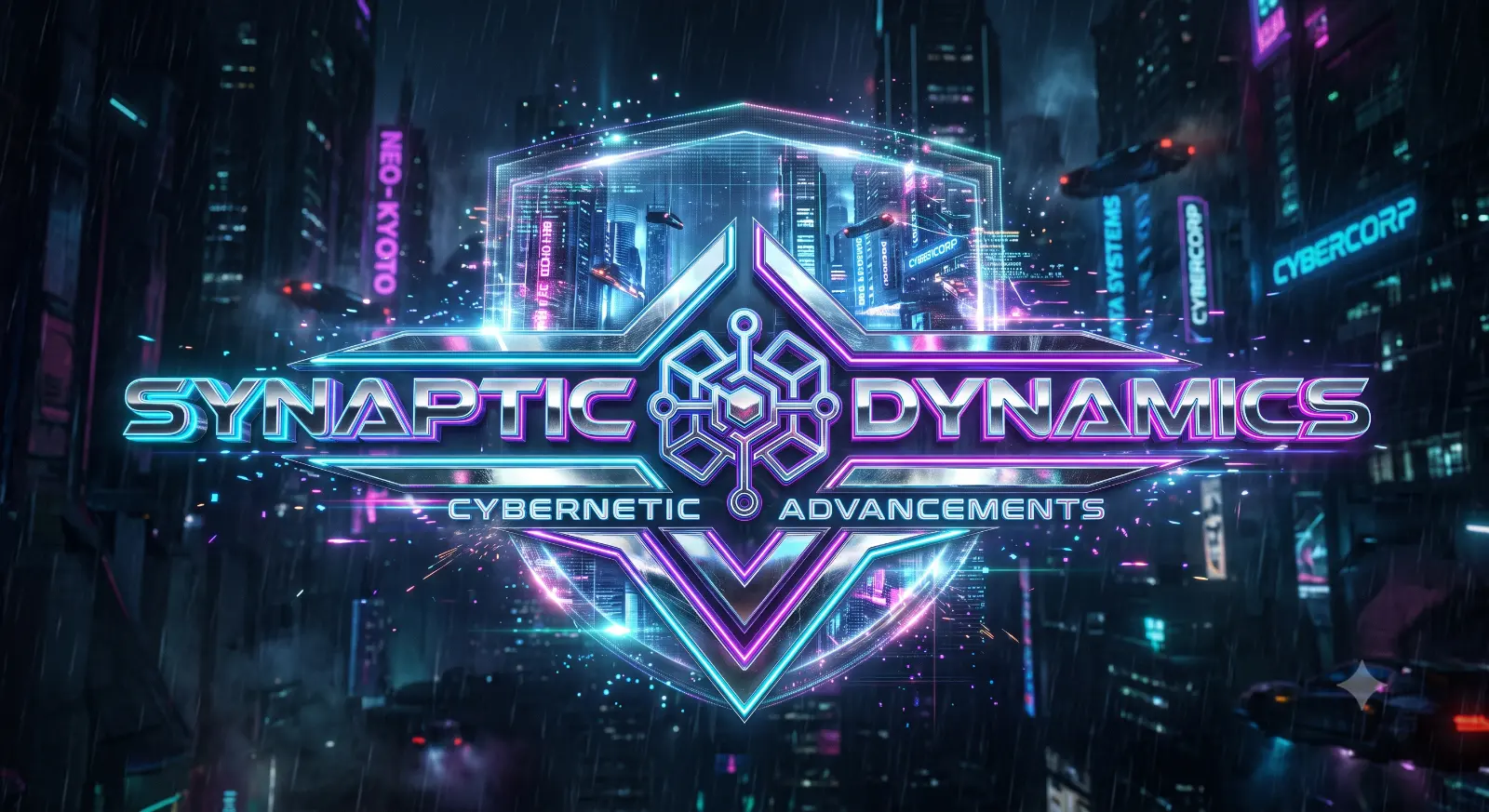
Cyberpunk Logo Generation Request is a logo design image-generation prompt prepared for Gemini AI. The prompt is approximately 50 words long and describes subject, composition, style, lighting, atmosphere, and visual detail. It gives particular attention to lighting, color treatment, environment. Use it as a starting point, then adjust the subject, setting, or visual treatment to match your own project.

0Views
0Likes
Cyberpunk Logo Generation Request

Prompt Content

Use this prompt in your favorite AI image generator.

Generate a futuristic cyberpunk logo featuring glowing neon cyan, purple, and magenta lighting, reflective chrome typography, holographic effects, futuristic city reflections, digital particles, sci-fi atmosphere, glowing edges, ultra-modern branding, premium cyber aesthetic, dark background, photorealistic. Clean visual composition, balanced graphic layout, harmonious color palette, high-precision vector lines, contemporary design aesthetic.

Prompt Details

  • Category
    Logo Design
  • Model
    Gemini AI
  • Aspect Ratio
    16:9
  • Prompt Length
    Short
  • Style
    Logo Design
  • Difficulty
    Beginner
  • Published
    July 2026

Share this prompt

How To Use

Reusable Guide
  1. 1Copy the full prompt and paste it into Gemini AI.
  2. 2Keep the core subject and visual direction intact on the first generation so you can see the intended result before changing details.
  3. 3Replace or edit specific elements such as the subject, outfit, location, mood, camera direction, or color treatment when the prompt includes those details.
  4. 4Generate a first version, identify the part that needs improvement, and make one or two targeted changes instead of rewriting everything at once.
  5. 5Save the version that works best and record the changes you made if you want to reuse the same visual approach later.

For best results, use this prompt as-is before making edits — the defaults are already optimised.
Prompt Guide

Practical context for understanding, adapting, and getting better results from this prompt.

Cyberpunk Logo Generation Request is a logo design image-generation prompt prepared for Gemini AI. The prompt is approximately 50 words long and describes subject, composition, style, lighting, atmosphere, and visual detail. It gives particular attention to lighting, color treatment, environment. Use it as a starting point, then adjust the subject, setting, or visual treatment to match your own project.

This guide is based on the actual instructions in the prompt rather than a generic description, so you can see which parts are worth preserving when you customize it.

What This Prompt Is Best For

  • creative image generation
  • social media content
  • visual experimentation
  • personal projects

How To Customize It

  • Subject: change the main person, object, character, or scene while keeping the composition instructions that already work.
  • Setting: swap the location or background to create a different context without changing the overall visual language.
  • Style: adjust descriptors such as cinematic, editorial, realistic, illustrated, or stylized only when they support the result you want.
  • Lighting and color: change the time of day, light quality, contrast, or palette to create a different mood.

Prompt Breakdown

Lighting

Generate a futuristic cyberpunk logo featuring glowing neon cyan, purple, and magenta lighting, reflective chrome typography, holographic effects, futuristic city reflections, digital particles, sci-fi atmosphere, glowing edges, ultra-modern branding, premium…

Color & Mood

Clean visual composition, balanced graphic layout, harmonious color palette, high-precision vector lines, contemporary design aesthetic.

Tips For Better Results

  1. 1Start with the complete prompt before simplifying it; removing too many details can change the intended composition.
  2. 2When the result is close but not correct, change one visual instruction at a time so you can see which edit made the difference.
  3. 3Treat the lighting description as a key part of the look; changing it can affect the entire mood of the image.
  4. 4If the colors become too strong, simplify the palette instead of adding more color keywords.

Using This Prompt Responsibly

AI image results can vary between models and versions. Review generated images before publishing, especially when using reference photos, recognizable people, brands, or commercial assets. Follow the rules and usage terms of the image-generation service you use.

Similar Prompts

Explore more prompts in the Logo Design category

View All
Neon Threads Profile Badge
Logo Design

Neon Threads Profile Badge

by Admin

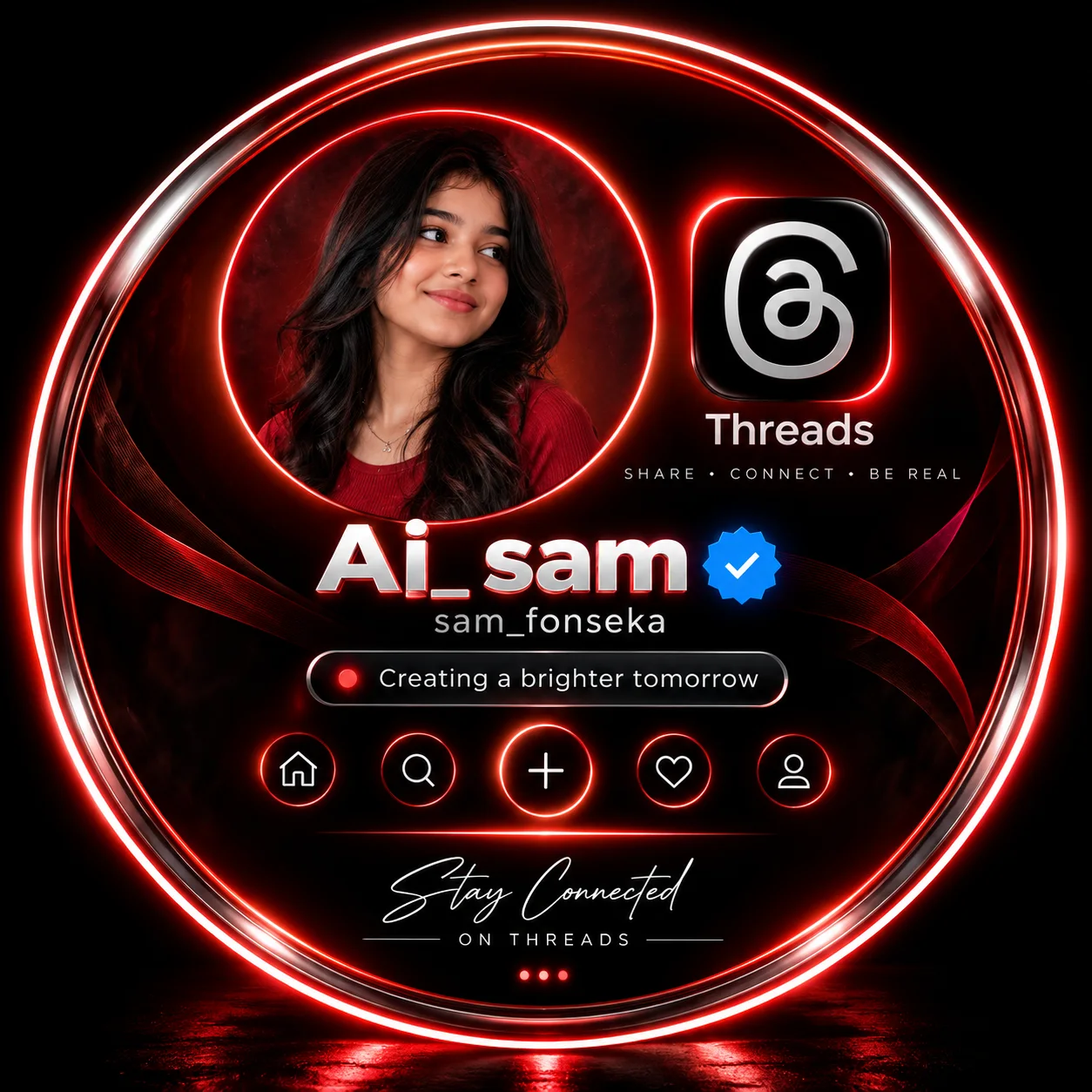
Create a premium cinematic Threads profile badge, with everything inside one large glowing circular border on a pure black studio background. Use the uploaded woman in a smaller red-lit circular portrait with a dark reddish backdrop. Add the Threads logo, “Ai_sam”, verified badge, “sam_fonseka”, status, navigation icons, and “Stay Connected • ON THREADS.” Red-white neon glow, glossy 3D, photorealistic, clean, symmetrical, no hands, followers, or views.

Chat GPT
Royal Blue and Gold Status Crest
Logo Design

Royal Blue and Gold Status Crest

by Admin

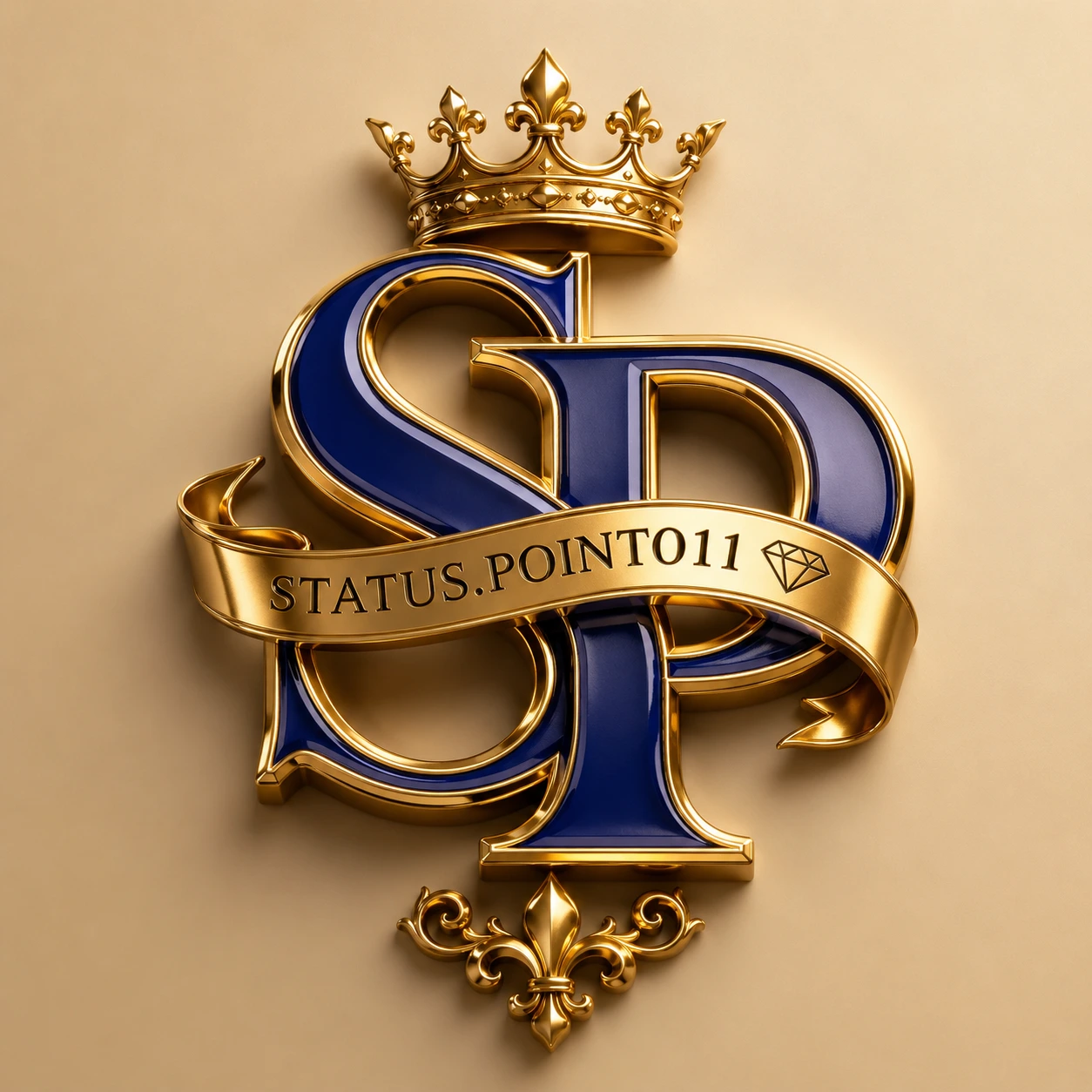
Luxury 3D monogram logo featuring the letters "S" and "P" intertwined, glossy Bulu enamel finish with polished metallic gold beveled edges, royal premium emblem design, elegant gold ribbon wrapped across the letters engraved with the word "STATUS.POINT011" in uppercase serif font, small geometric diamond icon beside the text, ornate golden royal crown centered above the monogram, decorative fleur-de-lis ornament below, smooth champagne beige gradient background, ultra-realistic reflections,

Chat GPT