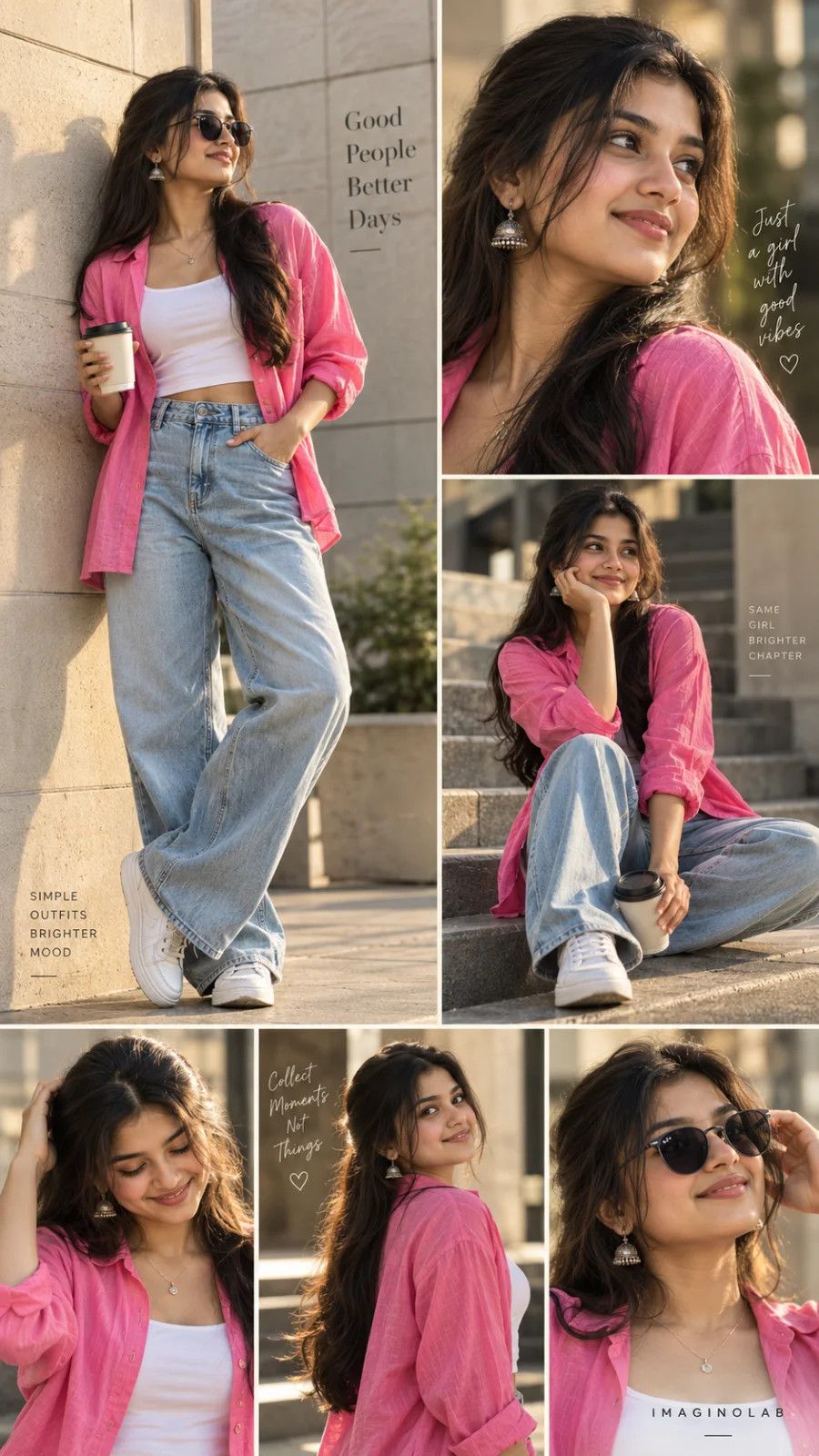
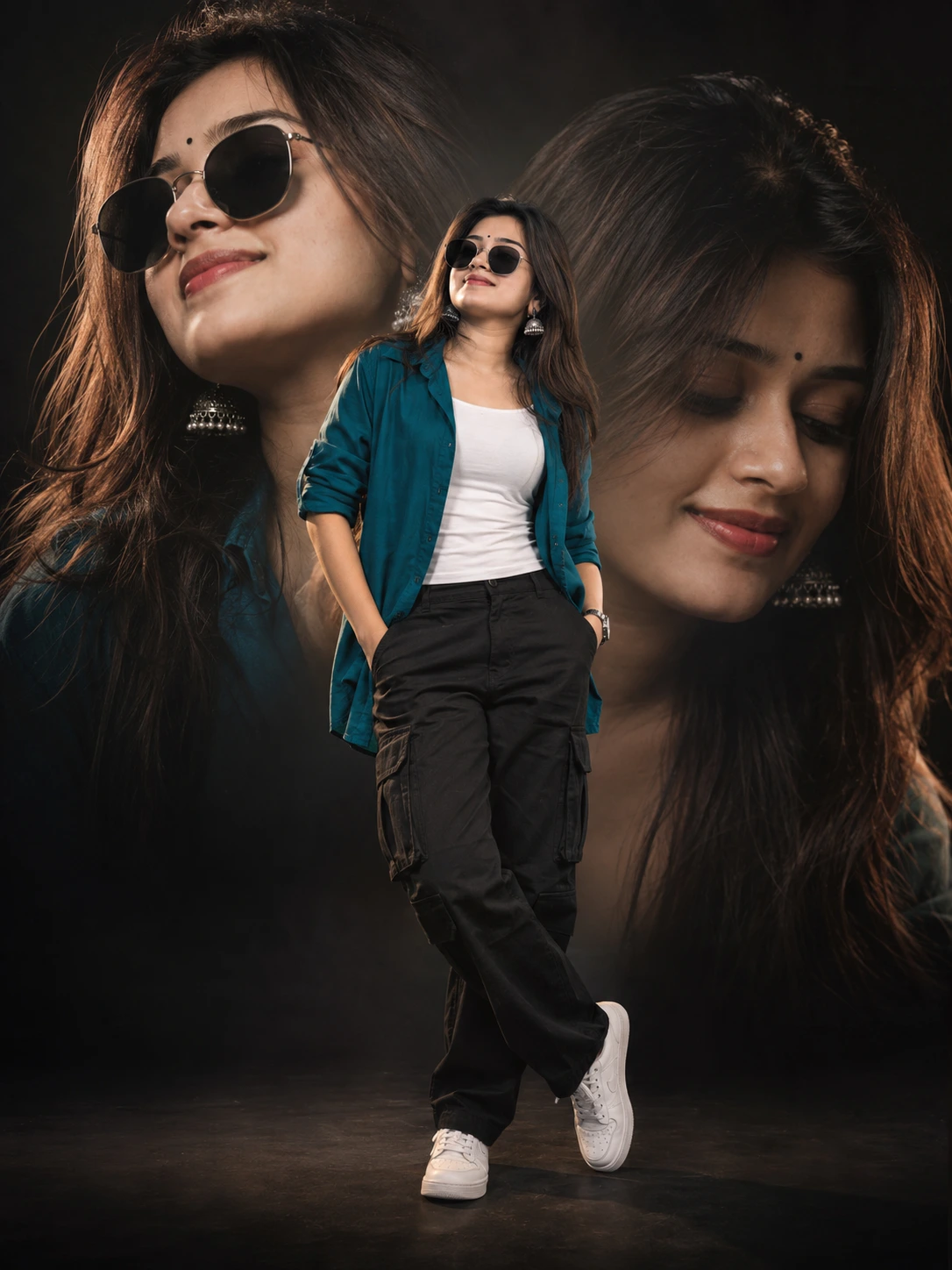
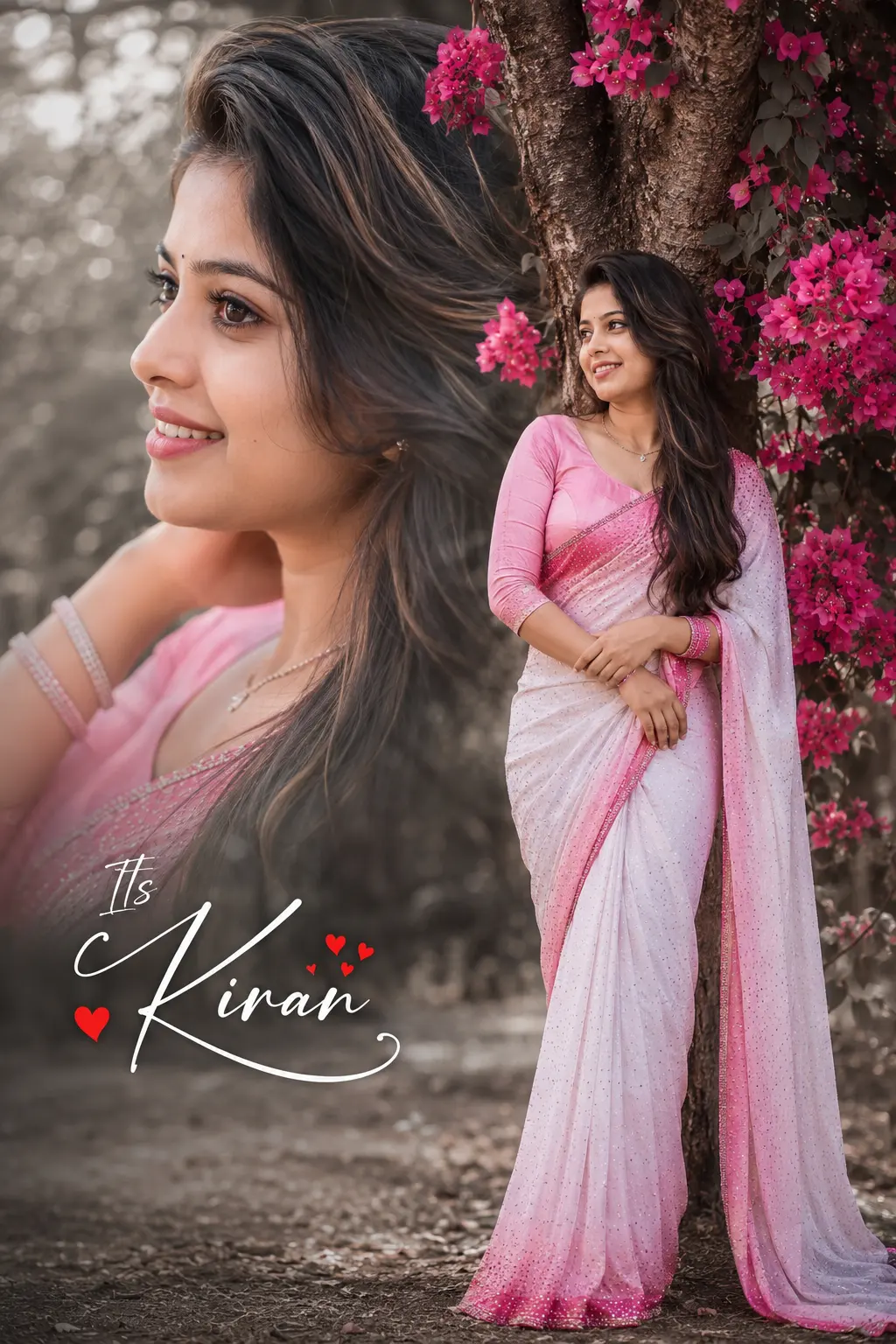
Double Exposure: A Brighter Me
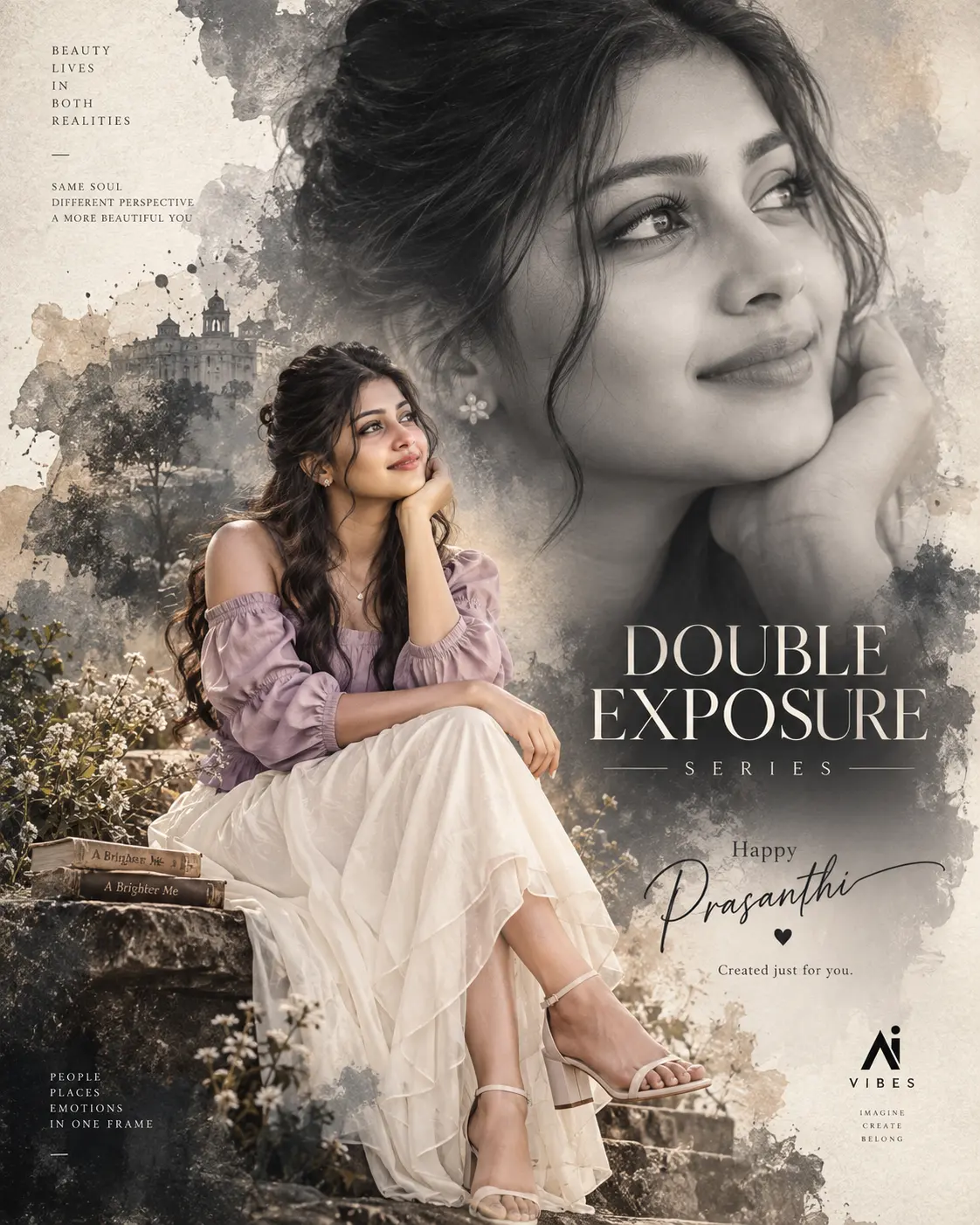
A detailed women image titled "Double Exposure: A Brighter Me", crafted with approximately 186 words of visual direction for Chat GPT. It produces a finished visual showcasing clear subject focus, harmonious color treatment, and refined environmental context suitable for portfolio, editorial, or commercial concept projects. Macro-level framing forces the image generator to prioritize micro-textures such as skin pores, fabric weave, or culinary steam. Specific tactile material descriptors prevent flat procedural rendering, prompting the AI to render realistic tactile surface qualities. Industry-standard editorial and compositional cues guide the generative model toward balanced framing and restrained color harmony.
Prompt Content
Use this prompt in your favorite AI image generator.
Create a premium cinematic poster for the “DOUBLE EXPOSURE SERIES”. Use the uploaded image only as reference for the double-exposure composition, framing and artistic concept. Create a completely NEW fictional South Asian female model with a different face, hairstyle and appearance. Show the same woman in two connected visual layers: a large soft monochrome close-up portrait occupying the upper-right background, looking peacefully to the side with a subtle smile, while a smaller full-body version sits naturally in the foreground, creating a seamless double-exposure effect. Change the outfit completely: elegant dusty-lavender contemporary fashion top with a flowing ivory skirt, delicate accessories and stylish footwear. Give her long wavy dark hair with a modern half-up hairstyle. Use a sophisticated charcoal-gray and warm beige watercolor background with soft brush textures, mist, subtle ink splashes and atmospheric fading. Lighting should be soft, cinematic and emotional, with realistic skin, natural anatomy,detailed hair and fabric, premium editorial photography and subtle film grain. Add elegant typography: “DOUBLE EXPOSURE SERIES” “Happy” “(Your Name)” “Created just for you.” Add a subtle AI VIBES logo. Vertical 4:5, luxury editorial poster, artistic, elegant, emotional and highly shareable.
How To Use
Reusable Guide- 1Copy the complete prompt text into your preferred AI image generator (e.g., Chat GPT).
- 2Review the initial output against the recommended aspect ratio (9:16) to verify composition.
- 3Customize the key variables above (such as subject identity or focal length & lens) to suit your creative vision.
- 4Refine the guidance scale or apply negative prompt exclusions to eliminate any artifacts without compromising image fidelity.
For best results, use this prompt as-is before making edits — the defaults are already optimised.