Giant Director: The Miniature Film Studio – Ultra-Realistic Cinematic Scale Fantasy Scene
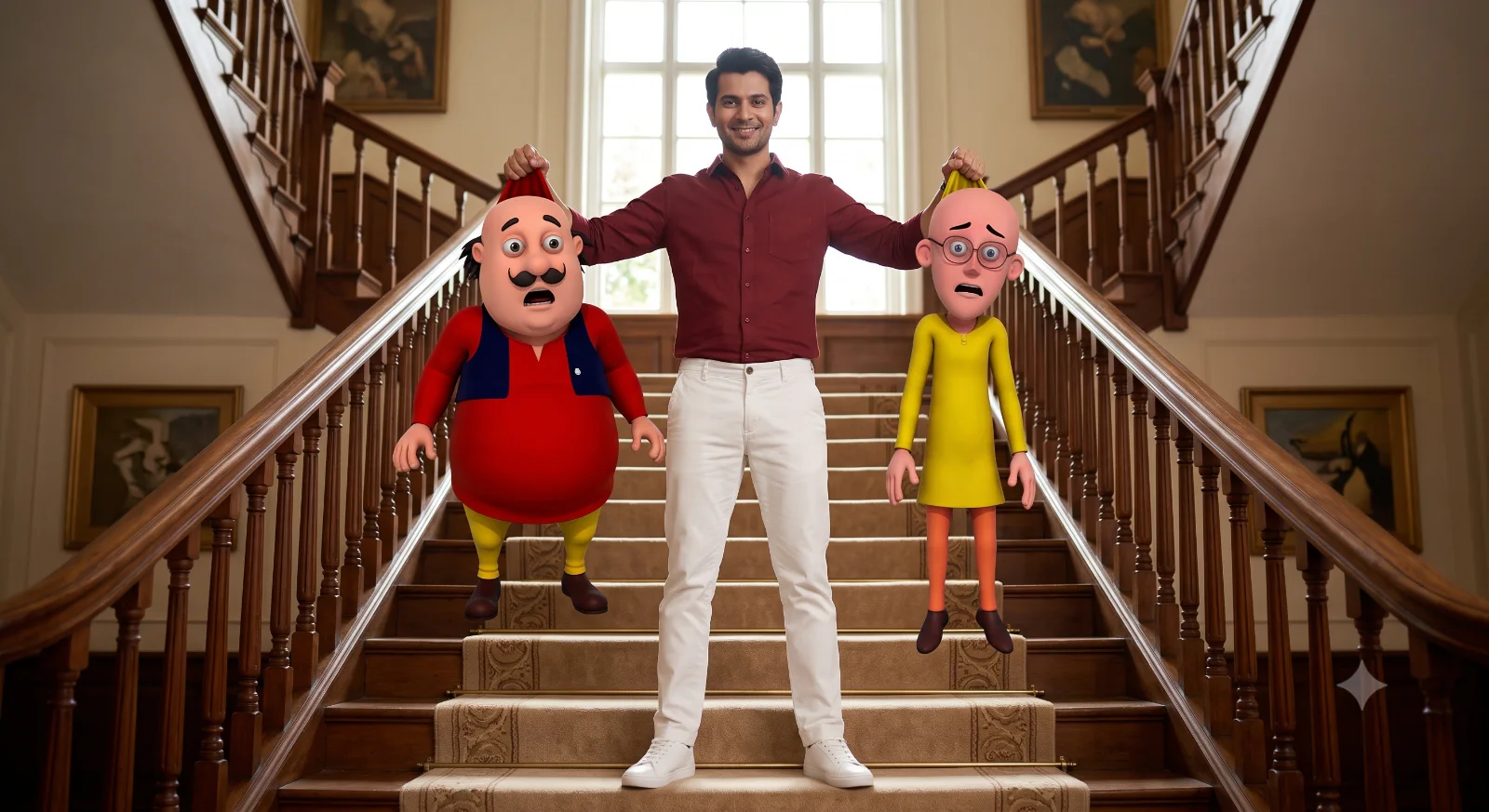
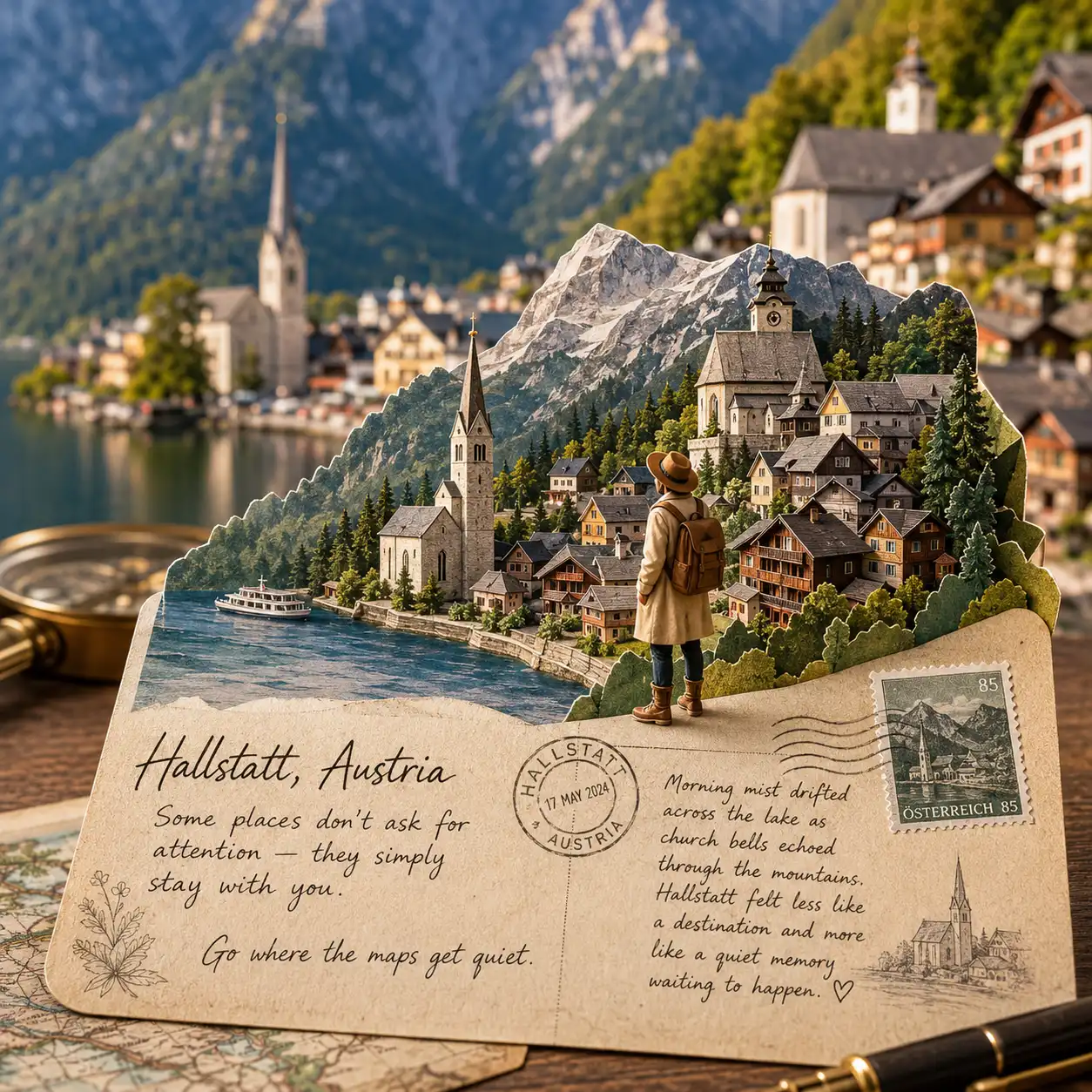
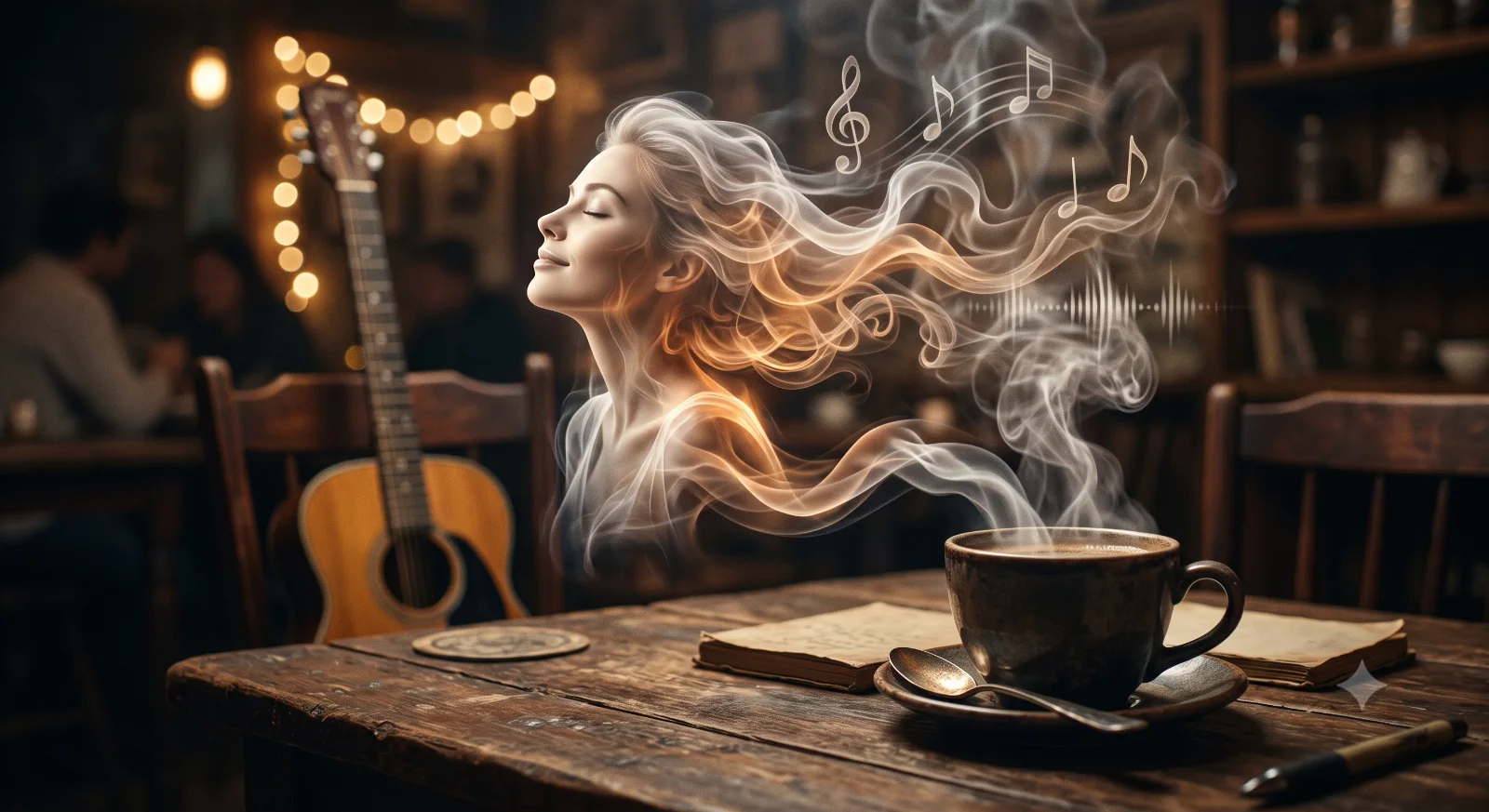
A detailed fantasy image titled "Giant Director: The Miniature Film Studio – Ultra-Realistic Cinematic Scale Fantasy Scene", crafted with approximately 104 words of visual direction for Gemini AI. It produces a finished visual showcasing clear subject focus, harmonious color treatment, and refined environmental context suitable for portfolio, editorial, or commercial concept projects. Controlled studio-style lighting balances highlights and preserves micro-textures across surfaces without harsh blowout. Shallow depth of field with creamy optical bokeh draws immediate visual attention to fine subject details. Specific tactile material descriptors prevent flat procedural rendering, prompting the AI to render realistic tactile surface qualities.

Prompt Content
Use this prompt in your favorite AI image generator.
A hyper-realistic cinematic scene of a giant woman filmmaker carefully adjusting a miniature vintage film camera on a tripod, inside a professional studio setup. A tiny elegant woman in a flowing pastel blue dress stands beside the camera like a model on set. Surrounding them are detailed studio lights, softboxes, film reels, cables, and a clapperboard. The giant woman has soft natural makeup, blonde hair tied back, and an intense focused expression.Dramatic soft lighting, shallow depth of field, ultra-detailed textures, 8K, photorealistic, cinematic composition, studio photography, volumetric lighting.Dramatic soft lighting, shallow depth of field, ultra-detailed textures, 8K, photorealistic, cinematic composition, studio photography, volumetric lighting
How To Use
Reusable Guide- 1Copy the complete prompt text into your preferred AI image generator (e.g., Gemini AI).
- 2Review the initial output against the recommended aspect ratio (1:1) to verify composition.
- 3Customize the key variables above (such as world-building setting or technological / magic fx) to suit your creative vision.
- 4Refine the guidance scale or apply negative prompt exclusions to eliminate any artifacts without compromising image fidelity.
For best results, use this prompt as-is before making edits — the defaults are already optimised.