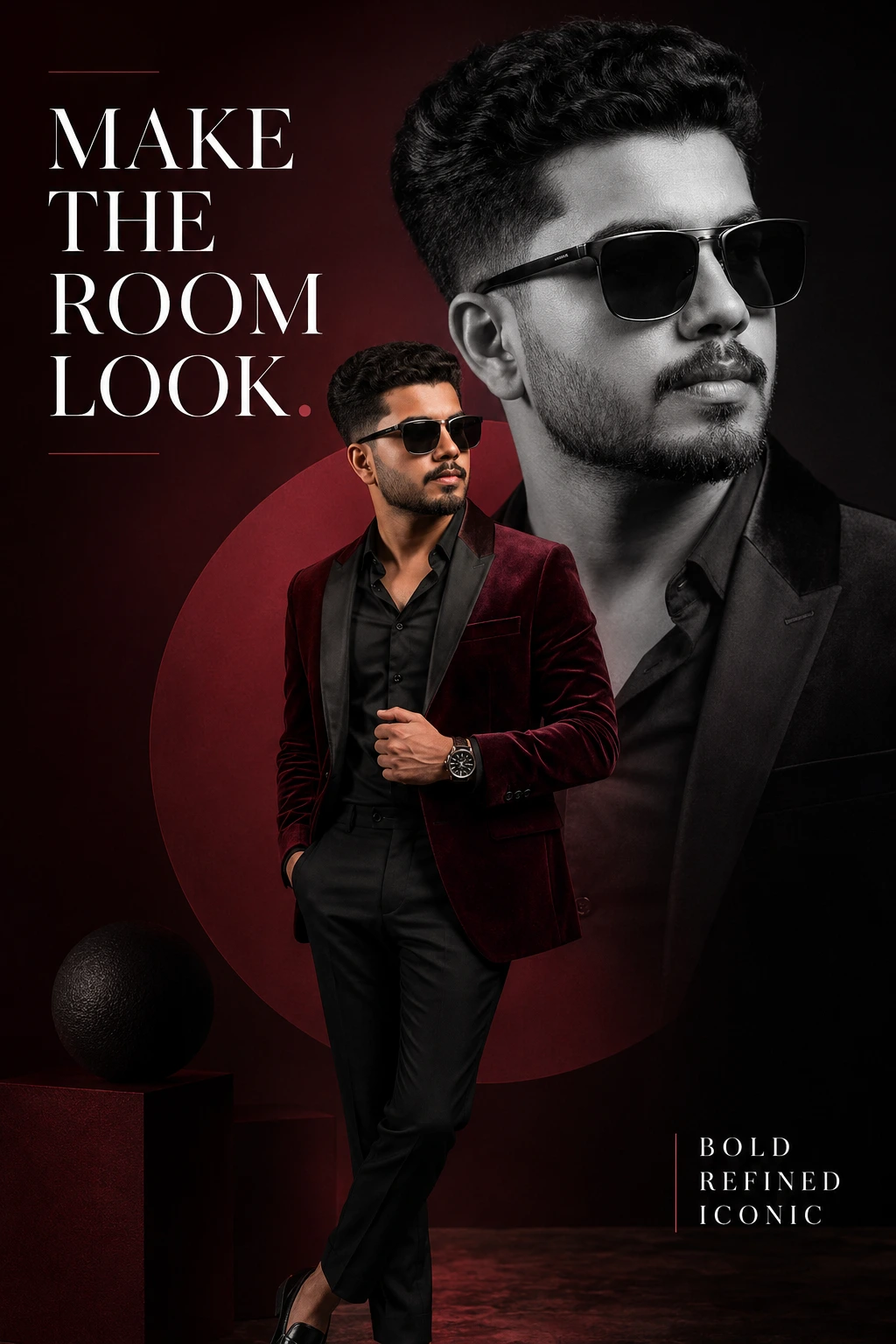
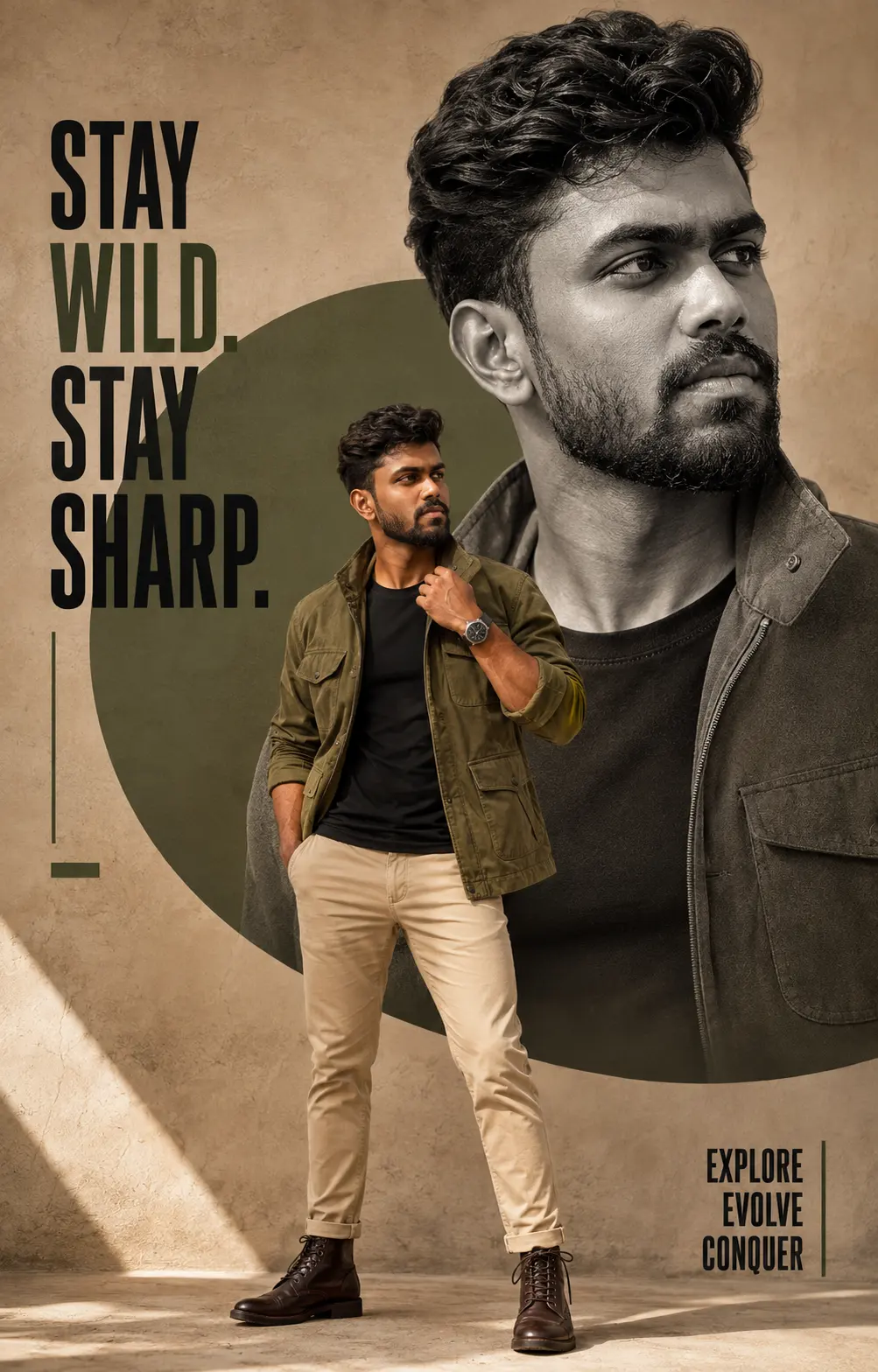
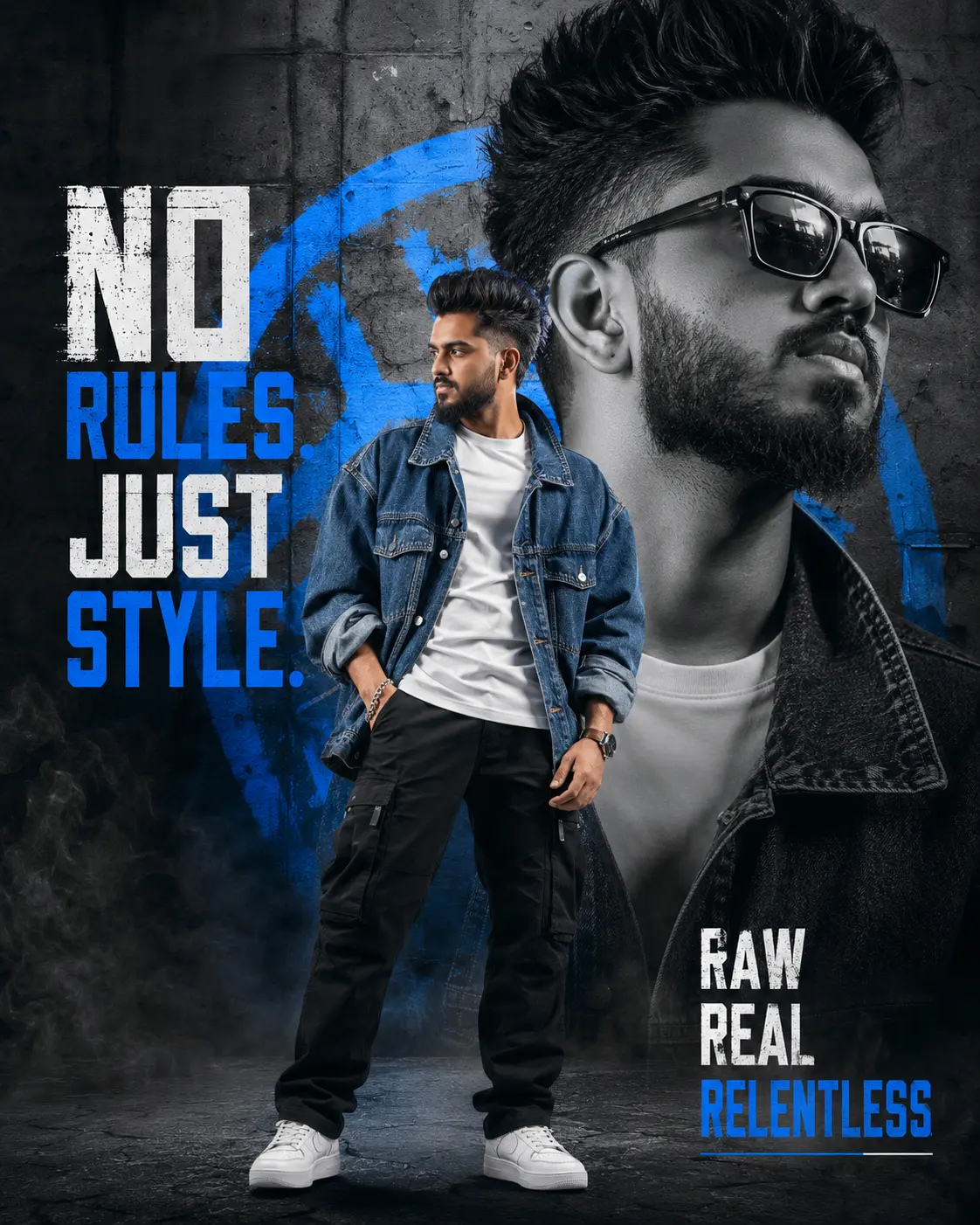
Heroic elegance in golden haze
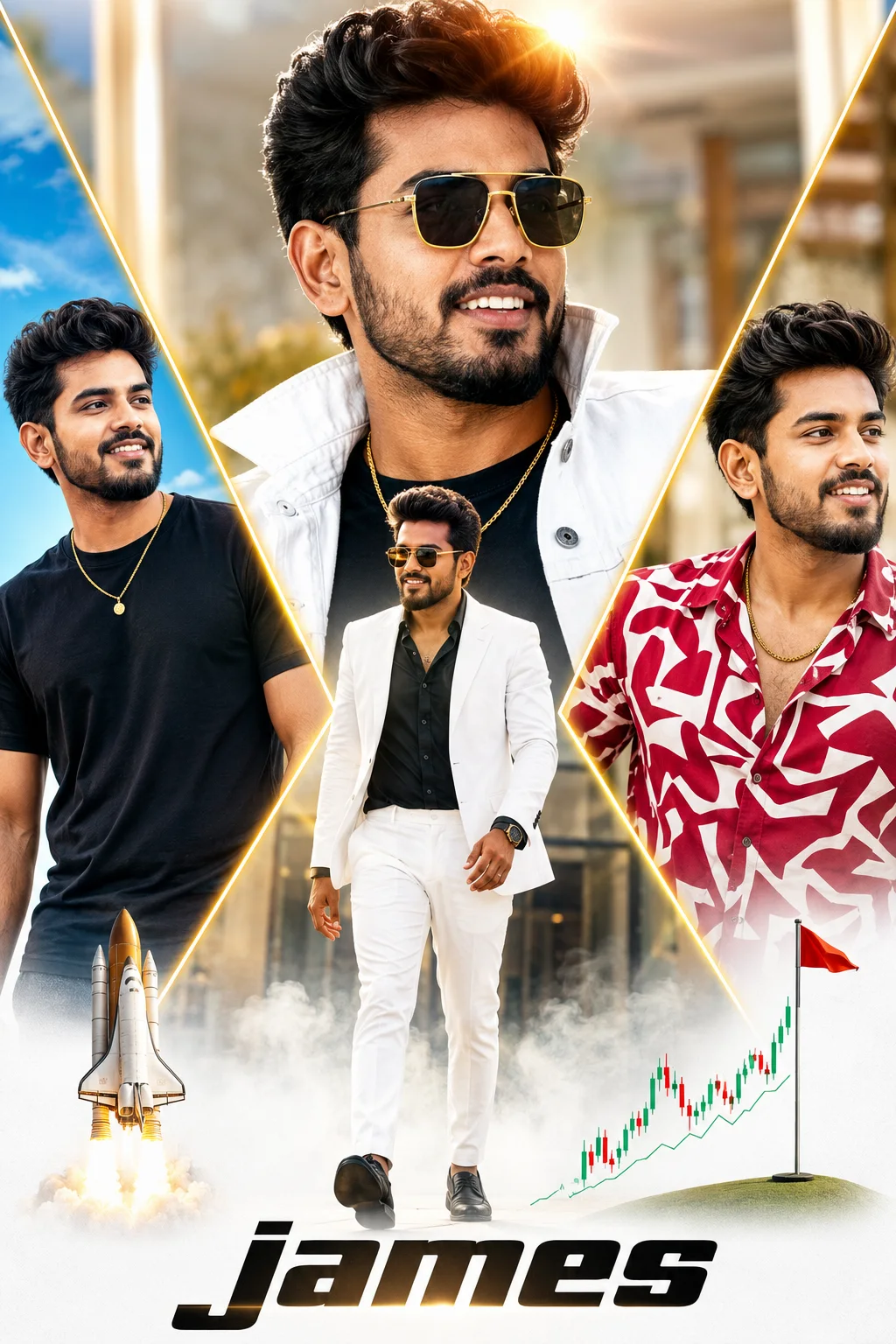
Create an epic men AI image using this high-quality prompt optimized for Chat GPT image generation.
Prompt Content
Use this prompt in your favorite AI image generator.
A vibrant, high-resolution cinematic multi-panel poster collage featuring a stylish South Asian man with well-groomed dark hair, a neat beard, and a confident smile. The layout is dynamically divided into geometric diagonal panels separated by glowing golden-yellow light beams over a bright, softly blurred background. In the prominent central panel, a close-up portrait shows the man wearing golden-framed aviator sunglasses, a white denim jacket with a popped collar over a black t-shirt, and a layered gold chain, with warm sunlight creating subtle lens flare overhead.Directly below in the lower center, a low-angle full-body shot depicts him walking forward through light white ground fog, dressed in a sharp white suit jacket, open-collar dark shirt, white trousers, and a black luxury watch.The left diagonal panel shows a casual view of him under a bright blue sky in a plain black crew-neck t-shirt with a gold pendant necklace. The right diagonal panel highlights a fashion shot in a bold red-and-white patterned button-up shirt with a gold chain. The bottom portion fades into a clean white gradient featuring the stylized text "james" in bold black lettering, flanked by a launching rocket graphic on the left and a rising stock chart beside a golf flag on the right.High contrast, sharp detail, vivid colors, warm directional lighting, and an energetic hero movie poster aesthetic.
How To Use
Reusable Guide- 1Copy the prompt using the "Copy Prompt" button above.
- 2Open your preferred AI model (Chat GPT) and paste the prompt into the input field.
- 3Optionally, replace bracketed placeholders (e.g. [subject], [style]) with your own values to personalise the output.
- 4Run the prompt and review the result — iterate by tweaking descriptors for different moods or compositions.
- 5Save or export your favourite generations directly from the AI tool's interface.
For best results, use this prompt as-is before making edits — the defaults are already optimised.