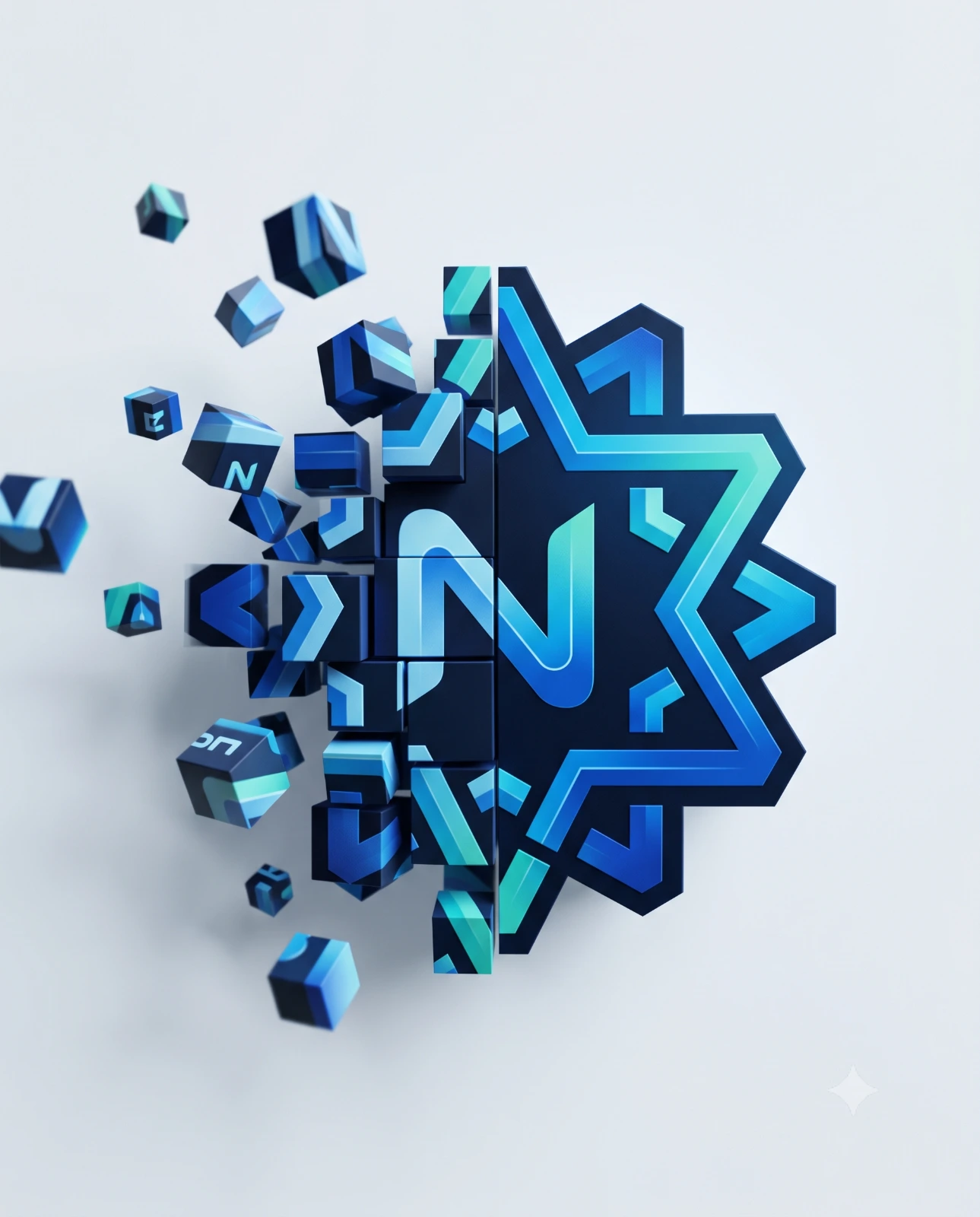
Logo Transformation Pixel Art
Create an epic logo design AI image using this high-quality prompt optimized for Gemini AI image generation.
Prompt Content
Use this prompt in your favorite AI image generator.
Minimalist 3D artwork — use the uploaded logo as the central object, placed on a clean, light matte background. Capture the logo mid-transformation into a 3D pixelated form: one half of the uploaded logo remains fully intact and sharp, while the other half organically fragments into floating cubes that drift outward in space. Each cube preserves the uploaded logo’s exact colors, gradients, and textures, subtly revealing brand identity details. Studio lighting with soft, realistic shadows, shallow depth of field, cinematic perspective, hyperrealistic rendering, stylish geometric abstraction, subtle motion blur on the cubes, high resolution, premium editorial close-up. Format in 4:5 aspect ratio (1080x1350 pixels) for Instagram.
How To Use
Reusable Guide- 1Copy the prompt using the "Copy Prompt" button above.
- 2Open your preferred AI model (Gemini AI) and paste the prompt into the input field.
- 3Optionally, replace bracketed placeholders (e.g. [subject], [style]) with your own values to personalise the output.
- 4Run the prompt and review the result — iterate by tweaking descriptors for different moods or compositions.
- 5Save or export your favourite generations directly from the AI tool's interface.
For best results, use this prompt as-is before making edits — the defaults are already optimised.