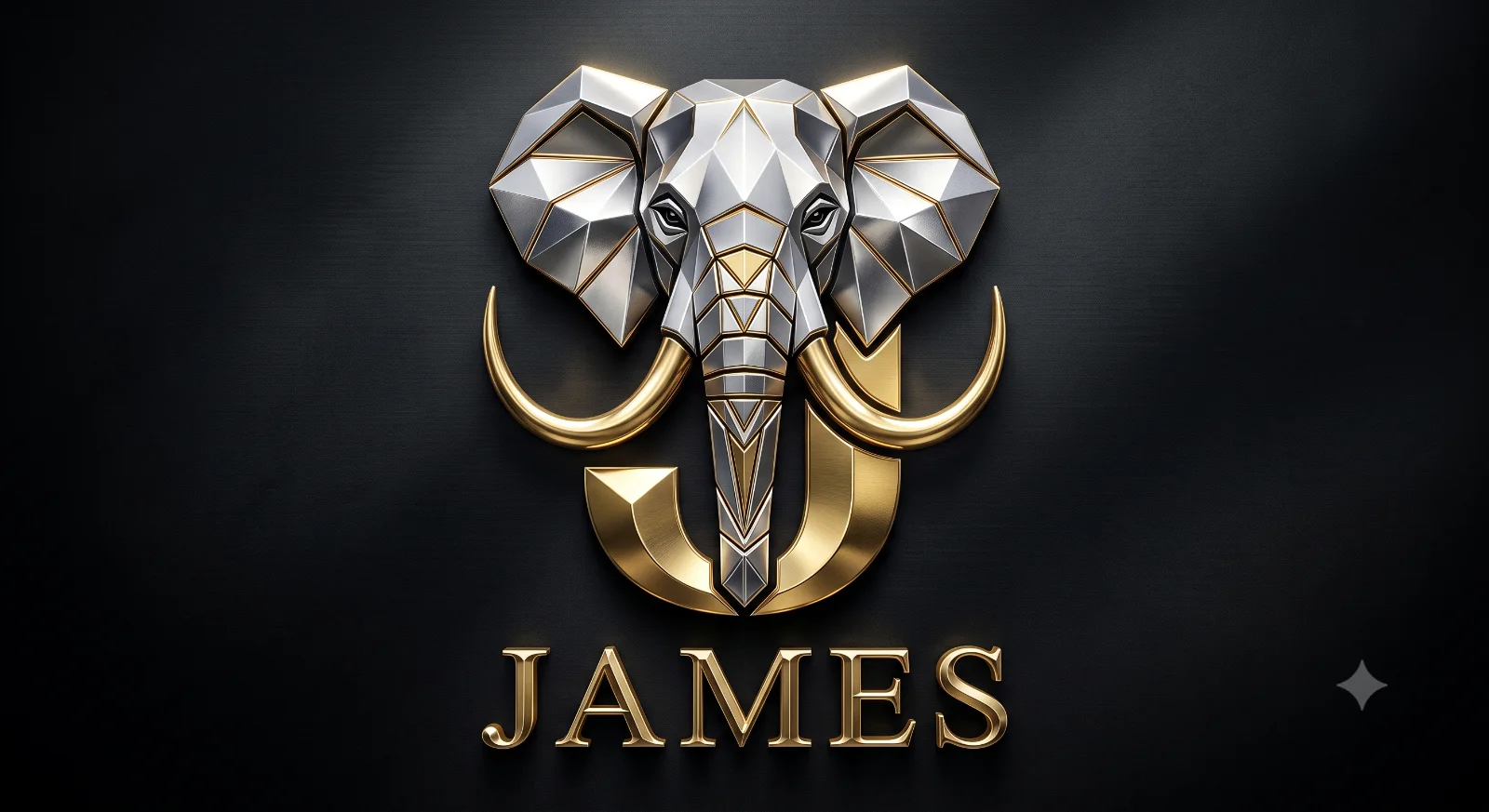
Luxury Elephant "Name First Letter" Logo Design
Create an epic logo design AI image using this high-quality prompt optimized for Gemini AI image generation.
Prompt Content
Use this prompt in your favorite AI image generator.
Create an ultra-premium luxury 3D logo featuring a majestic geometric elephant head positioned above and seamlessly integrated with a bold metallic gold capital letter "J". The elephant should have symmetrical proportions, elegant silver chrome skin, realistic sculpted details, expressive eyes, and long luxurious gold tusks that gracefully curve outward around the monogram, naturally framing the letter. The trunk should extend downward through the center of the "J," creating a sophisticated integrated emblem. Below the monogram, place the brand name "James" in a classic Roman serif typeface with polished metallic gold finish, beveled edges, realistic reflections, and subtle depth. Render with ultra-realistic brushed gold and chrome silver materials, mirror-like reflections, premium emboss effect, soft cinematic studio lighting, ray-traced highlights, elegant shadows, black matte luxury background with subtle vignette, centered composition, minimal yet powerful branding, luxury jewelry aesthetic, corporate identity, iconic emblem, photorealistic, octane render, Unreal Engine quality, 8K, hyper-detailed.
How To Use
Reusable Guide- 1Copy the prompt using the "Copy Prompt" button above.
- 2Open your preferred AI model (Gemini AI) and paste the prompt into the input field.
- 3Optionally, replace bracketed placeholders (e.g. [subject], [style]) with your own values to personalise the output.
- 4Run the prompt and review the result — iterate by tweaking descriptors for different moods or compositions.
- 5Save or export your favourite generations directly from the AI tool's interface.
For best results, use this prompt as-is before making edits — the defaults are already optimised.