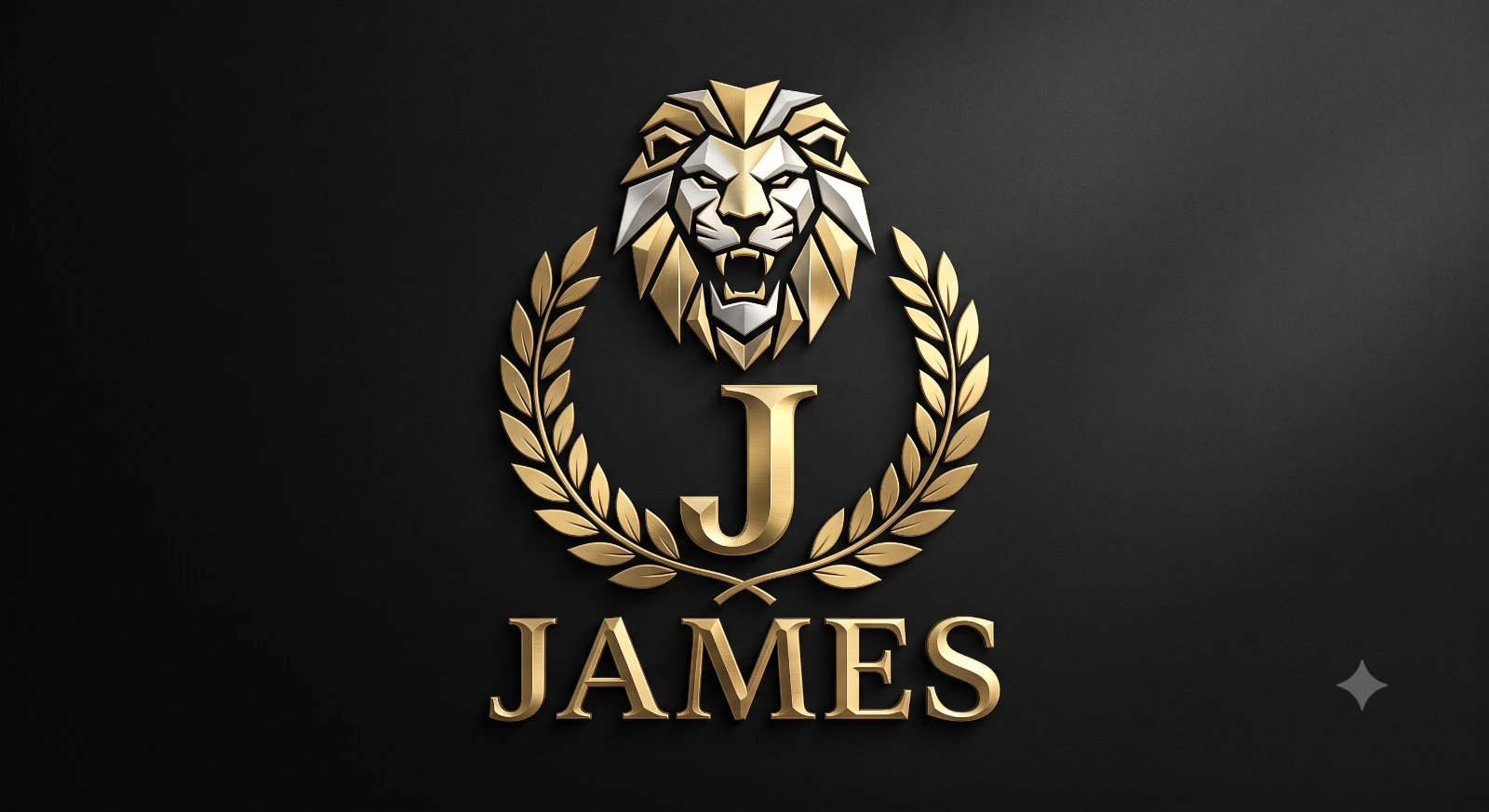
Luxury Geometric Lion "J" Logo Design
A detailed logo design image titled "Luxury Geometric Lion "J" Logo Design", crafted with approximately 148 words of visual direction for Gemini AI. It produces a finished visual showcasing clear subject focus, harmonious color treatment, and refined environmental context suitable for portfolio, editorial, or commercial concept projects. Controlled studio-style lighting balances highlights and preserves micro-textures across surfaces without harsh blowout. Specific tactile material descriptors prevent flat procedural rendering, prompting the AI to render realistic tactile surface qualities. Industry-standard editorial and compositional cues guide the generative model toward balanced framing and restrained color harmony.
Prompt Content
Use this prompt in your favorite AI image generator.
Design a premium luxury 3D logo featuring a majestic geometric lion head positioned above a bold metallic gold capital letter "J". The lion should have sharp angular polygonal details, symmetrical facial features, fierce eyes, and an open roaring mouth to symbolize strength, confidence, and leadership. Integrate elegant gold laurel leaves extending from both sides of the monogram, framing the letter with perfect symmetry. Place the brand name "James" below in a bold Roman serif font with polished metallic gold finish, subtle bevel, and realistic reflections. Use ultra-realistic 3D rendering with brushed gold and chrome silver materials, glossy highlights, soft ambient lighting, cinematic shadows, premium emboss effect, and high-end luxury branding aesthetics. Background should be matte black with a soft vignette and subtle depth. Minimalist composition, centered layout, luxury corporate identity, award emblem style, ultra-sharp details, photorealistic, 8K, octane render, ray tracing, studio lighting, elegant, exclusive, iconic brand logo.
Usage & Variation Guide
Usage & Variation GuideVariation Advice
Switch the monogram letter from 'J' to 'M' or 'A', or swap the lion mascot for an eagle, stag, or panther. You can also transition the metallic gradient from champagne gold to platinum silver or brushed rose copper.
Suggested Variation Example
See the full technical analysis below for lighting parameters, composition breakdown, and failure mode fixes.