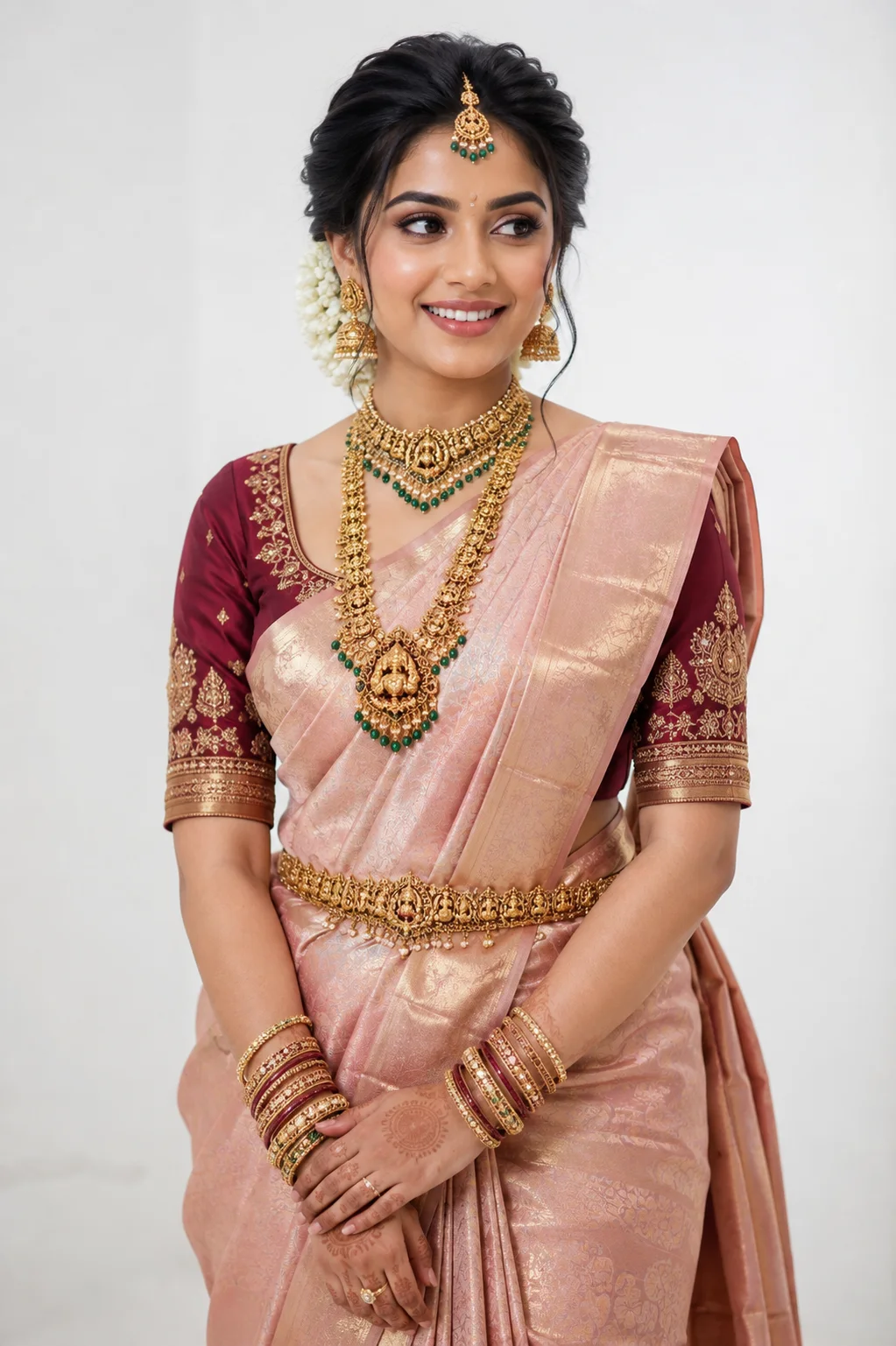
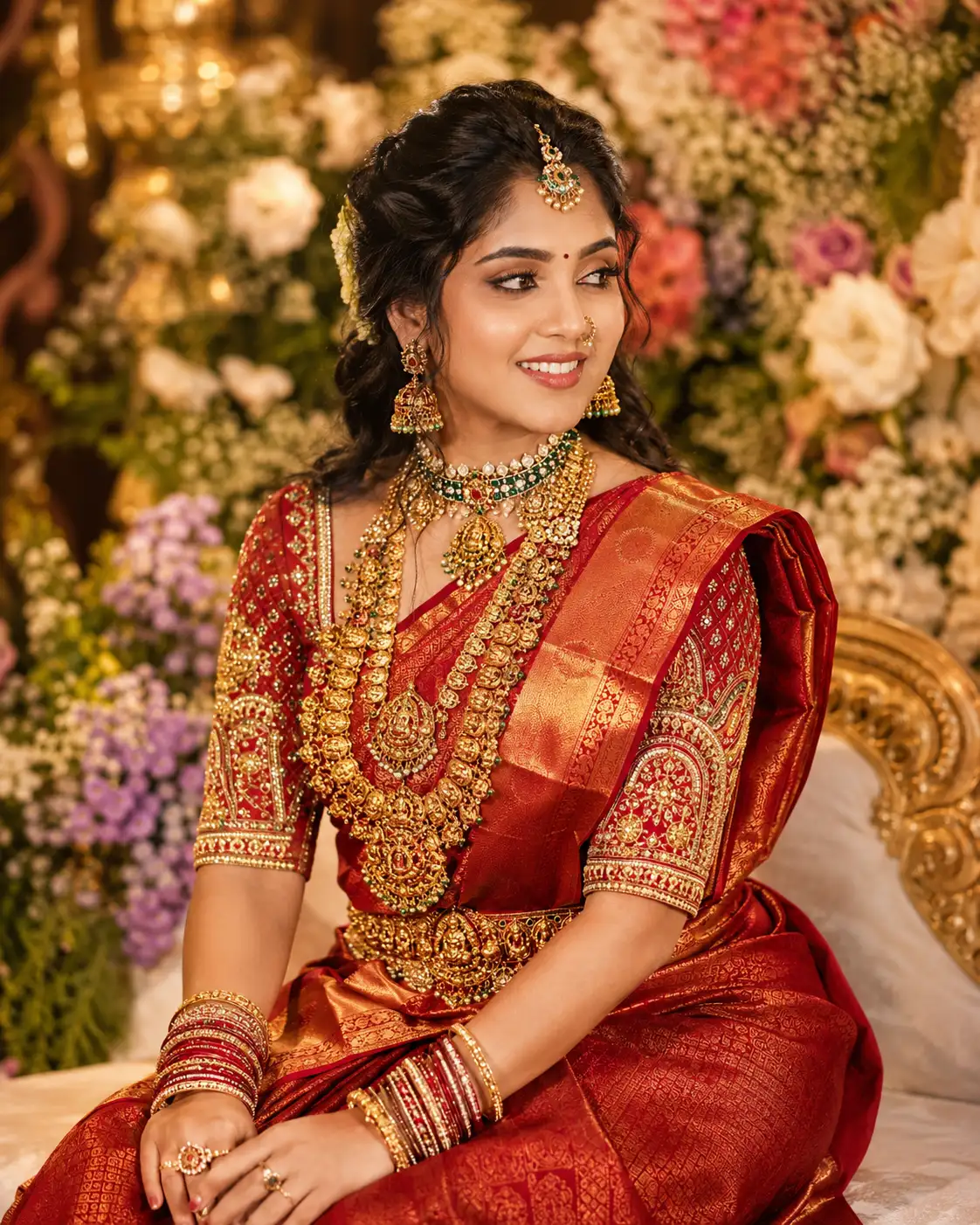
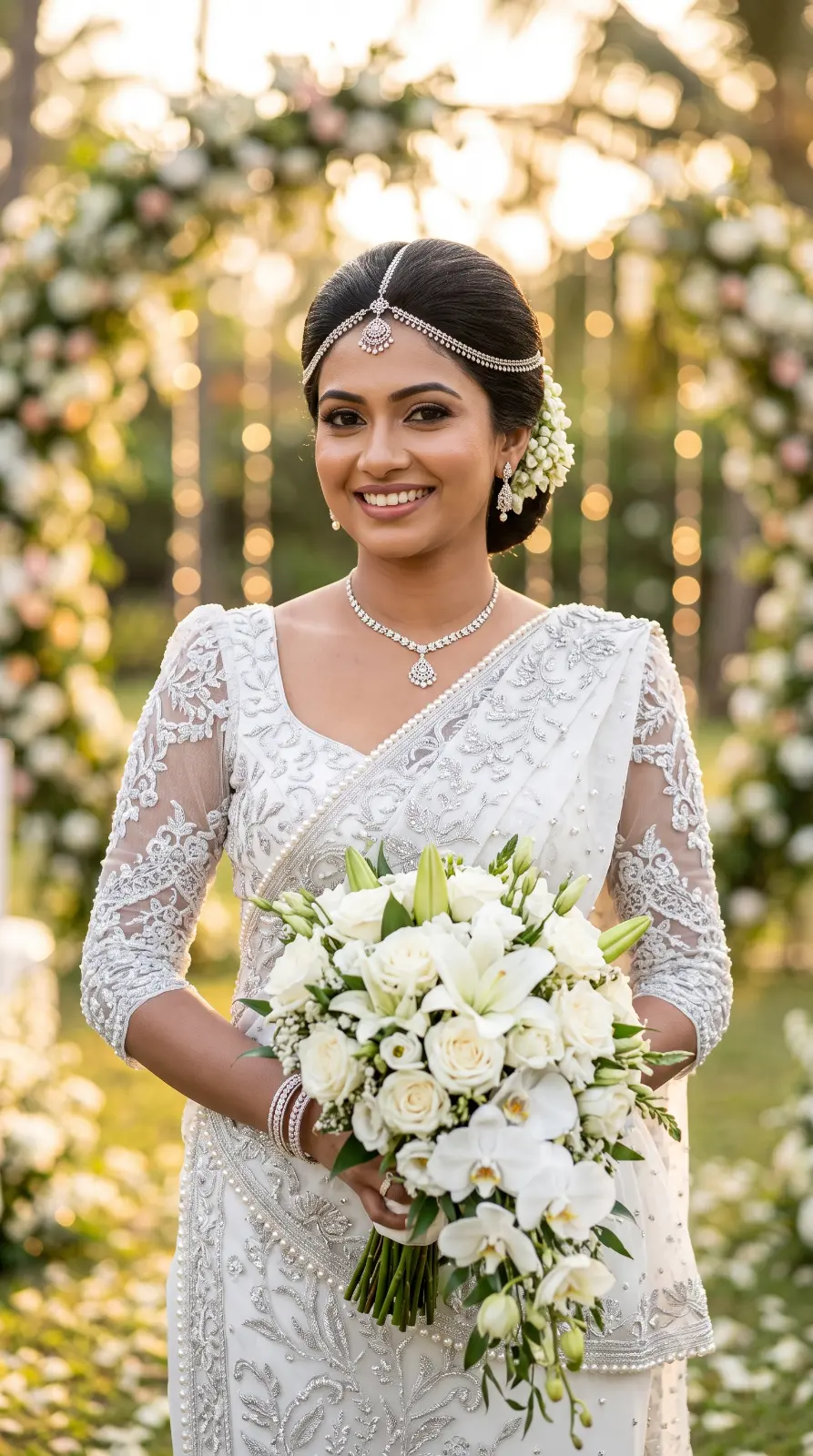
Luxury Wedding Suit Campaign
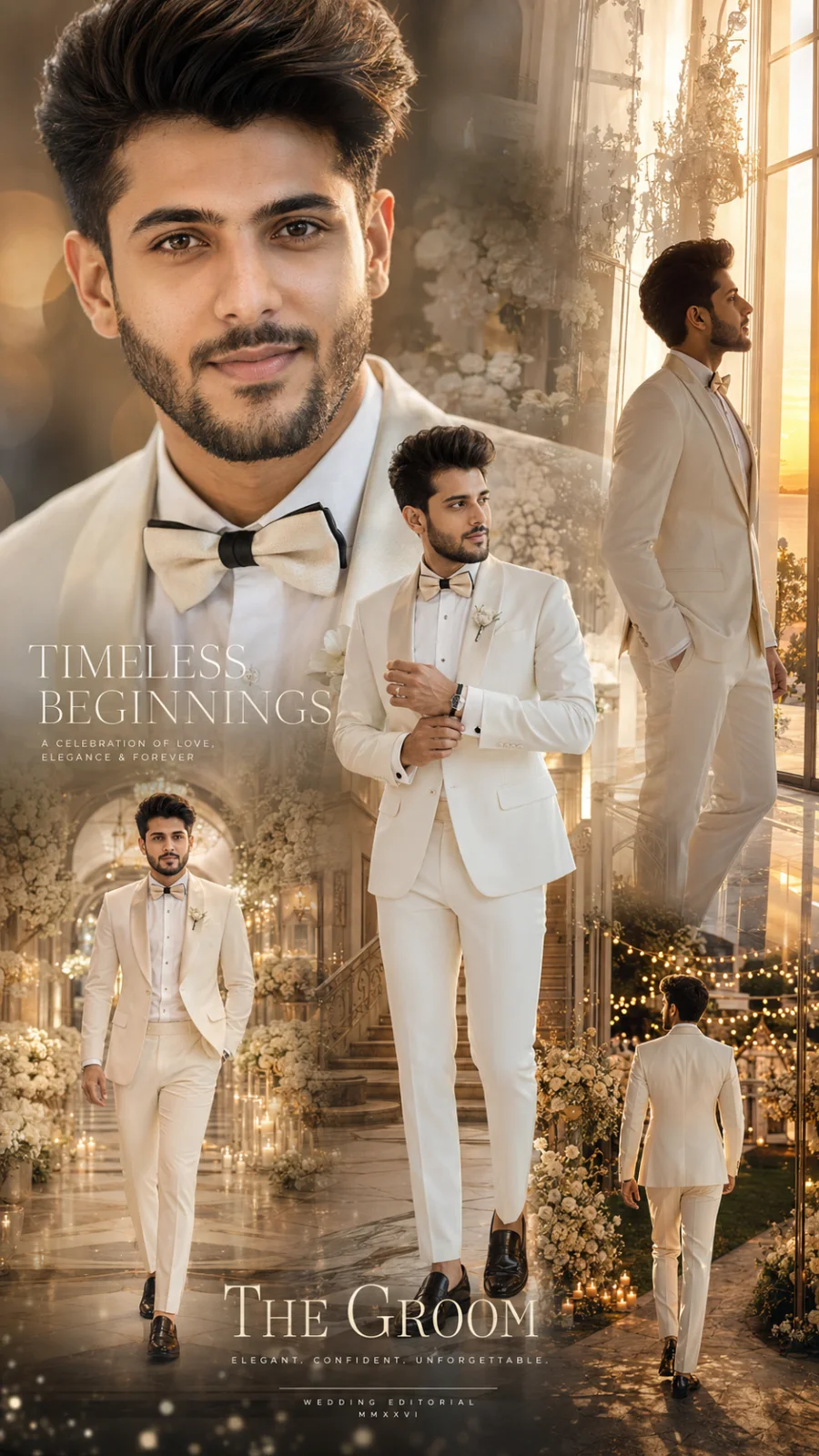
A detailed wedding image titled "Luxury Wedding Suit Campaign", crafted with approximately 715 words of visual direction for Chat GPT. It produces a finished visual showcasing clear subject focus, harmonious color treatment, and refined environmental context suitable for portfolio, editorial, or commercial concept projects. Natural golden-hour directional light creates warm skin tones and long, soft cast shadows that build volumetric depth. Shallow depth of field with creamy optical bokeh draws immediate visual attention to fine subject details. Specific tactile material descriptors prevent flat procedural rendering, prompting the AI to render realistic tactile surface qualities.
Prompt Content
Use this prompt in your favorite AI image generator.
Create an ultra-realistic Luxury Wedding Suit Editorial Campaign featuring the SAME attractive young man from the reference image with 100% identical facial identity, facial proportions, skin tone, eyes, eyebrows, nose, lips, jawline, hairstyle, beard, and natural skin texture. STRICT IDENTITY PRESERVATION: The subject must remain exactly the same person as the reference image in every pose. Preserve the original facial geometry, hairstyle, beard pattern, skin tone, body proportions, natural imperfections, and recognizable characteristics. Do not beautify, reshape, replace, age, or modify the face. Maintain realistic pores, authentic skin texture, natural beard detail, and exact recognizable identity. Create a sophisticated international luxury wedding campaign inspired by Vogue Weddings, GQ, Italian menswear, and high-end cinematic wedding photography. MAIN PORTRAIT: A large elegant close-up portrait of the groom dominates the background, softly illuminated by warm champagne light. His expression is confident, romantic, calm, and sophisticated, with a subtle natural smile and direct eye contact. HERO FULL-BODY POSE: The groom stands confidently inside an elegant luxury wedding venue, adjusting his cufflink naturally with one hand while the other rests casually near his pocket. His posture is relaxed, masculine, refined, and editorial. SECOND POSE: A cinematic full-body shot of him walking naturally through a grand wedding venue toward the camera, with soft warm lights and elegant floral arrangements surrounding him. THIRD POSE: A sophisticated side-profile pose beside a huge floor-to-ceiling window, looking toward a beautiful sunset garden while warm sunlight creates a soft golden rim around his silhouette. FOURTH POSE: A cinematic rear-view shot of the groom walking through an elegant outdoor wedding garden illuminated by thousands of subtle warm lights. WARDROBE: • Impeccably tailored ivory or off-white luxury tuxedo • Premium white dress shirt • Elegant black or champagne silk bow tie • Sophisticated satin lapels • Tailored luxury trousers • Polished black or ivory leather dress shoes • Platinum luxury watch • Elegant cufflinks • Minimal wedding ring • Subtle luxury bracelet The suit must look handcrafted, perfectly fitted, sophisticated, and extremely premium. No oversized logos or flashy branding. WEDDING ENVIRONMENT: Luxury European wedding venue, grand marble staircase, white marble floors, elegant chandeliers, cream-colored floral arrangements, white roses, soft candlelight, luxury reception hall, floor-to-ceiling windows, sophisticated garden, cinematic outdoor terrace. BACKGROUND: Dreamy wedding garden, soft sunset sky, elegant floral arches, glowing candles, warm fairy lights, subtle bokeh, luxury tablescape, distant architectural details. EDITORIAL DOUBLE EXPOSURE: Blend the large close-up portrait with elegant wedding architecture, floral arrangements, soft candlelight, and sunset scenery using sophisticated double-exposure techniques. Add subtle champagne-gold metallic textures, translucent glass overlays, delicate floating particles, soft film grain, gentle light leaks, and refined negative space. Keep everything elegant and photorealistic — never overly decorative. LIGHTING: Soft romantic cinematic lighting, warm champagne-gold highlights, natural window light, gentle rim lighting, volumetric rays, realistic skin illumination, soft shadows, HDR highlights, subtle lens flare, physically accurate global illumination and ray tracing. PHOTOGRAPHY: High-end wedding editorial photography, medium-format Hasselblad X2D aesthetic, 85mm portrait lens, f/1.4 aperture, razor-sharp eyes, realistic skin pores, detailed beard and hair strands, realistic tuxedo fabric, authentic satin texture, natural anatomy, cinematic depth of field, professional HDR color grading. VISUAL STYLE: Vogue Weddings + GQ Groom + Italian luxury menswear campaign + cinematic wedding film + luxury hotel editorial + timeless romantic photography. COLOR PALETTE: Ivory White, Pearl, Champagne Gold, Soft Beige, Warm Cream, Platinum Silver, Deep Charcoal, subtle Burgundy accents. MOOD: Romantic, elegant, masculine, timeless, sophisticated, intimate, luxurious, confident, cinematic. COMPOSITION: Vertical 9:16 premium wedding campaign poster, giant close-up portrait in background, full-body groom in foreground, layered cinematic scenes, elegant architectural symmetry, strong depth separation, premium negative space, luxury magazine composition. Add minimal sophisticated wedding-editorial typography placeholders. Typography should feel elegant, modern, refined, thin, and premium. ULTRA QUALITY: Ultra photorealistic, hyper detailed, natural skin, realistic anatomy, realistic hair, realistic beard, realistic tuxedo texture, cinematic depth, medium-format realism, HDR, global illumination, ray tracing, premium wedding photography, award-winning fashion campaign, masterpiece, 8K, 10K, 16K. NEGATIVE PROMPT: different person, different face, altered identity, face swap, facial distortion, beautified face, plastic skin, excessive skin smoothing, deformed eyes, asymmetrical face, duplicate person, extra person, extra fingers, extra limbs, bad hands, bad anatomy, distorted body, cartoon, anime, CGI appearance, cheap wedding decorations, excessive flowers, excessive jewelry, oversized logos, blurry face, low resolution, watermark, logo, broken typography, random text, oversaturated colors, excessive blur, compression artifacts.
Usage & Variation Guide
Usage & Variation GuideVariation Advice
Switch the attire from an ivory tuxedo to a bespoke emerald-green velvet dinner jacket or classic midnight-blue three-piece suit. Change the venue to an outdoor cliffside villa on Lake Como.
Suggested Variation Example
See the full technical analysis below for lighting parameters, composition breakdown, and failure mode fixes.