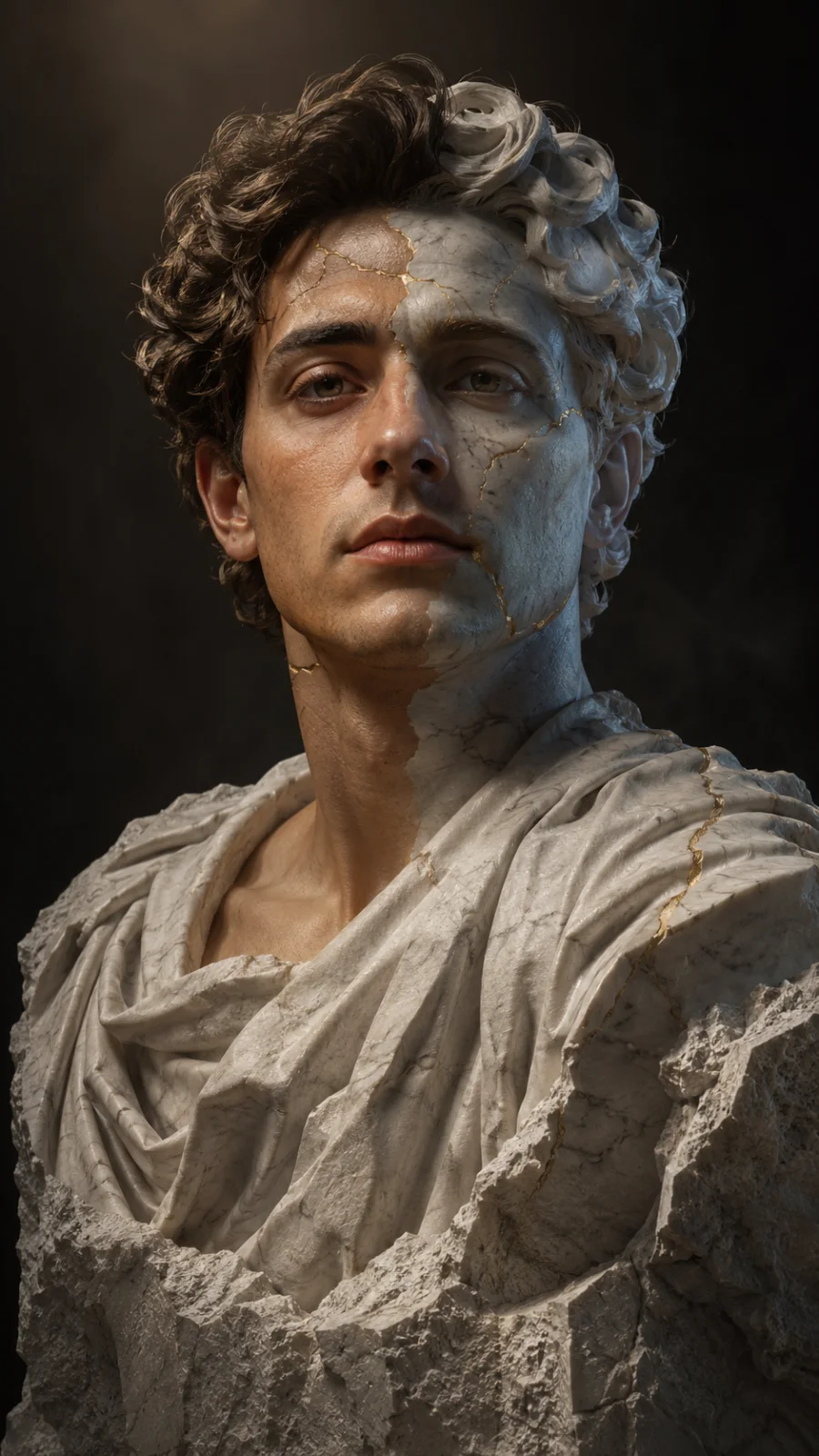
Marble and Gold Kintsugi Portrait
A detailed cinematic image titled "Marble and Gold Kintsugi Portrait", crafted with approximately 47 words of visual direction for Chat GPT. It produces a finished visual showcasing clear subject focus, harmonious color treatment, and refined environmental context suitable for portfolio, editorial, or commercial concept projects. Chiaroscuro lighting introduces deep shadow contrast, evoking mood and artistic gravitas. Wide-angle framing establishes environmental scale and spatial context across foreground, midground, and horizon. Specific tactile material descriptors prevent flat procedural rendering, prompting the AI to render realistic tactile surface qualities.
Prompt Content
Use this prompt in your favorite AI image generator.
A stunning hyper-realistic portrait of a young man with elegant gold kintsugi cracks along white marble skin, dramatic chiaroscuro lighting, regal high-art editorial aesthetic. Shot on 35mm anamorphic lens, deep dramatic shadows, volumetric atmospheric lighting, cinematic color balance, film grain texture, wide aspect ratio shot, 4K render.
How To Use
Reusable Guide- 1Copy the complete prompt text into your preferred AI image generator (e.g., Chat GPT).
- 2Review the initial output against the recommended aspect ratio (16:9) to verify composition.
- 3Customize the key variables above (such as subject & focal point or lighting & atmosphere) to suit your creative vision.
- 4Refine the guidance scale or apply negative prompt exclusions to eliminate any artifacts without compromising image fidelity.
For best results, use this prompt as-is before making edits — the defaults are already optimised.