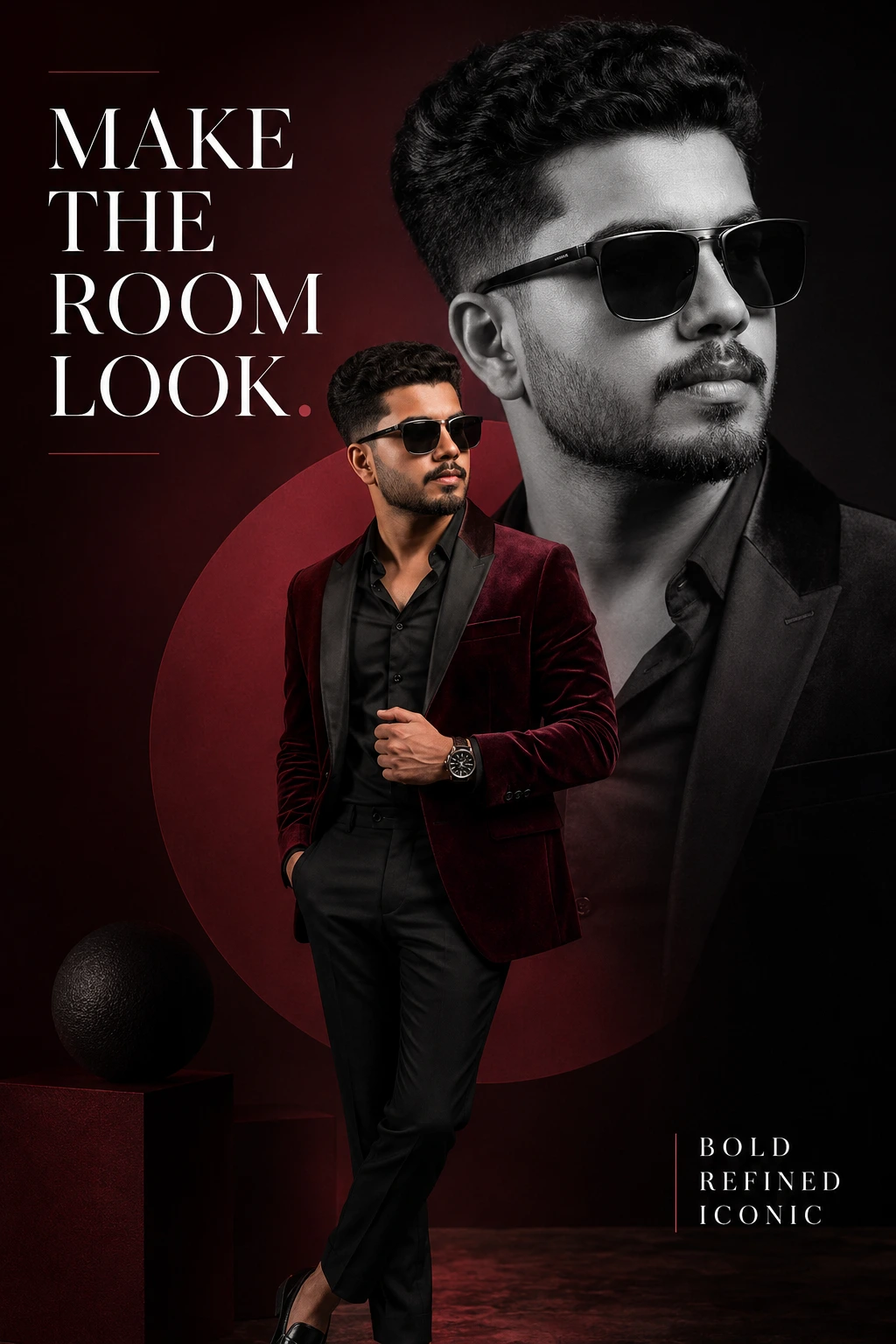
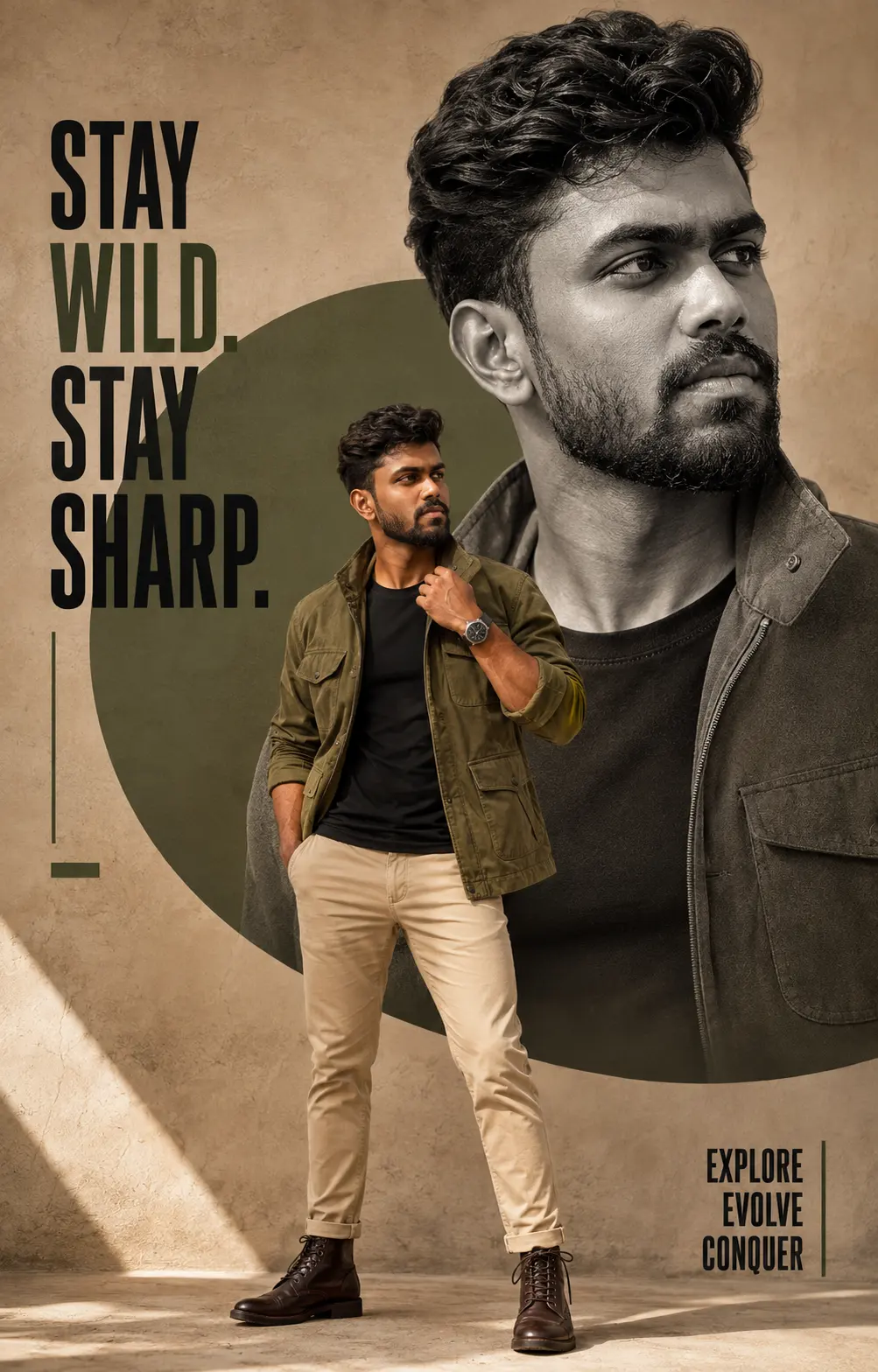
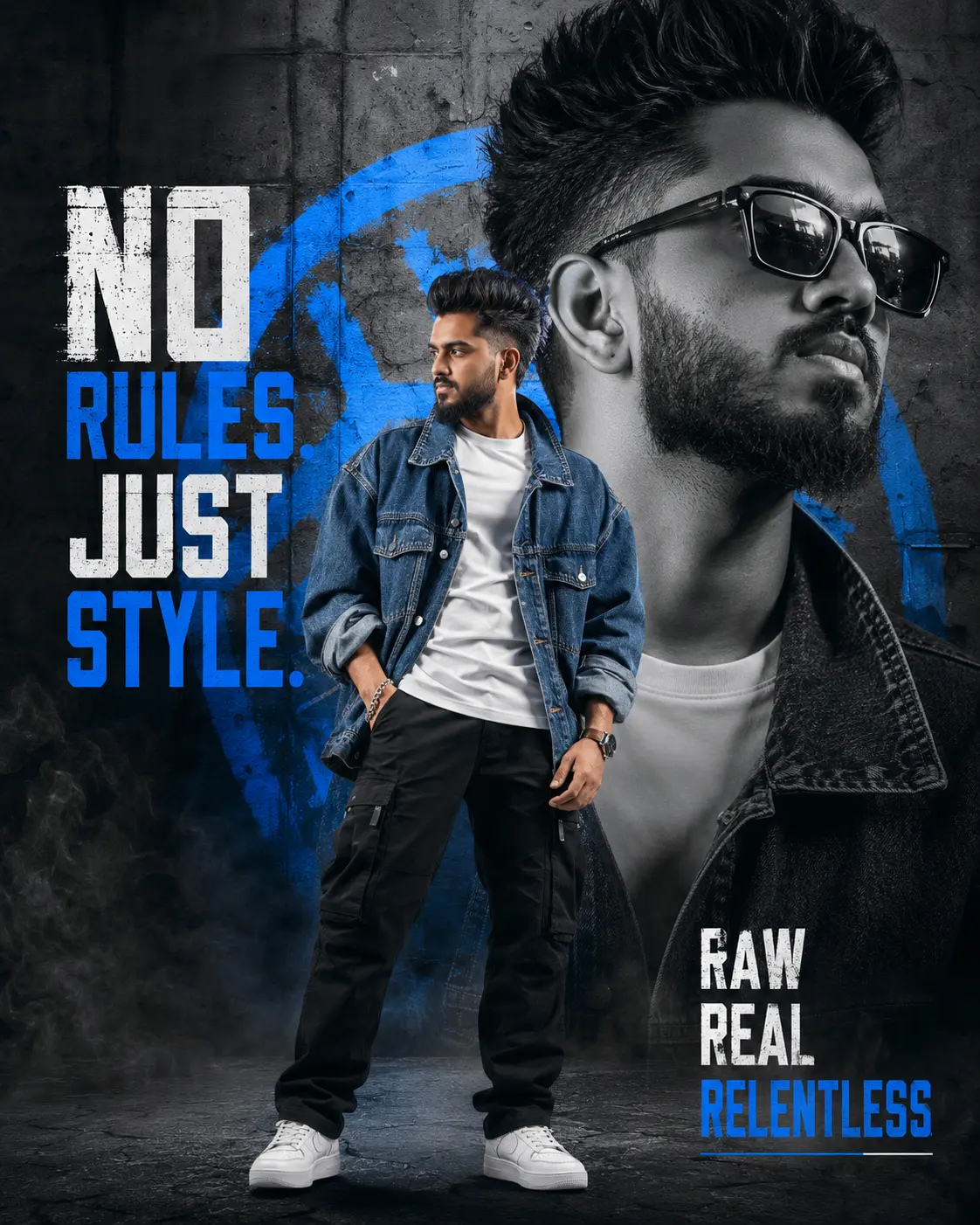
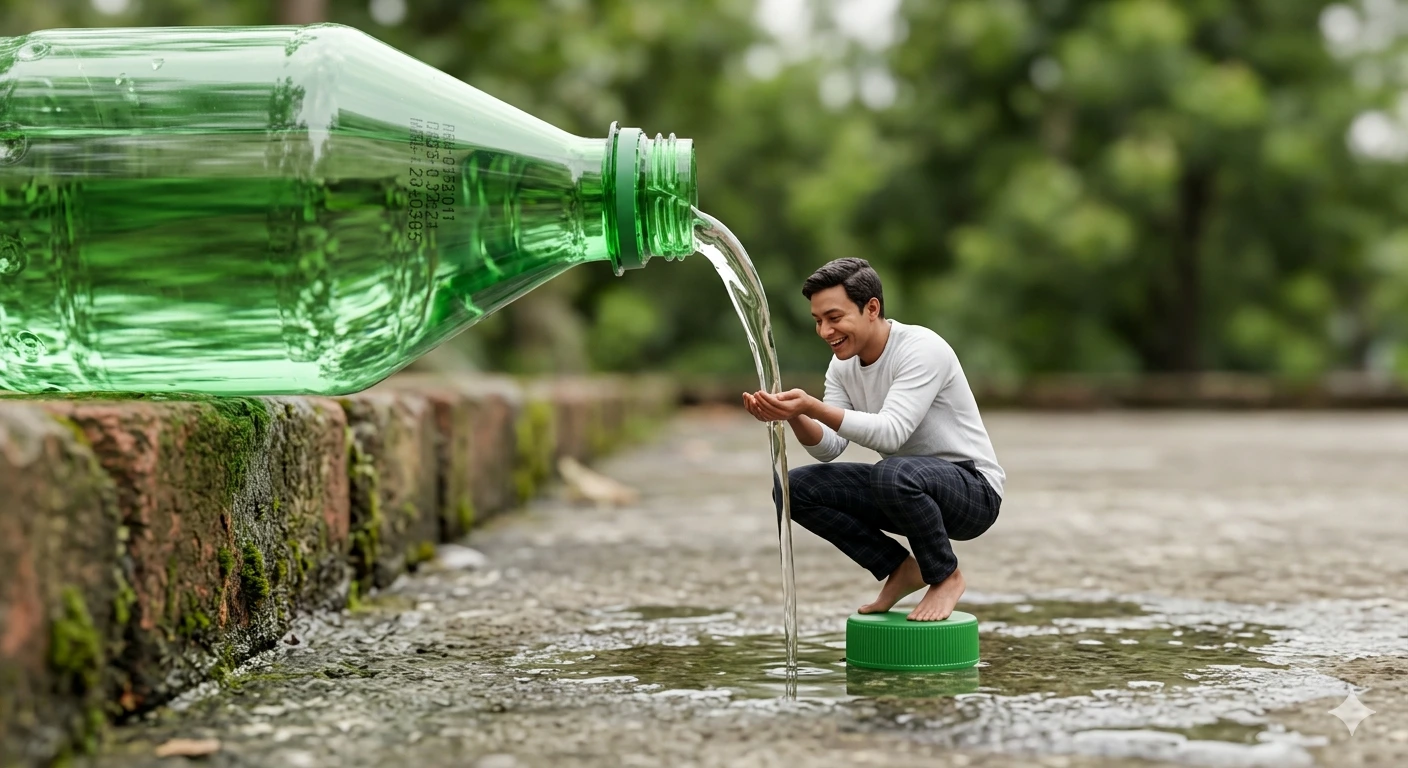
Miniature Cascade – Forced Perspective Giant Bottle Waterfall Scene
Create an epic men AI image using this high-quality prompt optimized for Gemini AI image generation.
Prompt Content
Use this prompt in your favorite AI image generator.
A hyper-realistic forced perspective photography shot capturing a surreal miniature scene in natural daylight. In the immediate foreground, a colossal, translucent green plastic soda bottle rests on a weathered, mossy brick ledge on the left, tilted downwards to pour a crystal-clear, continuous stream of water. The bottle features realistic manufacturing codes and light refraction through the green plastic. In the center of the frame, scaled down to the size of an action figure, a person with uploaded face as reference is crouching atop the detached green bottle cap, which sits on the wet, textured concrete ground. The subject is barefoot, wearing a white long-sleeved shirt and dark checkered trousers, with hands cupped together to catch and drink the falling water stream as if it were a waterfall. The ground is a rough, wet concrete surface with scattered puddles reflecting the sky. The background is a soft, creamy bokeh of lush green trees and foliage, emphasizing the sharp focus on the miniature subject and the giant water bottle. The lighting is soft and diffuse, typical of an overcast afternoon, with high-fidelity textures on the fabric folds, the water surface tension, and the weathered stone, rendered in 8k resolution with raytraced water refractions
How To Use
Reusable Guide- 1Copy the prompt using the "Copy Prompt" button above.
- 2Open your preferred AI model (Gemini AI) and paste the prompt into the input field.
- 3Optionally, replace bracketed placeholders (e.g. [subject], [style]) with your own values to personalise the output.
- 4Run the prompt and review the result — iterate by tweaking descriptors for different moods or compositions.
- 5Save or export your favourite generations directly from the AI tool's interface.
For best results, use this prompt as-is before making edits — the defaults are already optimised.