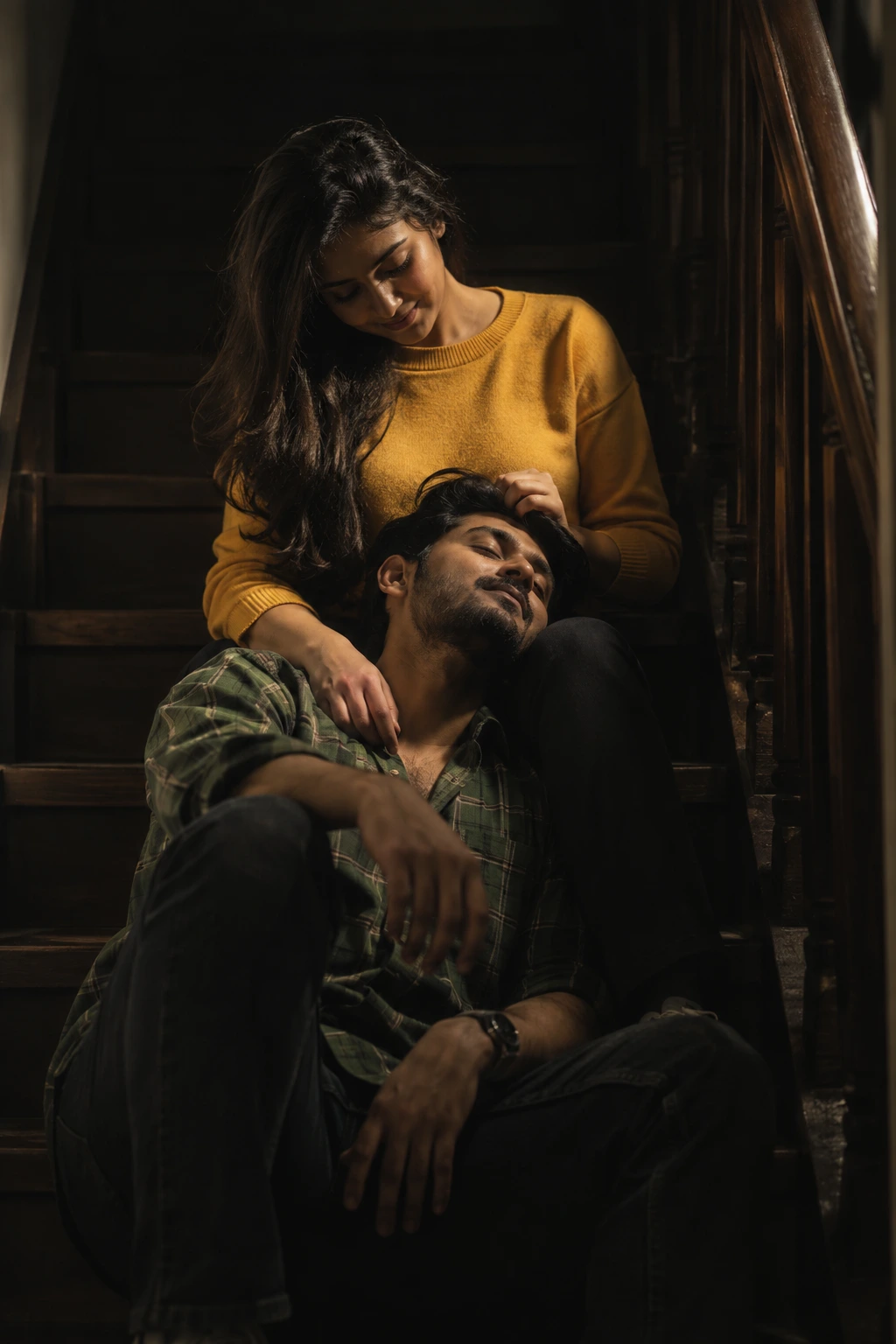
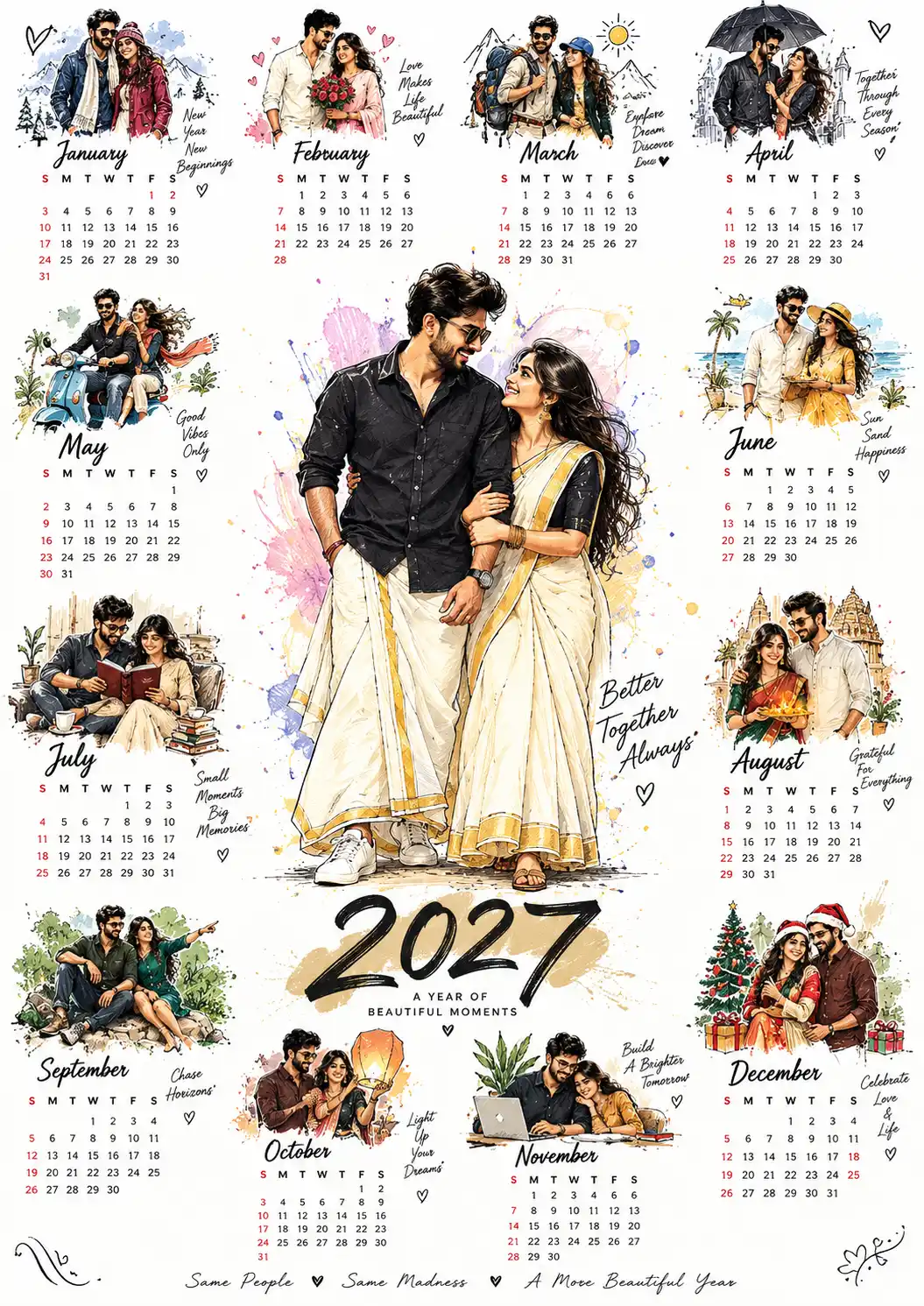
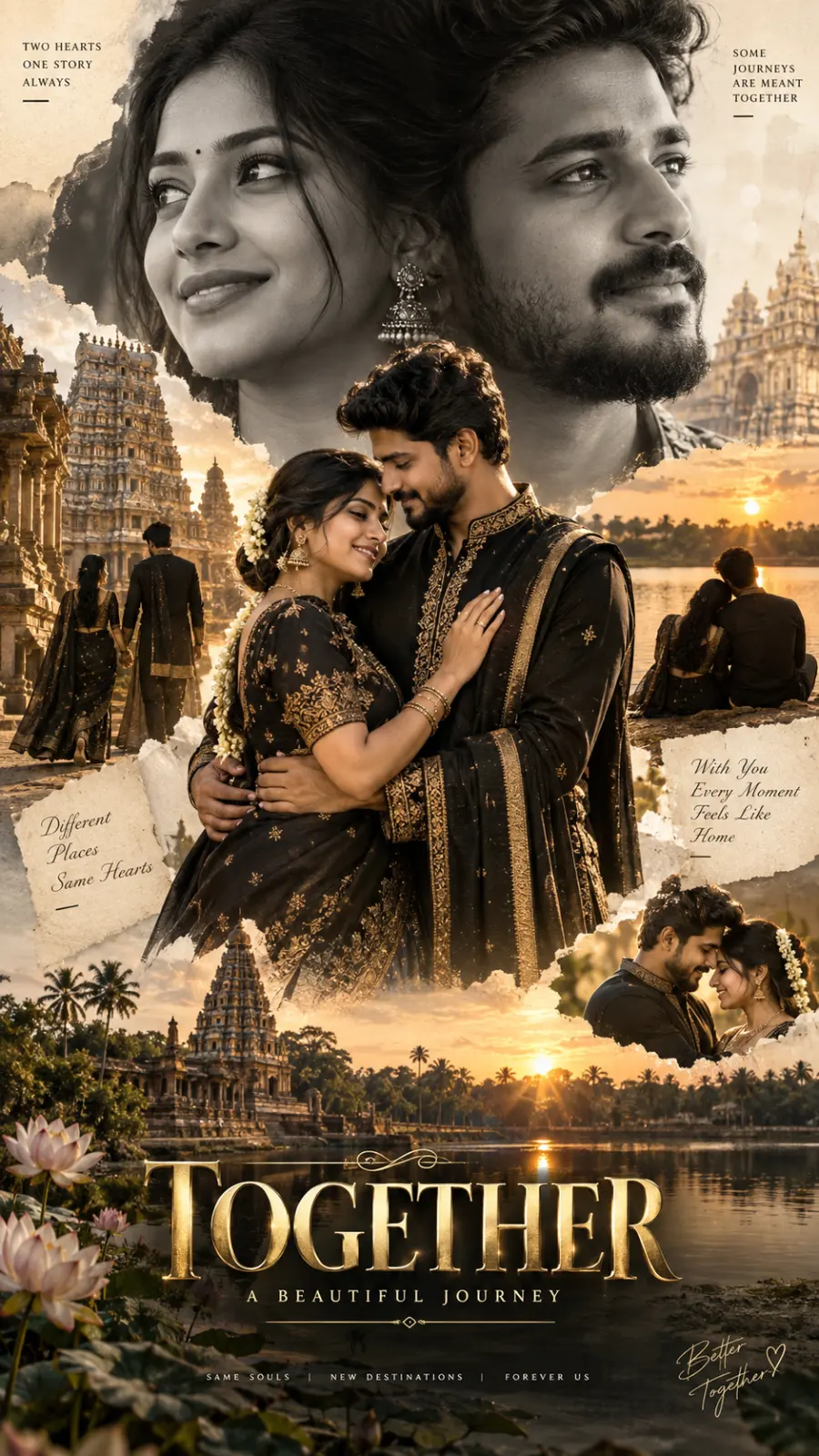
Playful Romance in Traditional Attire
A detailed couple image titled "Playful Romance in Traditional Attire", crafted with approximately 217 words of visual direction for Chat GPT. It produces a finished visual showcasing clear subject focus, harmonious color treatment, and refined environmental context suitable for portfolio, editorial, or commercial concept projects. This prompt balances a distinct couple subject with concrete composition, directional lighting, and textural cues. By explicitly defining the atmosphere and photographic parameters, it prevents the generator from resorting to generic procedural styling.
Prompt Content
Use this prompt in your favorite AI image generator.
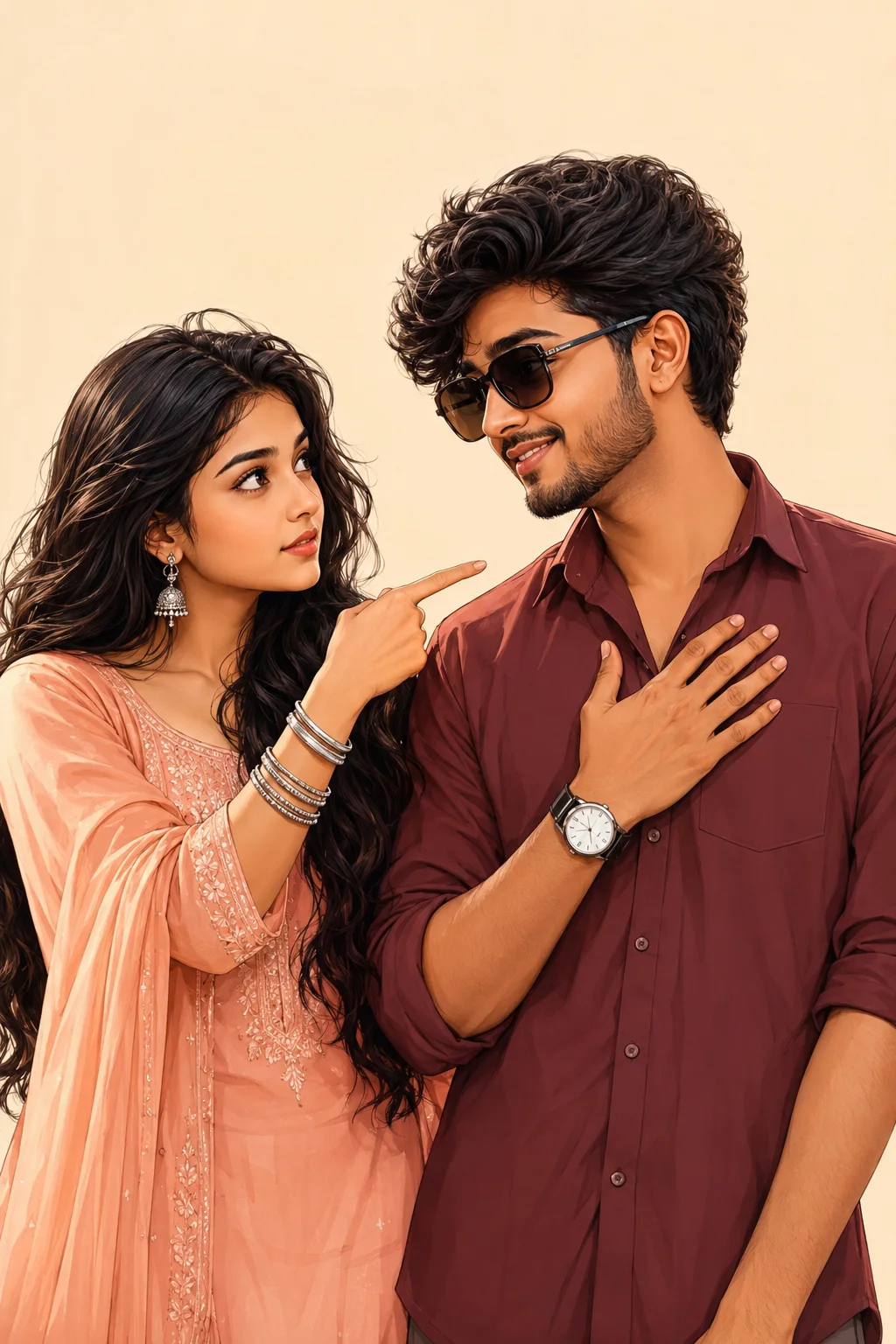
A romantic semi-realistic digital illustration of a beautiful young South Asian couple standing together against a clean plain beige background. The girl has long wavy black hair, expressive dark brown eyes, thick eyebrows, and soft glowing skin. She is wearing a light peach traditional salwar kameez with delicate embroidery, a matching dupatta, silver jhumka earrings, and stacked silver bangles.She is pointing her index finger toward the young man with a slightly serious yet adorable expression while looking directly at him. The young man, wearing black sunglasses, a charming smile, soft facial features, warm brown eyes, and fair wheatish skin. He is wearing a maroon casual button-up shirt with rolled-up sleeves and a wristwatch same design as reference image. His right hand is placed on his chest as he looks affectionately at the girl with a shy, loving smile. Both characters are standing close together, creating a sweet romantic atmosphere with natural body language and emotional eye contact.Soft cinematic lighting, warm pastel color palette, ultra-detailed facial features, smooth skin shading, clean line art, semi-realistic anime-inspired illustration, premium digital painting, elegant composition, minimal background, high contrast, 8K resolution, ultra HD, masterpiece, highly detailed, sharp focus, professional artwork, vibrant yet natural colors, trending on ArtStation, perfect proportions, no text, no watermark. 4:6 ratio less don't change reference face
How To Use
Reusable Guide- 1Copy the complete prompt text into your preferred AI image generator (e.g., Chat GPT).
- 2Review the initial output against the recommended aspect ratio (1:1) to verify composition.
- 3Customize the key variables above (such as couple posing & chemistry or ceremony & bridal attire) to suit your creative vision.
- 4Refine the guidance scale or apply negative prompt exclusions to eliminate any artifacts without compromising image fidelity.
For best results, use this prompt as-is before making edits — the defaults are already optimised.