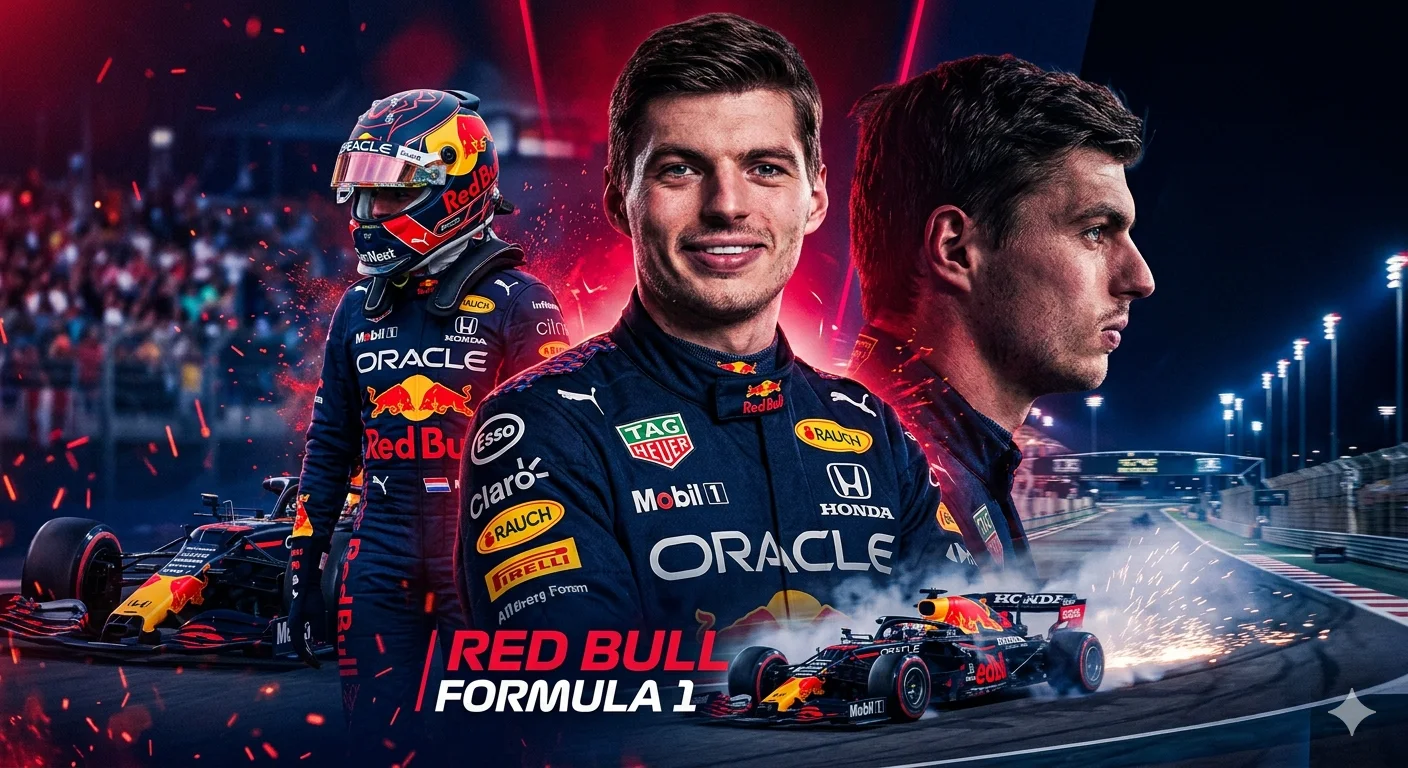
Red Bull Racing – Cinematic Multi-Frame Formula 1 Driver Promotional Poster
Create an epic sport AI image using this high-quality prompt optimized for Gemini AI image generation.
Prompt Content
Use this prompt in your favorite AI image generator.
Create a cinematic Formula 1 poster using the reference photo as the main driver. The driver should be wearing a Red Bull Racing Formula 1 suit with realistic details and sponsor patches. Composition similar to a professional F1 promotional poster: Large portrait of the driver in the center (confident expression). Background with intense Red Bull Racing colors (dark blue, red, neon highlights, energy effects).On the left side, a version of the driver wearing a Red Bull F1 helmet On the right side, a side profile of the driver looking toward the track. At the bottom, a modern Red Bull Formula 1 car on a race track with smoke and speed effects. Full-body shot of the driver standing next to the car holding the helmet. Style: ultra-realistic sports poster, dramatic lighting, sparks, motion blur, racing atmosphere, cinematic contrast, high detail, professional motorsport advertising, 8K, sharp focus.Background environment: night race circuit with lights, energy particles, speed streaks and crowd lights. Color palette: Red Bull racing blue, red accents, metallic reflections, high contrast. Poster style typography at the bottom: "Red Bull Formula 1". dynamic motorsport poster layout with multiple compositions of the same driver, similar to modern Formula 1 team promotional artwork
How To Use
Reusable Guide- 1Copy the prompt using the "Copy Prompt" button above.
- 2Open your preferred AI model (Gemini AI) and paste the prompt into the input field.
- 3Optionally, replace bracketed placeholders (e.g. [subject], [style]) with your own values to personalise the output.
- 4Run the prompt and review the result — iterate by tweaking descriptors for different moods or compositions.
- 5Save or export your favourite generations directly from the AI tool's interface.
For best results, use this prompt as-is before making edits — the defaults are already optimised.