SHADOW REBORN
Create an epic fantasy AI image using this high-quality prompt optimized for Flow AI image generation.
Prompt Content
Use this prompt in your favorite AI image generator.
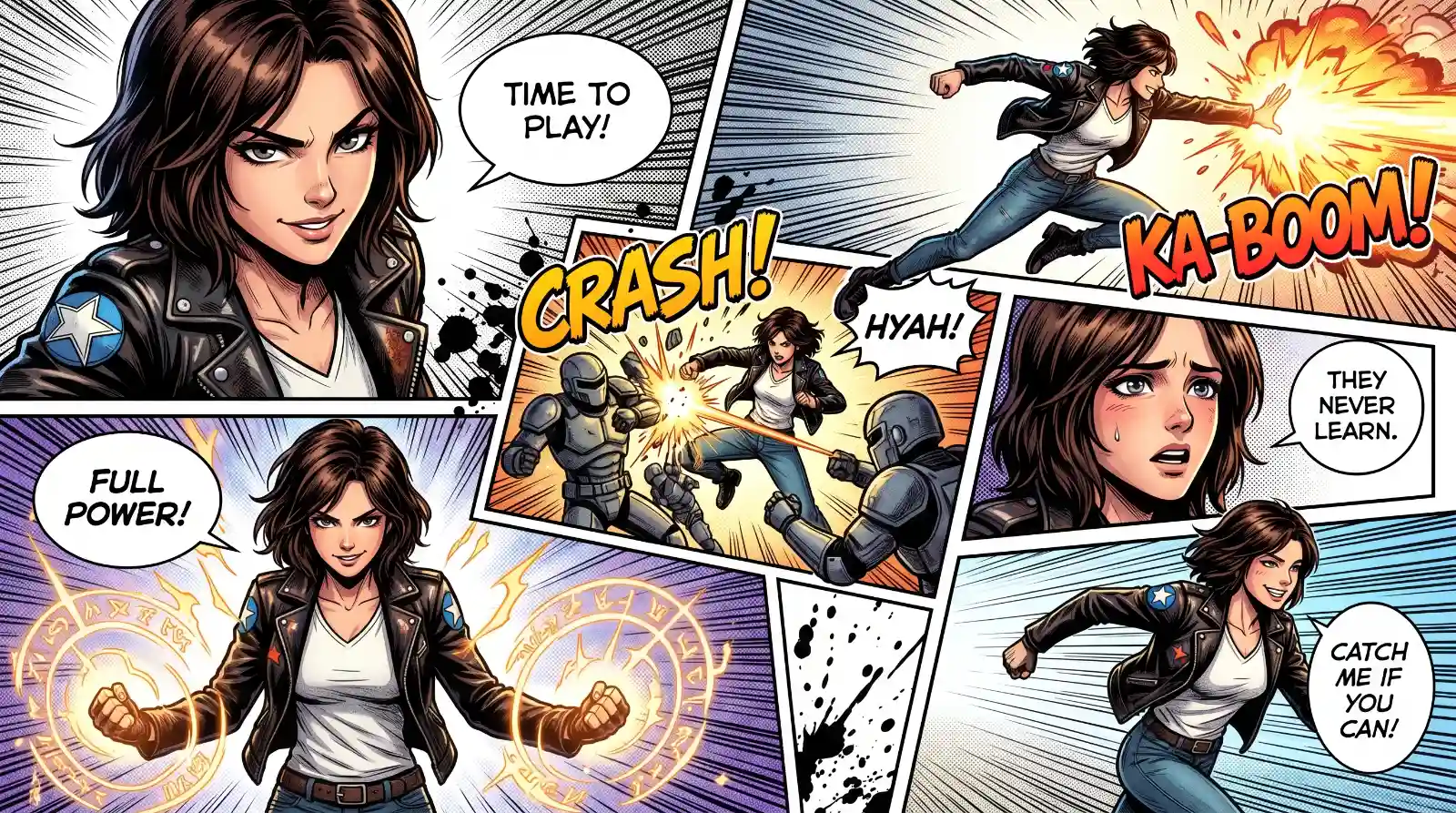
Create a full-page colored manga illustration based on the person in the reference photo. Use authentic manga page composition with 5–7 dynamic connected panels on a single page. Include cinematic storytelling, dramatic perspective, expressive emotions, dynamic poses, speed lines, impact frames, close-up shots, and intense visual flow.Add English comic-style sound effects, handwritten dialogue bubbles, ink splatter strokes, halftone textures, rough comic sketch lines, and graffiti-inspired brushwork. Blend vibrant colors with manga-style shading and strong contrast. Emphasize the character’s personality and aura with symbolic visual elements and atmospheric energy effects. Highly detailed, emotional, stylish, energetic, professional manga aesthetic with clean white negative space mixed with chaotic ink textures.Hand-drawn look, free-flowing lines, immersive composition, high quality. Aspect ratio 9:16 HD.
How To Use
Reusable Guide- 1Copy the prompt using the "Copy Prompt" button above.
- 2Open your preferred AI model (Flow AI) and paste the prompt into the input field.
- 3Optionally, replace bracketed placeholders (e.g. [subject], [style]) with your own values to personalise the output.
- 4Run the prompt and review the result — iterate by tweaking descriptors for different moods or compositions.
- 5Save or export your favourite generations directly from the AI tool's interface.
For best results, use this prompt as-is before making edits — the defaults are already optimised.