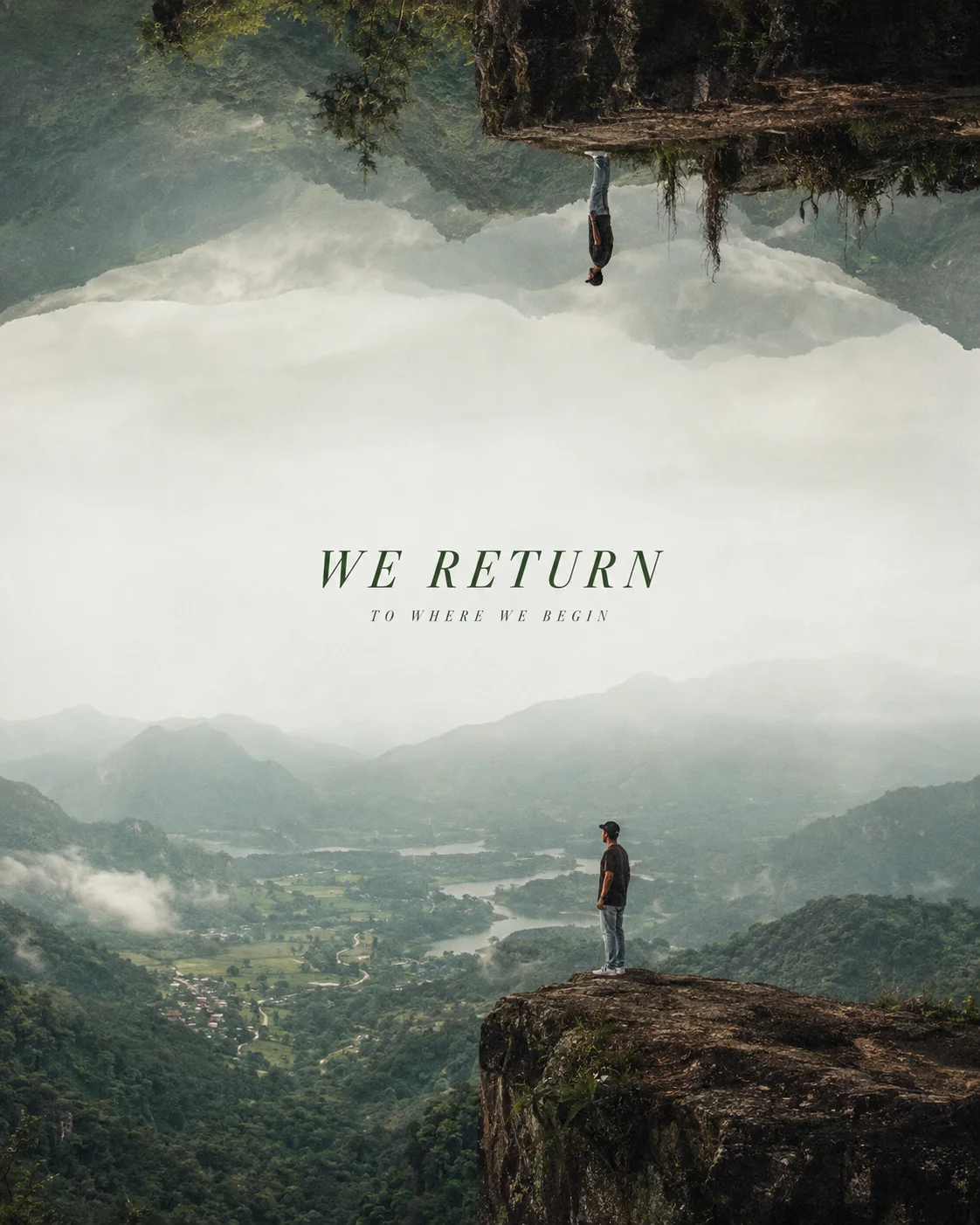
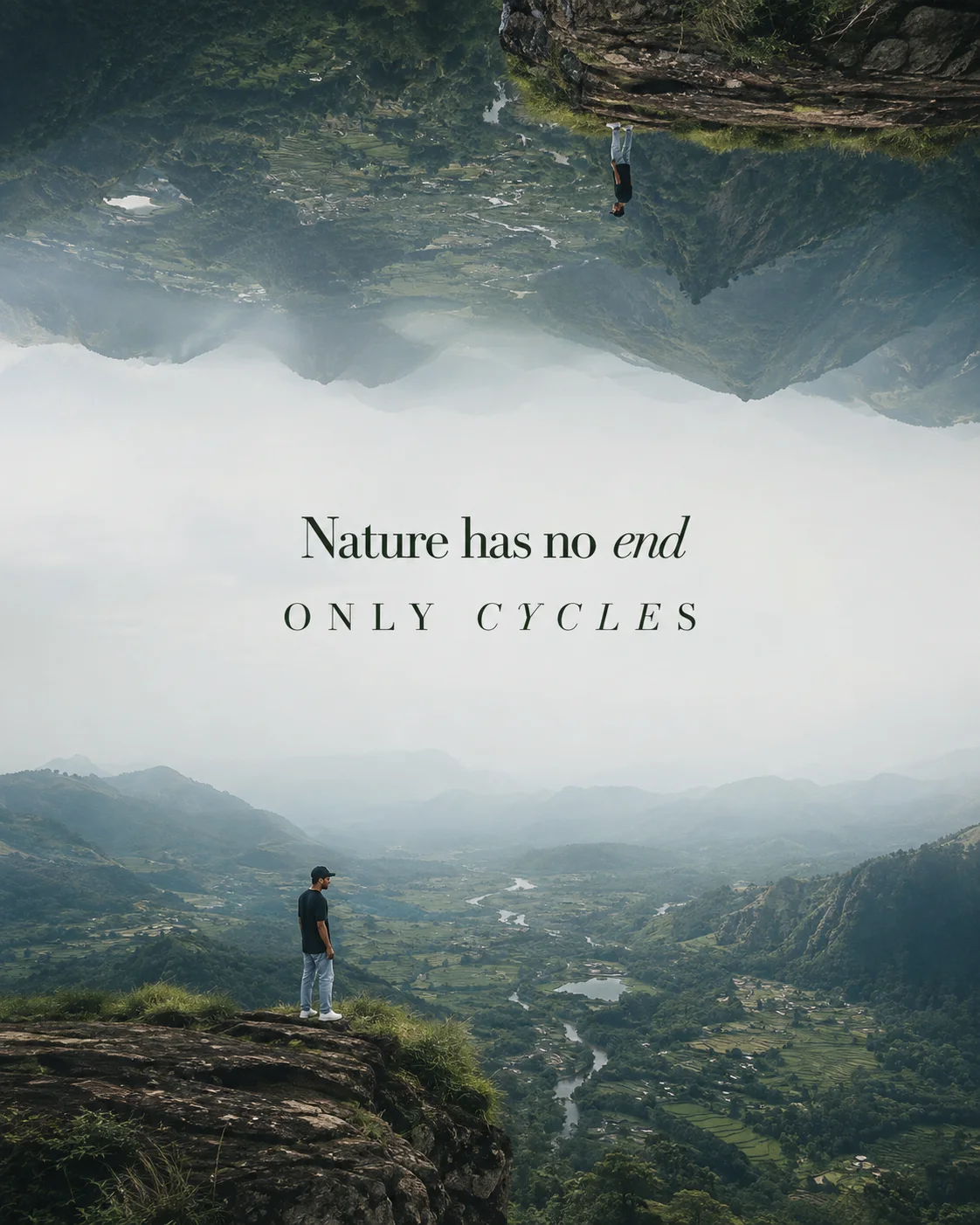
Surreal Mirrored Mountain Valley Poster
Surreal Mirrored Mountain Valley Poster is a nature & landscape image-generation prompt prepared for Chat GPT. The prompt is approximately 169 words long and describes environment, weather, light, depth, textures, and natural composition. It gives particular attention to lighting, color treatment, environment, and other visual details. Use it as a starting point, then adjust the subject, setting, or visual treatment to match your own project.
Prompt Content
Use this prompt in your favorite AI image generator.
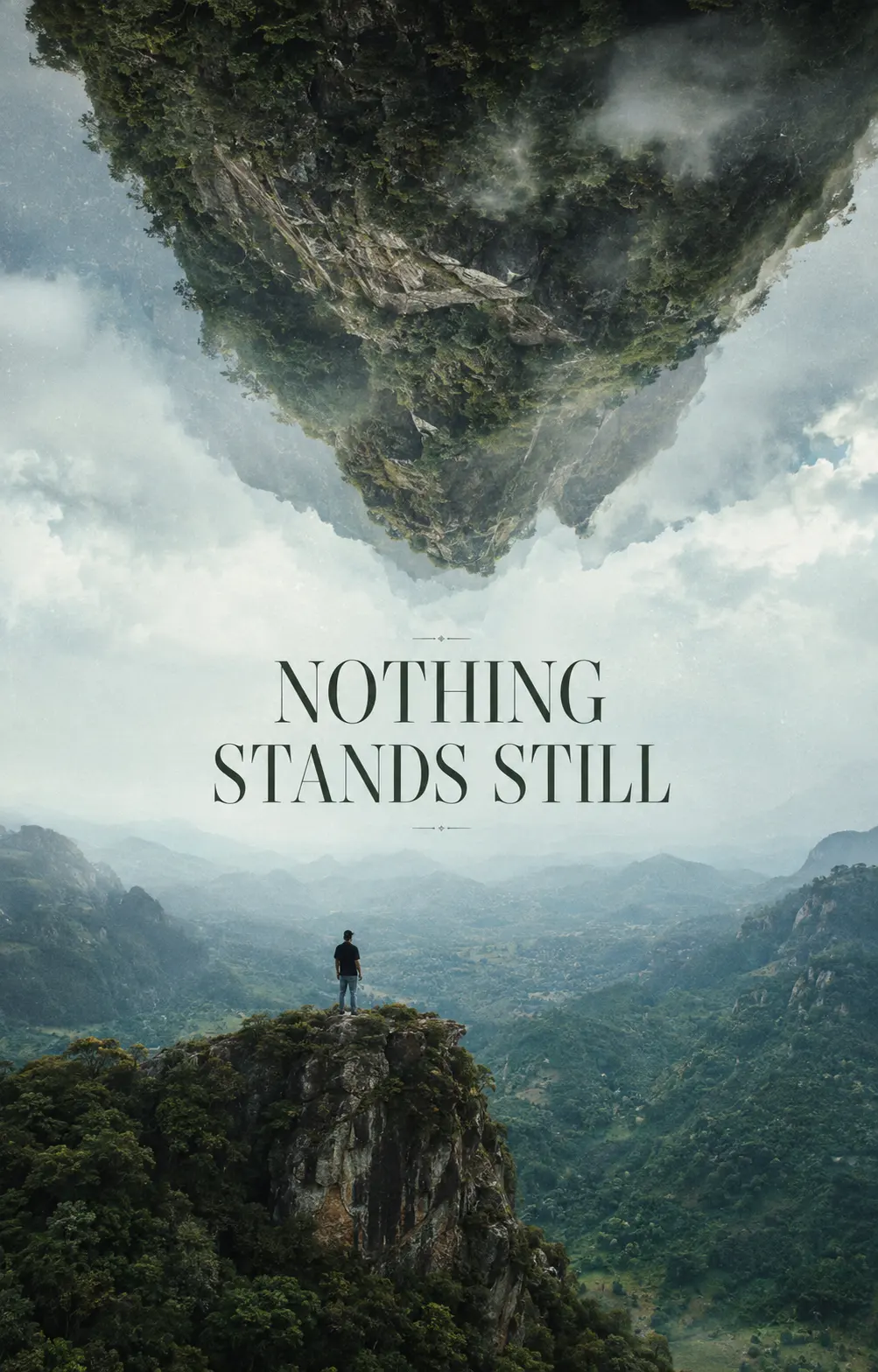
Create a surreal ultra-realistic cinematic nature editorial poster in 4:5 vertical format. Instead of a traditional mirrored landscape, create the illusion that an enormous mountain landscape is floating vertically in space. The bottom half contains a gigantic tropical mountain valley with a tiny South Indian man standing on a cliff edge. The upper half is an upside-down duplicate world, but allow the forests, mountains and mist to naturally deform and merge into one another. The two cliffs should appear like opposite sides of a gigantic floating natural planet. The man wears a black baseball cap, oversized black T-shirt, faded blue baggy jeans and white sneakers. Keep him extremely small to emphasize the overwhelming scale of nature. A vast pale blue-gray atmospheric void separates the two landscapes. Center typography: “NOTHING” “STANDS STILL” Use sophisticated editorial serif typography in deep forest green. Natural soft daylight, cinematic aerial perspective, realistic tropical vegetation, muted teal mountains, delicate fog and analog film texture. The surrealism should be subtle and intellectually intriguing rather than fantasy-like.
How To Use
Reusable Guide- 1Copy the full prompt and paste it into Chat GPT.
- 2Keep the core subject and visual direction intact on the first generation so you can see the intended result before changing details.
- 3Replace or edit specific elements such as the subject, outfit, location, mood, camera direction, or color treatment when the prompt includes those details.
- 4Generate a first version, identify the part that needs improvement, and make one or two targeted changes instead of rewriting everything at once.
- 5Save the version that works best and record the changes you made if you want to reuse the same visual approach later.
For best results, use this prompt as-is before making edits — the defaults are already optimised.