Symbiote Break: Awakening Force
Create an epic sci-fi AI image using this high-quality prompt optimized for Gemini AI image generation.
Prompt Content
Use this prompt in your favorite AI image generator.
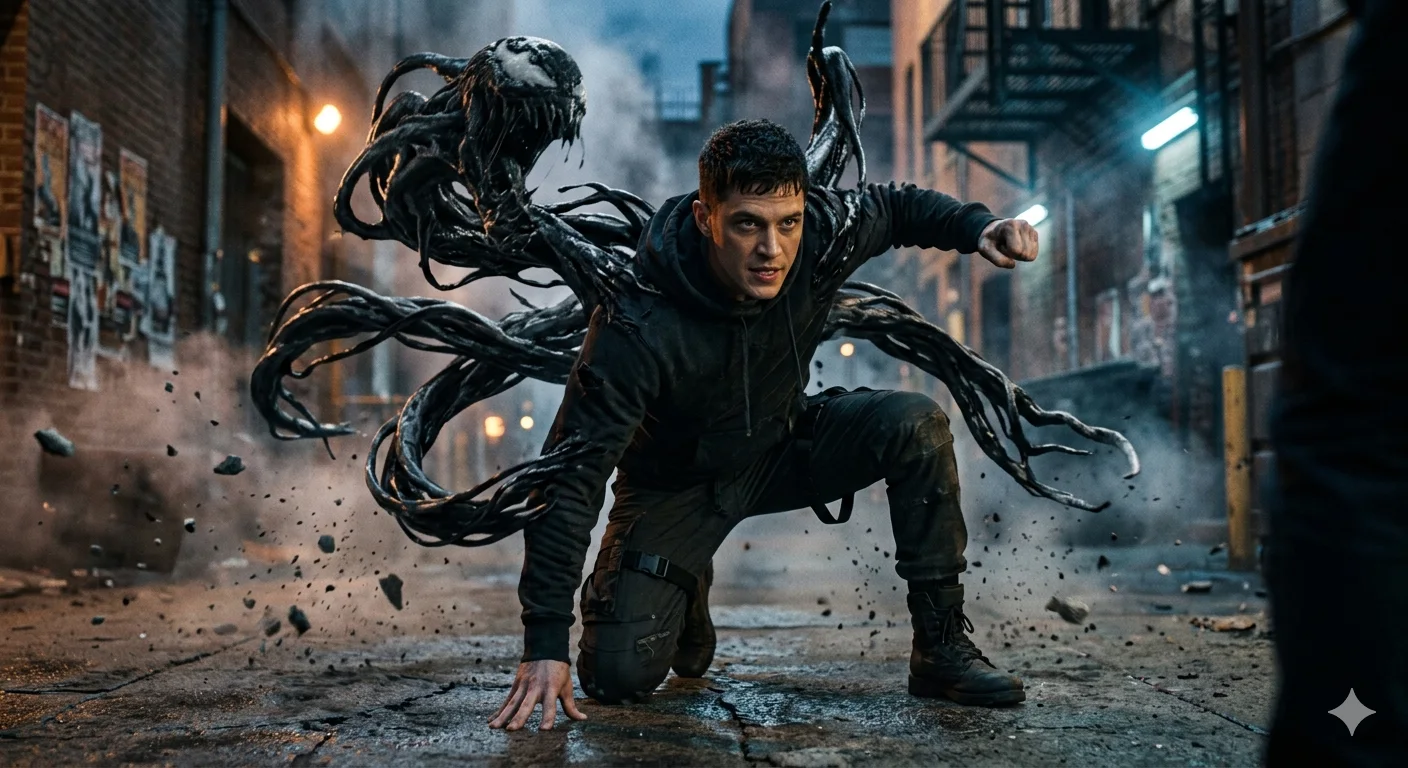
16K ultra-realistic cinematic movie scene of the same young man, preserving his exact facial features, identity, and natural proportions from the reference image (do not alter or redesign his face in any way). He is captured in a dynamic action pose: slightly crouched forward in a powerful, explosive movement as if he is about to leap or strike. One knee is bent close to the ground, one hand is firmly pressed against the surface for support, while the other arm reaches forward aggressively. From his back emerges a dark, alien organic symbiote-like substance, highly detailed and fluid, forming large menacing tendrils that wrap and expand dynamically. The entity appears alive, with a terrifying abstract monstrous face forming above his shoulder made of the same living material (non-human, non-specific design). The environment is cinematic and dramatic, with volumetric lighting, flying debris, atmospheric smoke, and high contrast shadows. Motion blur emphasizes speed and impact. Ultra-detailed textures, film-grade color grading, IMAX-level realism, shallow depth of field, and intense action mood.
How To Use
Reusable Guide- 1Copy the prompt using the "Copy Prompt" button above.
- 2Open your preferred AI model (Gemini AI) and paste the prompt into the input field.
- 3Optionally, replace bracketed placeholders (e.g. [subject], [style]) with your own values to personalise the output.
- 4Run the prompt and review the result — iterate by tweaking descriptors for different moods or compositions.
- 5Save or export your favourite generations directly from the AI tool's interface.
For best results, use this prompt as-is before making edits — the defaults are already optimised.