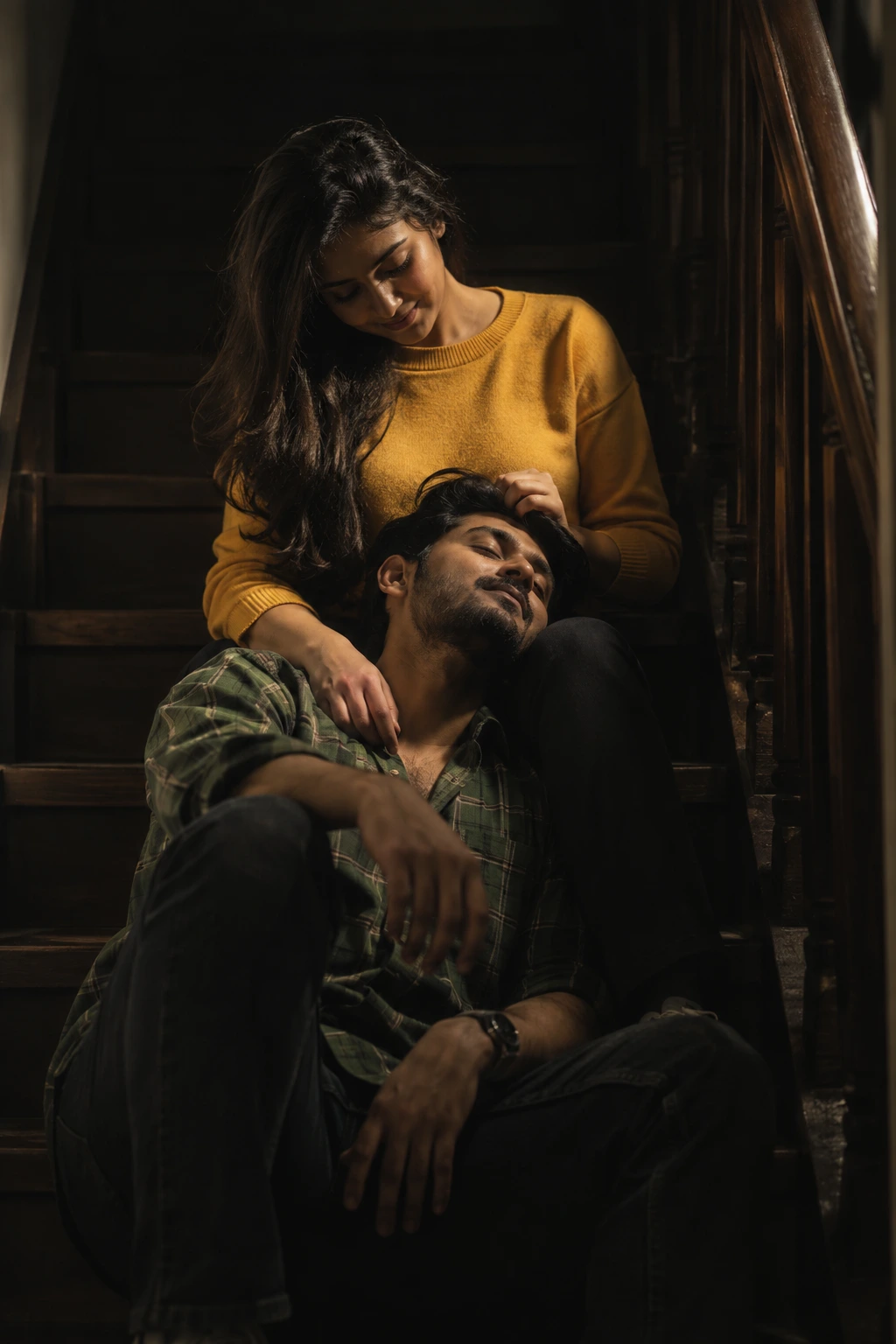
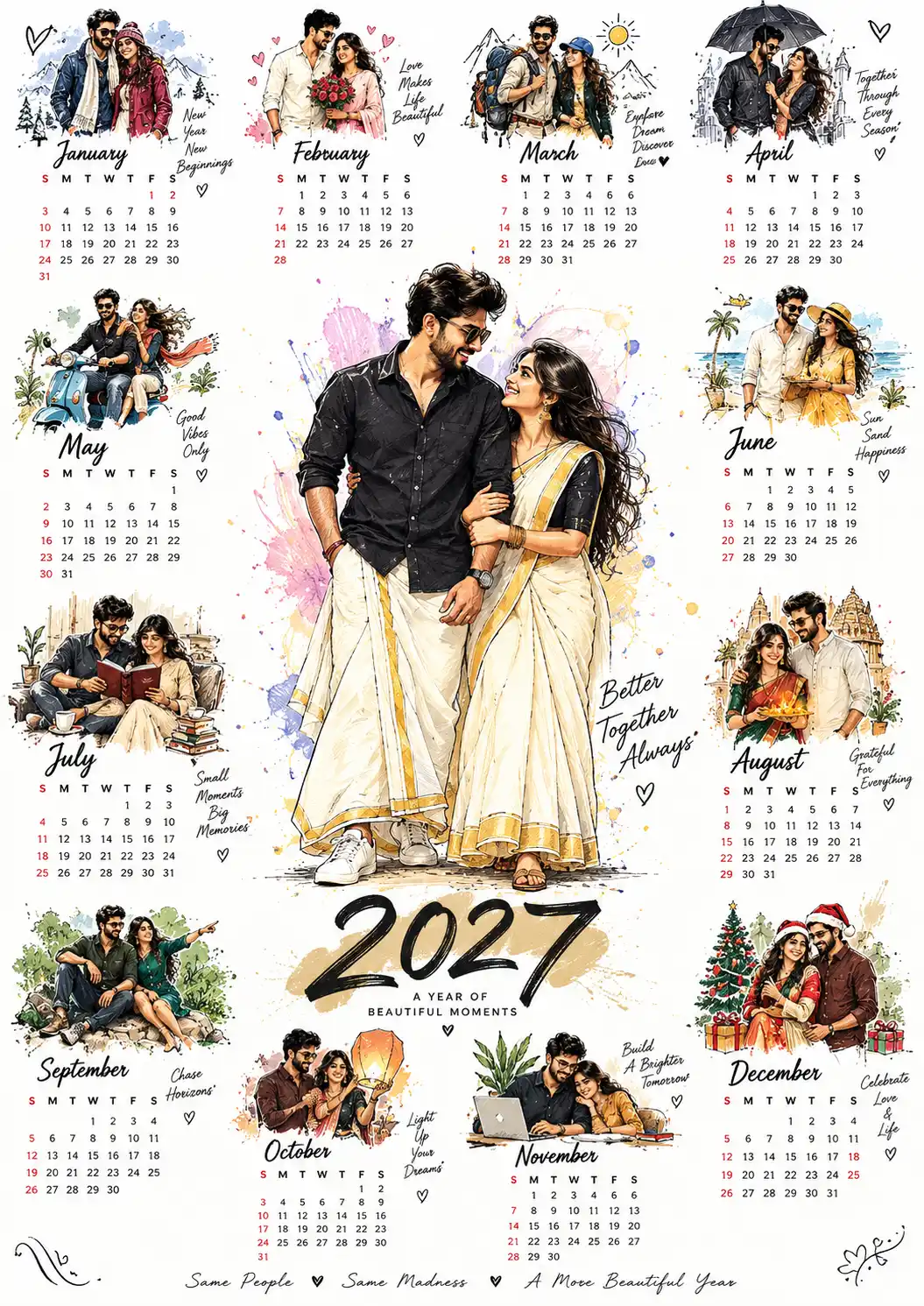
Two hearts, one shoelace
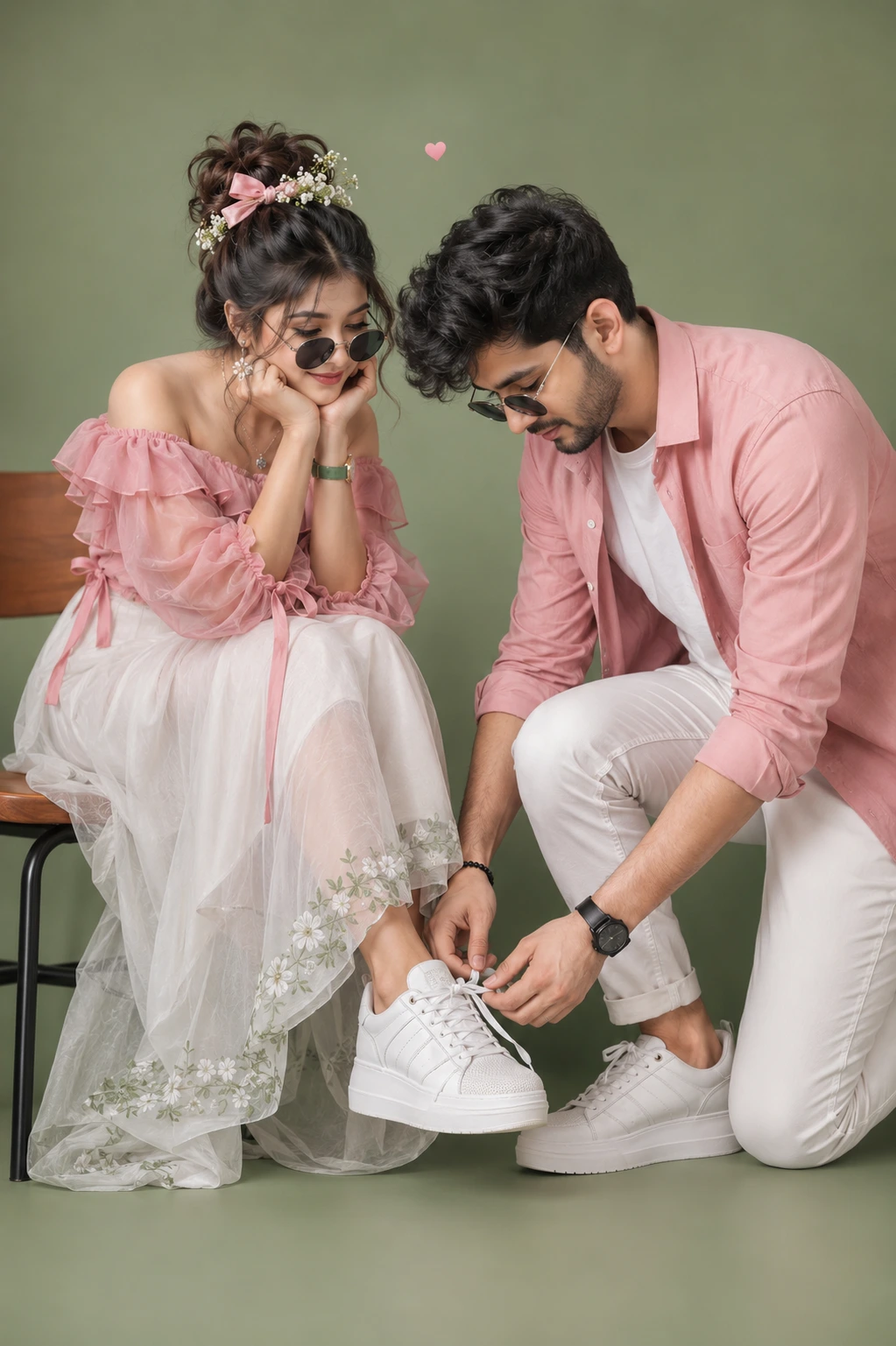
A detailed couple image titled "Two hearts, one shoelace", crafted with approximately 471 words of visual direction for Chat GPT. It produces a finished visual showcasing clear subject focus, harmonious color treatment, and refined environmental context suitable for portfolio, editorial, or commercial concept projects. Controlled studio-style lighting balances highlights and preserves micro-textures across surfaces without harsh blowout. Shallow depth of field with creamy optical bokeh draws immediate visual attention to fine subject details. Specific tactile material descriptors prevent flat procedural rendering, prompting the AI to render realistic tactile surface qualities.
Prompt Content
Use this prompt in your favorite AI image generator.
Keep 100 percent same face as attached images (Preserve Composition & Pose): Create an ultra-realistic, DSLR-quality portrait by transforming the attached stylized illustration into a lifelike photograph while preserving the exact composition, pose, facial expressions, camera angle, framing, clothing colors, accessories, and emotional interaction. Keep the identities, body proportions, and overall arrangement identical to the reference, replacing only the cartoon/chibi appearance with realistic human features. The scene features a young couple in a sweet romantic moment against a clean soft sage-green studio background. The young woman sits elegantly on a minimalist wooden chair with black metal legs, leaning forward with both elbows resting on her knees and her chin supported by both hands.She gazes affectionately at the man with a warm, admiring smile while he kneels in front of her, gently tying the laces of her sneaker. The woman has fair, natural skin, expressive eyes, glowing makeup with matte pink lips. Her dark hair is styled in a voluminous messy high bun with loose wispy strands framing her face. The hairstyle is decorated with a pink satin bow and delicate white baby's breath flowers.She wears elegant floral drop earrings, a fine pendant necklace, a slim wristwatch with a green strap, and round black sunglasses resting low on her nose. She is dressed in a pink off-shoulder chiffon blouse featuring layered ruffles, sheer puff sleeves, soft gathered cuffs, and ribbon ties at the waist that hang naturally. Her flowing white layered tulle maxi skirt has subtle sage-green floral embroidery along the hem and realistic fabric transparency with soft folds. She wears clean white chunky platform sneakers, one foot resting naturally while the other is being tied by the man. The young man kneels on one knee with complete focus while carefully tying the woman's shoelace. He has fair skin, thick tousled dark hair and trimmed beard with natural texture, soft facial features and slightly lowered round black sunglasses. His expression is calm, gentle, and affectionate.He wears a pink casual button-up shirt with rolled sleeves layered over a fitted white crew-neck T-shirt, paired with slim white cuffed trousers. Accessories include a black wristwatch and a black beaded bracelet. He also wears matching clean white platform sneakers with realistic leather texture and detailed laces. Maintain the intimate interaction where the woman lovingly watches the man tie her shoe, creating a heartwarming romantic atmosphere. Include a subtle tiny floating heart above them.Use soft diffused studio lighting, realistic skin texture with visible pores, natural hair strands, accurate fabric physics, lifelike shadows, cinematic depth of field, sharp focus on both subjects, premium color grading, ultra-high detail, photorealistic rendering, HDR, DSLR quality, 85mm portrait lens, f/2.0 aperture, shallow depth of field, soft bokeh, natural color tones, and 8K UHD ultra-realistic resolution. The final image should look like a professional high-end fashion editorial while preserving the original composition exactly.
Usage & Variation Guide
Usage & Variation GuideVariation Advice
Move the setting from a wet metropolitan crosswalk to an autumn park trail with fallen amber maple leaves, or an outdoor train platform under warm evening station lamps. You can also adjust the wardrobe from casual streetwear to tailored wool overcoats.
Suggested Variation Example
See the full technical analysis below for lighting parameters, composition breakdown, and failure mode fixes.