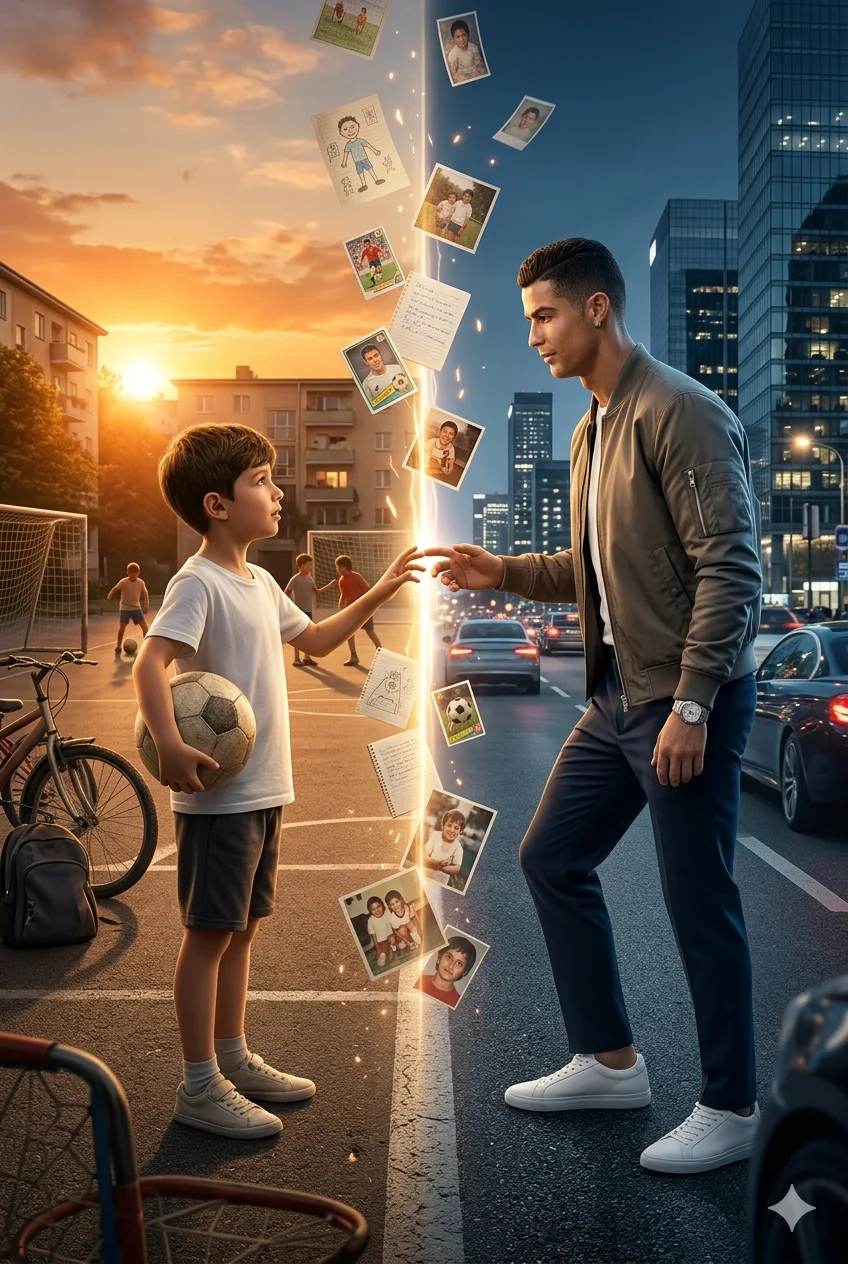
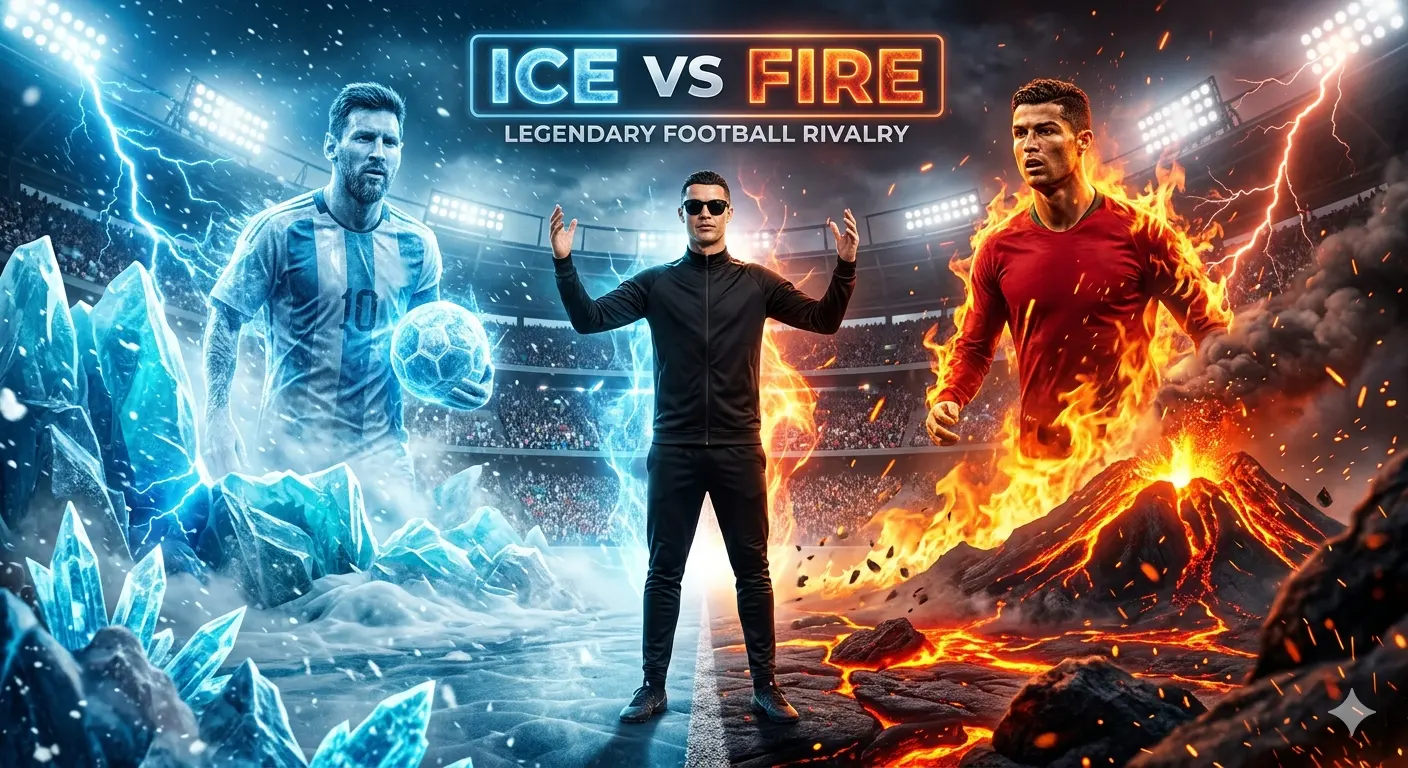
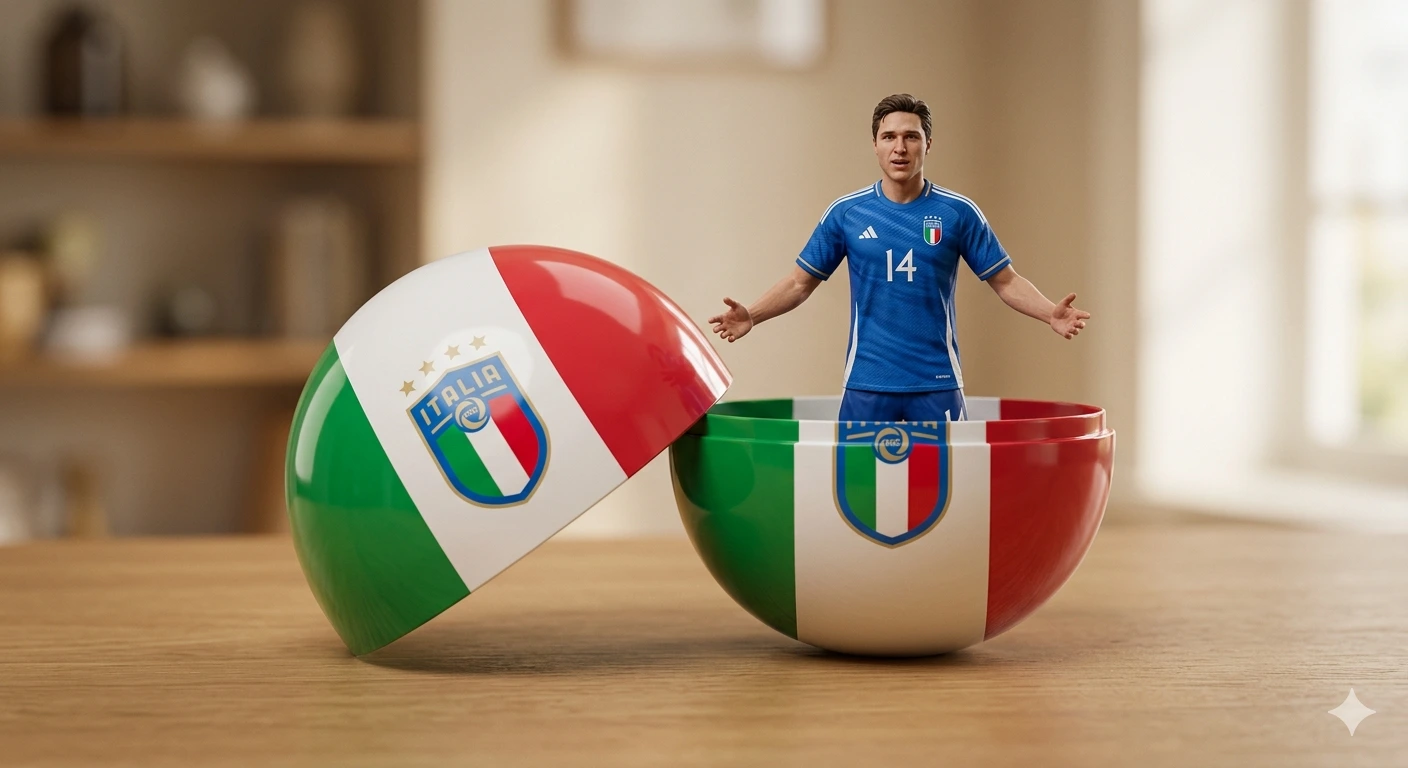
UNSEEN EDGE: Ultra-Premium Minimalist Cinematic Sports Editorial Portrait Poster
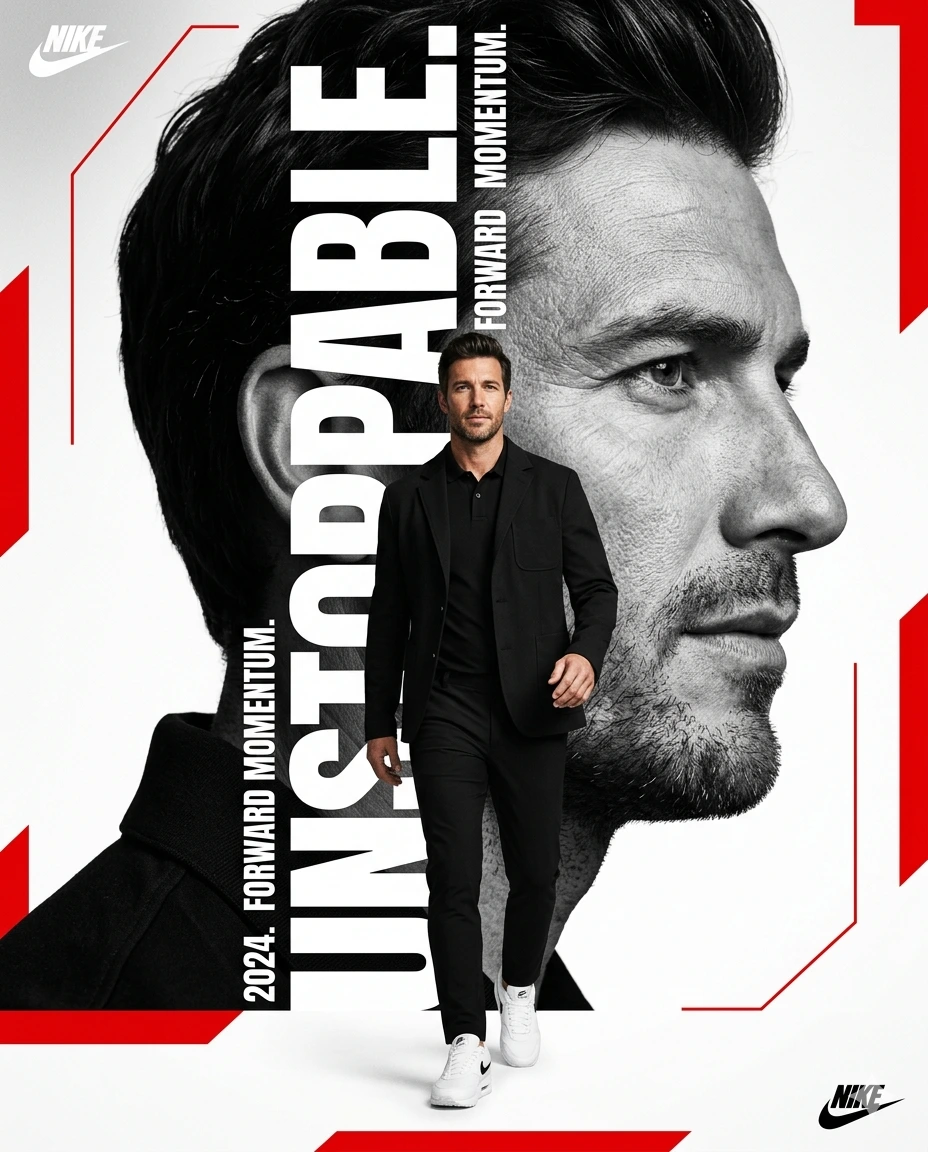
A detailed sport image titled "UNSEEN EDGE: Ultra-Premium Minimalist Cinematic Sports Editorial Portrait Poster", crafted with approximately 114 words of visual direction for Gemini AI. It produces a finished visual showcasing clear subject focus, harmonious color treatment, and refined environmental context suitable for portfolio, editorial, or commercial concept projects. Specific tactile material descriptors prevent flat procedural rendering, prompting the AI to render realistic tactile surface qualities. Industry-standard editorial and compositional cues guide the generative model toward balanced framing and restrained color harmony.
Prompt Content
Use this prompt in your favorite AI image generator.
Ultra-premium minimalist sports poster featuring a confident man walking forward in an elegant all-black outfit, black jacket, polo shirt, tailored trousers, and white sneakers. Massive black-and-white side-profile portrait dominating the background with sharp facial details, realistic skin texture, natural expression, and cinematic depth. Bold vertical typography creatively integrated through the portrait using modern cutout techniques.Clean white background with striking red geometric accents. Luxury magazine cover aesthetic, premium branding style, modern editorial layout, cinematic lighting, subtle shadows, realistic depth, professional advertising campaign look, Nike-inspired sports poster, ultra-realistic photography, crisp details, high contrast, premium typography, powerful composition, sophisticated graphic design, trending Instagram poster edit, Adobe Photoshop masterpiece, 4K Ultra HD, sharp focus, vertical 4:5 aspect ratio.
How To Use
Reusable Guide- 1Copy the complete prompt text into your preferred AI image generator (e.g., Gemini AI).
- 2Review the initial output against the recommended aspect ratio (1:1) to verify composition.
- 3Customize the key variables above (such as subject & focal point or lighting & atmosphere) to suit your creative vision.
- 4Refine the guidance scale or apply negative prompt exclusions to eliminate any artifacts without compromising image fidelity.
For best results, use this prompt as-is before making edits — the defaults are already optimised.