Gemini AI Image Generation: The Complete Guide for 2026
“Everything you need to know about generating images with Google Gemini AI, from writing your first prompt to advanced techniques for professional results.”
Google Gemini has emerged as one of the most capable AI image generators available, combining Google's research leadership in multimodal AI with a user interface that makes high-quality image generation accessible to anyone with a Google account. This guide covers everything from setting up your first generation to the advanced prompt strategies that produce professional-quality results consistently.
Getting Started with Gemini Image Generation
Gemini image generation is available through Google's Gemini web app and the Gemini API. The web app provides the most accessible entry point: navigate to gemini.google.com, sign in with a Google account, and you can begin generating images immediately. The interface accepts natural language descriptions and returns generated images, with options to generate multiple variations.
Gemini's image generation model, Imagen 3, is built on Google's latest research in text-to-image synthesis. It performs particularly well on photorealistic subjects, architectural visualizations, and natural environments. It also produces strong results for artistic styles when given specific enough style direction. Understanding its particular strengths helps you write prompts that play to those strengths.
The most important thing to understand about Gemini specifically is that it responds very well to detailed, descriptive natural language. Unlike some other image generators that prefer comma-separated keyword lists, Gemini handles complete descriptive sentences effectively. A well-structured description of the complete scene, including who or what is in it, where it is, what the light is like, and what the mood is, often produces better results than a packed list of adjectives.
How to Structure a Gemini Image Prompt
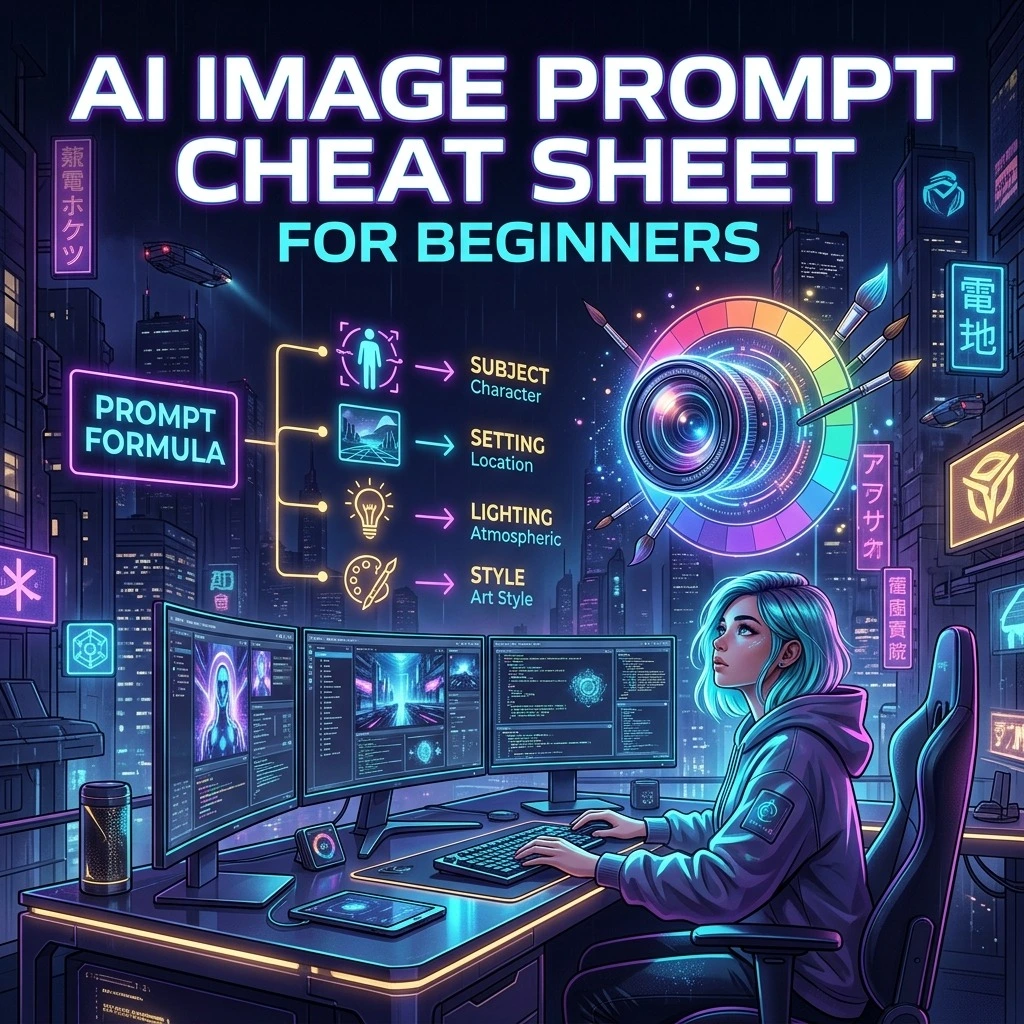
Effective Gemini prompts follow a consistent structure: subject description, environmental context, lighting specification, style or aesthetic direction, and any technical photography parameters. You do not need all five components in every prompt, but including more of them gives Gemini more information to work with and reduces the chance of unexpected outputs.
Subject description should answer: who or what is in the image, what are they doing or what state are they in, and what are the most important visual characteristics? A professional woman in her 40s with short dark hair, wearing a navy blazer, reviewing documents at her desk is much more useful than a professional woman working.
Environmental context answers: where is this happening, what time of day, what is the weather or atmosphere? The environment sets the light quality and creates the narrative frame. In a glass-walled corner office with a city view, late afternoon, long shadows from the setting sun across the desk transforms a basic subject description into a specific, visually distinct scene.
Lighting specification can be simple or technical. At the simple end: natural window light from the left, soft and directional. At the technical end: key light from a north-facing window at 45 degrees, fill light from a white reflector on the right at half the key intensity, no additional flash. Either approach works and the more specific you are, the more consistent the result.
Techniques That Work Specifically in Gemini
Gemini responds particularly well to photographic genre references. Including phrases like in the style of editorial portrait photography or architectural photography in the style of Architectural Digest provides a complete aesthetic framework that Gemini can reference from its training data. This is more reliable than listing individual style descriptors.
Gemini is also responsive to mood and emotional context in ways that some other generators are not. Describing the feeling the image should convey, such as melancholy and introspective, confident and aspirational, or serene and contemplative, influences not just the subject's expression but the entire visual treatment including colour, light, and composition.
For complex scenes with multiple elements, Gemini benefits from hierarchical description: describe the main subject first in detail, then the secondary elements, then the background and atmosphere. This mirrors how the eye moves through a well-composed photograph and helps Gemini prioritize the elements correctly.
Gemini's handling of text in images has improved significantly in recent versions. When you need text in an image such as signs or labels, specify it explicitly and keep it short. Gemini can now render short phrases legibly in many cases, though longer text blocks and specific fonts remain challenging for any image generator.
Advanced Prompt Patterns for Gemini
Aspect ratio control is an important advanced technique. Gemini supports standard aspect ratios including 1:1 for square, 9:16 for portrait and mobile, 16:9 for landscape and widescreen, and 3:4. Specifying the aspect ratio upfront in your prompt allows Gemini to optimize the composition for that format rather than generating a square crop and then reformatting it.
Multi-subject composition requires explicit positional language. Two people standing side by side produces a different composition than two people with one in the foreground partially blocking the other behind. Gemini responds to spatial language like foreground, background, frame left, frame right, center frame, and relative positioning between subjects.
Style combinations require careful handling. When combining two distinct aesthetics such as photorealism with illustration or documentary photography with fine art, specify which elements should have which treatment. Photorealistic skin and fabric texture but with an impressionistic loose-brushwork treatment for the background is more achievable than asking for photorealistic and impressionistic simultaneously without distinction.
Common Gemini Challenges and Solutions
Hands and detailed anatomy remain challenging for Gemini, as they do for most current image generators. The best mitigation strategies are to avoid prompts that require hands in prominent positions, to specify hands out of frame when hands are not part of the intended composition, or to use a medium or close-up shot that naturally excludes hands.
Text rendering in complex typographic layouts is still imperfect. For prompts that require readable text, keep the text extremely short to one to three words, specify a simple font style, and position the text as a single line in the composition. Complex text layouts with multiple lines, mixed fonts, or handwriting remain unreliable.
Very specific real-world locations and buildings may not render accurately even with detailed descriptions, as Gemini generates plausible interpretations rather than reproducing actual places. For location-specific content, describe the visual characteristics of the place rather than its name: a narrow canal street with old stone bridges and colourful facades rather than Venice Italy.
Getting the Best Results from Gemini
Generate multiple variations from each strong prompt. Gemini's outputs vary even from the same prompt, and generating four or more versions gives you options to select from. One variation may have better lighting, another better composition. Starting from a strong prompt and generating multiple outputs is more efficient than generating one at a time and adjusting the prompt after each.
Save prompts that work well and iterate on them. Gemini's consistency across similar prompts is high enough that documented prompts are genuinely reusable. A prompt that produces excellent results for one portrait subject, with only the subject description changed, is likely to produce excellent results for a different portrait subject with a similar context and lighting setup.
Use AIPromptNest's library of tested Gemini prompts as starting points. Every prompt in our library has been selected for quality and tested for Gemini compatibility. They cover the full range of categories and aesthetic styles, and each one comes with guidance on how to customize it for your specific project needs.