Cinematic outdoor portrait
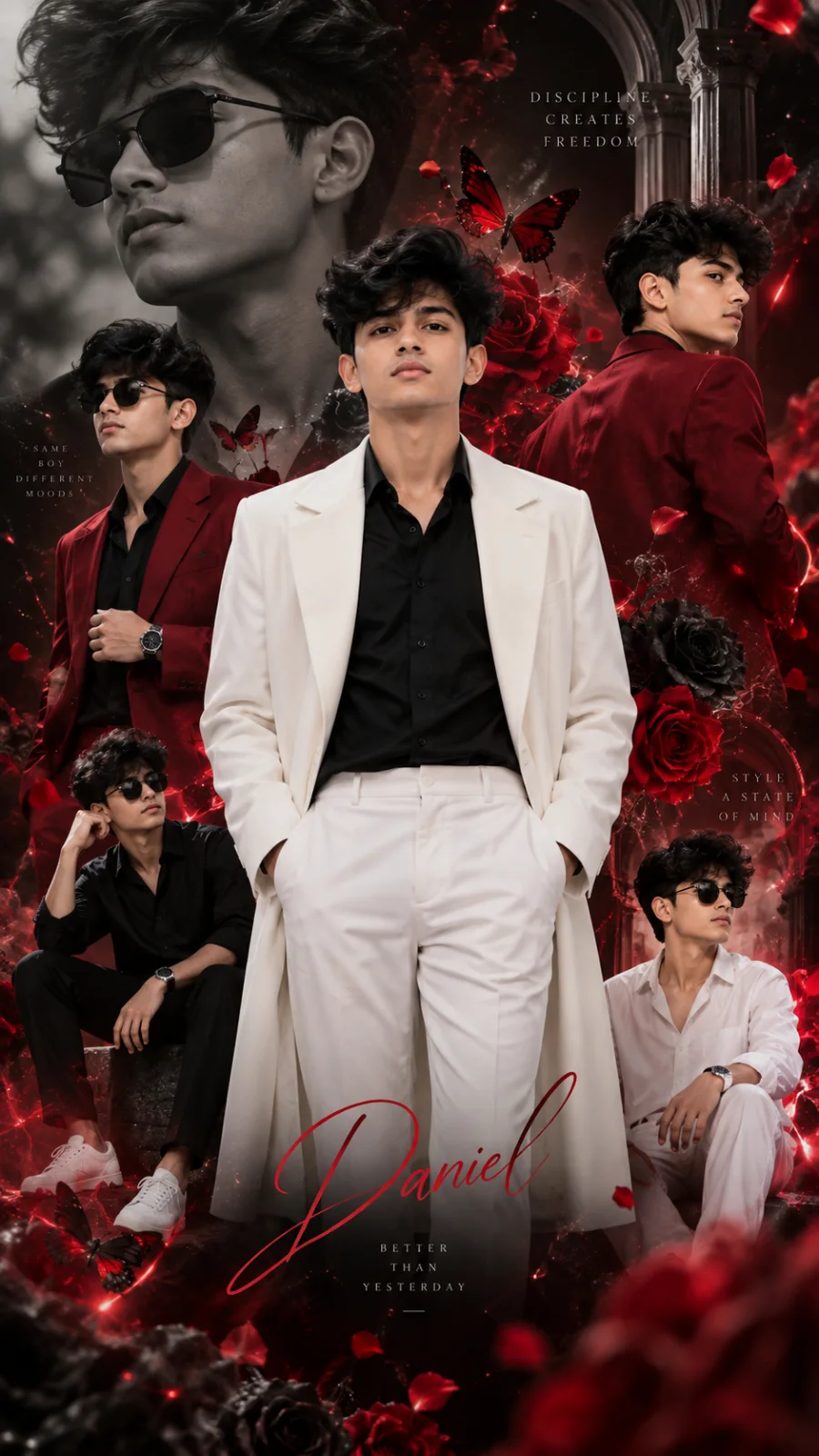
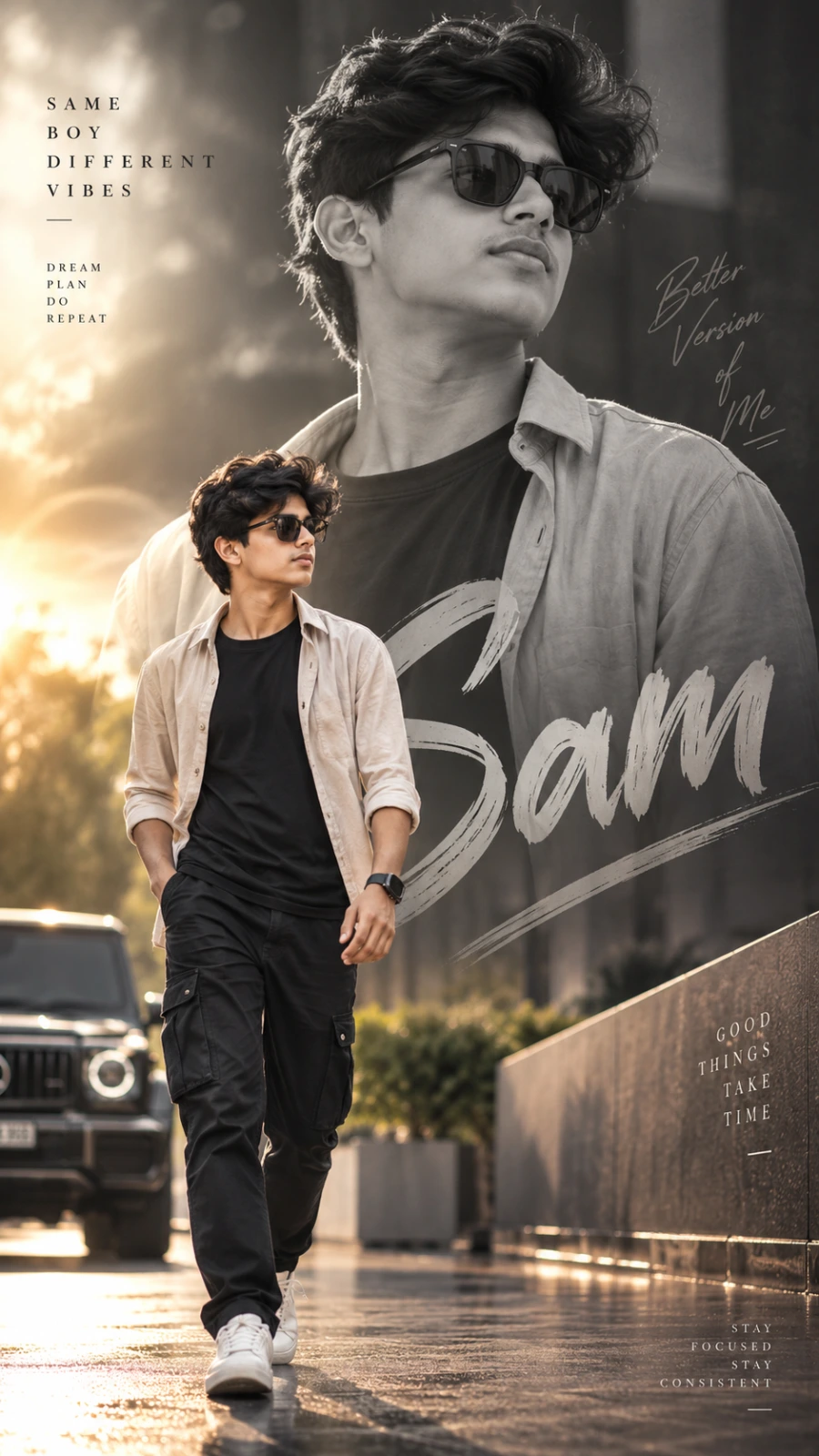
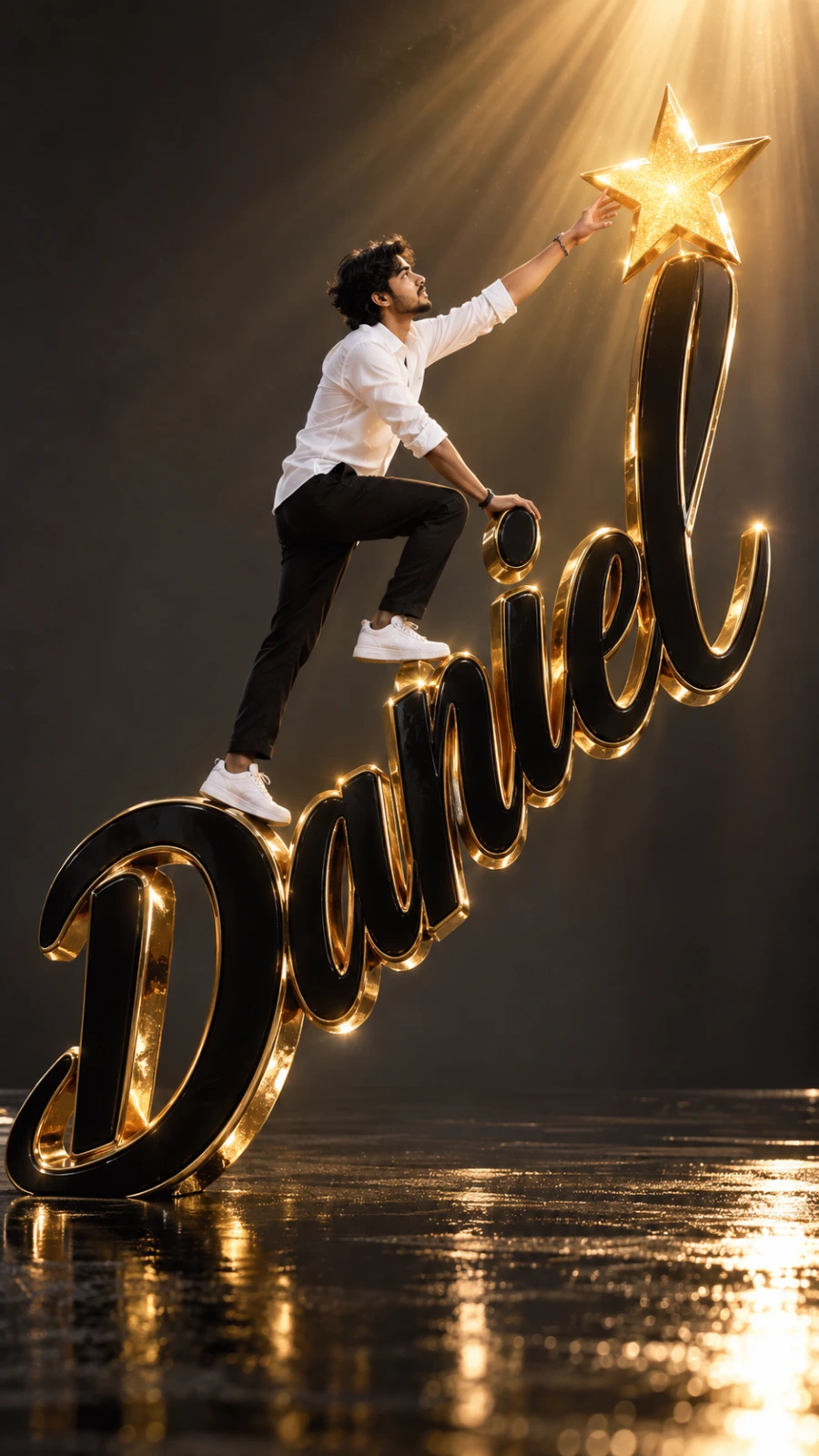
A detailed men image titled "Cinematic outdoor portrait", crafted with approximately 490 words of visual direction for Chat GPT. It produces a finished visual showcasing clear subject focus, harmonious color treatment, and refined environmental context suitable for portfolio, editorial, or commercial concept projects. Controlled studio-style lighting balances highlights and preserves micro-textures across surfaces without harsh blowout. Shallow depth of field with creamy optical bokeh draws immediate visual attention to fine subject details. Specific tactile material descriptors prevent flat procedural rendering, prompting the AI to render realistic tactile surface qualities.

Prompt Content
Use this prompt in your favorite AI image generator.
Create a cinematic, ultra-realistic outdoor editorial portrait of a young South Indian man sitting naturally on a rough dark volcanic rock in a peaceful mist-covered green mountain landscape. Compose the image vertically in a 4:5 portrait format with a large amount of open negative space in the upper half of the frame. Place the man slightly right of center in the lower half of the composition, photographed approximately from the knees upward. He has natural medium-brown skin, thick slightly messy black hair falling casually across his forehead, a subtle moustache and short beard stubble, realistic facial texture and youthful South Indian features. He is wearing a warm rust-brown lightweight windbreaker jacket with a short front zipper and slightly rolled sleeves, paired with simple black trousers and a minimal black wristwatch. His posture is relaxed and unposed, sitting sideways on the rock with his hands resting naturally near his lap. Turn his head slightly toward the left and upward as though he has suddenly noticed something far away in the mist. Give him a quiet, thoughtful and emotionally distant expression with slightly parted lips and focused eyes, communicating solitude, introspection and a desire for peace rather than sadness. Surround him with a vast foggy countryside filled with soft green grass, distant blurred hills, scattered dark rocks and dense white-gray morning mist. The background should be extremely soft and atmospheric with shallow depth of field, making the landscape gradually disappear into fog. Use a cool desaturated blue-gray and muted green color palette contrasted by the warm earthy brown jacket. The sky should occupy most of the upper frame and appear pale blue-gray, cloudy, softly textured and slightly grainy with no harsh sunlight. Use diffused natural overcast morning light with soft shadows, realistic skin tones and subtle atmospheric haze. Apply a nostalgic cinematic film treatment with fine analog grain, slightly faded colors, gentle contrast, soft highlight roll-off and subtle vintage digital-camera texture while keeping the man's face detailed and photorealistic. Add minimalist editorial typography integrated naturally into the negative space behind and around the subject. Above the main word place small handwritten cursive text reading “i need”. Below it place the large uppercase word “PEACE” in a clean bold modern sans-serif font using muted dark gray-blue lettering with slightly reduced opacity so that it blends softly into the foggy atmosphere. Position the man so that his head and upper body subtly overlap part of the word “PEACE”, creating professional magazine-style depth. To the right of his head place delicate black handwritten cursive text reading “more than people”. Keep the typography understated, elegant and spacious. The final image should feel peaceful, lonely but not depressing, introspective, cinematic and emotionally mature, like a contemporary lifestyle magazine photograph captured during a quiet foggy morning in the Western Ghats, with authentic natural posing, realistic proportions, atmospheric depth, subtle film grain and professional editorial color grading. Add the name “Sam” at the bottom in large bold uppercase typography.
How To Use
Reusable Guide- 1Copy the complete prompt text into your preferred AI image generator (e.g., Chat GPT).
- 2Review the initial output against the recommended aspect ratio (9:16) to verify composition.
- 3Customize the key variables above (such as subject identity or focal length & lens) to suit your creative vision.
- 4Refine the guidance scale or apply negative prompt exclusions to eliminate any artifacts without compromising image fidelity.
For best results, use this prompt as-is before making edits — the defaults are already optimised.