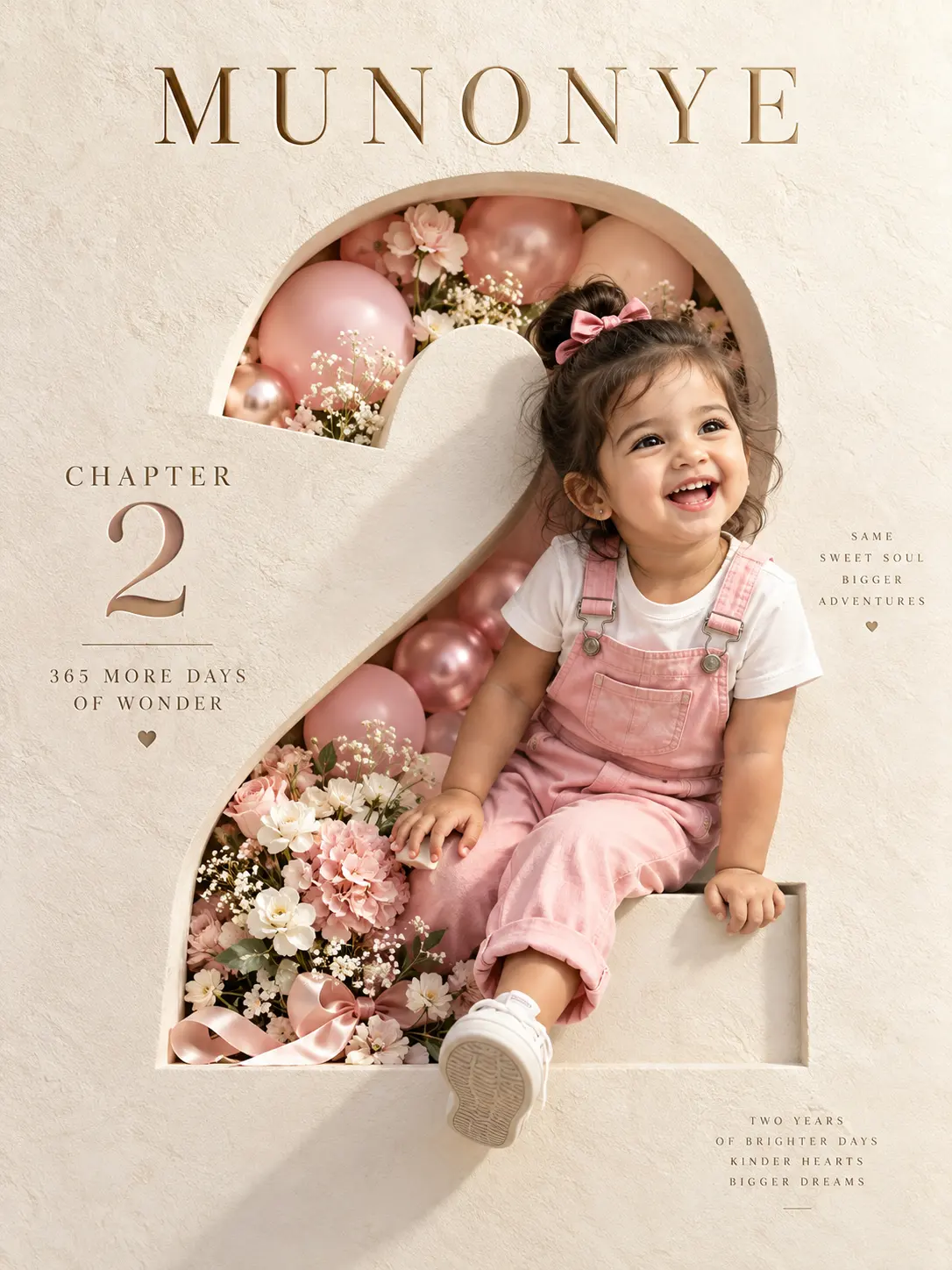
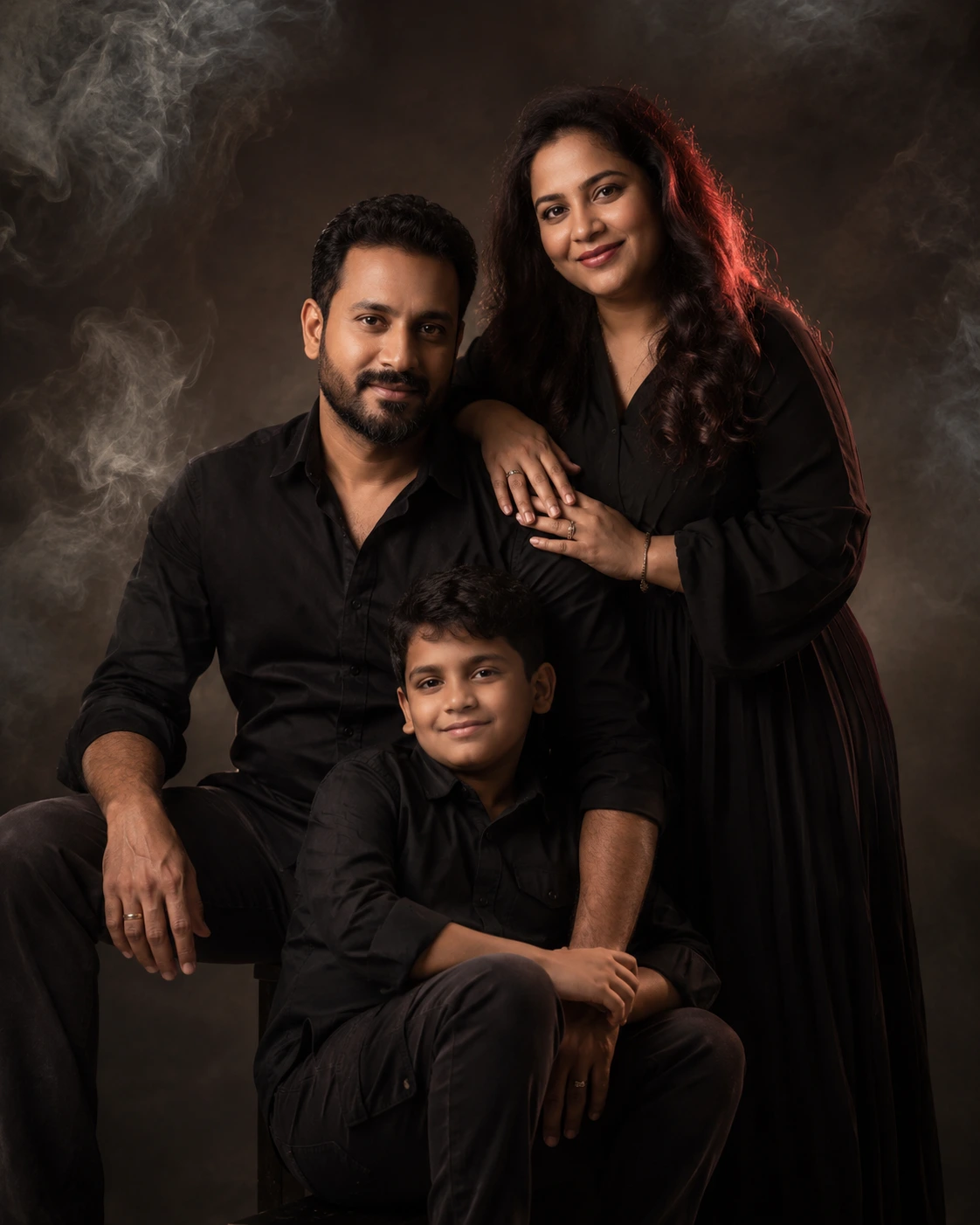
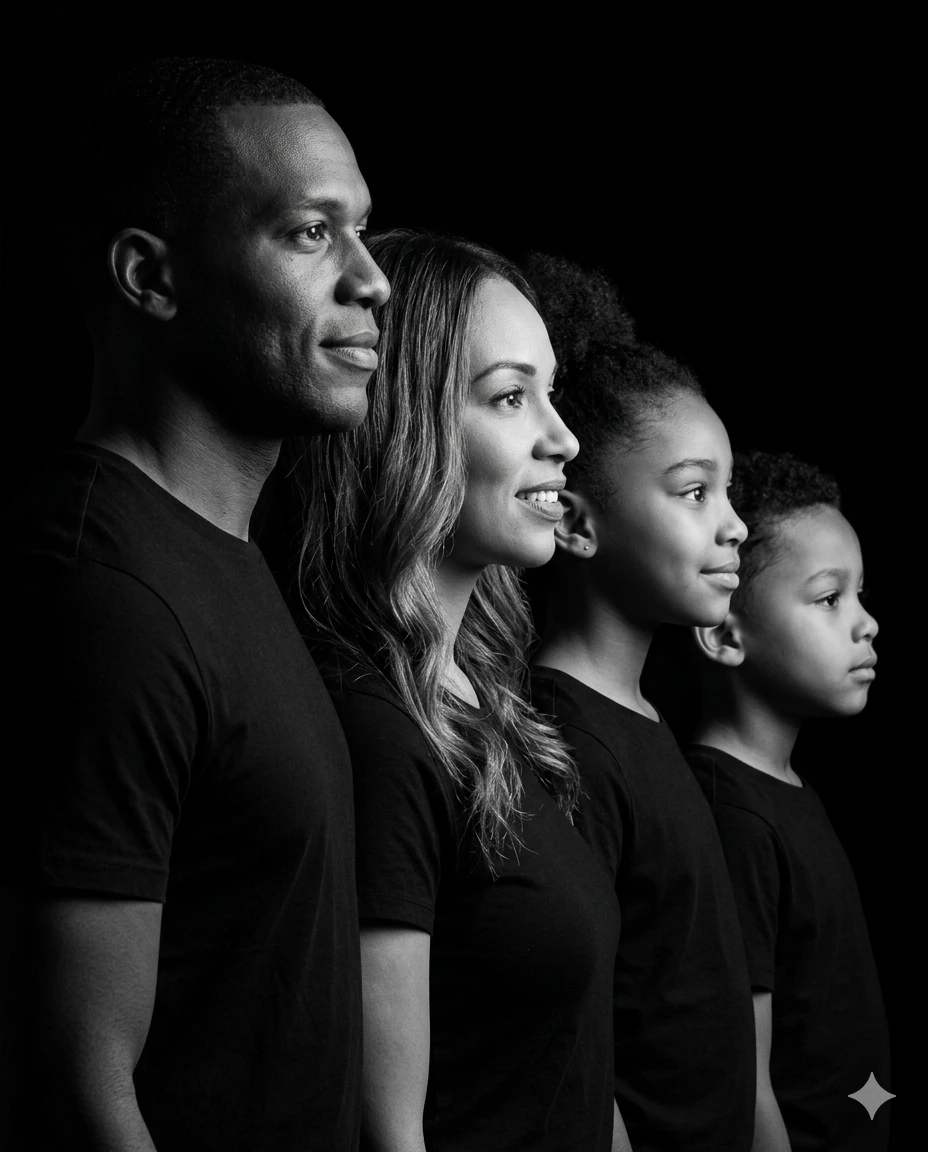
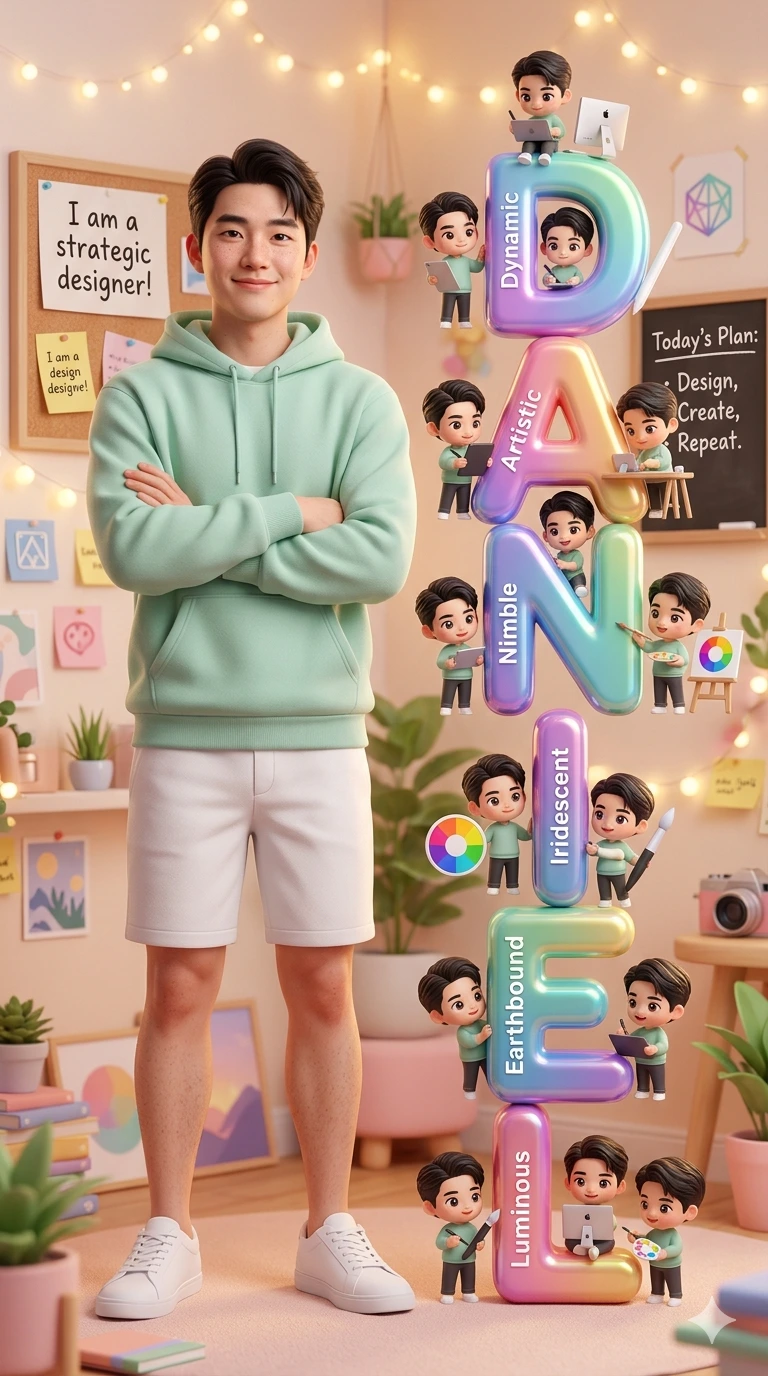
DANIEL – Cozy Pastel Designer Room with Pixar-Style Chibi Creative Collage Portrait
A detailed family image titled "DANIEL – Cozy Pastel Designer Room with Pixar-Style Chibi Creative Collage Portrait", crafted with approximately 193 words of visual direction for Gemini AI. It produces a finished visual showcasing clear subject focus, harmonious color treatment, and refined environmental context suitable for portfolio, editorial, or commercial concept projects. Shallow depth of field with creamy optical bokeh draws immediate visual attention to fine subject details. Specific tactile material descriptors prevent flat procedural rendering, prompting the AI to render realistic tactile surface qualities. Industry-standard editorial and compositional cues guide the generative model toward balanced framing and restrained color harmony.
Prompt Content
Use this prompt in your favorite AI image generator.
Create a highly detailed, whimsical 3D-style portrait of a beautiful young Asian guy based on the attached image, standing confidently in a cozy pastel-colored home environment. he is wearing a soft green hoodie, white shorts, and white sneakers, smiling gently with crossed arms. Beside his are giant colorful vertical letters spelling ‘DANIEL,’ each letter glossy and toy-like, with inspirational words written on them: Dynamic, Artistic, Nimble, Iridescent, Earthbound, Luminous. Around each letter are cute chibi-style miniature guy based on the attached image characters doing creative deigning and graphic designer activities. The room is filled with warm ambient fairy lights, pastel decorations, motivational notes, and cute home accessories and icons for graphic designer. Include handwritten-style wall signs saying ‘I am a strategic designer!’ and ‘Today’s Plan: Design, Create, Repeat.’ Use soft cinematic lighting, warm tones, shallow depth of field, ultra-detailed textures, dreamy atmosphere, Pixar-inspired character design, realistic skin details, and high-quality digital art. Vertical composition, cozy designer aesthetic, cute and inspirational mood.” You can also add style keywords depending on the AI generator: Pixar-style Disney-inspired 3D render Ultra realistic Cute chibi miniature characters Warm pastel aesthetic Soft glowing lights Highly detailed 8k quality .
How To Use
Reusable Guide- 1Copy the complete prompt text into your preferred AI image generator (e.g., Gemini AI).
- 2Review the initial output against the recommended aspect ratio (1:1) to verify composition.
- 3Customize the key variables above (such as couple posing & chemistry or ceremony & bridal attire) to suit your creative vision.
- 4Refine the guidance scale or apply negative prompt exclusions to eliminate any artifacts without compromising image fidelity.
For best results, use this prompt as-is before making edits — the defaults are already optimised.