Elemental Vortex — The Smoke & Flame Silhouette
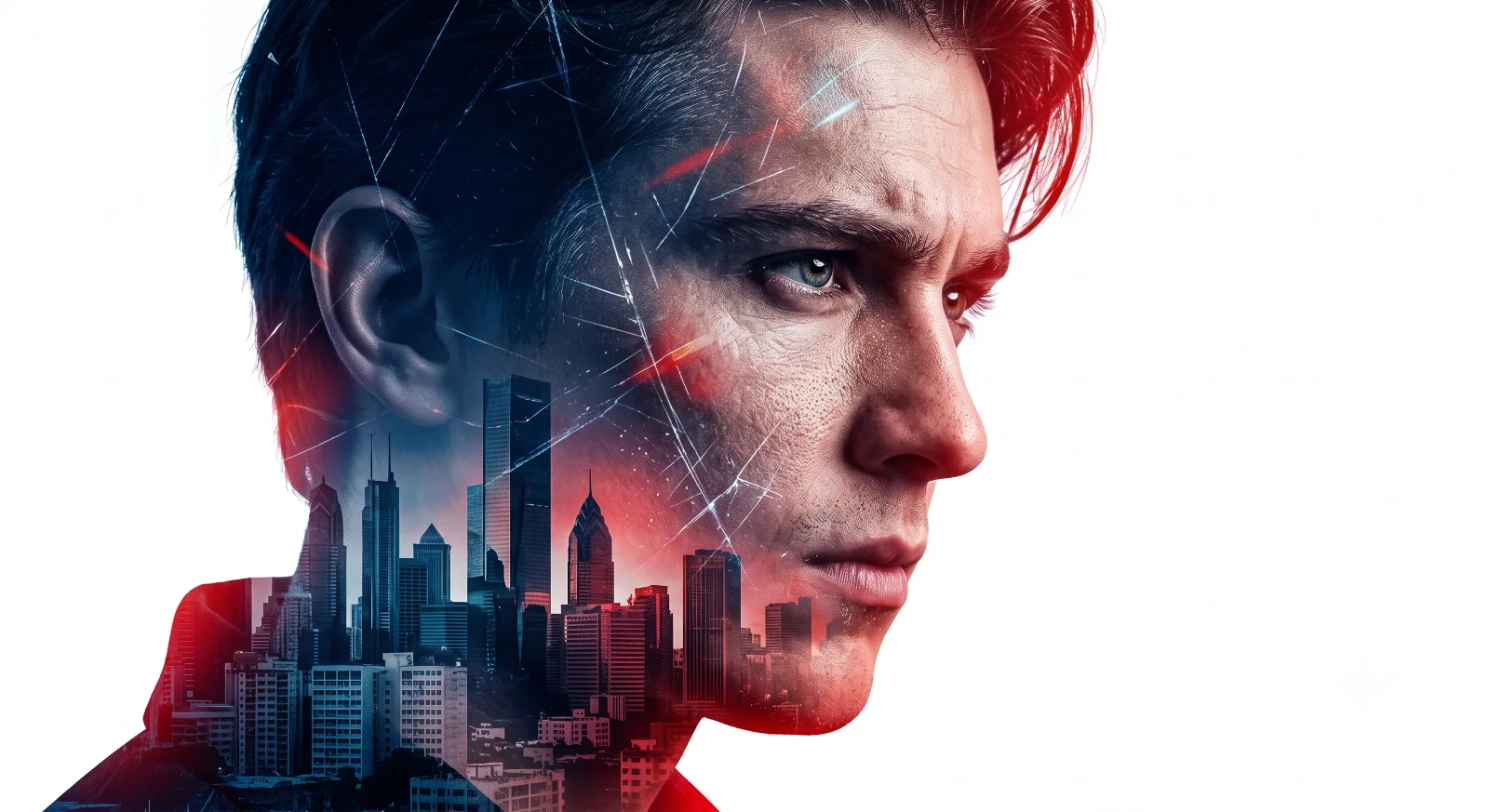
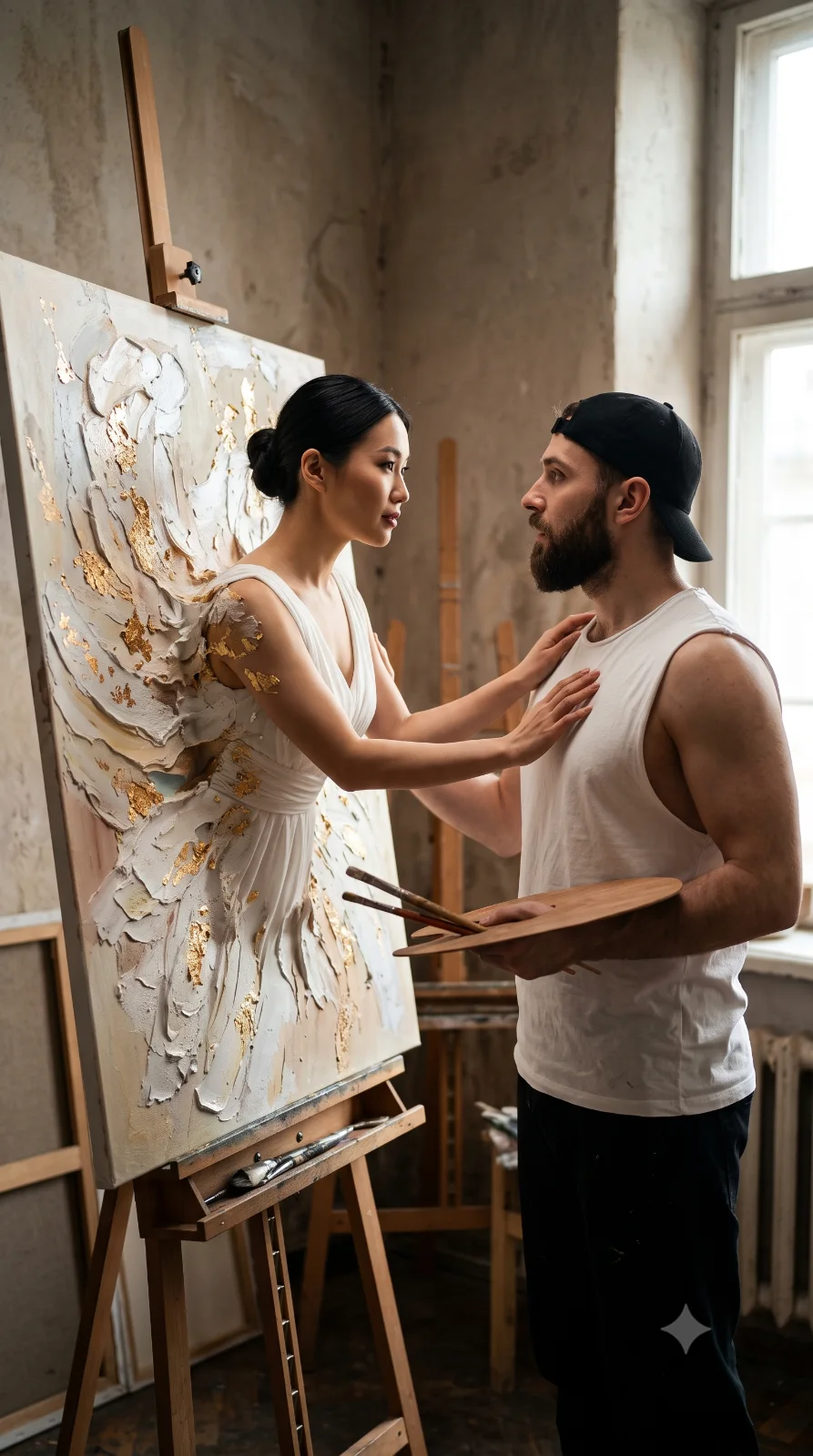
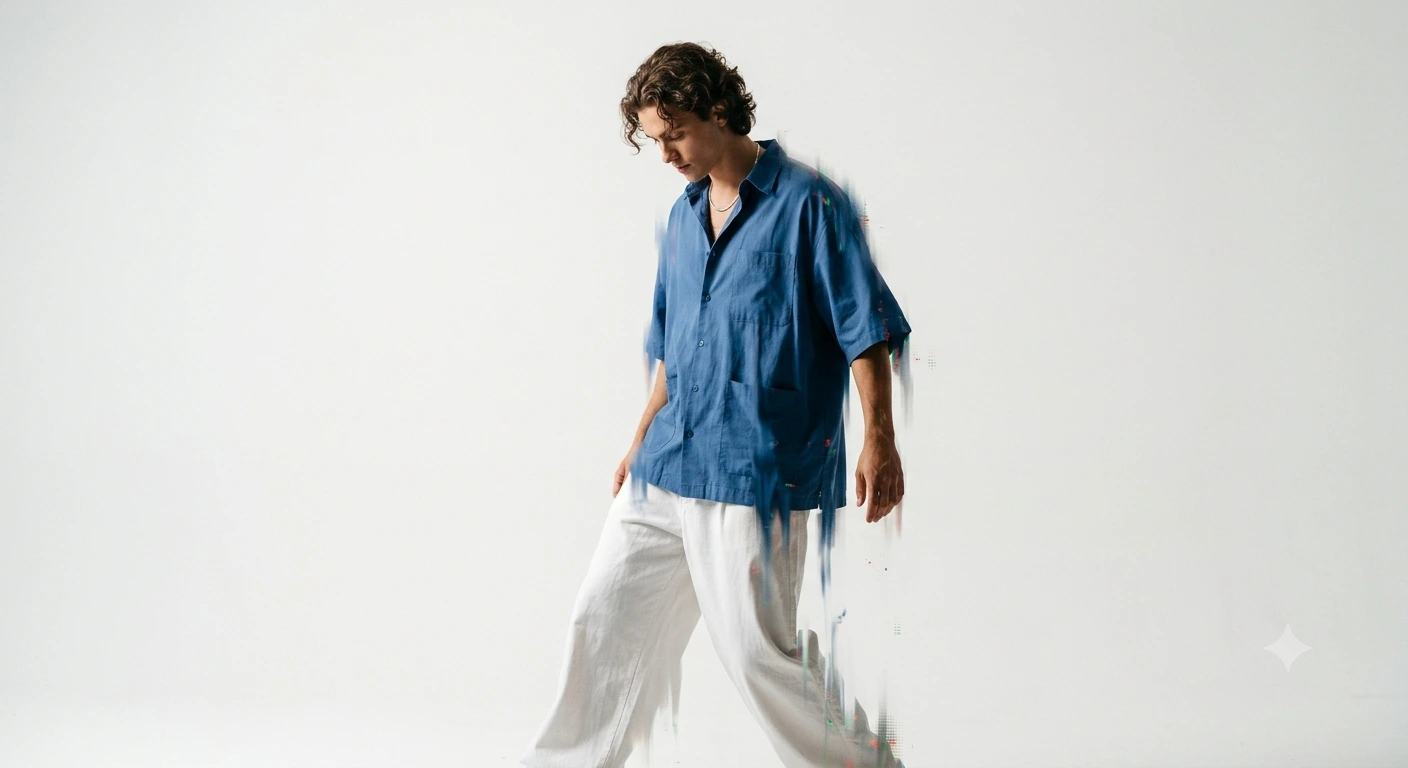
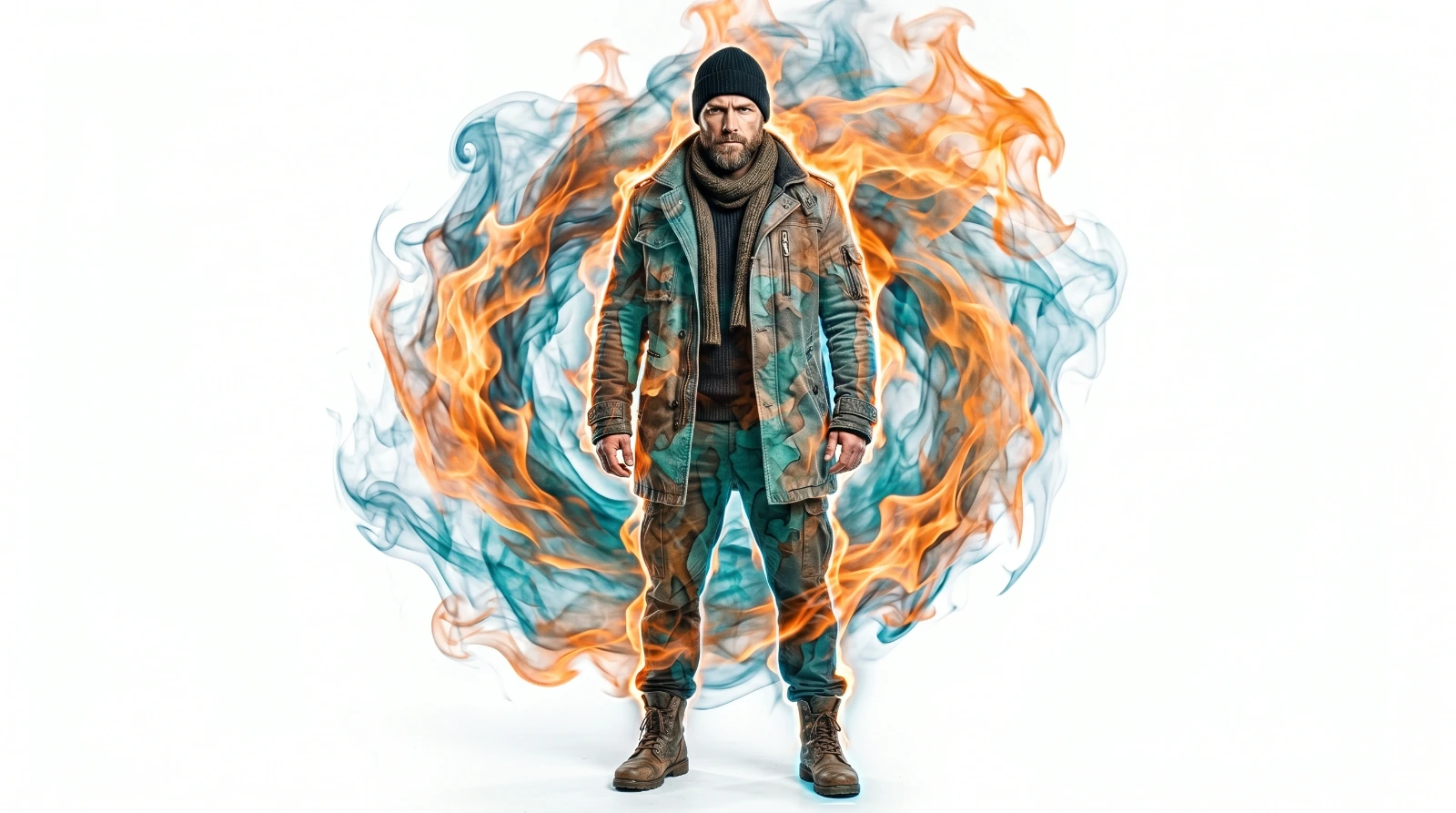
A detailed portrait image titled "Elemental Vortex — The Smoke & Flame Silhouette", crafted with approximately 130 words of visual direction for Flow AI. It produces a finished visual showcasing clear subject focus, harmonious color treatment, and refined environmental context suitable for portfolio, editorial, or commercial concept projects. Precise rim lighting outlines the subject's silhouette, cleanly separating foreground elements from the environment. Specific tactile material descriptors prevent flat procedural rendering, prompting the AI to render realistic tactile surface qualities. Industry-standard editorial and compositional cues guide the generative model toward balanced framing and restrained color harmony.
Prompt Content
Use this prompt in your favorite AI image generator.
Ultra-realistic full-body studio portrait of a tough guy (height...cm, weight...kg), standing with a powerful aura in front of a stark white background. He is wearing an epic layering outfit: a heavy charcoal gray trench coat with distressed texture details, paired with a dark knit sweater, a thick wool scarf, a jet black beanie, and brown tactical boots. The character displays a sharp, stoic expression.Visual Effect: His silhouette merges dramatically with a dynamic vortex of ethereal orange flames and bluish smoke, rendered in a very fluid and artistic watercolor double-exposure style. Add stunning rim lighting to accentuate the boundaries of his silhouette, volumetric lighting on the swirls of smoke and fire, ensure a completely clean background without additional characters, and produce this masterpiece in super-sharp and cinematic 8K resolution. 9:16 ratio
How To Use
Reusable Guide- 1Copy the complete prompt text into your preferred AI image generator (e.g., Flow AI).
- 2Review the initial output against the recommended aspect ratio (9:16) to verify composition.
- 3Customize the key variables above (such as subject identity or focal length & lens) to suit your creative vision.
- 4Refine the guidance scale or apply negative prompt exclusions to eliminate any artifacts without compromising image fidelity.
For best results, use this prompt as-is before making edits — the defaults are already optimised.