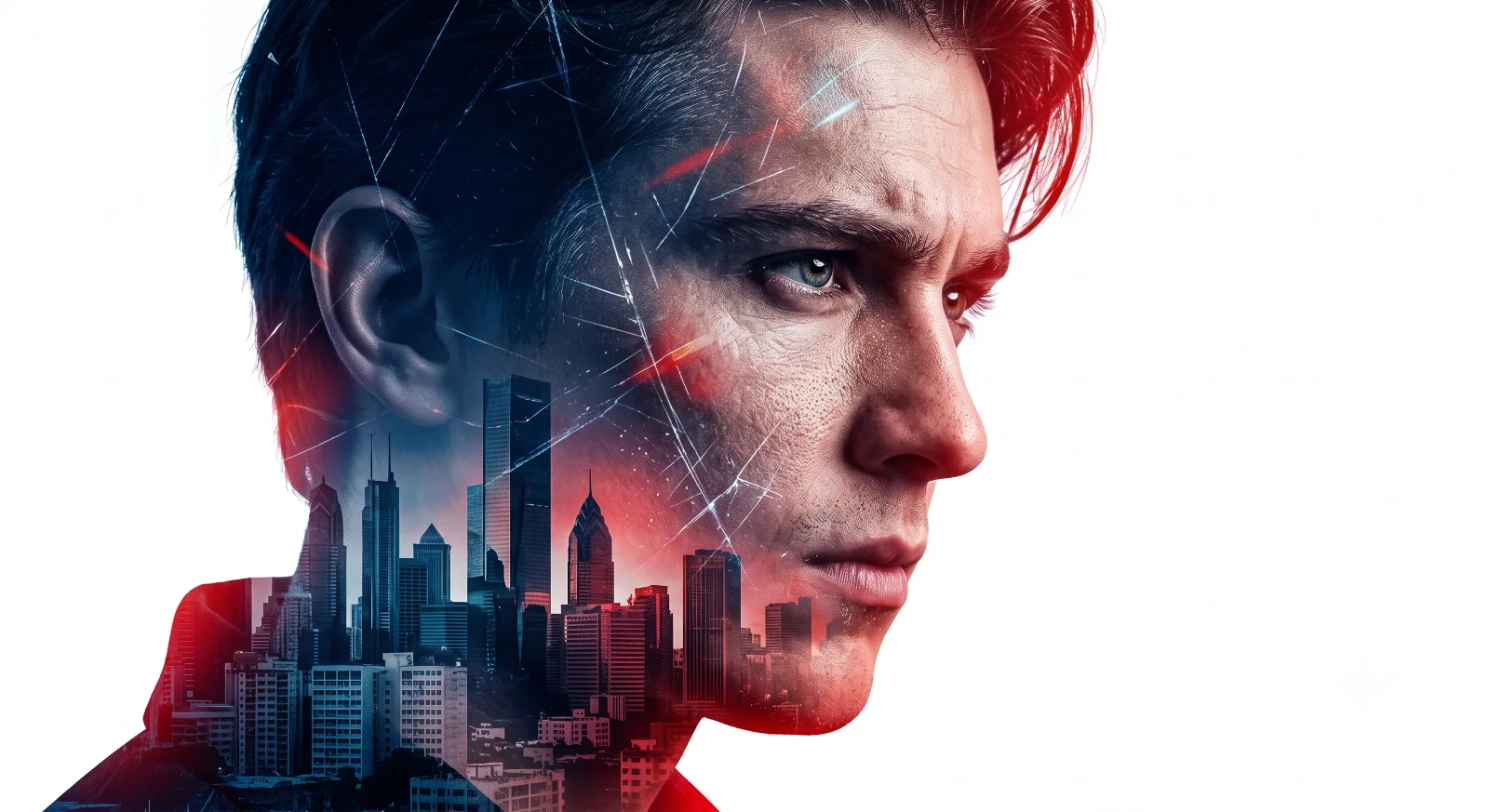
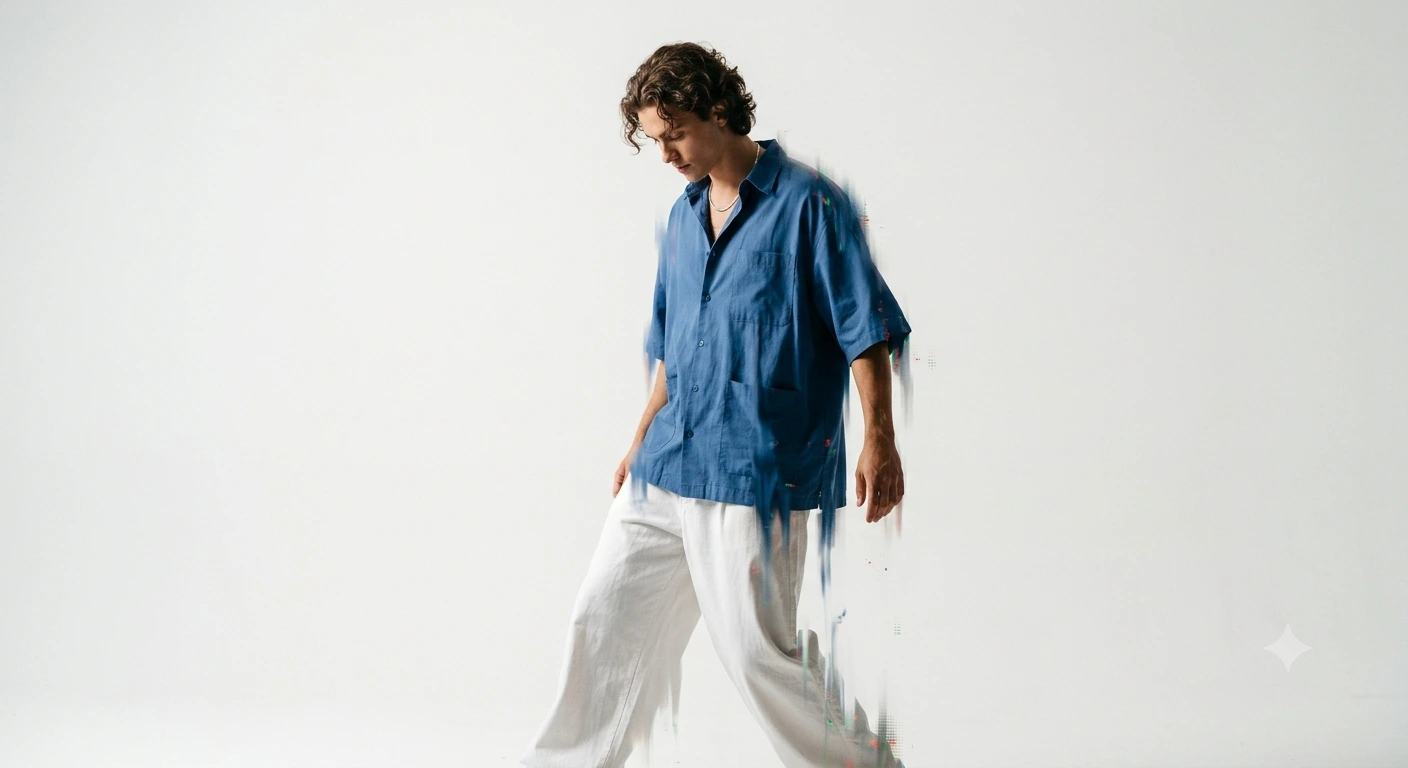
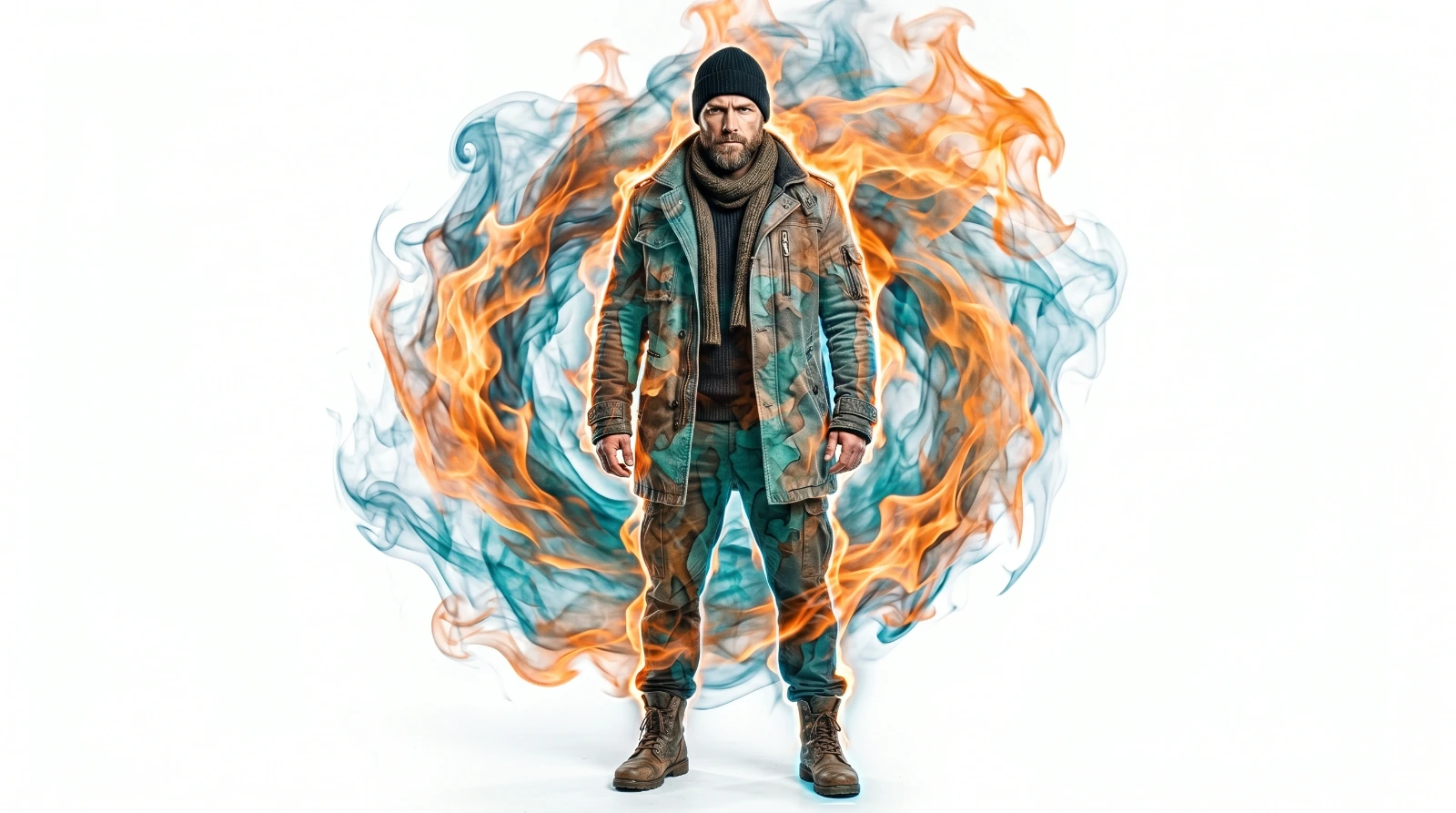
Surreal Impasto Painting Style Prompt
A detailed portrait image titled "Surreal Impasto Painting Style Prompt", crafted with approximately 517 words of visual direction for Gemini AI. It produces a finished visual showcasing clear subject focus, harmonious color treatment, and refined environmental context suitable for portfolio, editorial, or commercial concept projects. Vibrant neon and high-contrast color illumination provides striking dual-tone separation between the subject and dark background. Shallow depth of field with creamy optical bokeh draws immediate visual attention to fine subject details. Specific tactile material descriptors prevent flat procedural rendering, prompting the AI to render realistic tactile surface qualities.
Prompt Content
Use this prompt in your favorite AI image generator.
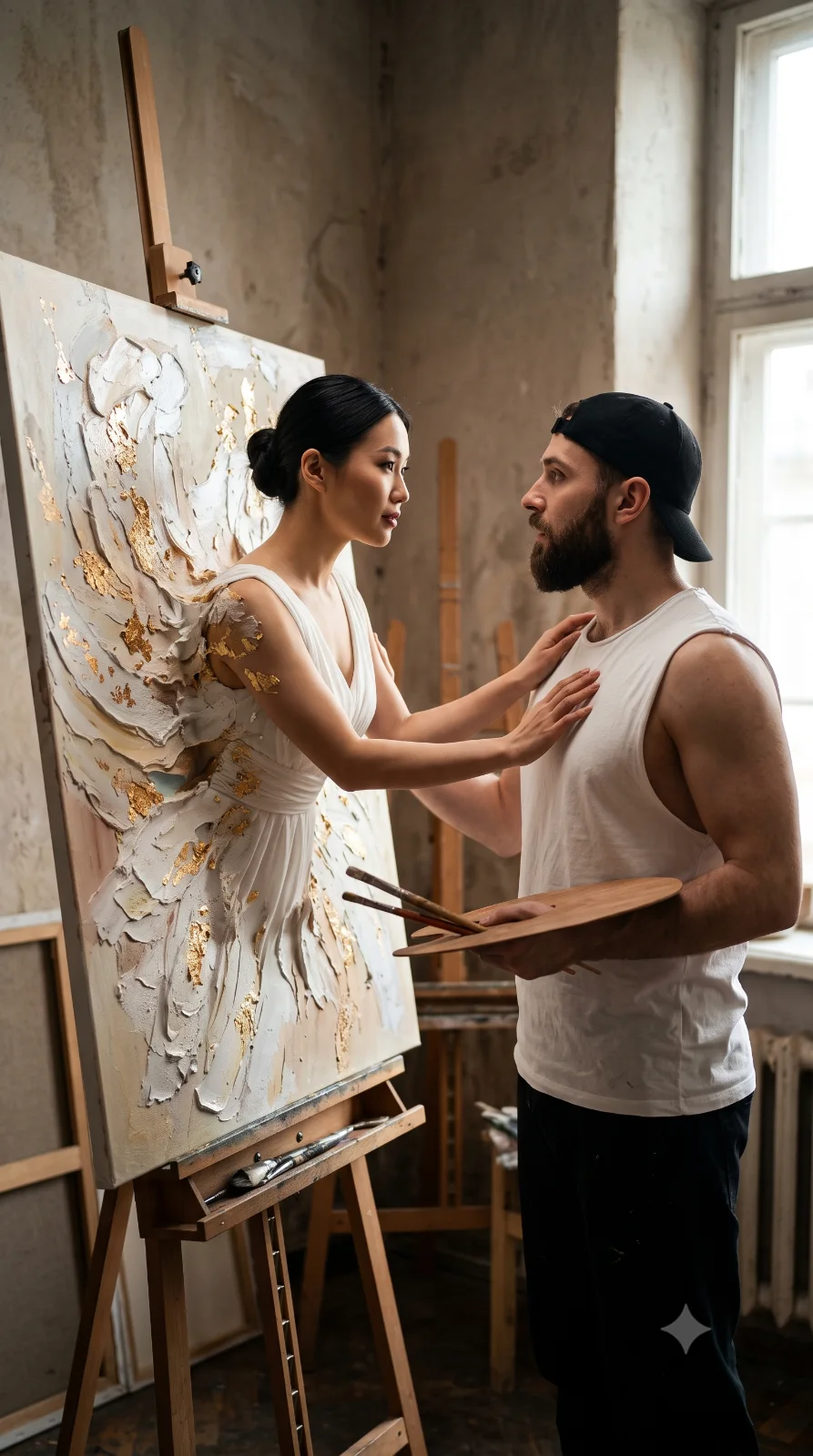
Use the provided reference photos as the only source of identity for the characters. Preserve the original faces with maximum similarity. Do not change, beautify, stylize, age, smooth, reshape, or reinterpret any facial features. For the male subject (attached), preserve exactly: eyes, eyelids, eyebrows, nose, lips, cheeks, chin, ears, face shape, skin tone, skin texture, age, and natural facial character.For the female subject, preserve exactly: eyes, eyelids, eyebrows, nose, lips, cheeks, chin, ears, face shape, skin tone, skin texture, age, and natural facial character. If any part of this prompt conflicts with the reference photos, the reference faces must override all instructions. Do not mix identities. Do not create a new face. Do not make the face look like another person. SCENE DESCRIPTION:Create a surreal, ultra-realistic impasto 3D painting style photograph in vertical 9:16 aspect ratio. A bearded male artist is standing inside a rustic traditional art studio. He is wearing a white sleeveless top and a black cap. He is holding a wooden painter’s palette in one hand and several paint brushes in the other hand. His facial expression looks amazed, dazzled, and emotionally captivated as he looks directly at the woman’s face. In front of him, a beautiful Asian woman is physically emerging from a large canvas placed on an easel. Her upper body is coming out of the painting into the real world. Both of her hands are gently touching the male artist’s chest in a soft, intimate, emotional gesture. The woman is wearing an elegant white dress. Parts of her dress, skin, back, and body edges are made of thick textured impasto paint, peeling paint layers, splattered paint, and floating gold flakes.The paint texture should look dimensional, tactile, and realistic, as if the canvas is transforming into a living person. The canvas, woman, paint layers, and real studio environment must blend naturally, creating a magical transition between painting and reality. VISUAL STYLE:Surreal impasto 3D painting effect, hyper-realistic photograph, cinematic composition, realistic human anatomy, realistic skin texture, thick oil paint texture, dramatic painterly details, tactile layered paint, gold flakes flying in the air, emotional and ethereal atmosphere, fine art photography, museum-quality visual, 8k quality. LIGHTING AND ENVIRONMENT: Rustic art studio interior, wooden easel, canvas, paint tools, old textured walls, soft natural window light, warm cinematic shadows, realistic depth of field, soft highlights, dramatic but natural lighting, elegant emotional mood. CAMERA AND COMPOSITION: Vertical portrait composition, aspect ratio 9:16. Medium full-body cinematic framing. The male artist and the woman must both be clearly visible. Focus on the emotional interaction between their faces and hands.Keep the woman emerging from the canvas as the main surreal visual element. NEGATIVE PROMPT: 2D flat painting, cartoon, anime, illustration, low realism, plastic skin, fake face, changed identity, beautified face, younger face, older face, mixed identity, different person, distorted face, asymmetrical face, extra limbs, extra arms, extra hands, extra fingers, missing fingers, deformed hands, mutated fingers, bad anatomy, broken body, blurry, low quality, dark lighting, underexposed, overexposed, modern studio, neon colors, messy composition, missing canvas, missing easel, missing palette, missing brushes, watermark, logo, text, caption, frame border. Keep original aspect ratio.
Usage & Variation Guide
Usage & Variation GuideVariation Advice
Shift the painting style from vibrant post-impressionist color explosions (Van Gogh style) to moody monochrome palette-knife chiaroscuro reminiscent of Lucian Freud or Jenny Saville.
Suggested Variation Example
See the full technical analysis below for lighting parameters, composition breakdown, and failure mode fixes.