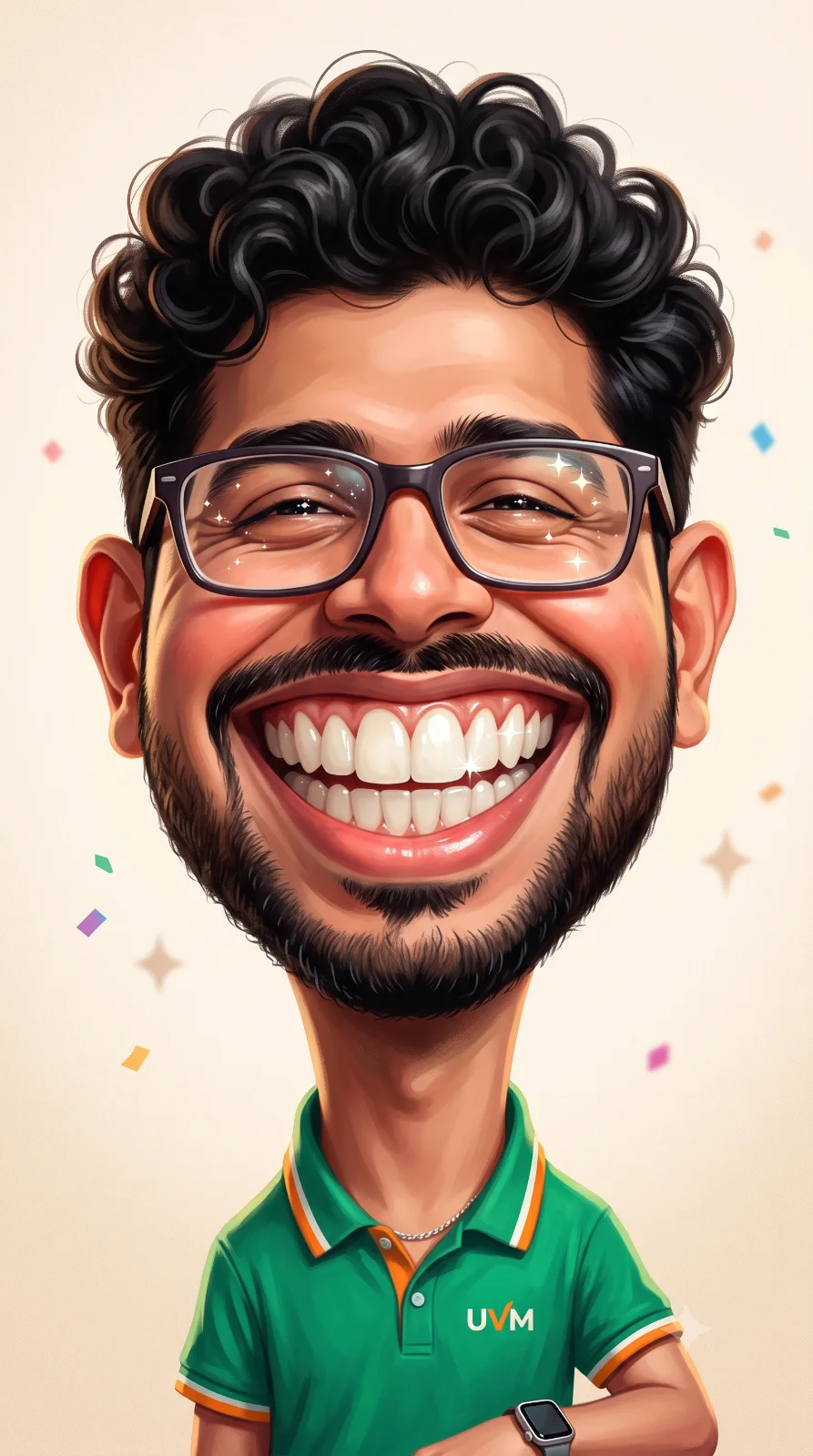
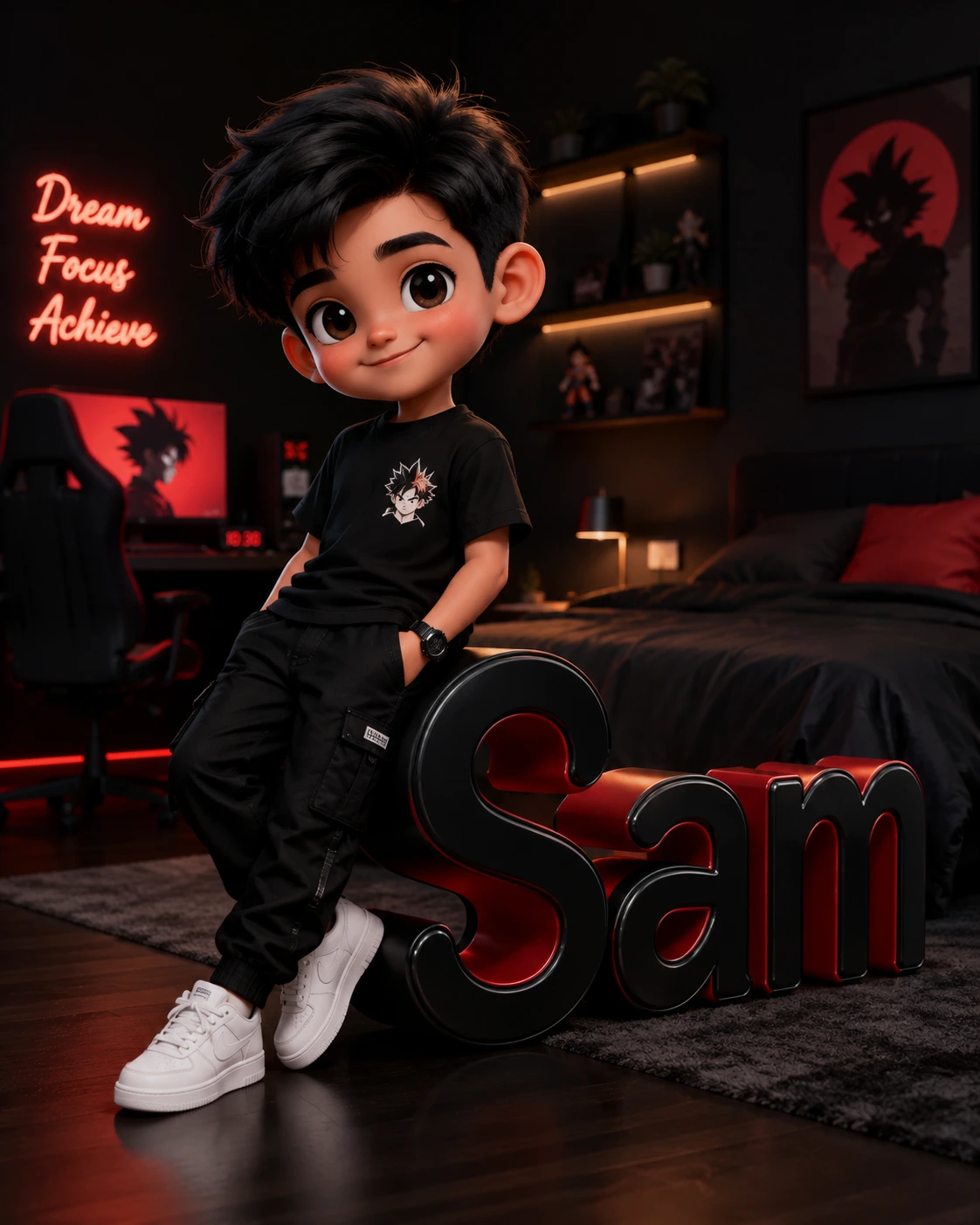
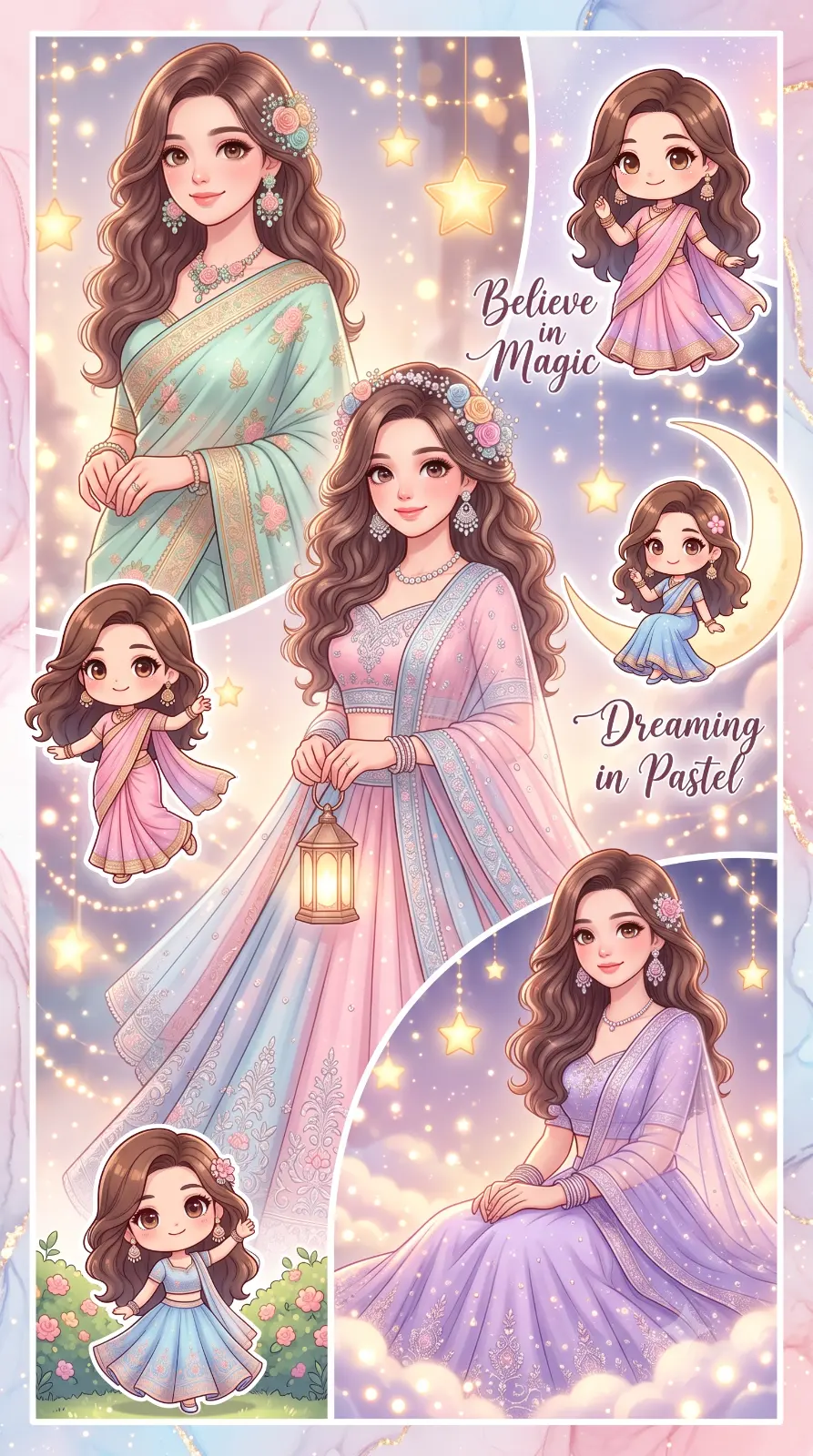
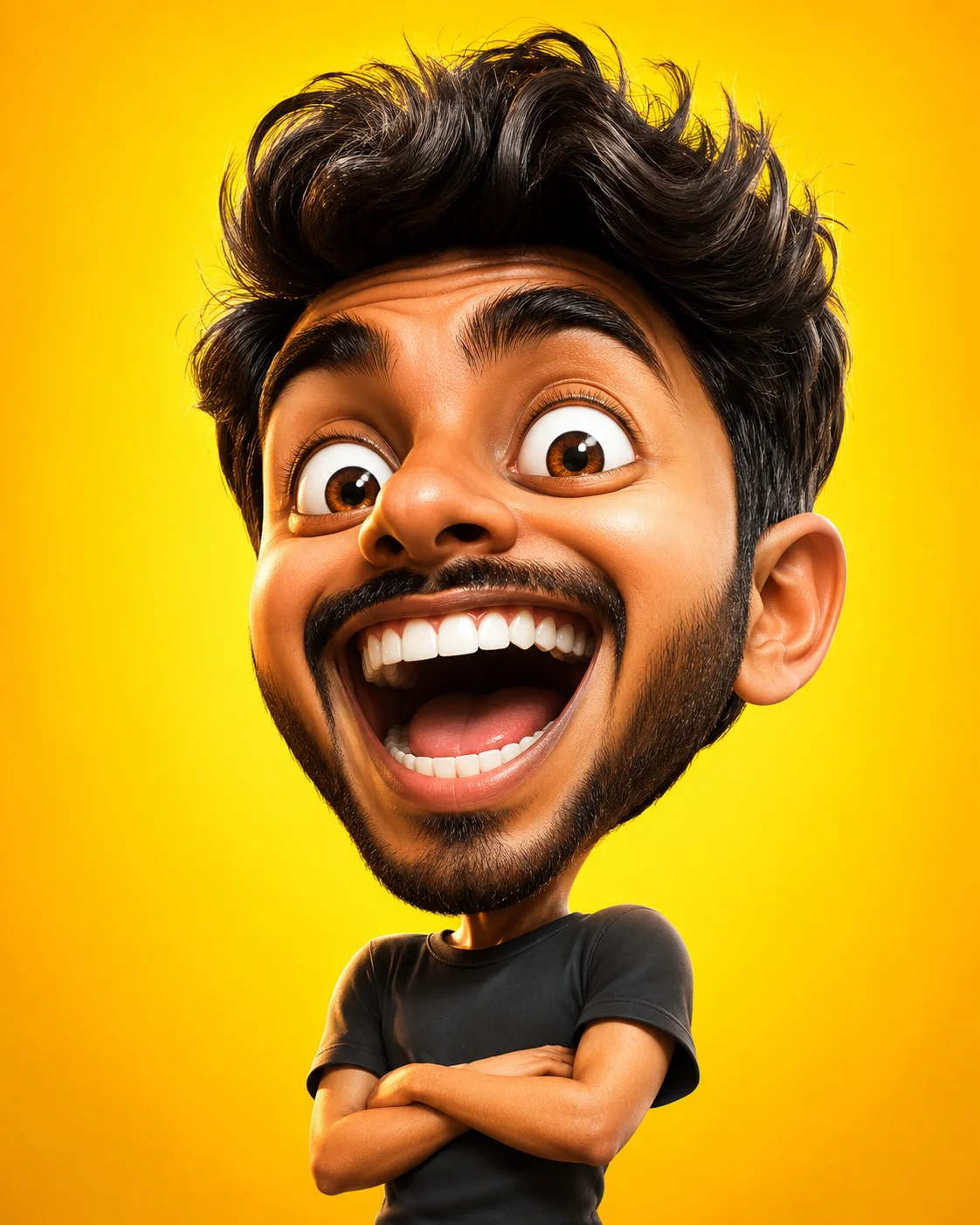
Joyful caricature with bold features
A detailed anime image titled "Joyful caricature with bold features", crafted with approximately 46 words of visual direction for Chat GPT. It produces a finished visual showcasing clear subject focus, harmonious color treatment, and refined environmental context suitable for portfolio, editorial, or commercial concept projects. This prompt balances a distinct anime subject with concrete composition, directional lighting, and textural cues. By explicitly defining the atmosphere and photographic parameters, it prevents the generator from resorting to generic procedural styling.
Prompt Content
Use this prompt in your favorite AI image generator.
A joyful cartoon caricature of a smiling chef with exaggerated friendly features, bold clean outlines, vibrant saturated colors, playful expression, high resolution digital artwork. Vibrant cell-shaded colors, clean crisp linework, expressive character detailing, cinematic anime background lighting, high-fidelity digital illustration, Kyoto Animation studio style, masterpiece quality.
How To Use
Reusable Guide- 1Copy the complete prompt text into your preferred AI image generator (e.g., Chat GPT).
- 2Review the initial output against the recommended aspect ratio (1:1) to verify composition.
- 3Customize the key variables above (such as subject & focal point or lighting & atmosphere) to suit your creative vision.
- 4Refine the guidance scale or apply negative prompt exclusions to eliminate any artifacts without compromising image fidelity.
For best results, use this prompt as-is before making edits — the defaults are already optimised.