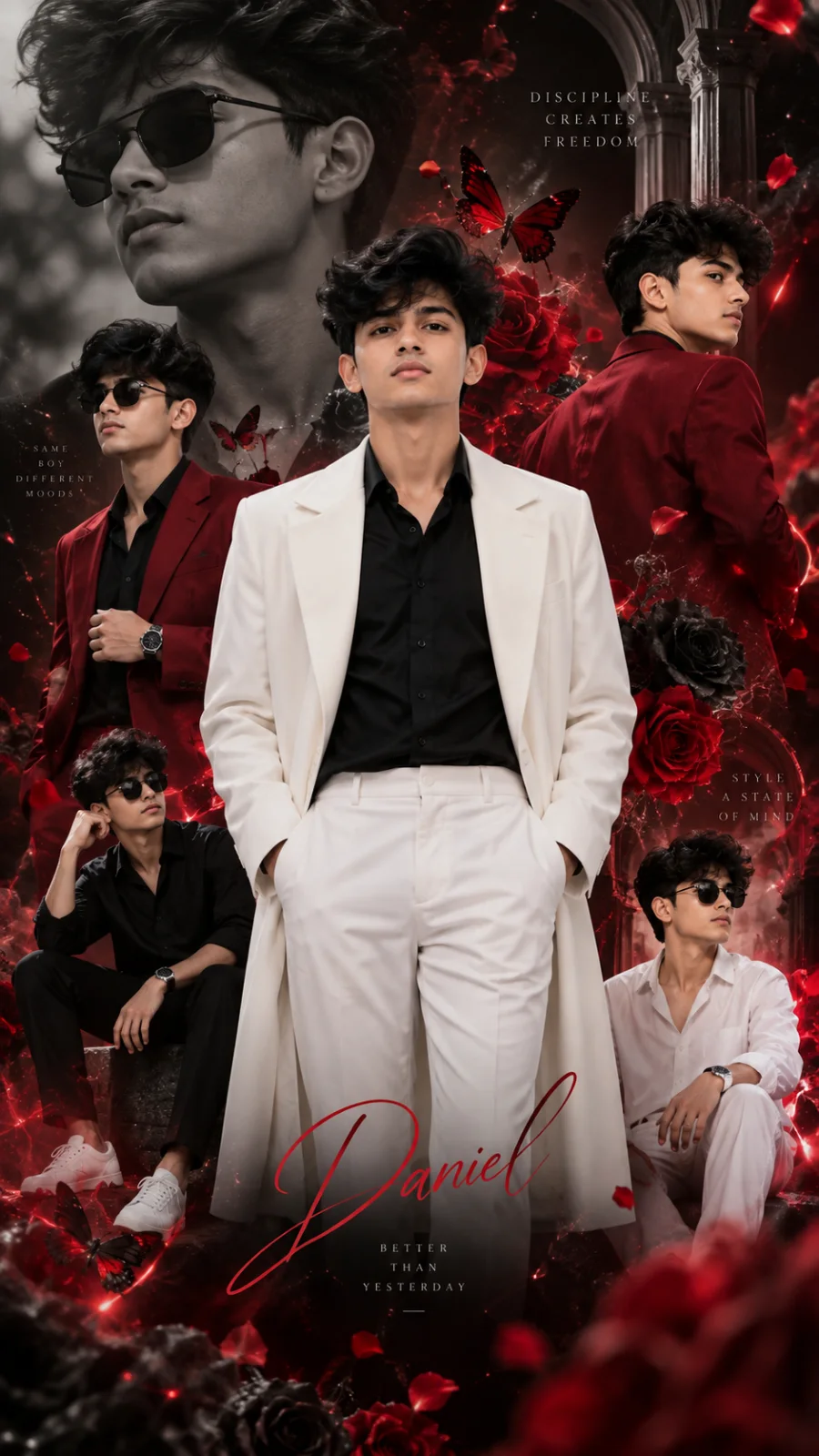
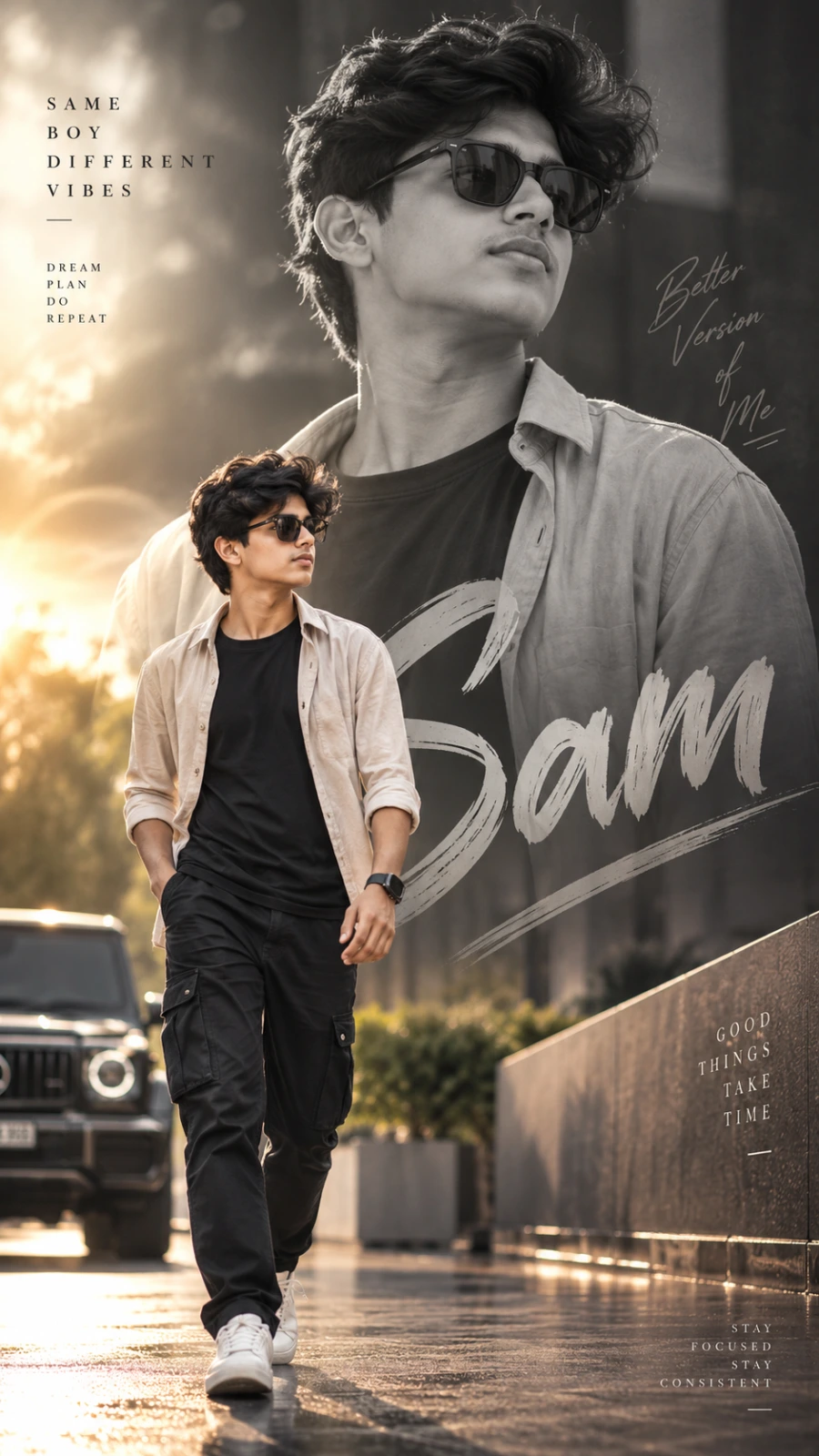
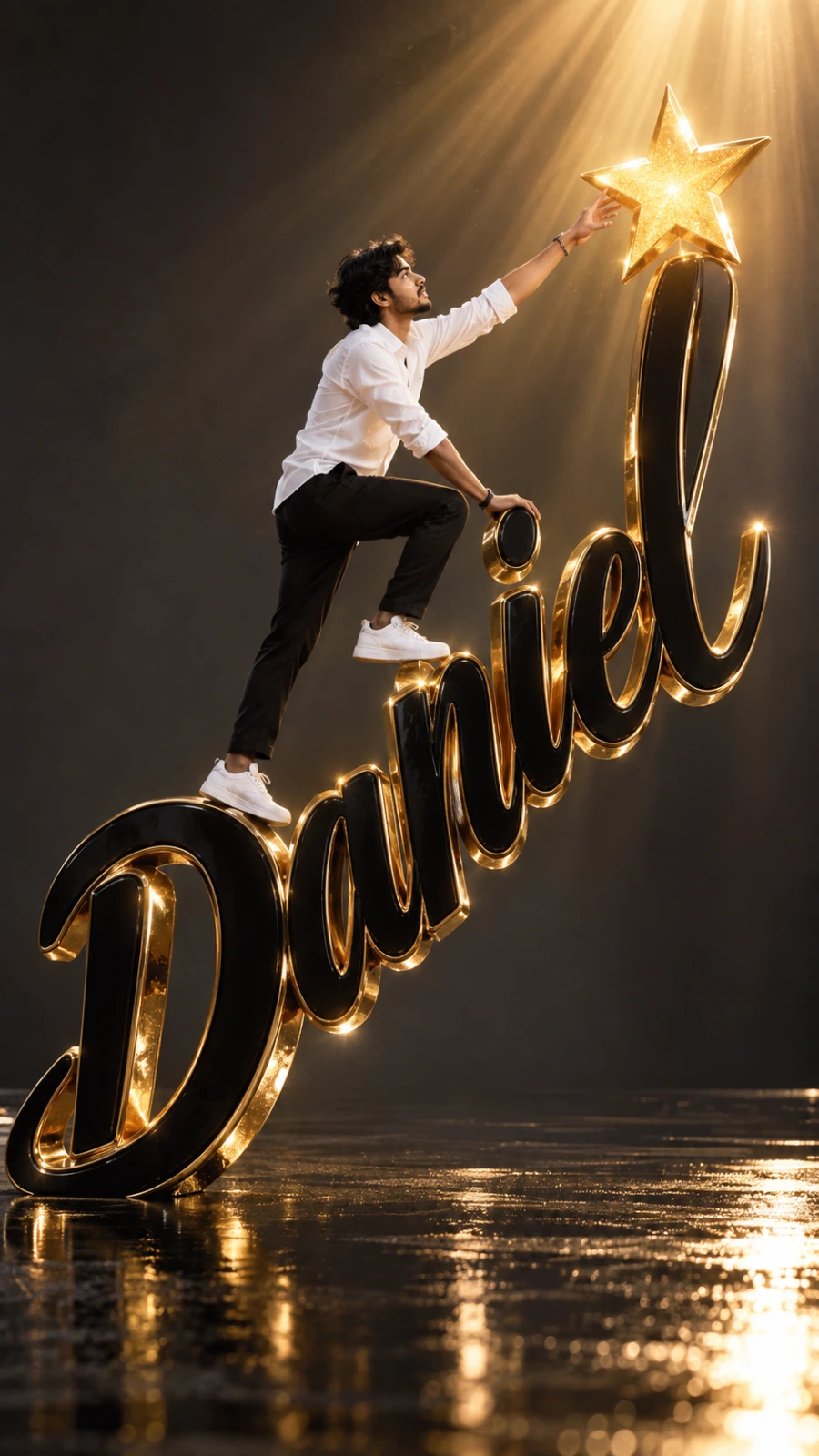
Own Your Moment: Calm, Classy, Confident
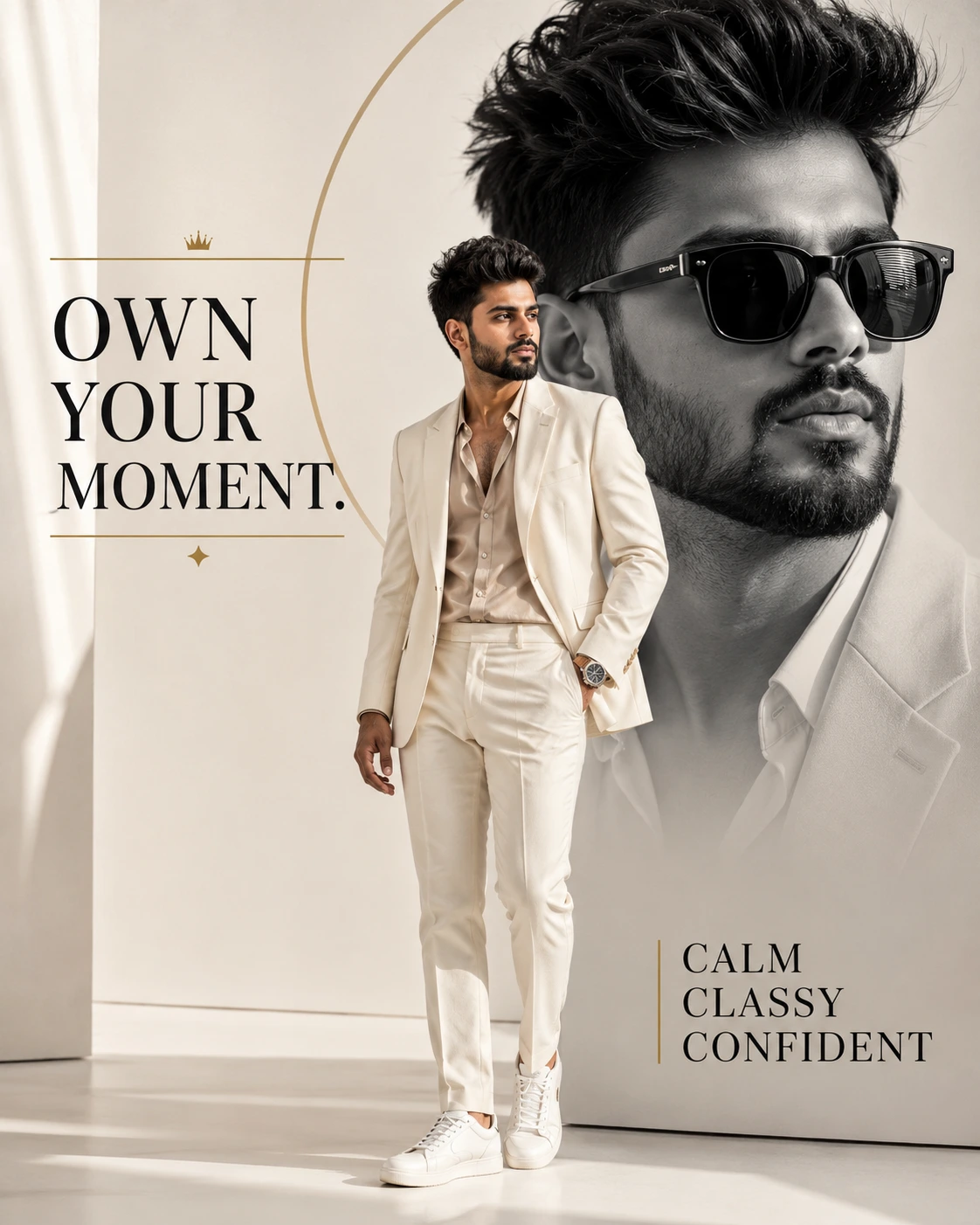
A detailed men image titled "Own Your Moment: Calm, Classy, Confident", crafted with approximately 184 words of visual direction for Chat GPT. It produces a finished visual showcasing clear subject focus, harmonious color treatment, and refined environmental context suitable for portfolio, editorial, or commercial concept projects. Shallow depth of field with creamy optical bokeh draws immediate visual attention to fine subject details. Specific tactile material descriptors prevent flat procedural rendering, prompting the AI to render realistic tactile surface qualities. Industry-standard editorial and compositional cues guide the generative model toward balanced framing and restrained color harmony.
Prompt Content
Use this prompt in your favorite AI image generator.
**Ultra-realistic cinematic luxury fashion poster, vertical 4:5 composition.** Use the person from the reference image with highly accurate facial features, hairstyle, beard, skin tone, and natural identity. Show the same man twice: a large artistic black-and-white close-up portrait in the background, and a smaller full-body color version in the foreground. Foreground subject wearing a sophisticated **cream-white tailored suit**, open-collar beige silk shirt, matching tailored trousers, clean white leather sneakers, and an elegant luxury wristwatch. Relaxed but confident masculine pose, one hand in his trouser pocket and the other naturally positioned. Background: bright **off-white luxury studio** with a large muted-gold geometric circle and soft architectural shadows. Soft cinematic lighting, warm highlights, premium editorial fashion campaign aesthetic, refined cream/gold/gray color palette, realistic fabric textures, photorealistic skin, sharp details, professional fashion photography, 85mm lens, shallow depth of field, HDR, ultra-realistic, 8K. Add elegant typography on the left: "OWN YOUR MOMENT." Use black typography with subtle gold accents. Add typography at the bottom-right: "CALM CLASSY CONFIDENT" Clean high-fashion magazine layout, balanced negative space, premium commercial photography, realistic composition, no distortion, no extra fingers, no duplicate limbs, no watermark.
How To Use
Reusable Guide- 1Copy the complete prompt text into your preferred AI image generator (e.g., Chat GPT).
- 2Review the initial output against the recommended aspect ratio (9:16) to verify composition.
- 3Customize the key variables above (such as subject identity or focal length & lens) to suit your creative vision.
- 4Refine the guidance scale or apply negative prompt exclusions to eliminate any artifacts without compromising image fidelity.
For best results, use this prompt as-is before making edits — the defaults are already optimised.