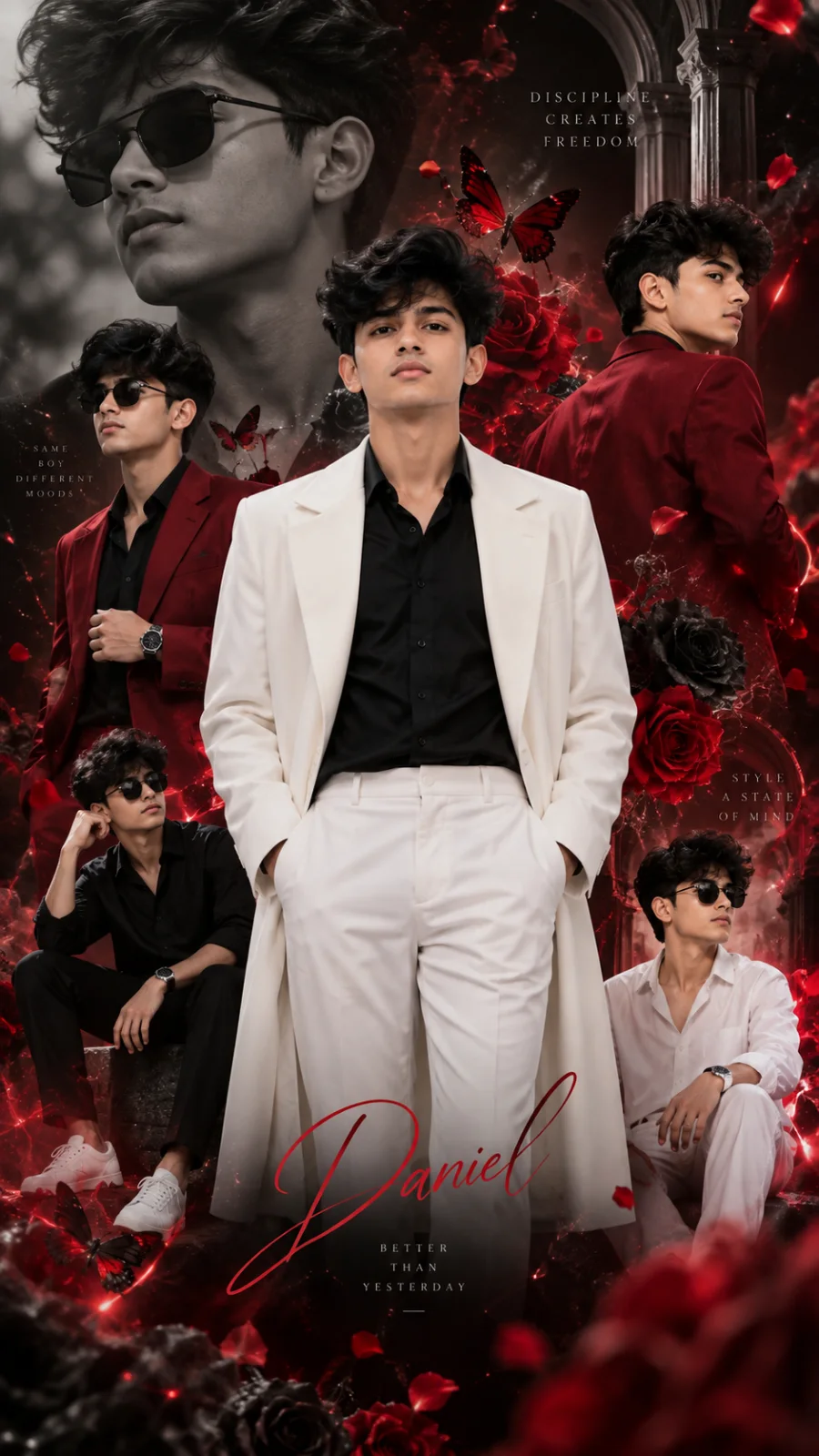
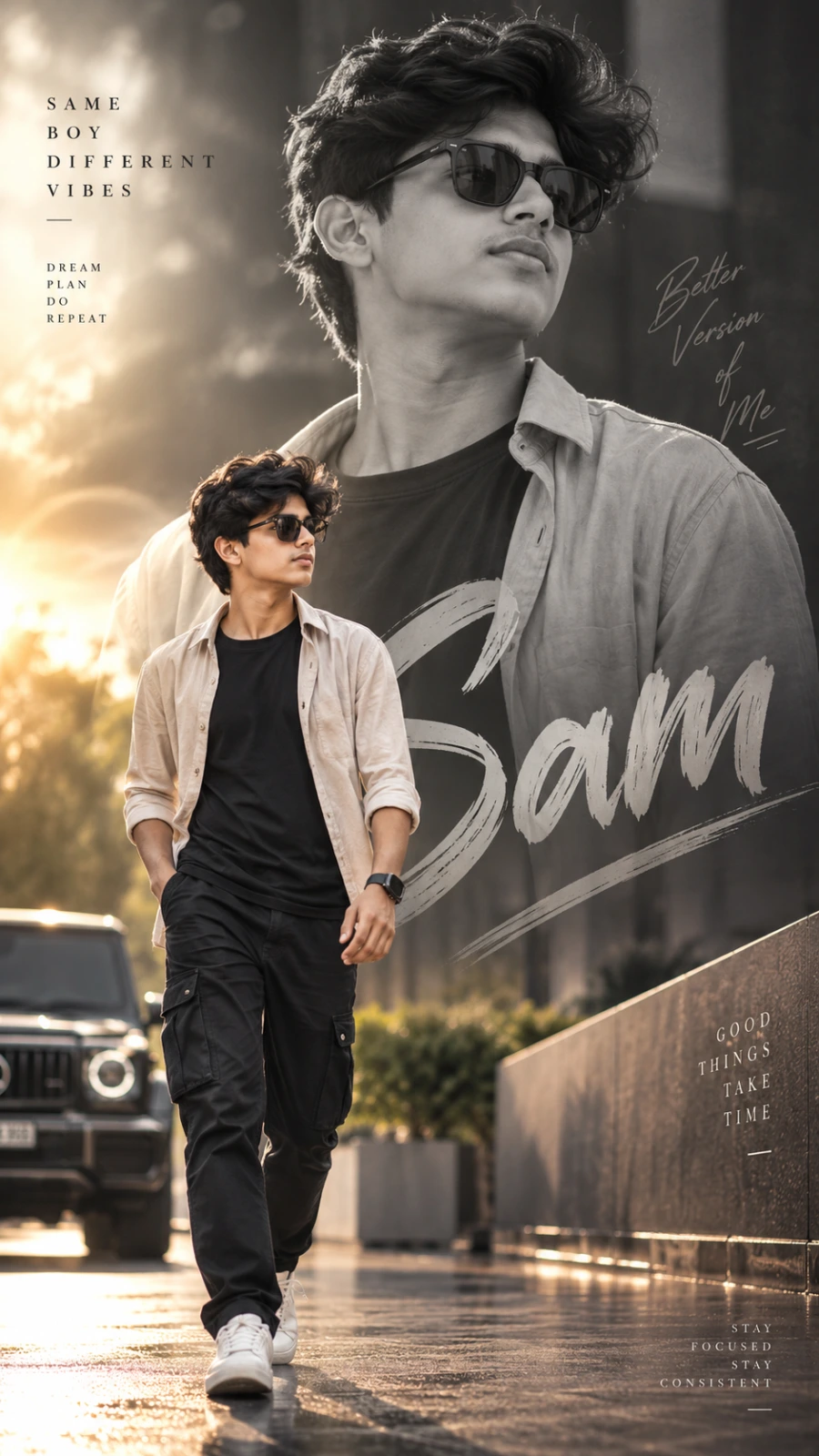
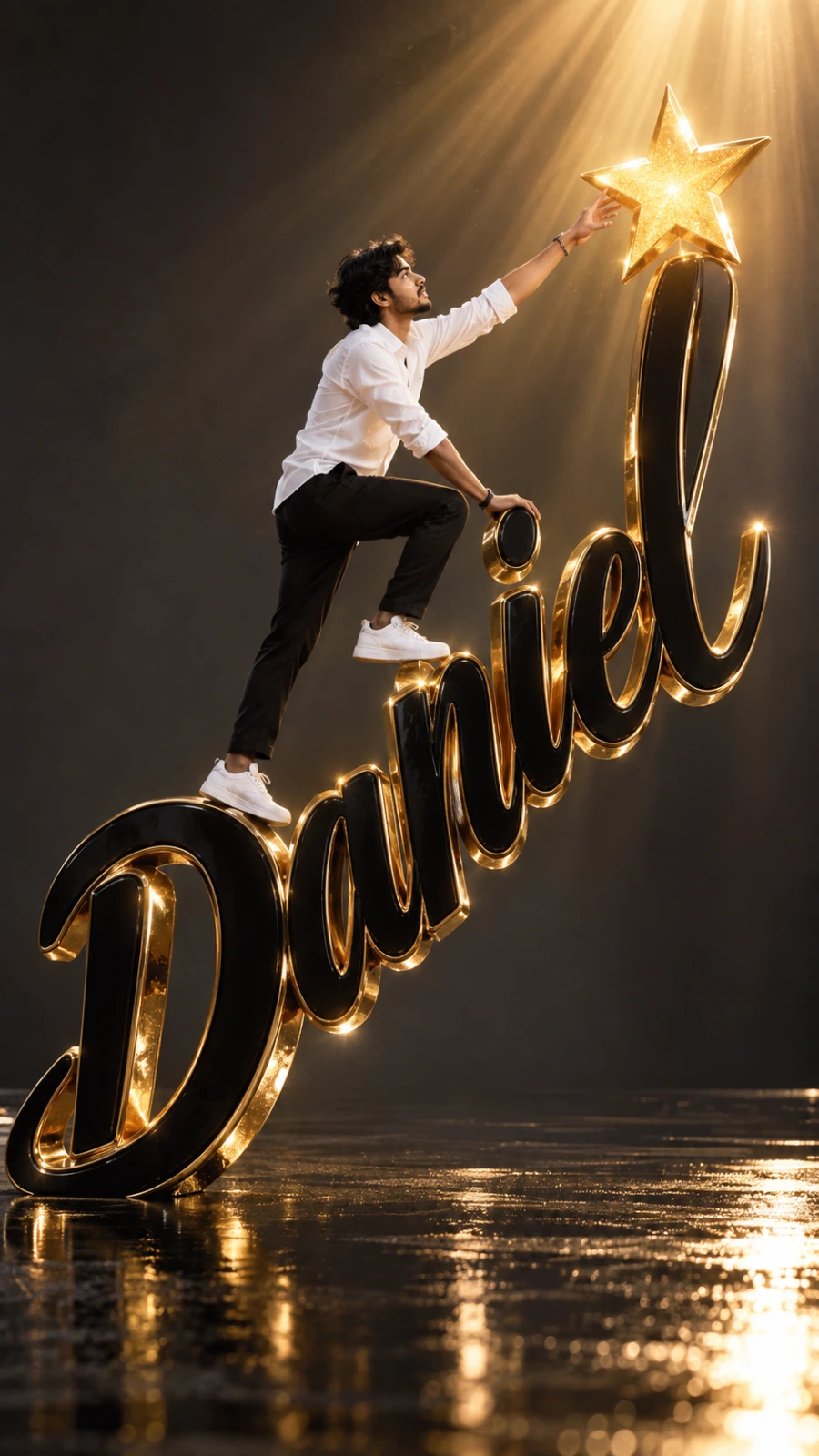
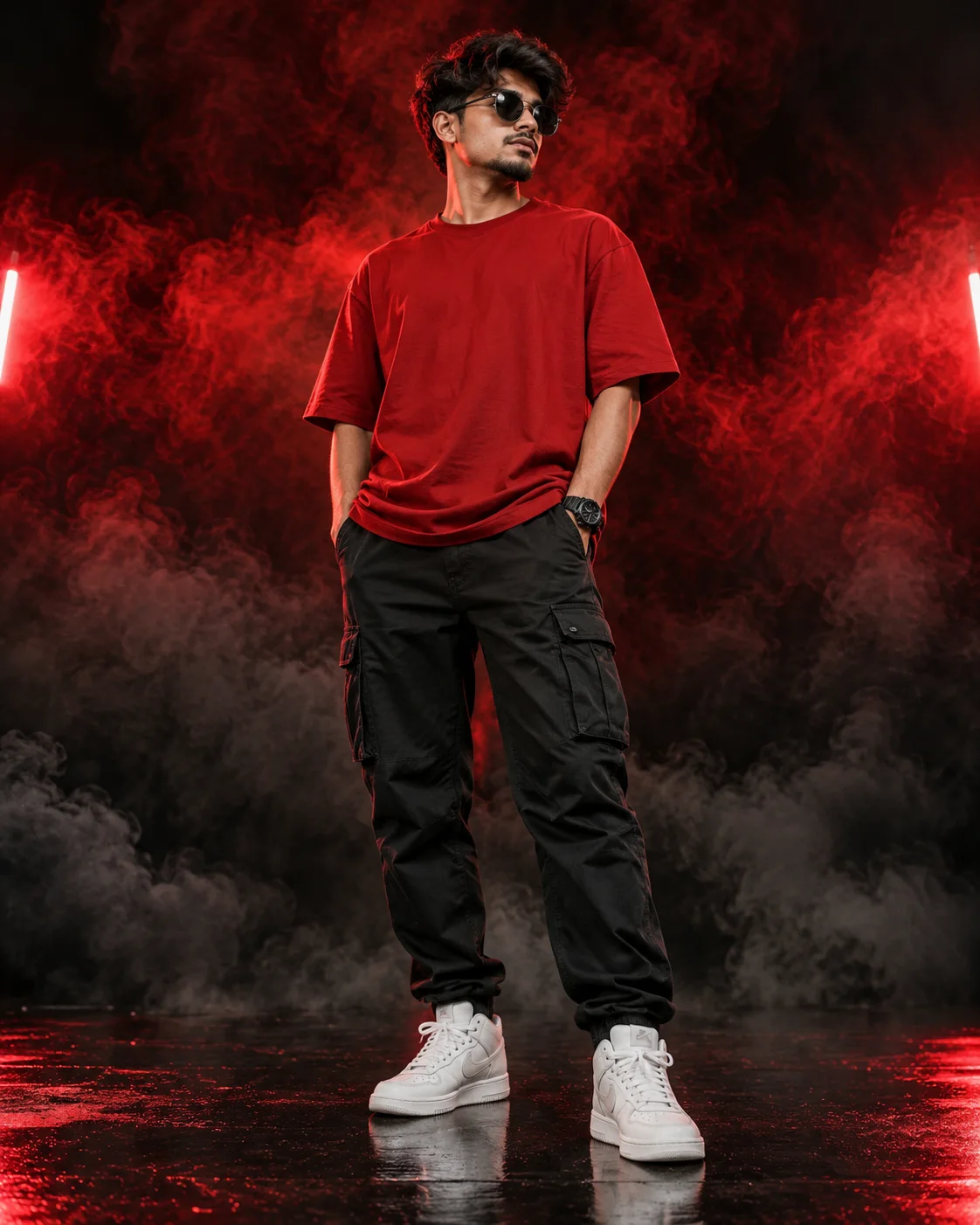
Red Smoke Streetwear Portrait
A detailed men image titled "Red Smoke Streetwear Portrait", crafted with approximately 182 words of visual direction for Chat GPT. It produces a finished visual showcasing clear subject focus, harmonious color treatment, and refined environmental context suitable for portfolio, editorial, or commercial concept projects. Chiaroscuro lighting introduces deep shadow contrast, evoking mood and artistic gravitas. Specific tactile material descriptors prevent flat procedural rendering, prompting the AI to render realistic tactile surface qualities. Industry-standard editorial and compositional cues guide the generative model toward balanced framing and restrained color harmony.
Prompt Content
Use this prompt in your favorite AI image generator.
Create a full-body photorealistic cinematic fashion portrait of a confident man standing in a relaxed streetwear pose, slightly leaning with both hands in his cargo-pant pockets. He wears an oversized solid red T-shirt, black relaxed-fit cargo pants, white high-top sneakers, a black wristwatch, and black round sunglasses. Neatly styled hair, serious confident expression. Eye-level camera angle, low-to-medium perspective feel, full-body framing from head to shoes, subject centered. Dark black seamless studio background with dramatic swirling red smoke filling the upper and middle background, gradually transitioning into dense dark-gray and black smoke around the legs and floor. Strong red lights from both sides illuminate his face, hair, and clothing, creating a subtle rim-light effect. A soft directional key light gently illuminates the face and body, with cinematic shadows, ultra-detailed skin texture, finely detailed fabric, and glossy reflections on the polished black floor. High contrast, moody luxury street-fashion aesthetic, photorealistic, ultra-detailed, sharp subject, volumetric smoke, cinematic color grading, professional studio photography, 8K resolution, aspect ratio 4:5. No identity change, no plastic-looking skin, no blurry details, no smile, no facial distortion, no loss of sharpness.
How To Use
Reusable Guide- 1Copy the complete prompt text into your preferred AI image generator (e.g., Chat GPT).
- 2Review the initial output against the recommended aspect ratio (9:16) to verify composition.
- 3Customize the key variables above (such as subject identity or focal length & lens) to suit your creative vision.
- 4Refine the guidance scale or apply negative prompt exclusions to eliminate any artifacts without compromising image fidelity.
For best results, use this prompt as-is before making edits — the defaults are already optimised.