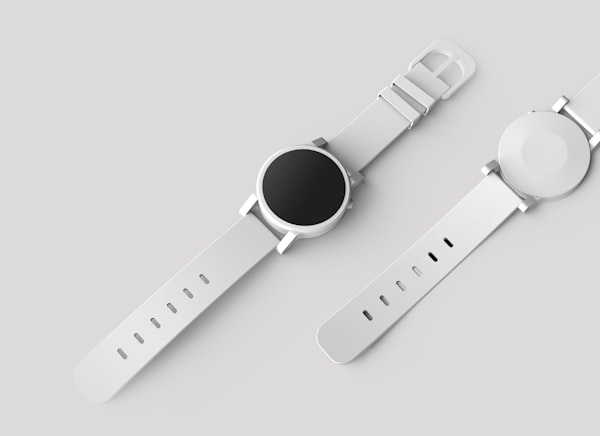
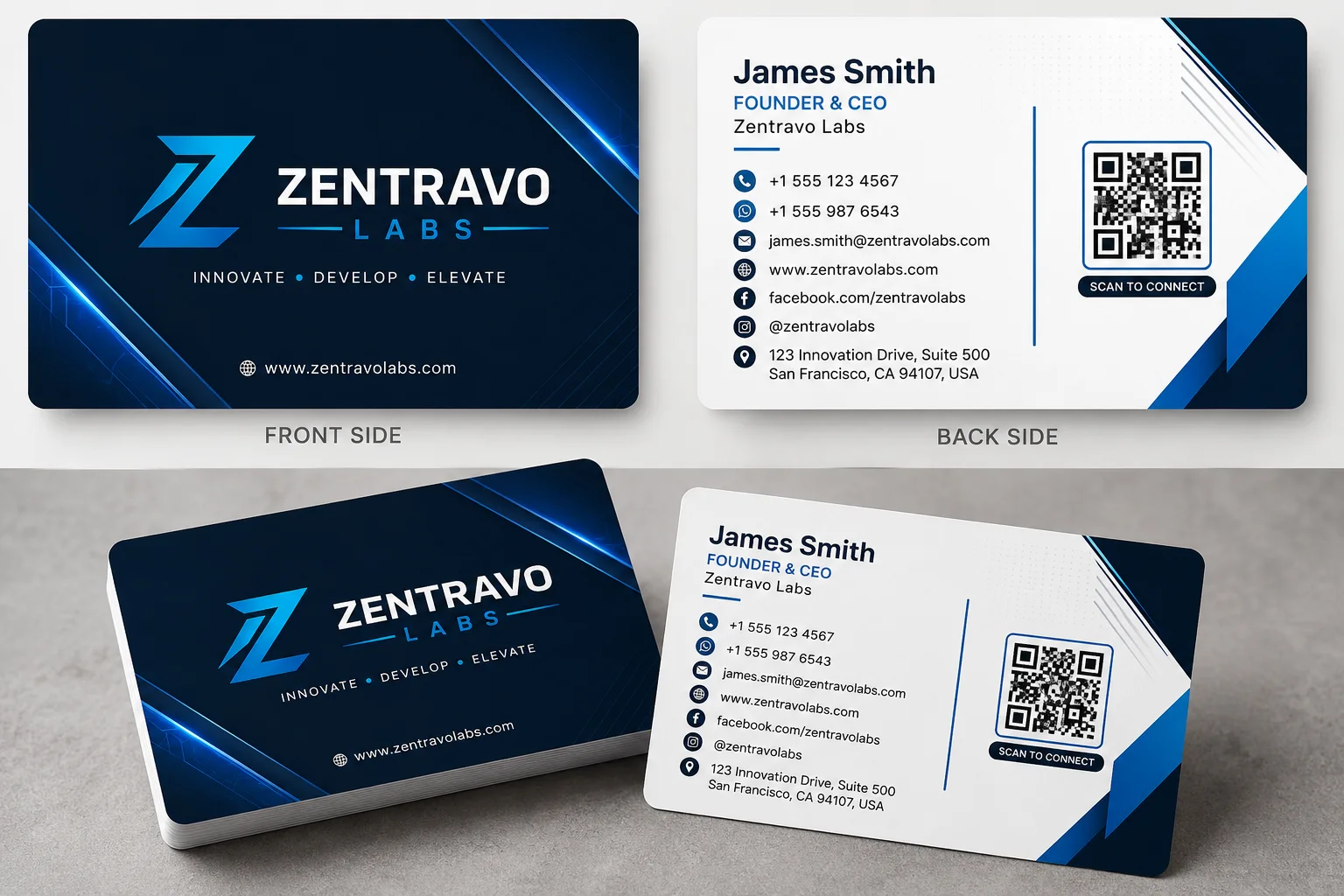
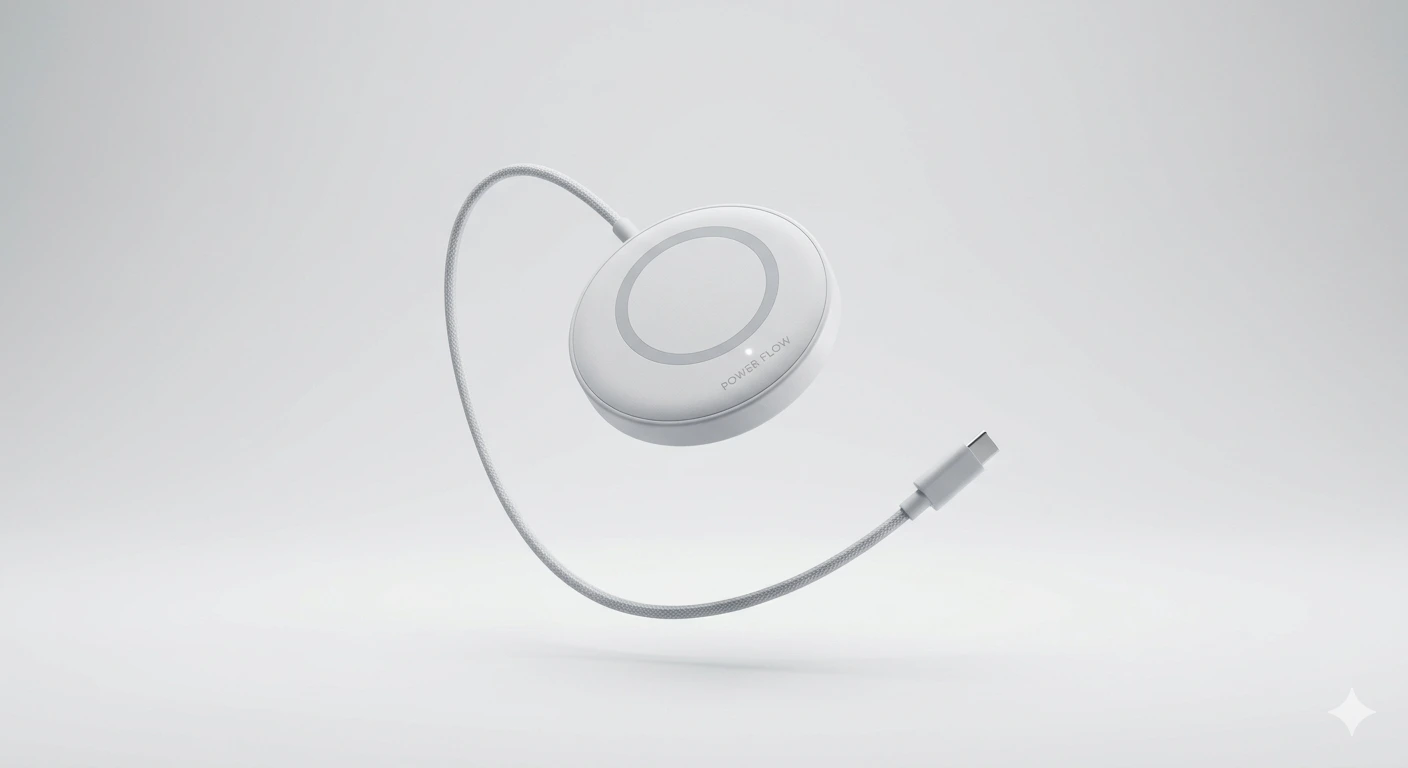
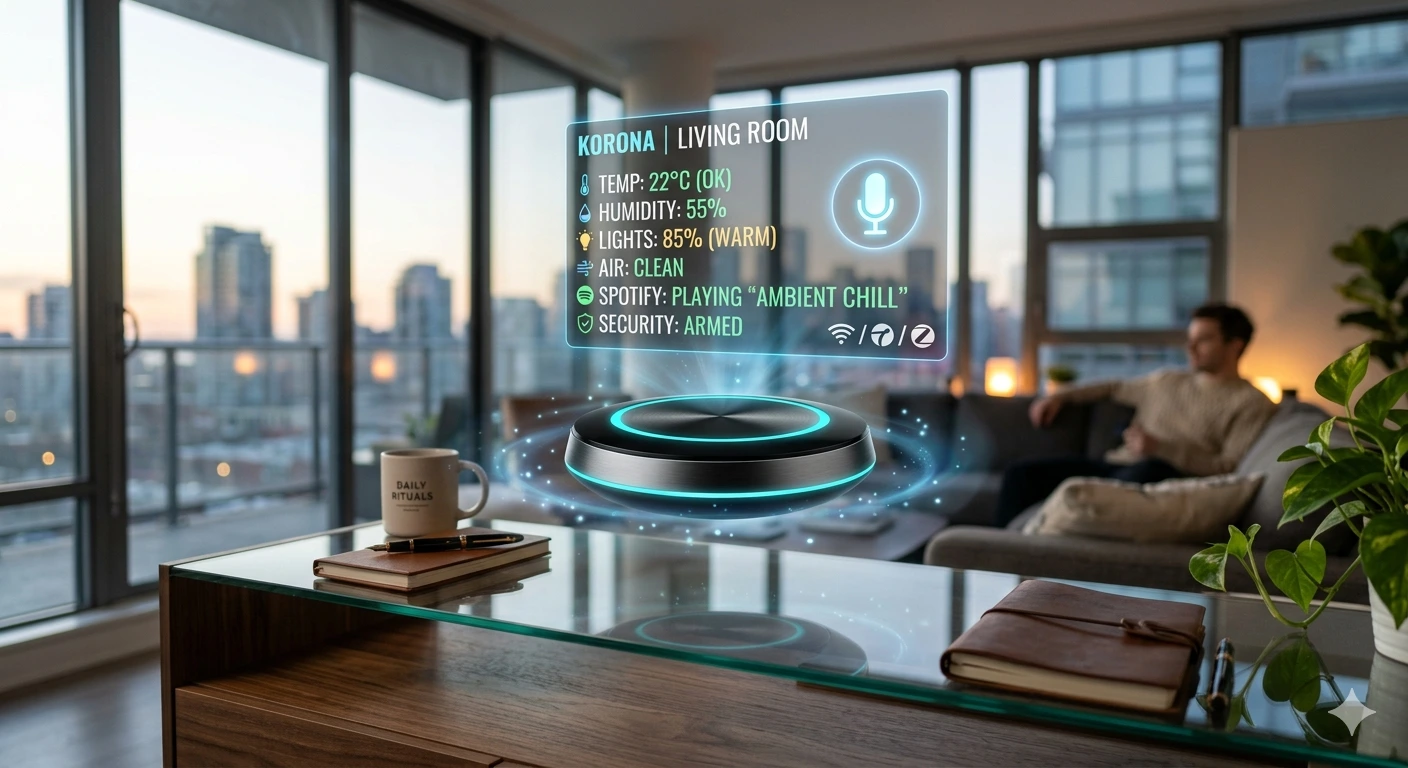
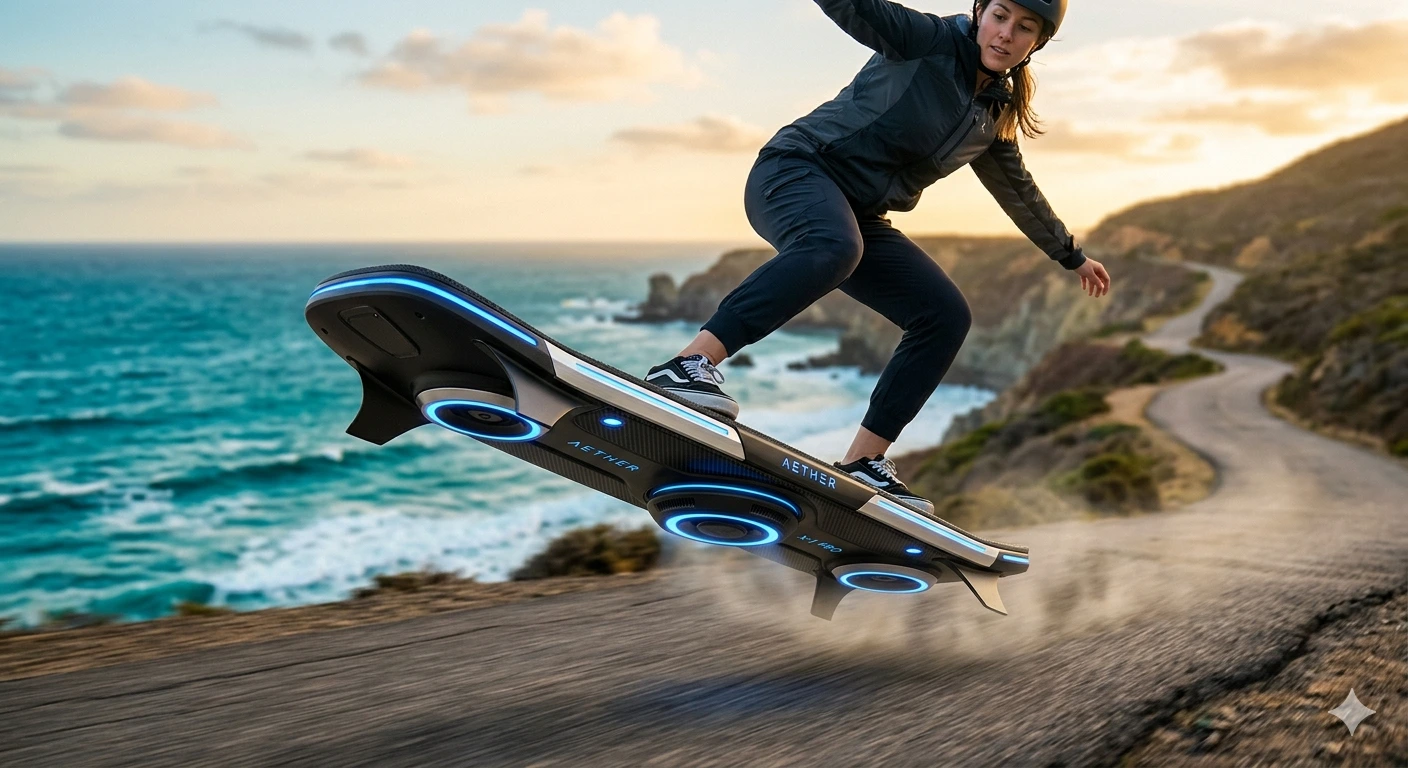
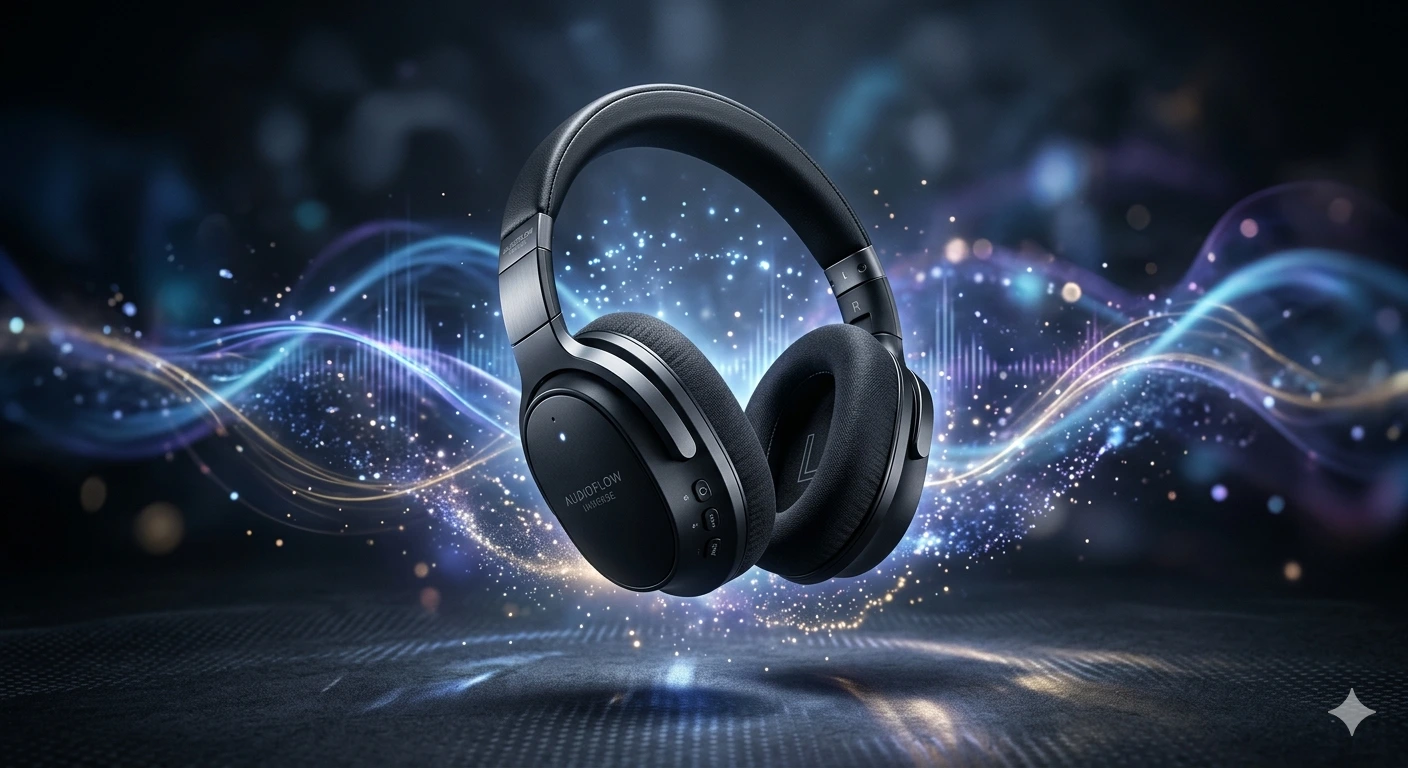
Product prompts here span commercial photography and editorial branding: a frosted perfume bottle on a black polished stone plinth with soft specular highlights, wireless headphones on a minimal white acrylic surface with a single leaf prop, a cyberpunk-styled sneaker under dramatic neon underlighting, and a luxury watch face photographed macro with the dial filling the frame. The unifying thread is a controlled studio environment—every element in the frame is deliberate.
The visual techniques that distinguish professional product shots are background surface, lighting configuration, and material rendering. For hard surfaces (metal, glass, ceramics), a three-point studio setup with a clean white or dark gradient background isolates the object cleanly. Lifestyle shots work better with complementary props—organic elements like water droplets, botanicals, or raw linen fabric add tactile warmth without distracting from the product. Material descriptors drive realism: "frosted borosilicate glass with micro-condensation", "brushed aluminium with hairline finish", "genuine leather with saddle stitching" all prevent the model from producing plasticky generic surfaces.
The most effective first edit when customising is the background surface—marble, concrete, velvet, or acrylic each carry a distinct price-point signal. Then adjust the number and direction of light sources. Gemini and DALL-E both handle clean product shots well; for reflective surfaces like chrome or mirrored glass, Gemini tends to be more consistent. Add "commercial product photography, sharp focus" explicitly if the model drifts toward artistic abstraction.