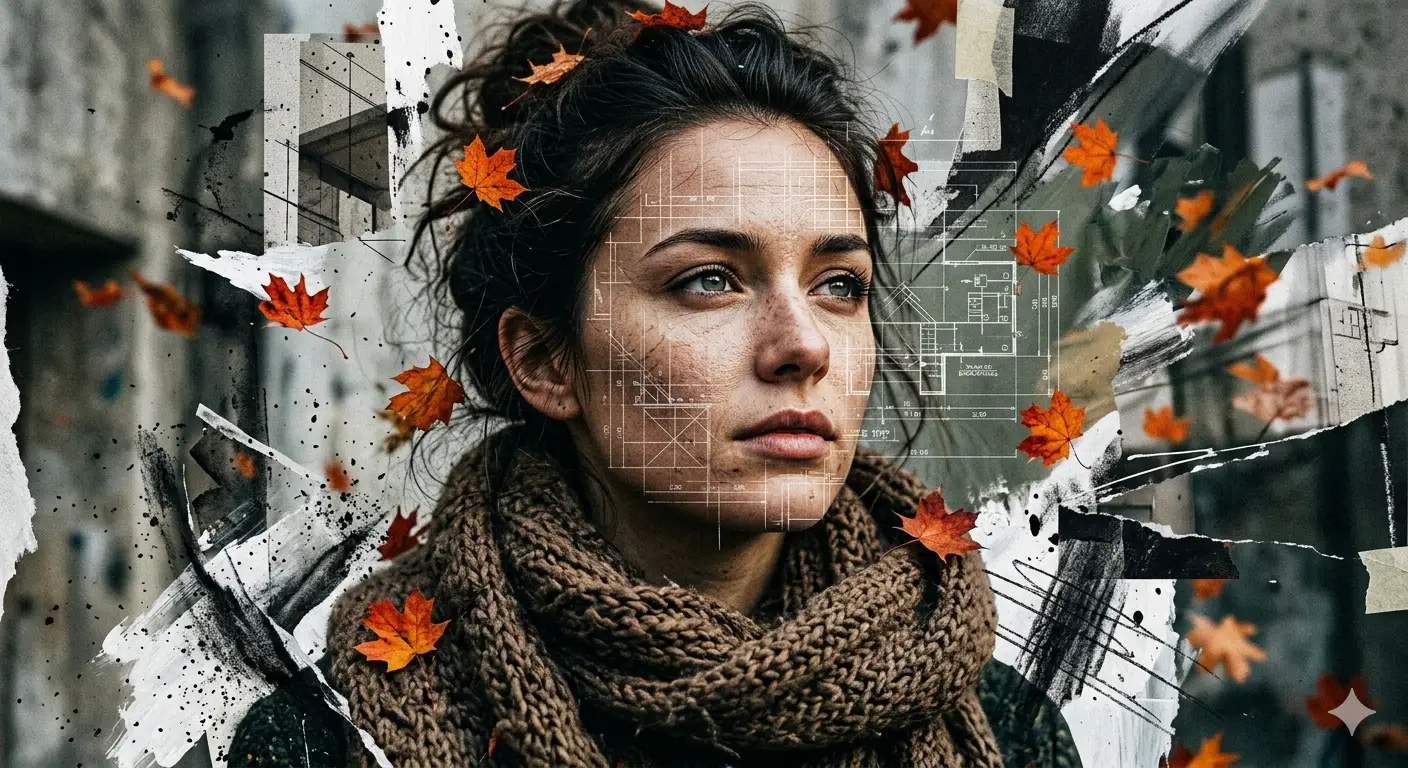
Blueprint Autumn – Cinematic High-Fashion Collage Portrait with Architectural Overlay
A detailed digital art image titled "Blueprint Autumn – Cinematic High-Fashion Collage Portrait with Architectural Overlay", crafted with approximately 95 words of visual direction for Gemini AI. It produces a finished visual showcasing clear subject focus, harmonious color treatment, and refined environmental context suitable for portfolio, editorial, or commercial concept projects. Specific tactile material descriptors prevent flat procedural rendering, prompting the AI to render realistic tactile surface qualities. Industry-standard editorial and compositional cues guide the generative model toward balanced framing and restrained color harmony.
Prompt Content
Use this prompt in your favorite AI image generator.
A high-fashion cinematic portrait of a young woman with a thoughtful expression, looking slightly upward. The image is a deconstructed multimedia collage: her face is overlaid with faint, intricate architectural blueprints, geometric grid lines, and technical schematics. The composition features an explosive, splattered edge effect with charcoal and white paint strokes. Scattered hyper-realistic orange autumn maple leaves drift around her neck and hair.She wears a thick, textured brown knit scarf. High-contrast lighting, 8k resolution, ultra-sharp focus on the eyes, featuring hyper-realistic skin textures, muted earth-tone color palette with pops of vibrant orange, editorial photography style.
How To Use
Reusable Guide- 1Copy the complete prompt text into your preferred AI image generator (e.g., Gemini AI).
- 2Review the initial output against the recommended aspect ratio (1:1) to verify composition.
- 3Customize the key variables above (such as subject & focal point or lighting & atmosphere) to suit your creative vision.
- 4Refine the guidance scale or apply negative prompt exclusions to eliminate any artifacts without compromising image fidelity.
For best results, use this prompt as-is before making edits — the defaults are already optimised.