Golden Ride – Cinematic Vintage Scooter Journey with Playful Wildlife Companions
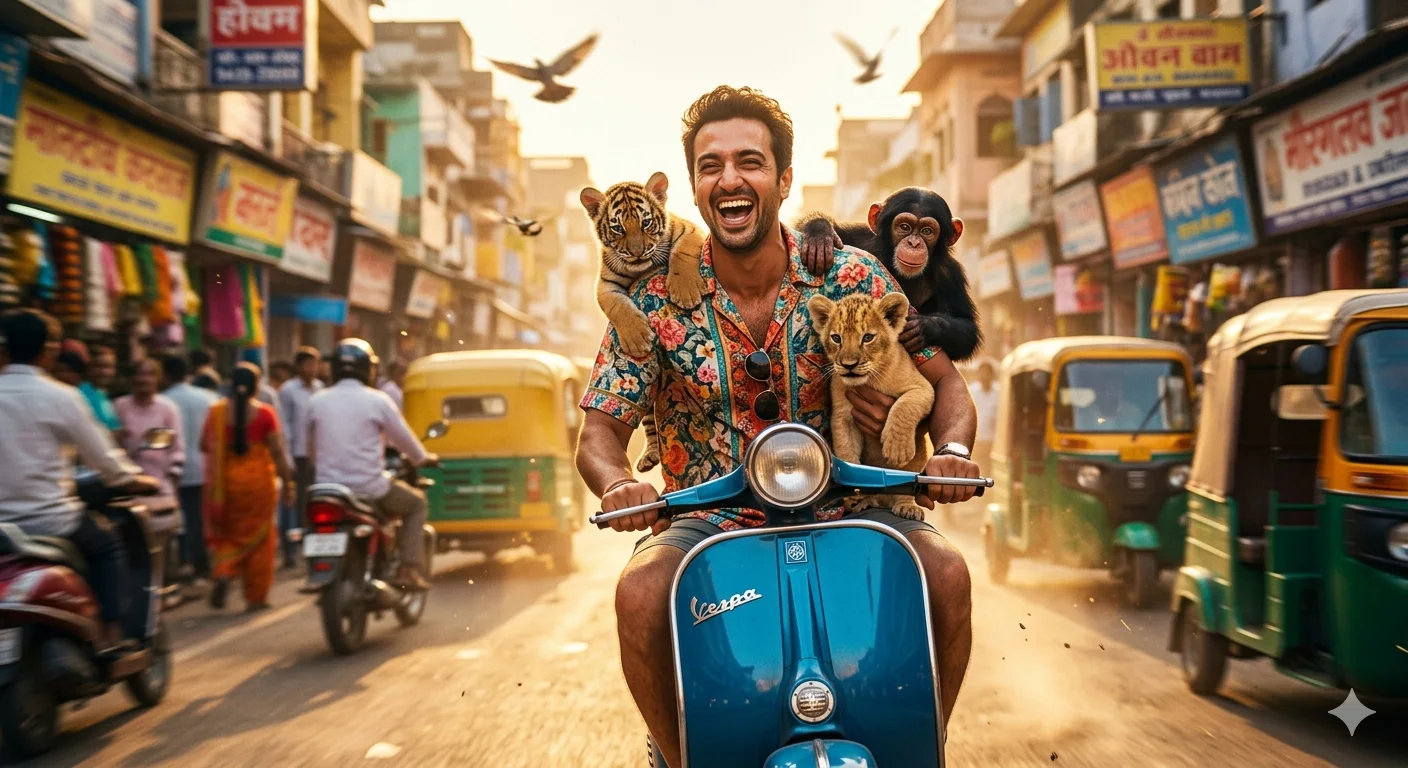
A detailed animals & wildlife image titled "Golden Ride – Cinematic Vintage Scooter Journey with Playful Wildlife Companions", crafted with approximately 146 words of visual direction for Gemini AI. It produces a finished visual showcasing clear subject focus, harmonious color treatment, and refined environmental context suitable for portfolio, editorial, or commercial concept projects. Natural golden-hour directional light creates warm skin tones and long, soft cast shadows that build volumetric depth. Wide-angle framing establishes environmental scale and spatial context across foreground, midground, and horizon. Industry-standard editorial and compositional cues guide the generative model toward balanced framing and restrained color harmony.
Prompt Content
Use this prompt in your favorite AI image generator.
Jltra realistic cinematic photo of the person from the reference image riding a vintage blue scooter through a lively, sunlit street filled with motion blur and vibrant colors. He wears a bright patterned shirt and has a joyful, expressive face, radiating humor and energy On his shoulders and arms are small, realistic baby animals a playful tiger cub, a lion cub, and a curious chimpanzee - all captured mid-motion as the scooter speeds through the scene. The atmosphere is dynamic and full of life: birds flying, dust particles glowing in the sunlight, and a golden-hour hue illuminating the city's architecture. The perspective feels like a movie still - perfectly timed, with motion blur on the background but crisp focus on the subject and animals Camera angle: wide shot, low and frontal, emphasizing speed and expression. Lighting: golden hour cinematic light, HDR reflections on metal, glowing highlights.
Usage & Variation Guide
Usage & Variation GuideVariation Advice
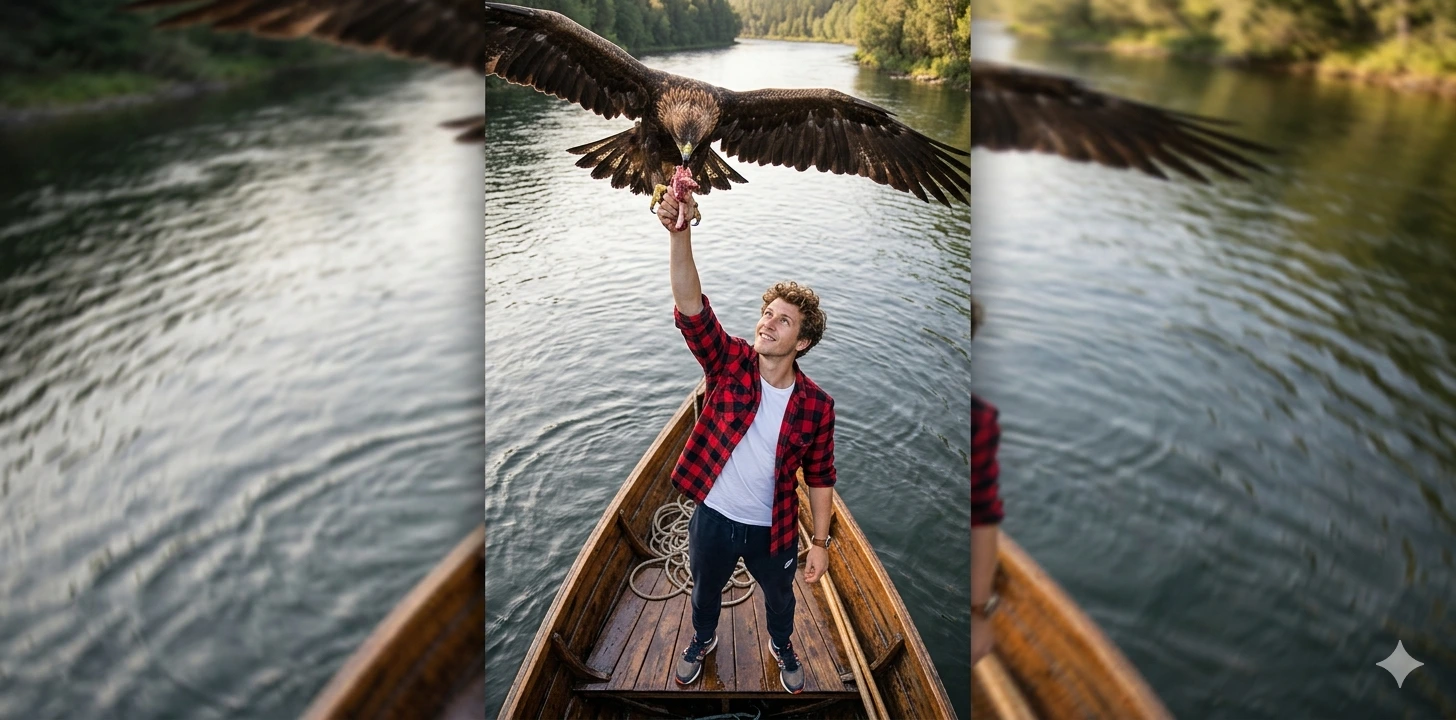
To vary this composition, substitute the vintage Vespa with an open-top retro safari Land Cruiser or a wooden river skiff. You can also shift the time of day from golden dusk to misty early dawn, which changes the volumetric lighting from amber rays into cool blue-grey haze.
Suggested Variation Example
See the full technical analysis below for lighting parameters, composition breakdown, and failure mode fixes.