Neon Alley Warlord – Worm’s-Eye Cyberpunk Sword Portrait in Rain-Soaked City
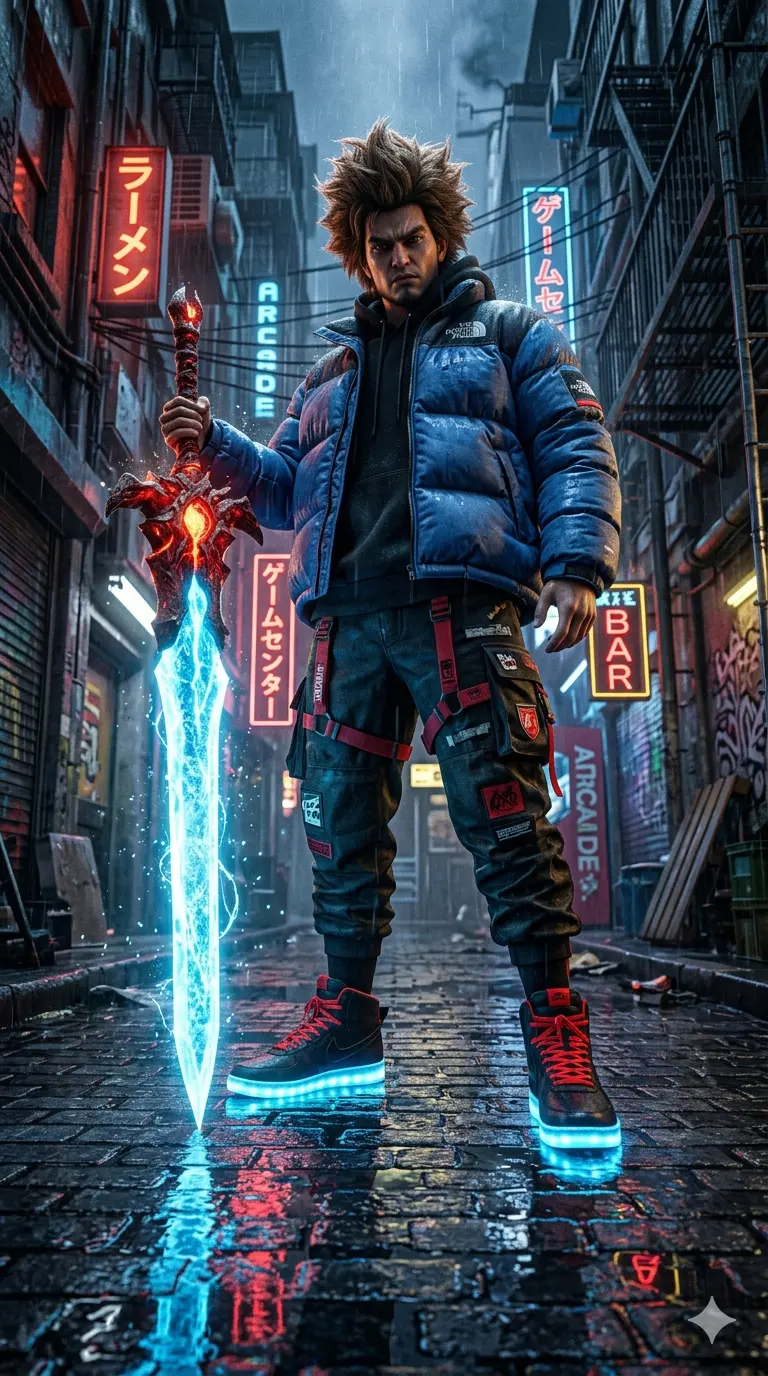
A detailed digital art image titled "Neon Alley Warlord – Worm’s-Eye Cyberpunk Sword Portrait in Rain-Soaked City", crafted with approximately 109 words of visual direction for Gemini AI. It produces a finished visual showcasing clear subject focus, harmonious color treatment, and refined environmental context suitable for portfolio, editorial, or commercial concept projects. Vibrant neon and high-contrast color illumination provides striking dual-tone separation between the subject and dark background. Industry-standard editorial and compositional cues guide the generative model toward balanced framing and restrained color harmony.
Prompt Content
Use this prompt in your favorite AI image generator.
Extreme low-angle worm's-eye view, 8k resolution, cinematic digital art. A powerful young man with messy voluminous spiky brown hair, gritty urban alleyway, looking down at the camera. He wears an oversized blue streetwear puffer jacket, dark tactical cargo pants with red straps, and high-top sneakers with bright red laces and glowing neon-blue LED soles. In his hand, he holds a massive fantasy sword with a fiery red hilt and a glowing ice-blue energy blade. The ground is wet, highly reflective cobblestone capturing the brilliant blue and red neon reflections. High contrast, hyper-detailed, Unreal Engine 5 render style, anime concept art, vibrant colors, floating energy particles, volumetric lighting. --ar 9:16
How To Use
Reusable Guide- 1Copy the complete prompt text into your preferred AI image generator (e.g., Gemini AI).
- 2Review the initial output against the recommended aspect ratio (9:16) to verify composition.
- 3Customize the key variables above (such as subject & focal point or lighting & atmosphere) to suit your creative vision.
- 4Refine the guidance scale or apply negative prompt exclusions to eliminate any artifacts without compromising image fidelity.
For best results, use this prompt as-is before making edits — the defaults are already optimised.