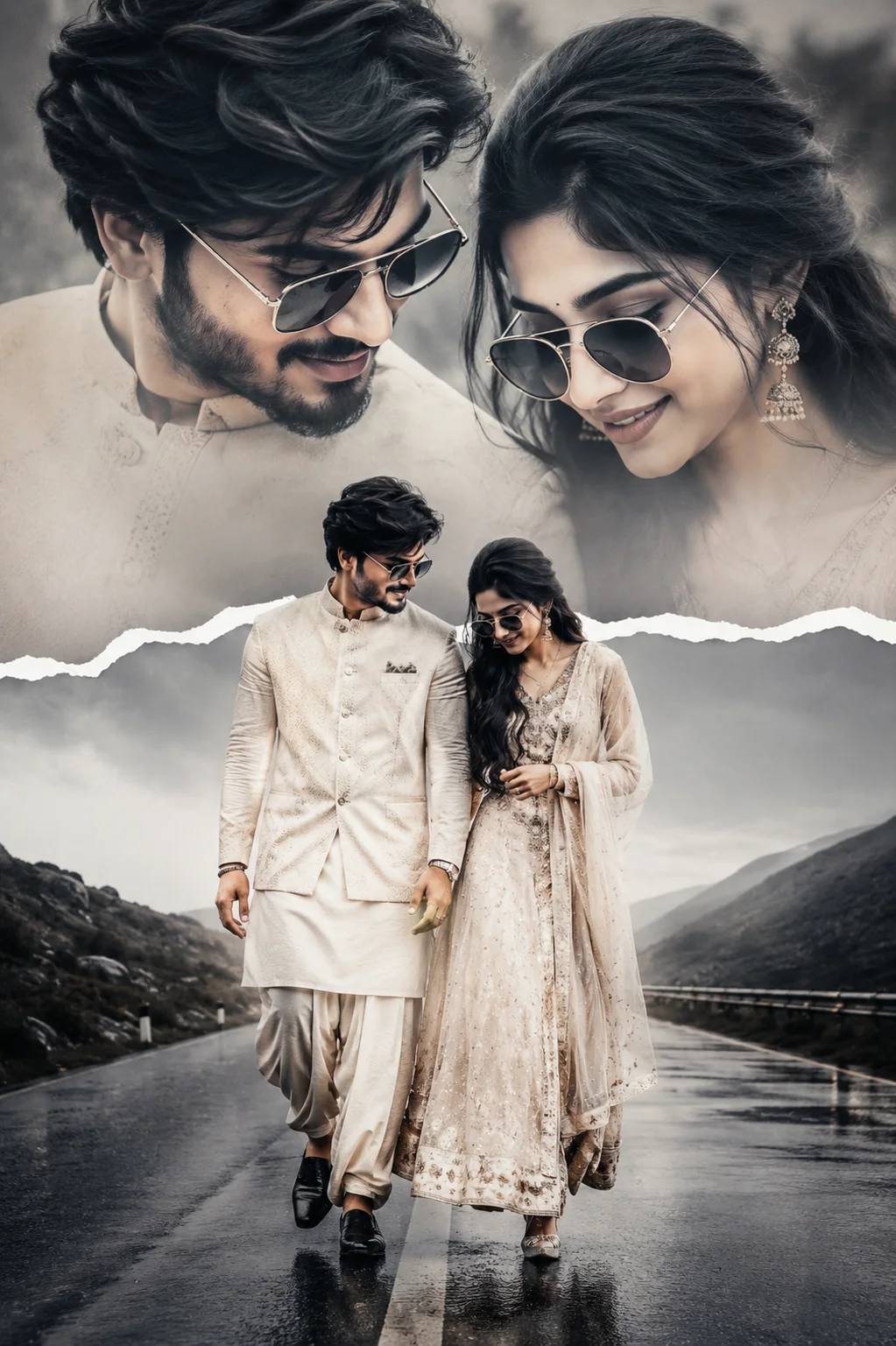
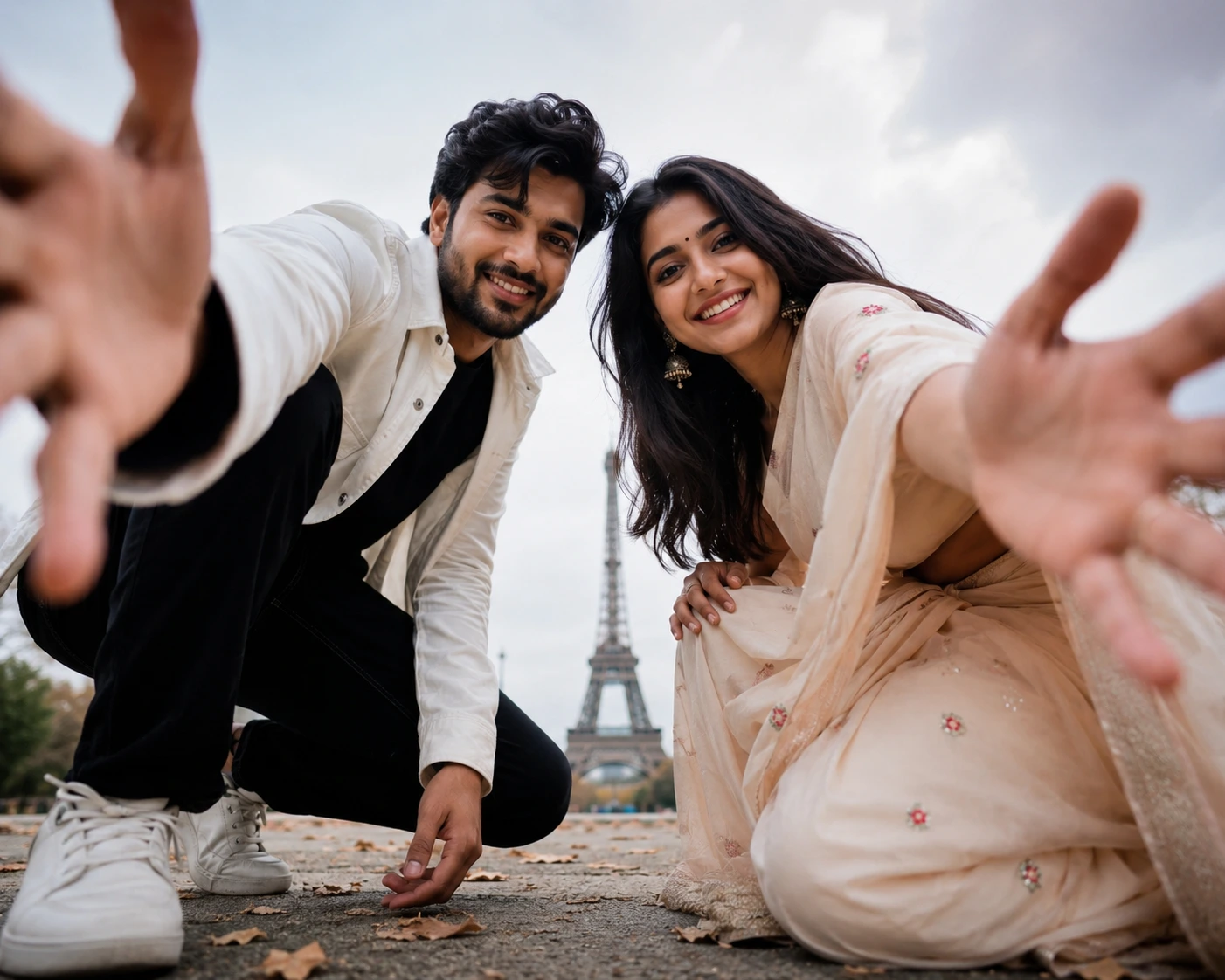
Skyward Heart – Cinematic Couple Lockscreen Portrait
Create an epic couple AI image using this high-quality prompt optimized for Gemini AI image generation.
Prompt Content
Use this prompt in your favorite AI image generator.
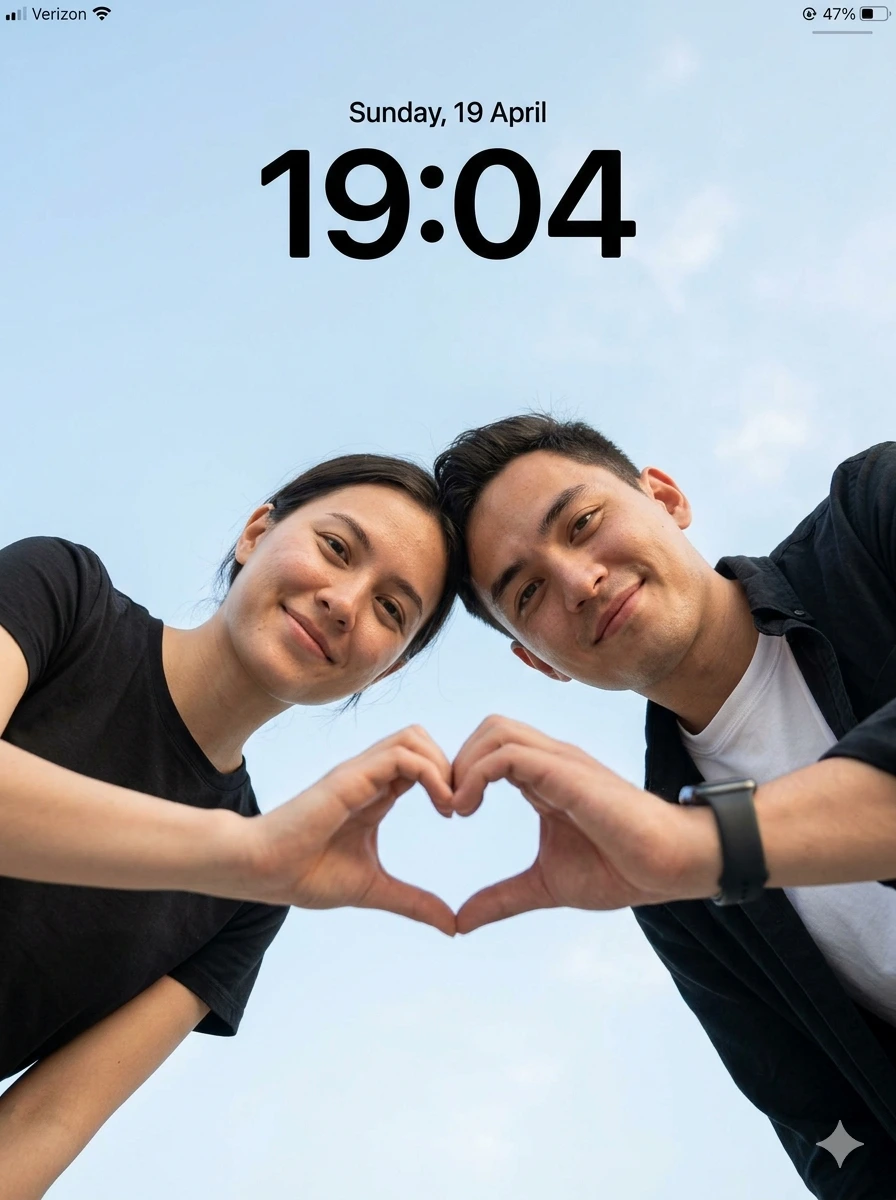
Create an ultra-realistic cinematic low-angle couple portrait with a smartphone lockscreen UI overlay. Capture in 8K DSLR quality with extremely sharp focus, zero blur, no artificial smoothing, no CGI or cartoon look. Maintain hyper-realistic skin texture, detailed fabric, and crisp environment clarity. ASPECT RATIO 3:4 vertical SCENE Open outdoor environment with a clean, minimal sky background. Soft light blue sky with subtle natural clouds filling the entire frame. No buildings, no objects, no distractions. SUBJECT A couple leaning toward the camera from above, captured in a low-angle perspective, creating a modern selfie-style composition. Framing must clearly show both faces and hands. FACE & IDENTITY RULES (IMPORTANT) Faces must remain fully natural and identity-preserved. Do NOT beautify, reshape, or smooth skin. Maintain real human imperfections (pores, texture, subtle asymmetry). Works for any couple. POSE (STRICT) Both subjects leaning slightly forward toward the camera Heads tilted slightly inward, close to each other Each subject one hand extended downward toward camera Fingers forming a clear heart shape in the centre frame (thumbs + fingers touching) Direct eye contact with camera EXPRESSION Soft natural happy smiles (IMPORTANT) Natural, warm, romantic, friendly vibe No exaggerated expressions OUTFIT (IMPORTANT) Female: simple, minimal black t-shirt (soft fabric, natural drape) Male: white inner t-shirt with black casual shirt (natural folds), optional smartwatch Clothing must look real with visible texture and folds LIGHTING Natural daylight from front-top direction Soft, even illumination on both faces No harsh shadows Natural highlights on skin (cheeks, forehead) Balanced exposure with realistic tones BACKGROUND Full sky visible (light blue + soft clouds) Clean minimal composition No distractions CAMERA & COMPOSITION (STRICT) Low-angle shot (camera placed below, pointing upward) Close-up framing (faces + hands clearly visible) 50mm realistic lens perspective Heart shape perfectly centered Ultra-sharp focus on faces, hands, and sky NO blur anywhere STYLE Hyper-realistic outdoor couple photography Modern, clean, social media aesthetic Natural color grading (no overprocessing) LOCKSCREEN UI OVERLAY Top center: “Sunday, 19 April” (minimal iOS-style font) Below: large bold time “19:04” Top left: signal icon + “Verizon” Top right: battery icon (47%) Clean, subtle smartphone lockscreen overlay blur, motion blur, depth of field, soft focus, background blur, CGI look, cartoon style, plastic skin, distorted hands, extra fingers, extra hands, wrong heart shape pose, bad anatomy, identity change, watermark, low resolution
About This Prompt
Auto GeneratedThis is a high-quality Couple AI prompt crafted by Admin. It is designed to produce stunning visuals with minimal iteration. The prompt uses carefully selected descriptors and stylistic cues optimised for Gemini AI, making it ideal for creators who want consistent, professional results.
How To Use
Reusable Guide- 1Copy the prompt using the "Copy Prompt" button above.
- 2Open your preferred AI model (Gemini AI) and paste the prompt into the input field.
- 3Optionally, replace bracketed placeholders (e.g. [subject], [style]) with your own values to personalise the output.
- 4Run the prompt and review the result — iterate by tweaking descriptors for different moods or compositions.
- 5Save or export your favourite generations directly from the AI tool's interface.
For best results, use this prompt as-is before making edits — the defaults are already optimised.