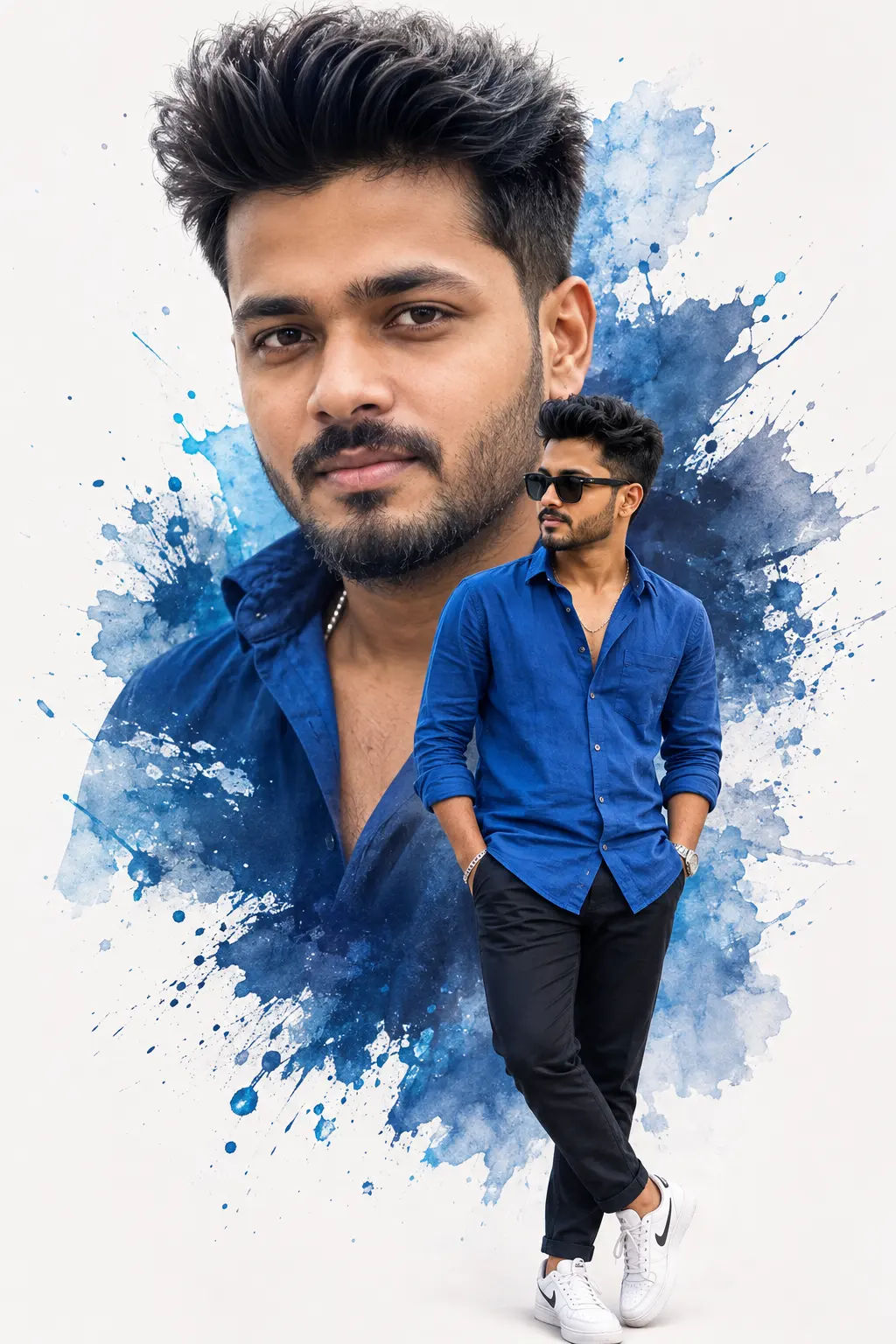
Blue Watercolour Double Exposure Portrait
Create an epic men AI image using this high-quality prompt optimized for Chat GPT image generation.
Prompt Content
Use this prompt in your favorite AI image generator.
Ultra-realistic 8K cinematic double-exposure portrait of any person, preserving the exact facial identity from the reference image. Create a clean white studio background with bold blue watercolor paint splashes and artistic ink splatter effects behind the subject. Place a large close-up head-and-shoulders portrait in the background with a calm confident expression, natural soft lighting, and direct eye contact.In the foreground, show the same person in a full-body pose wearing a royal blue unbuttoned linen shirt with rolled-up sleeves, black slim-fit trousers, white sneakers, black sunglasses, a silver wristwatch, and a bracelet, standing casually with both hands in pockets and one leg crossed naturally. Match the same hairstyle, facial features, skin tone, body proportions, and realistic texture.
About This Prompt
Auto GeneratedThis is a high-quality Men AI prompt crafted by Admin. It is designed to produce stunning visuals with minimal iteration. The prompt uses carefully selected descriptors and stylistic cues optimised for Chat GPT, making it ideal for creators who want consistent, professional results.
How To Use
Reusable Guide- 1Copy the prompt using the "Copy Prompt" button above.
- 2Open your preferred AI model (Chat GPT) and paste the prompt into the input field.
- 3Optionally, replace bracketed placeholders (e.g. [subject], [style]) with your own values to personalise the output.
- 4Run the prompt and review the result — iterate by tweaking descriptors for different moods or compositions.
- 5Save or export your favourite generations directly from the AI tool's interface.
For best results, use this prompt as-is before making edits — the defaults are already optimised.