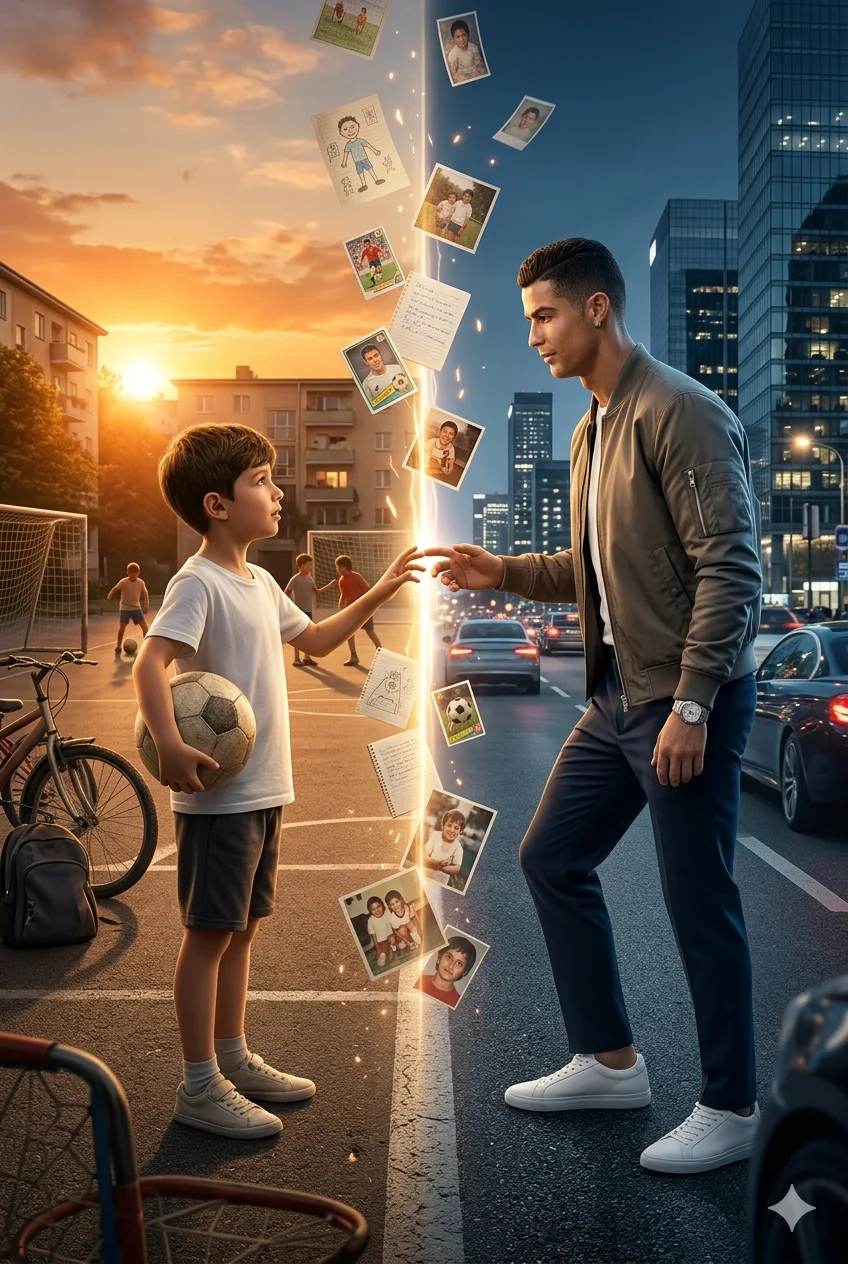
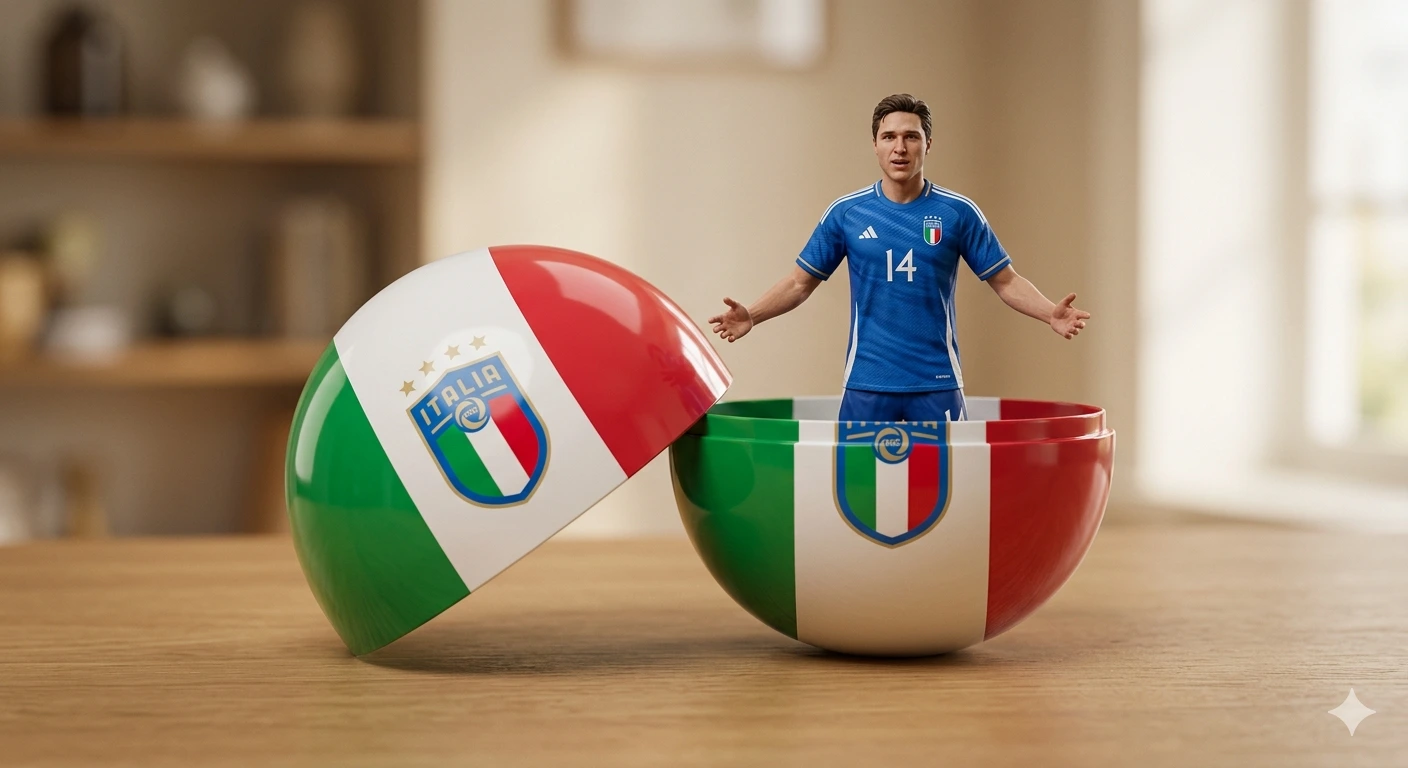
Elite Performance – Multi-Layer Cinematic Sports Hero Poster Composition
Create an epic sport AI image using this high-quality prompt optimized for Gemini AI image generation.
Prompt Content
Use this prompt in your favorite AI image generator.
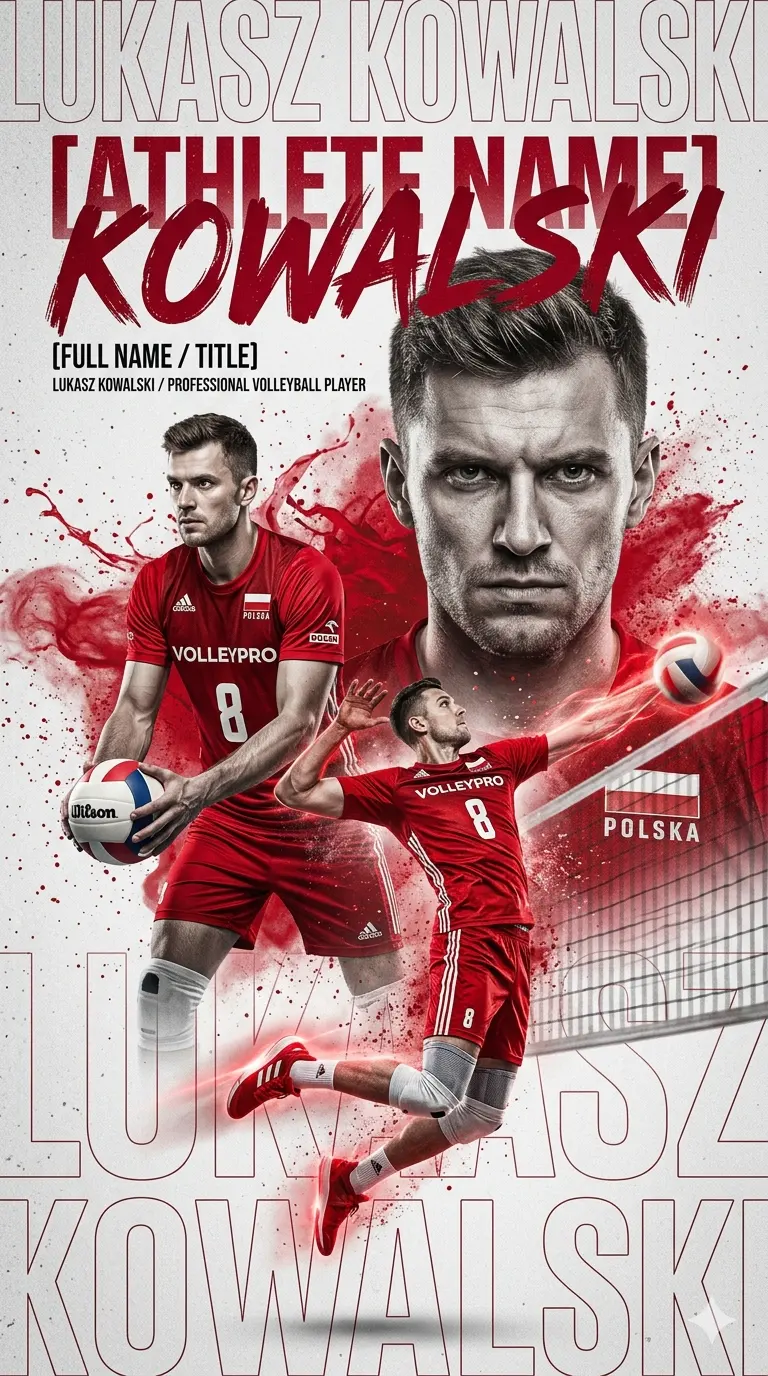
Create a high-impact cinematic sports poster of [ATHLETE NAME], a professional [SPORT TYPE] player. Main composition: - Use a multi-layer collage style with 3 poses: 1) A large close-up portrait in the background with a focused and determined expression 2) A medium shot holding [SPORT EQUIPMENT] in a ready stance 3) A dynamic action pose (jumping / hitting / serving) Style & visual treatment: - Hyper-realistic, 8K quality - High contrast with slightly desaturated tones - Dominant color: [PRIMARY COLOR - e.g. red] - Background: light gray textured with grain and subtle noise - Add dust, particle, or paint splash effects behind the subject - Add subtle glow or light effect on shoes or equipment for dramatic emphasis Typography: - Large bold grunge/brush style text: “[ATHLETE NAME]” - Smaller clean text below: “[FULL NAME / TITLE]” - Add background oversized outline text repeating the name (low opacity) Details: - Keep the face realistic and recognizable - Outfit: official sports uniform with logos and details - Lighting: dramatic studio lighting with soft shadows - Composition must feel powerful, modern, and professional Mood: - Energetic - Competitive - Heroic sports branding poster
About This Prompt
Auto GeneratedThis is a high-quality Sport AI prompt crafted by Admin. It is designed to produce stunning visuals with minimal iteration. The prompt uses carefully selected descriptors and stylistic cues optimised for Gemini AI, making it ideal for creators who want consistent, professional results.
How To Use
Reusable Guide- 1Copy the prompt using the "Copy Prompt" button above.
- 2Open your preferred AI model (Gemini AI) and paste the prompt into the input field.
- 3Optionally, replace bracketed placeholders (e.g. [subject], [style]) with your own values to personalise the output.
- 4Run the prompt and review the result — iterate by tweaking descriptors for different moods or compositions.
- 5Save or export your favourite generations directly from the AI tool's interface.
For best results, use this prompt as-is before making edits — the defaults are already optimised.