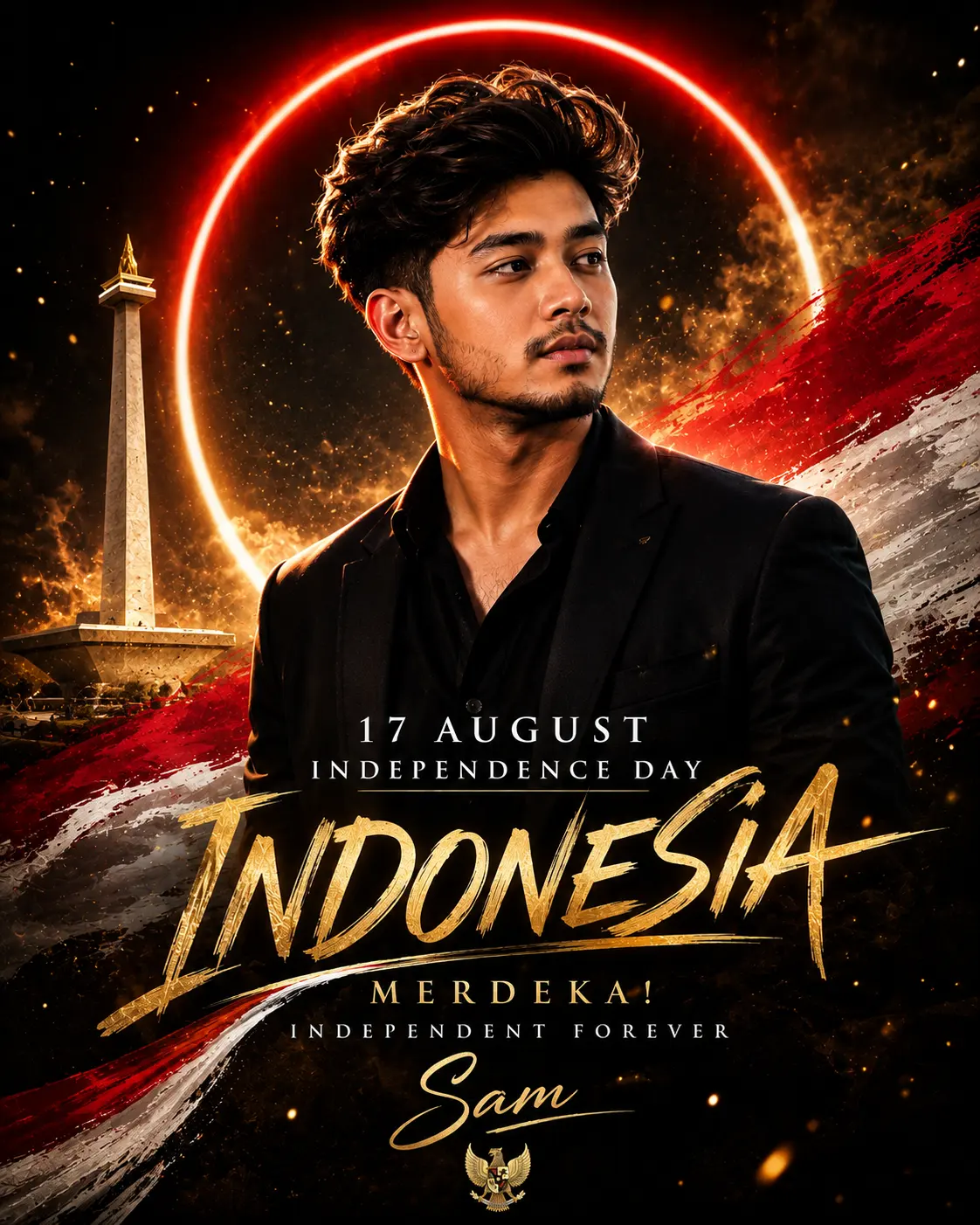
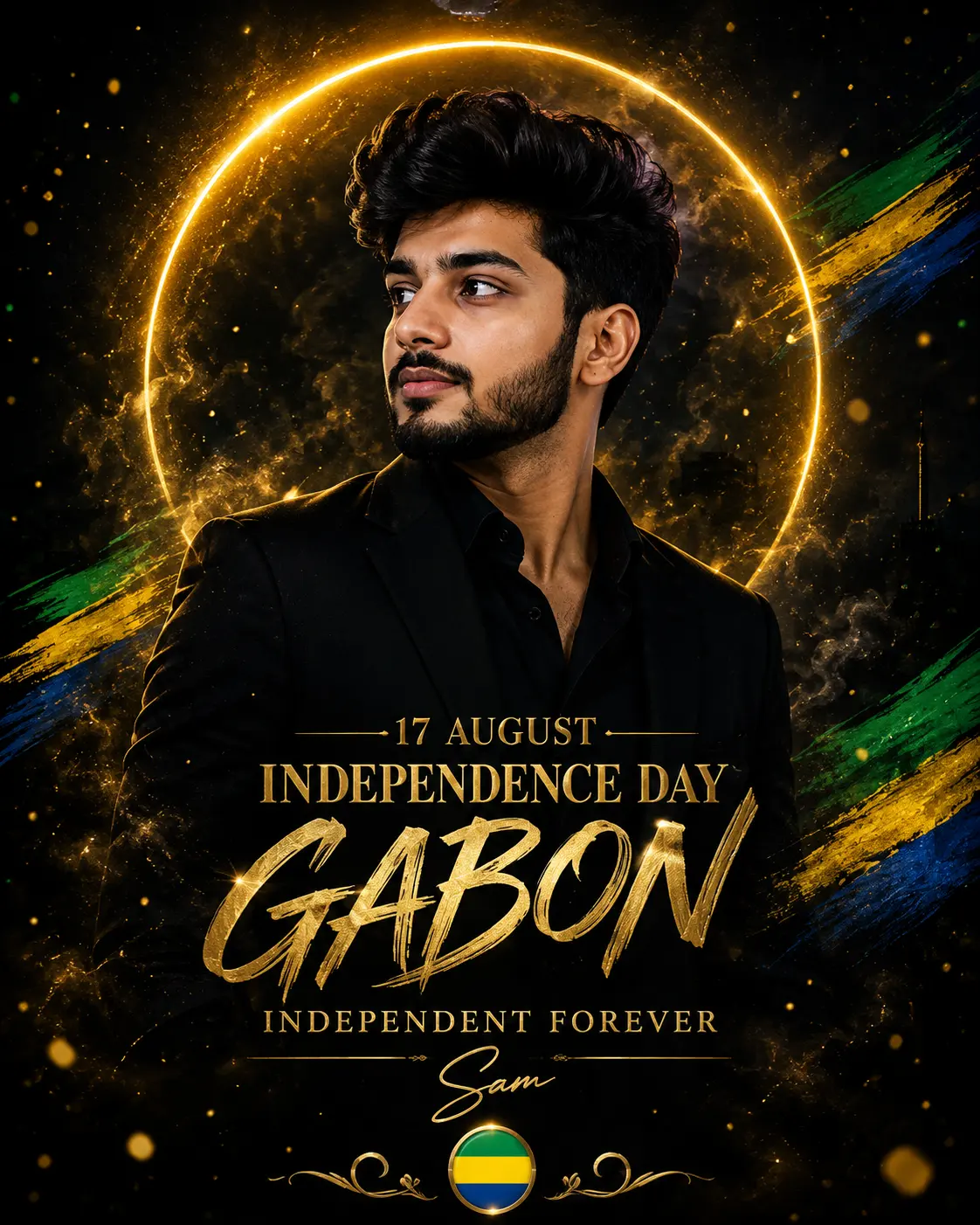
Gabon Independence Day Celebration Poster
Create an epic men AI image using this high-quality prompt optimized for Chat GPT image generation.
Prompt Content
Use this prompt in your favorite AI image generator.
Create a premium cinematic Independence Day portrait poster for **Gabon – 17 August Independence Day**, inspired by the uploaded reference image. Use the uploaded portrait as the main subject and **preserve the person’s facial identity, facial structure, hairstyle, beard, skin tone, expression, and overall appearance accurately**. Do not change the person’s identity or facial features. ### Main Portrait A stylish young man wearing a sophisticated **all-black outfit**, positioned prominently in the center of the composition. Use a confident yet natural expression, slightly turned toward the side, with cinematic studio lighting. Preserve the original hairstyle, beard, face shape, and realistic skin texture. ### Background & Lighting Create a luxurious **deep black cinematic background** with subtle atmospheric smoke, floating golden particles, soft shadows, and dramatic warm rim lighting. Place a large glowing **golden circular neon halo** behind the subject, similar to the reference image. The halo should create a premium luxury portrait effect while keeping the subject sharply separated from the dark background. ### Gabon National Colors Integrate the **Gabon national flag colors — green, yellow, and blue** elegantly into the design. Use subtle green, yellow, and blue illuminated accents around the typography, small paint-brush strokes, light streaks, or decorative elements. Keep the colors sophisticated and premium rather than overly bright. Do **not** use the Indian flag or Indian saffron/white/green color arrangement. ### Typography Add elegant premium gold typography: **17 AUGUST** **INDEPENDENCE DAY** Then place a large artistic handwritten/script word: **GABON** Underneath, add: **INDEPENDENT FOREVER** Use luxurious metallic-gold typography with realistic texture, subtle glow, elegant shadows, and premium embossed details. Add a small line below for the personalized name: **[Sam]** Use a sophisticated handwritten signature-style font. ### Gabon Symbolic Element Include a subtle, elegant **Gabon flag-inspired circular emblem** or small decorative symbol near the bottom of the poster, using green, yellow, and blue. Keep the national symbolism respectful and visually refined. ### Composition Vertical premium poster layout, similar to a luxury fashion campaign and cinematic Independence Day celebration poster. Subject centered and dominant. Large glowing golden halo behind the portrait. Typography arranged in the lower third. Strong visual hierarchy. Clean negative space. Premium black-and-gold aesthetic enhanced with Gabon’s green, yellow, and blue colors. ### Visual Style Ultra-realistic professional photography, cinematic lighting, luxury editorial poster, dramatic contrast, realistic skin texture, sharp facial details, volumetric glow, subtle particles, premium gold foil typography, sophisticated composition, high-end advertising photography, photorealistic, 8K detail. ### Final Text **17 AUGUST** **INDEPENDENCE DAY** **GABON** **INDEPENDENT FOREVER** **[YOUR NAME]** **Aspect Ratio: 4:5 vertical portrait** Ensure all text is correctly spelled, clearly readable, professionally aligned, and visually integrated into the poster.
About This Prompt
Auto GeneratedThis is a high-quality Men AI prompt crafted by Admin. It is designed to produce stunning visuals with minimal iteration. The prompt uses carefully selected descriptors and stylistic cues optimised for Chat GPT, making it ideal for creators who want consistent, professional results.
How To Use
Reusable Guide- 1Copy the prompt using the "Copy Prompt" button above.
- 2Open your preferred AI model (Chat GPT) and paste the prompt into the input field.
- 3Optionally, replace bracketed placeholders (e.g. [subject], [style]) with your own values to personalise the output.
- 4Run the prompt and review the result — iterate by tweaking descriptors for different moods or compositions.
- 5Save or export your favourite generations directly from the AI tool's interface.
For best results, use this prompt as-is before making edits — the defaults are already optimised.