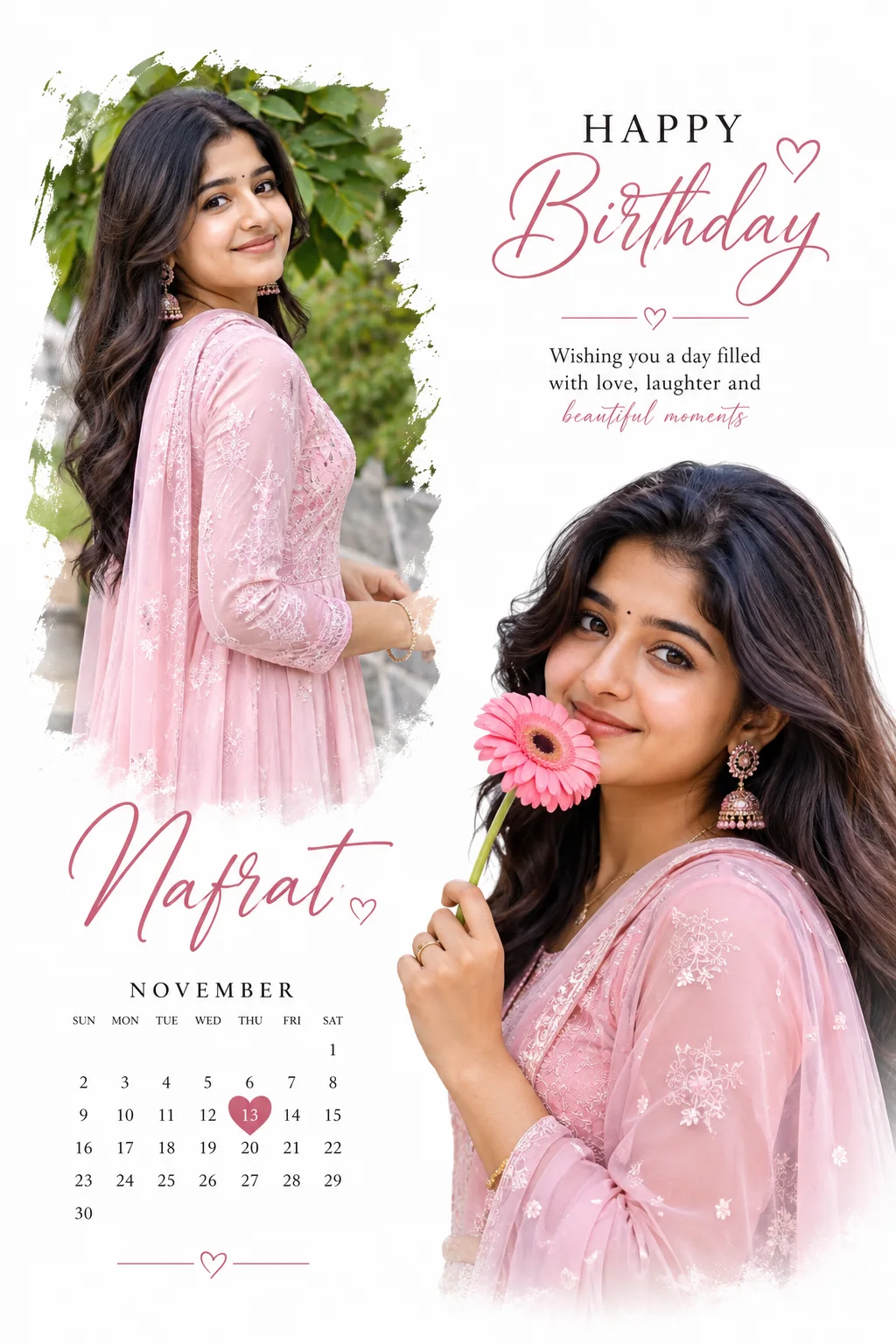
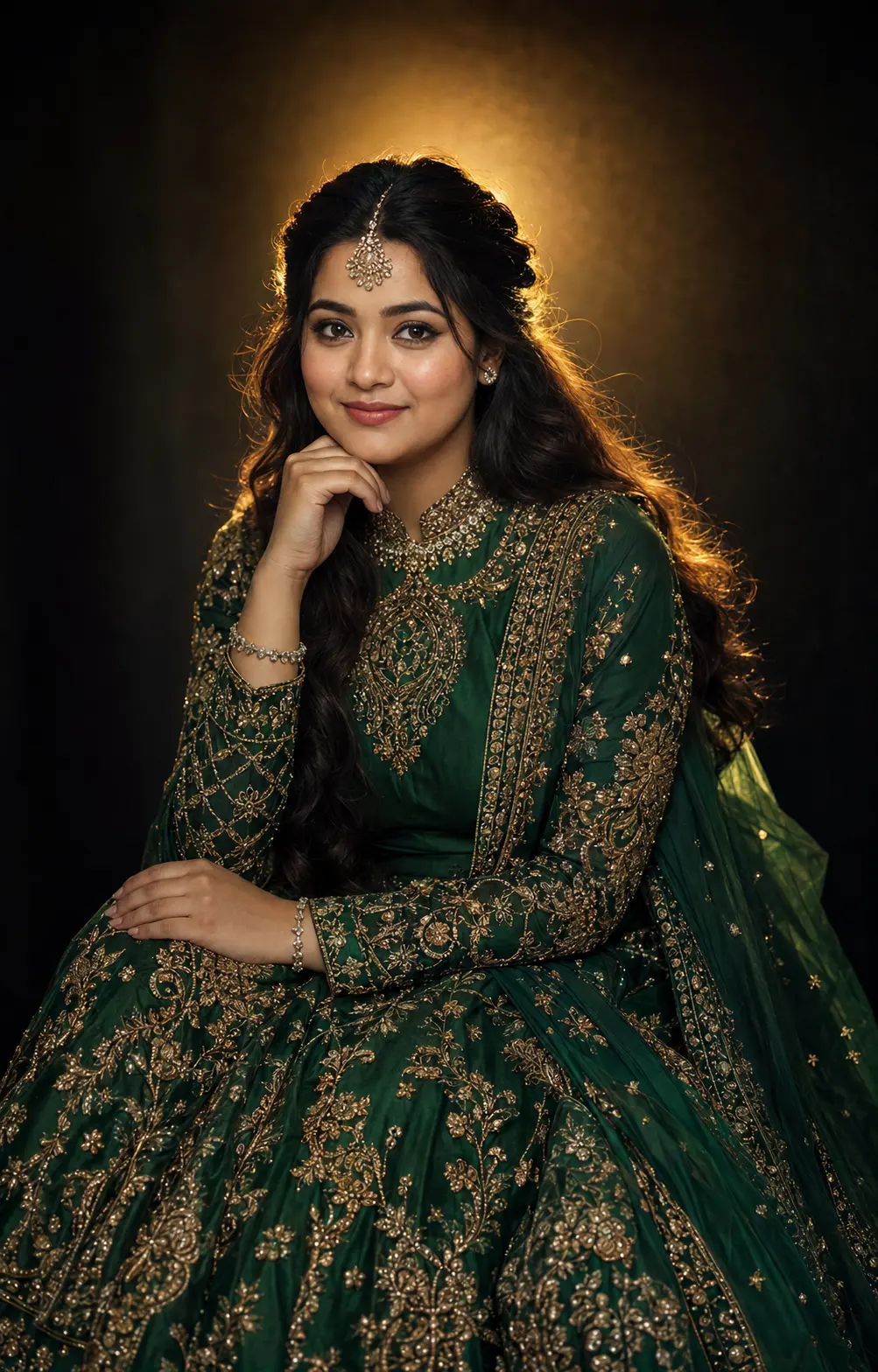
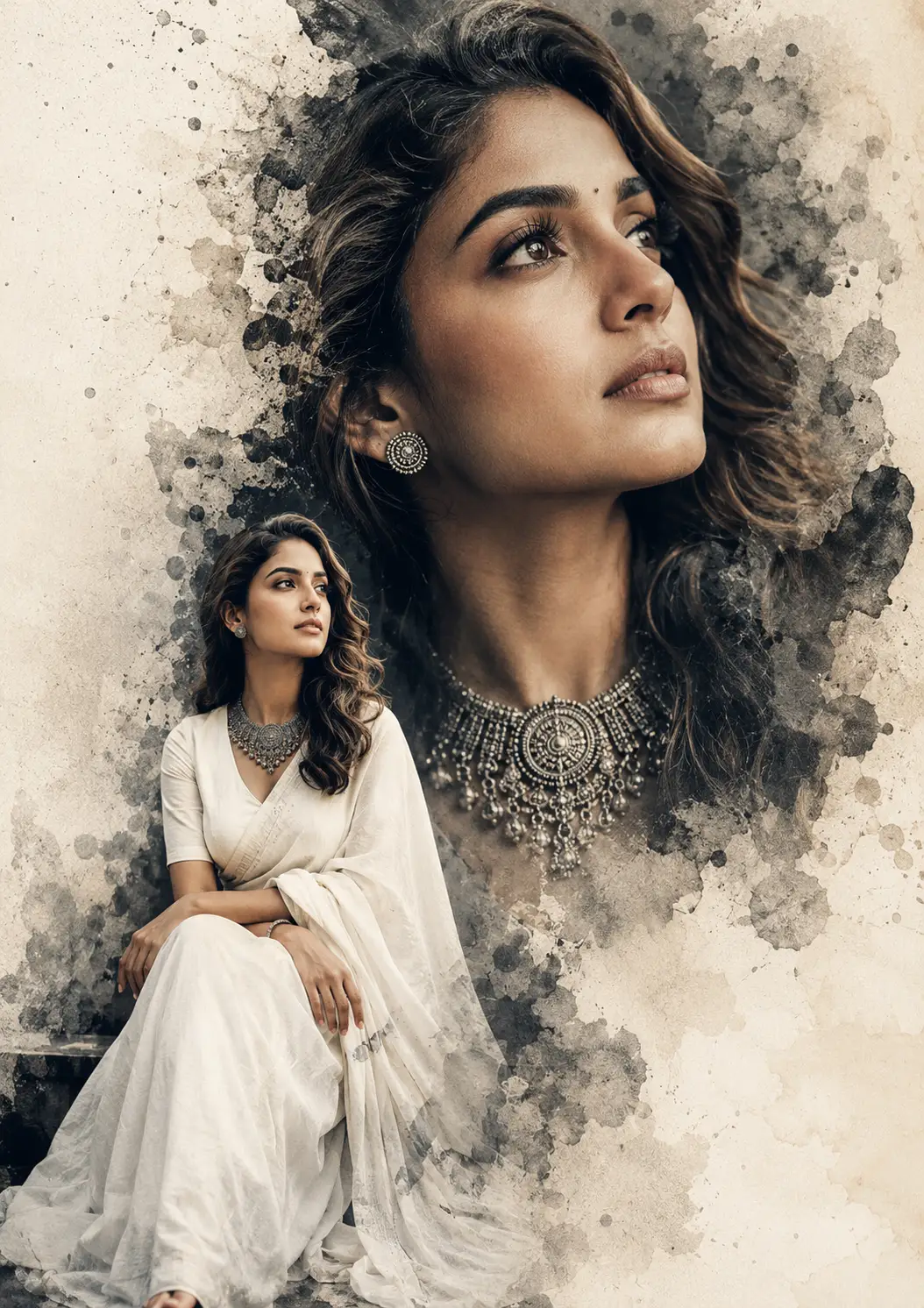
Luxury Fashion Poster Design
Create an epic women AI image using this high-quality prompt optimized for Chat GPT image generation.
Prompt Content
Use this prompt in your favorite AI image generator.
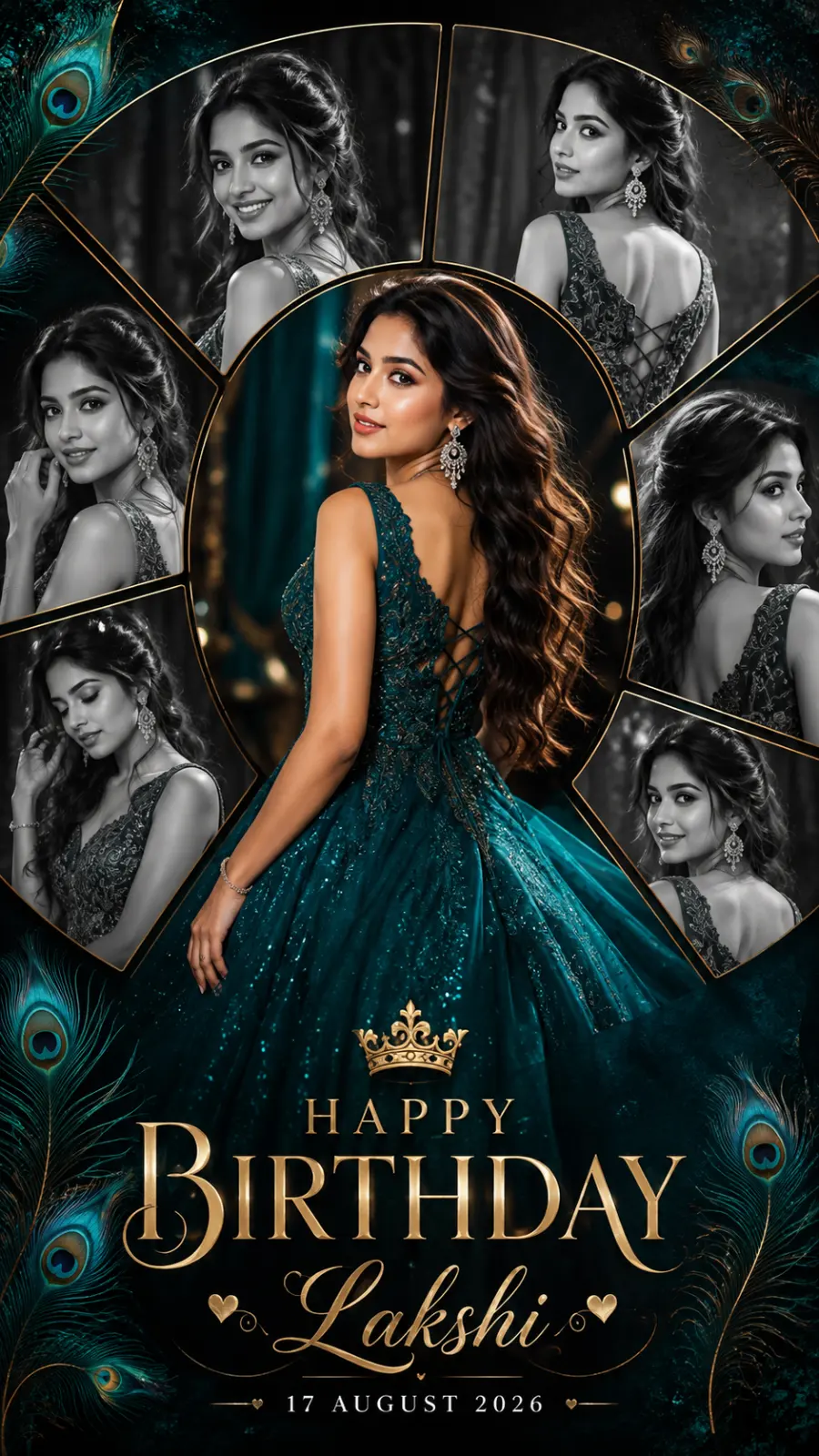
A premium luxury fashion collage poster featuring a beautiful young woman as the central focus, wearing a breathtaking deep teal shimmering designer ball gown with intricate embroidery, subtle glitter accents, a dramatic flowing skirt, elegant back-lace detailing, statement chandelier earrings, delicate bracelet, glamorous makeup, flawless glowing skin, and long voluminous wavy hair cascading gracefully down her back.The collage panels are arranged in elegant curved segments, creating a sophisticated circular mosaic around the main color portrait while maintaining perfect visual balance. The background features a luxurious dark textured backdrop with subtle peacock feather accents, soft artistic gradients, and elegant decorative details.The collage panels are arranged in elegant curved segments, creating a sophisticated circular mosaic around the main color portrait while maintaining perfect visual balance. The background features a luxurious dark textured backdrop with subtle peacock feather accents, soft artistic gradients, and elegant decorative details.Cinematic studio lighting, soft rim light, dreamy bokeh, premium editorial composition, ultra-realistic skin texture, intricate fabric detailing, natural color grading, luxury fashion magazine aesthetic, hyper-detailed photorealism, DSLR-quality sharpness, elegant contrast between the vibrant central portrait and monochrome surrounding portraits, 8K Ultra HD, vertical 9:16 composition.
About This Prompt
Auto GeneratedThis is a high-quality Women AI prompt crafted by Admin. It is designed to produce stunning visuals with minimal iteration. The prompt uses carefully selected descriptors and stylistic cues optimised for Chat GPT, making it ideal for creators who want consistent, professional results.
How To Use
Reusable Guide- 1Copy the prompt using the "Copy Prompt" button above.
- 2Open your preferred AI model (Chat GPT) and paste the prompt into the input field.
- 3Optionally, replace bracketed placeholders (e.g. [subject], [style]) with your own values to personalise the output.
- 4Run the prompt and review the result — iterate by tweaking descriptors for different moods or compositions.
- 5Save or export your favourite generations directly from the AI tool's interface.
For best results, use this prompt as-is before making edits — the defaults are already optimised.