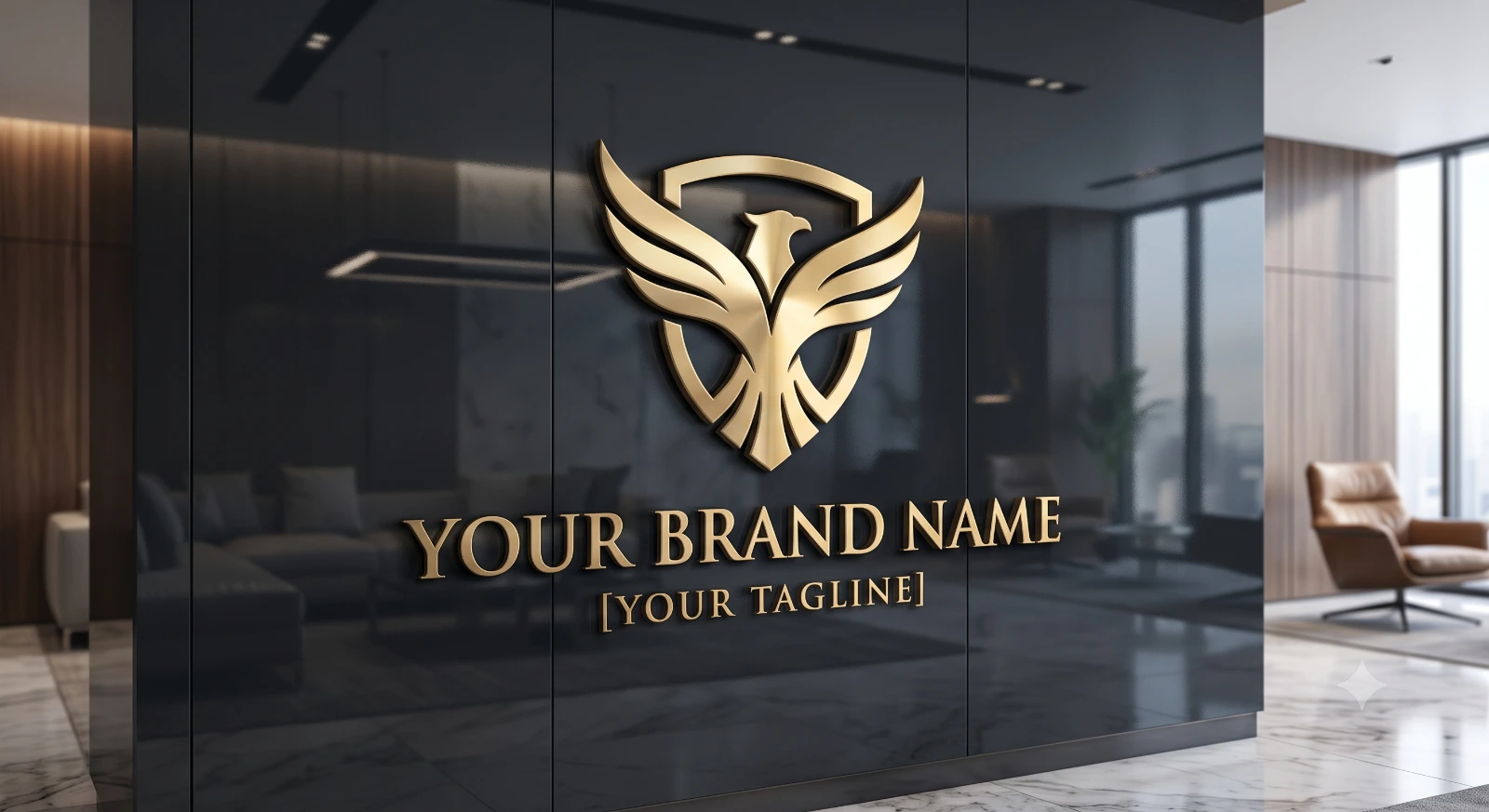
Luxury Gold Logo On Reflective Glass
Create an epic logo design AI image using this high-quality prompt optimized for Gemini AI image generation.
Prompt Content
Use this prompt in your favorite AI image generator.
Create a high-end, photorealistic 3D metallic gold logo design on a dark reflective glass wall background. The logo should feature elegant, stylish typography for the brand name "[Your Brand Name]" and an optional tagline "[your Tagline ]" placed neatly below or around it. Include an icon or symbol that represents the brand’s theme — ( Your Brand logo Details) The logo should have a premium, embossed, and reflective look with realistic lighting, depth, and shadows. Use Soft highlights to make the gold metal texture shine naturally. Style: luxury, professional, modern, and clean — like a premium brand’s office wall logo
About This Prompt
Auto GeneratedThis is a high-quality Logo Design AI prompt crafted by Admin. It is designed to produce stunning visuals with minimal iteration. The prompt uses carefully selected descriptors and stylistic cues optimised for Gemini AI, making it ideal for creators who want consistent, professional results.
How To Use
Reusable Guide- 1Copy the prompt using the "Copy Prompt" button above.
- 2Open your preferred AI model (Gemini AI) and paste the prompt into the input field.
- 3Optionally, replace bracketed placeholders (e.g. [subject], [style]) with your own values to personalise the output.
- 4Run the prompt and review the result — iterate by tweaking descriptors for different moods or compositions.
- 5Save or export your favourite generations directly from the AI tool's interface.
For best results, use this prompt as-is before making edits — the defaults are already optimised.