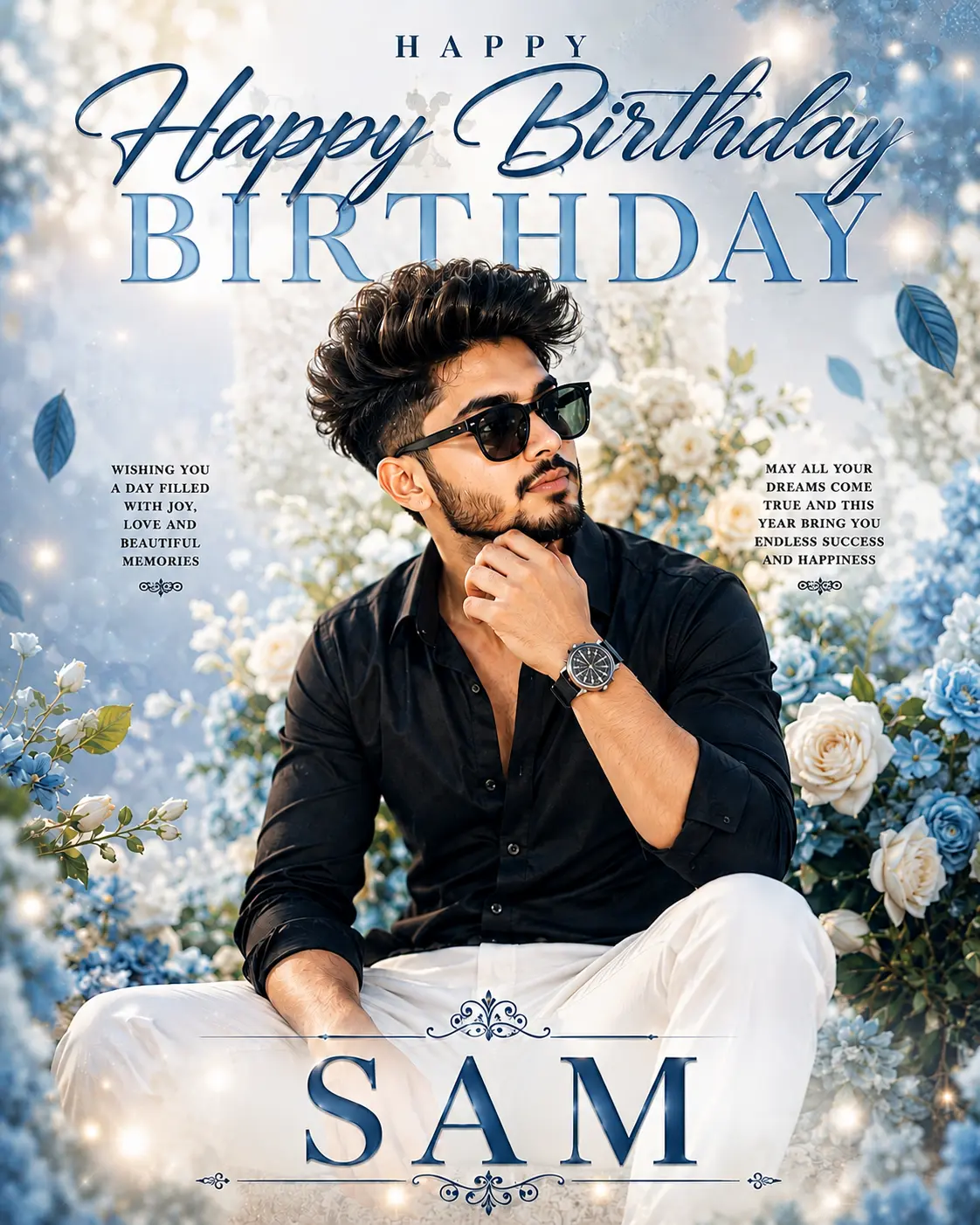
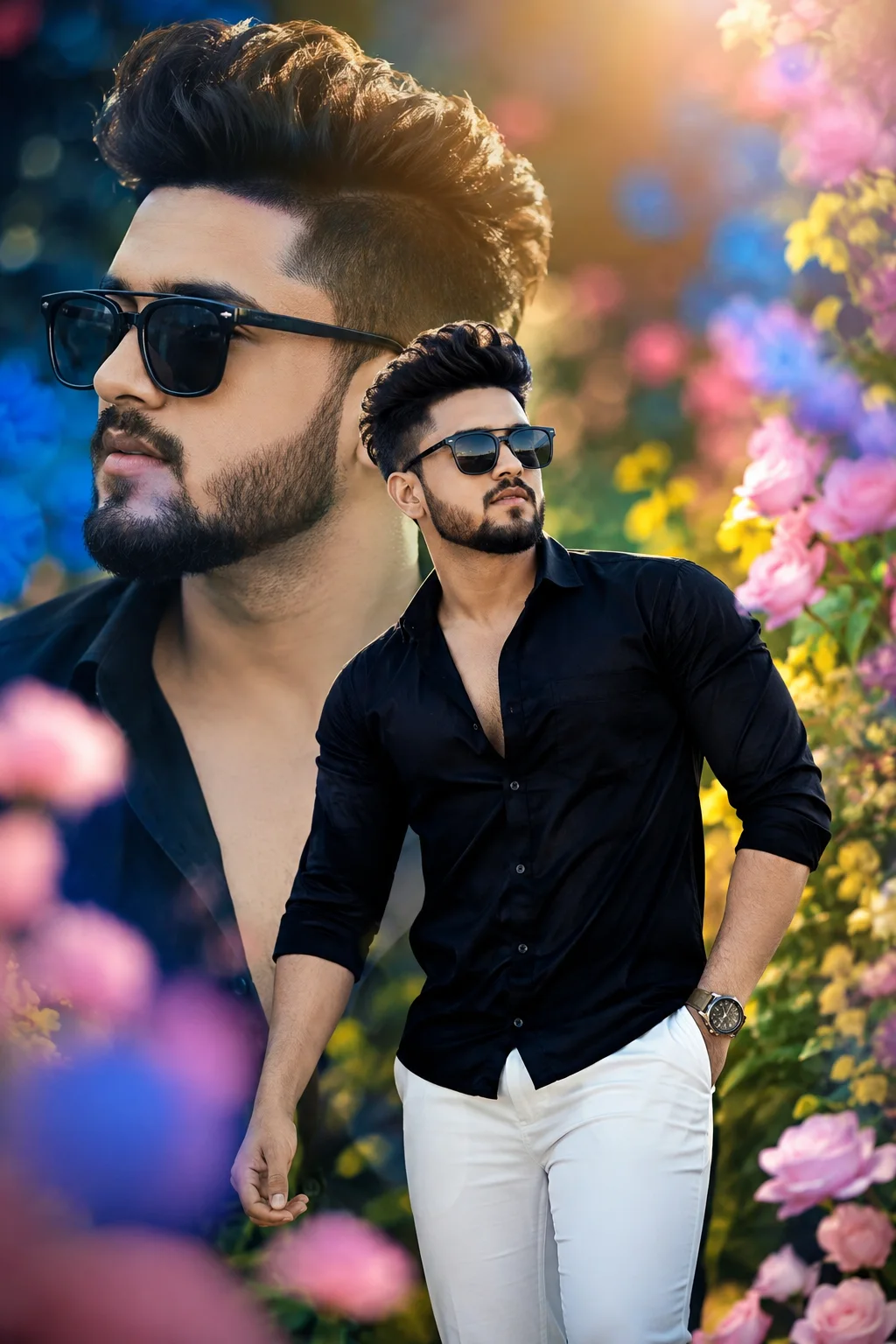
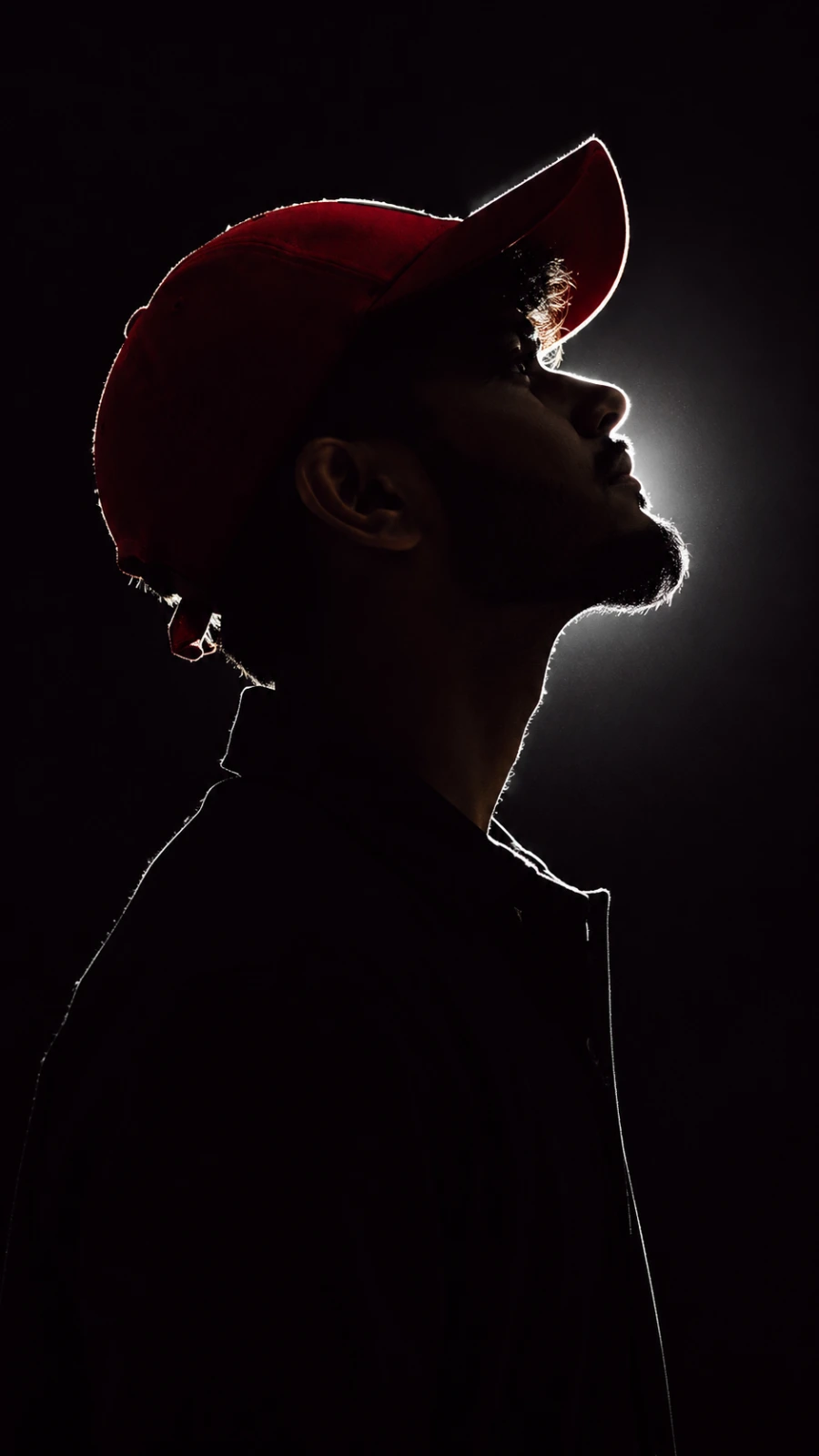
Magazine Collage: Stay Focused, Keep Growing Comment Aspect ratio Remove Share
Create an epic men AI image using this high-quality prompt optimized for Chat GPT image generation.
Prompt Content
Use this prompt in your favorite AI image generator.
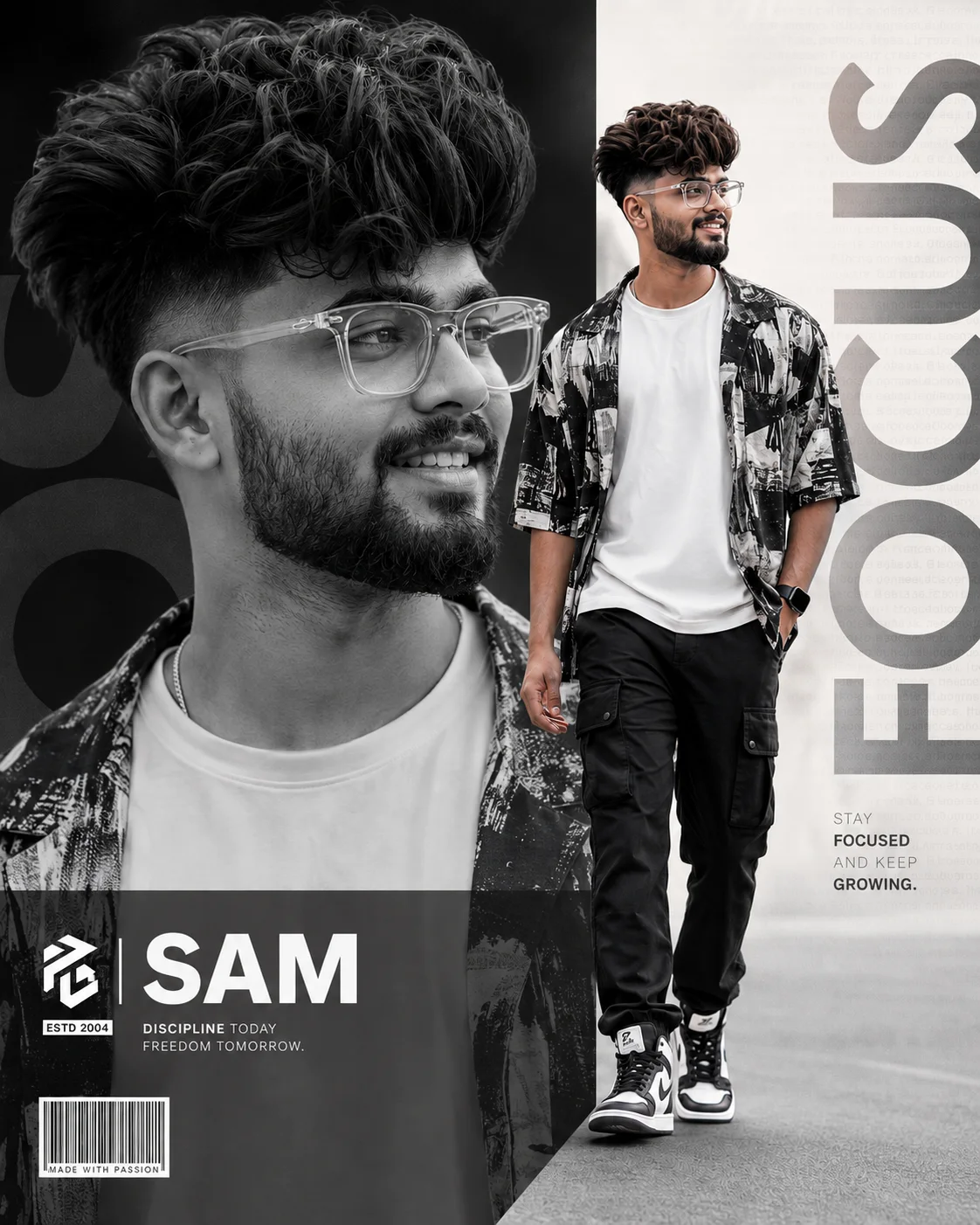
Create an ultra-realistic modern editorial portrait poster of a handsome young South Asian man in his early 20s with thick voluminous textured hair, a clean fade haircut, a neatly groomed beard, and stylish transparent eyeglasses. He wears a white crew-neck T-shirt layered with a black-and-white graphic overshirt, black cargo pants with utility pockets, black-and-white high-top sneakers, and a premium black smartwatch. Composition locked exactly as reference: a premium layered collage layout featuring a large dominant grayscale close-up portrait occupying the left two-thirds of the frame, while a full-body color portrait of the same man walking confidently is positioned on the right side. The full-body subject is smiling naturally while looking slightly to the left, with one hand in his pocket and the other swinging naturally. Ultra-detailed hair, HDR, premium composition, Hasselblad X2D 100C, 85mm portrait lens, f/1.8, ISO 100, photorealistic, 8K, clean typography, premium branding, vertical 4:5 composition.name use "sam"
About This Prompt
Auto GeneratedThis is a high-quality Men AI prompt crafted by Admin. It is designed to produce stunning visuals with minimal iteration. The prompt uses carefully selected descriptors and stylistic cues optimised for Chat GPT, making it ideal for creators who want consistent, professional results.
How To Use
Reusable Guide- 1Copy the prompt using the "Copy Prompt" button above.
- 2Open your preferred AI model (Chat GPT) and paste the prompt into the input field.
- 3Optionally, replace bracketed placeholders (e.g. [subject], [style]) with your own values to personalise the output.
- 4Run the prompt and review the result — iterate by tweaking descriptors for different moods or compositions.
- 5Save or export your favourite generations directly from the AI tool's interface.
For best results, use this prompt as-is before making edits — the defaults are already optimised.