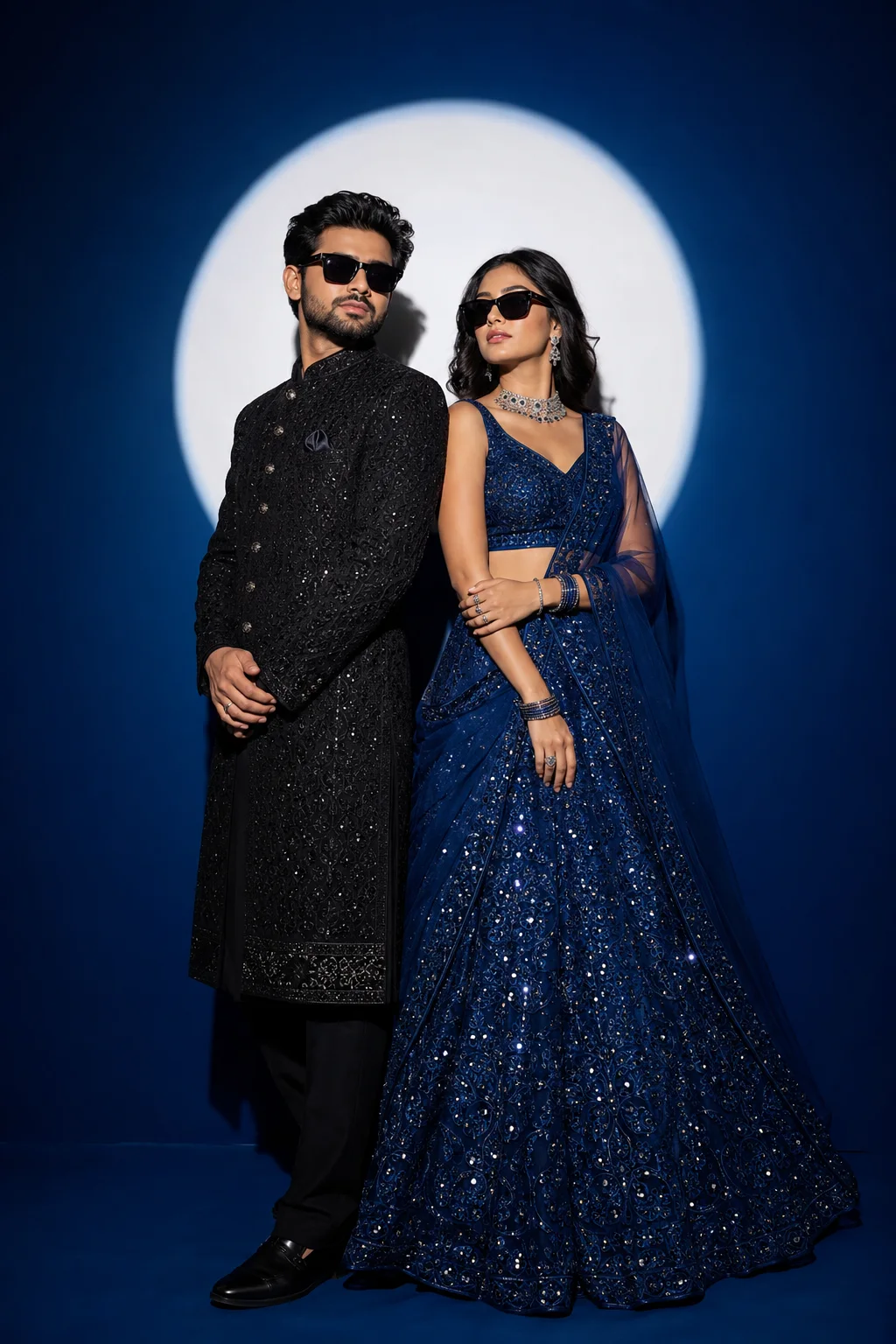
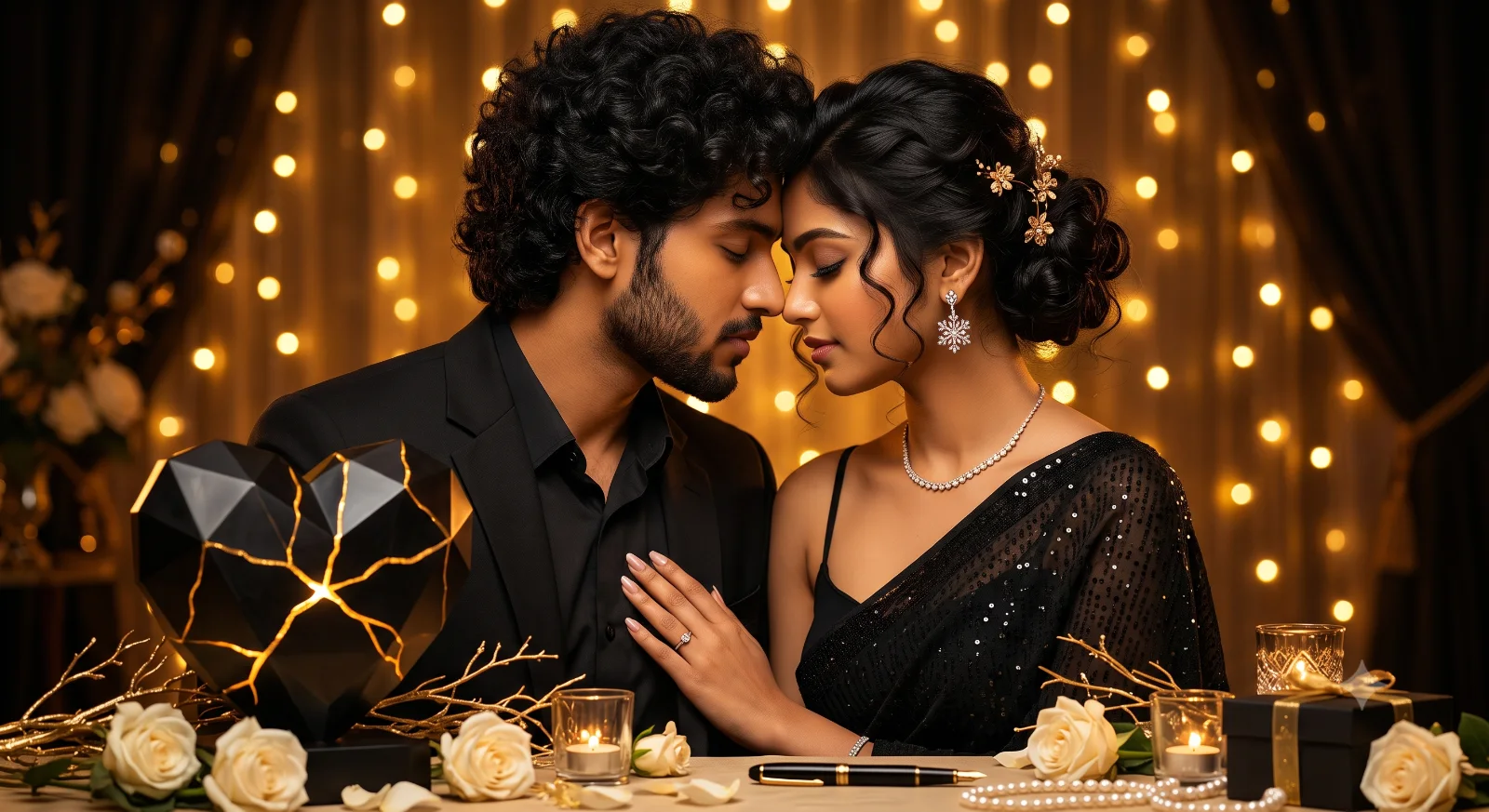
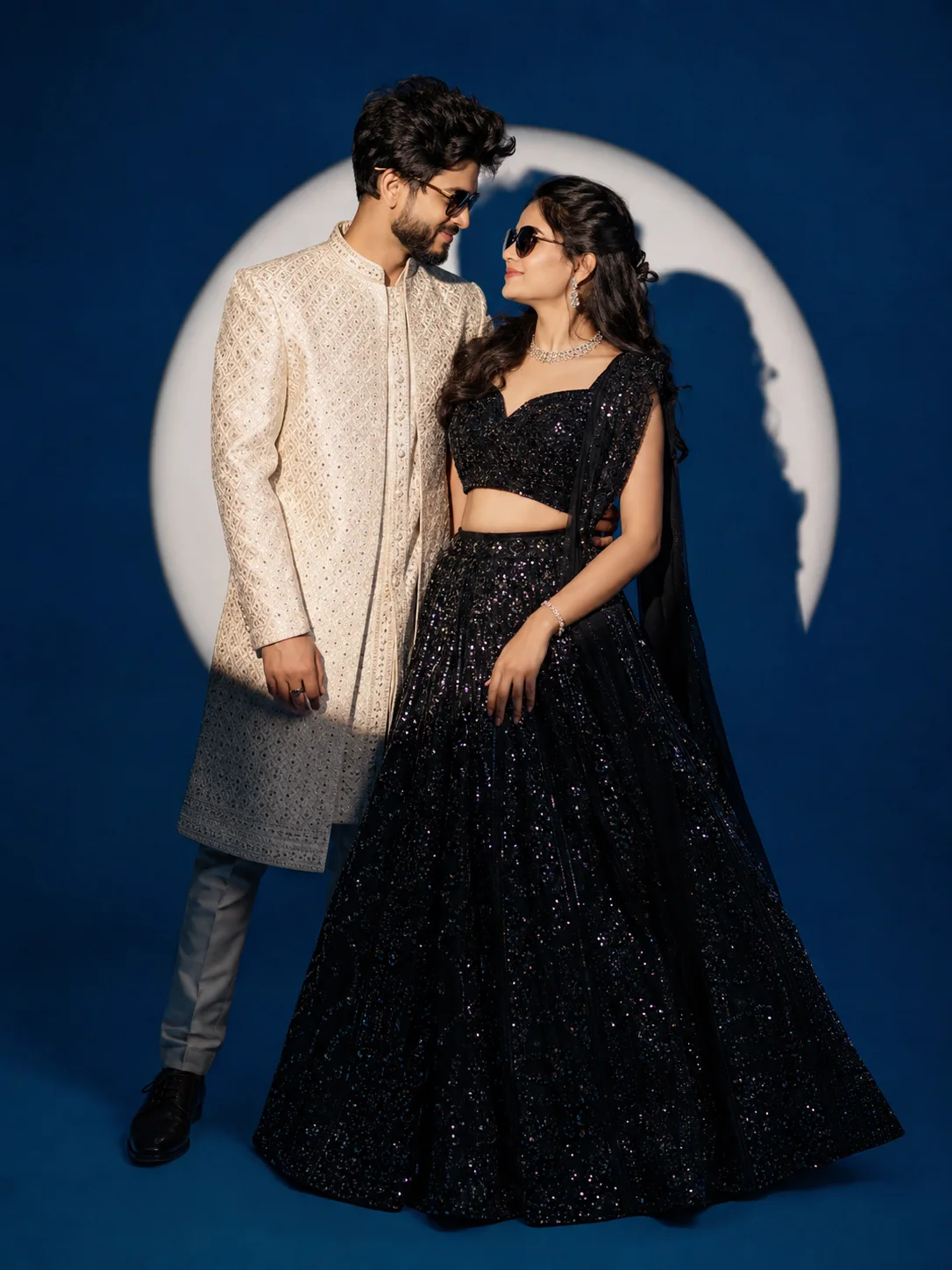
Romantic Indian Prewedding Collage Poster
Create an epic couple AI image using this high-quality prompt optimized for Gemini AI image generation.
Prompt Content
Use this prompt in your favorite AI image generator.
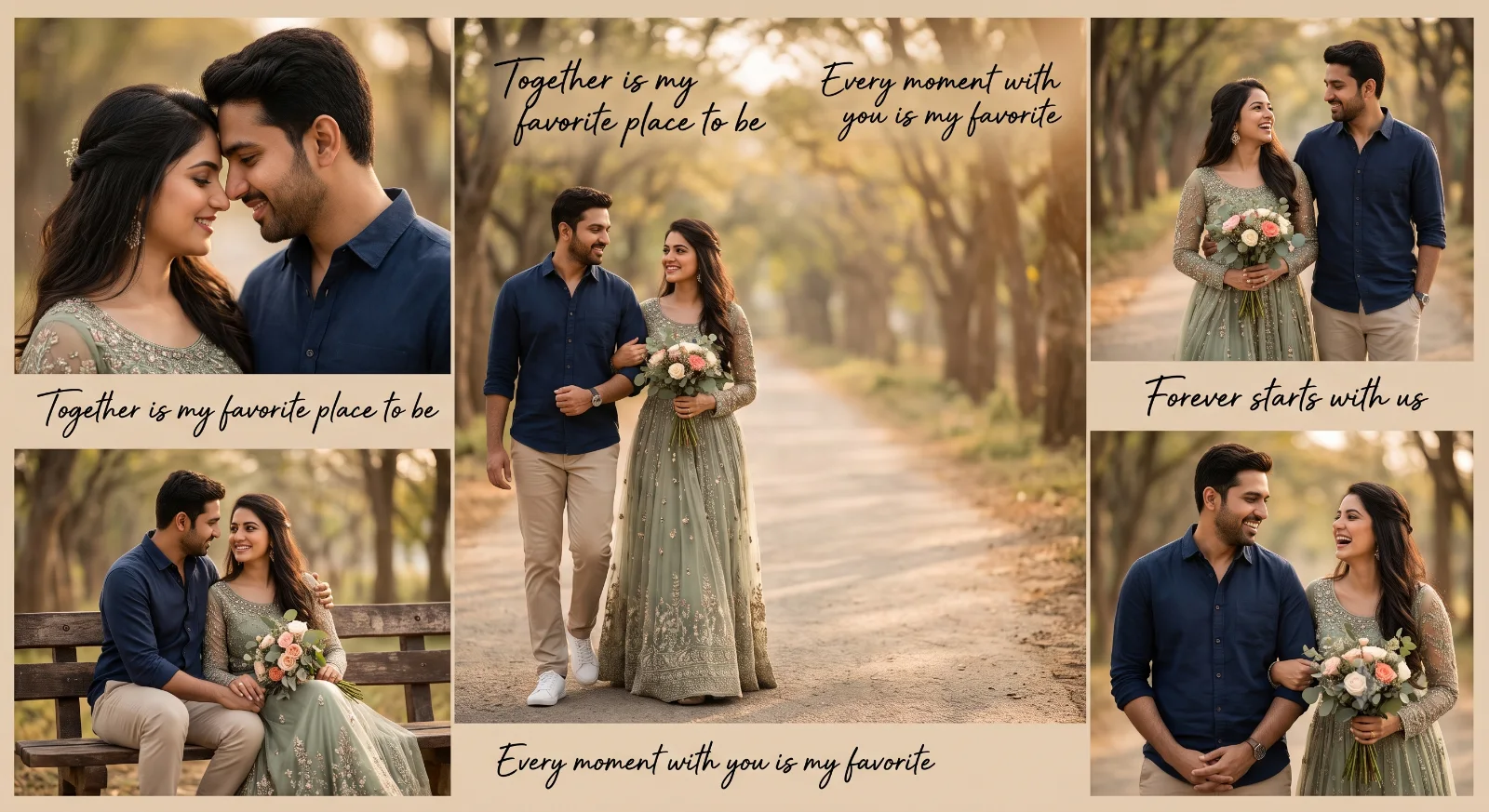
Romantic Indian prewedding couple poster collage using the uploaded reference faces, preserving exact facial features, natural skin tone, hairstyle, and expressions of both individuals, Create a dreamy cinematic outdoor photoshoot on a peaceful tree-lined pathway with warm golden sunlight, creamy bokeh background, and luxury editorial wedding photography vibe.The woman wears an elegant sage green embellished gown with intricate embroidery, flowy fabric, full sleeves, and soft graceful movement while holding a bouquet of flowers. The man wears a classy navy blue casual shirt with beige trousers and white sneakers, styled in a modern romantic fashion look. The couple walks arm in arm, smiling softly and looking at each other with natural candid emotions.Include multiple collage-style frames showing: . romantic close-up portraits walking hand-in-hand shots cozy sitting poses smiling candid moments soft eye-contact poses Add elegant handwritten typography like: "Together is my favorite place to be" "Every moment with you is my favorite" "Forever starts with us"Style: ultra-realistic, cinematic lighting, DSLR 85mm lens look, shallow depth of field, HDR, luxury prewedding editorial aesthetic, realistic skin texture, warm earthy beige-brown color grading, premium Instagram collage poster design. Negative prompt: blurry faces, distorted anatomy, extra fingers, bad hands, low quality, watermark, text glitches, unrealistic skin, messy composition, oversaturated colors, duplicate faces
About This Prompt
Auto GeneratedThis is a high-quality Couple AI prompt crafted by Admin. It is designed to produce stunning visuals with minimal iteration. The prompt uses carefully selected descriptors and stylistic cues optimised for Gemini AI, making it ideal for creators who want consistent, professional results.
How To Use
Reusable Guide- 1Copy the prompt using the "Copy Prompt" button above.
- 2Open your preferred AI model (Gemini AI) and paste the prompt into the input field.
- 3Optionally, replace bracketed placeholders (e.g. [subject], [style]) with your own values to personalise the output.
- 4Run the prompt and review the result — iterate by tweaking descriptors for different moods or compositions.
- 5Save or export your favourite generations directly from the AI tool's interface.
For best results, use this prompt as-is before making edits — the defaults are already optimised.