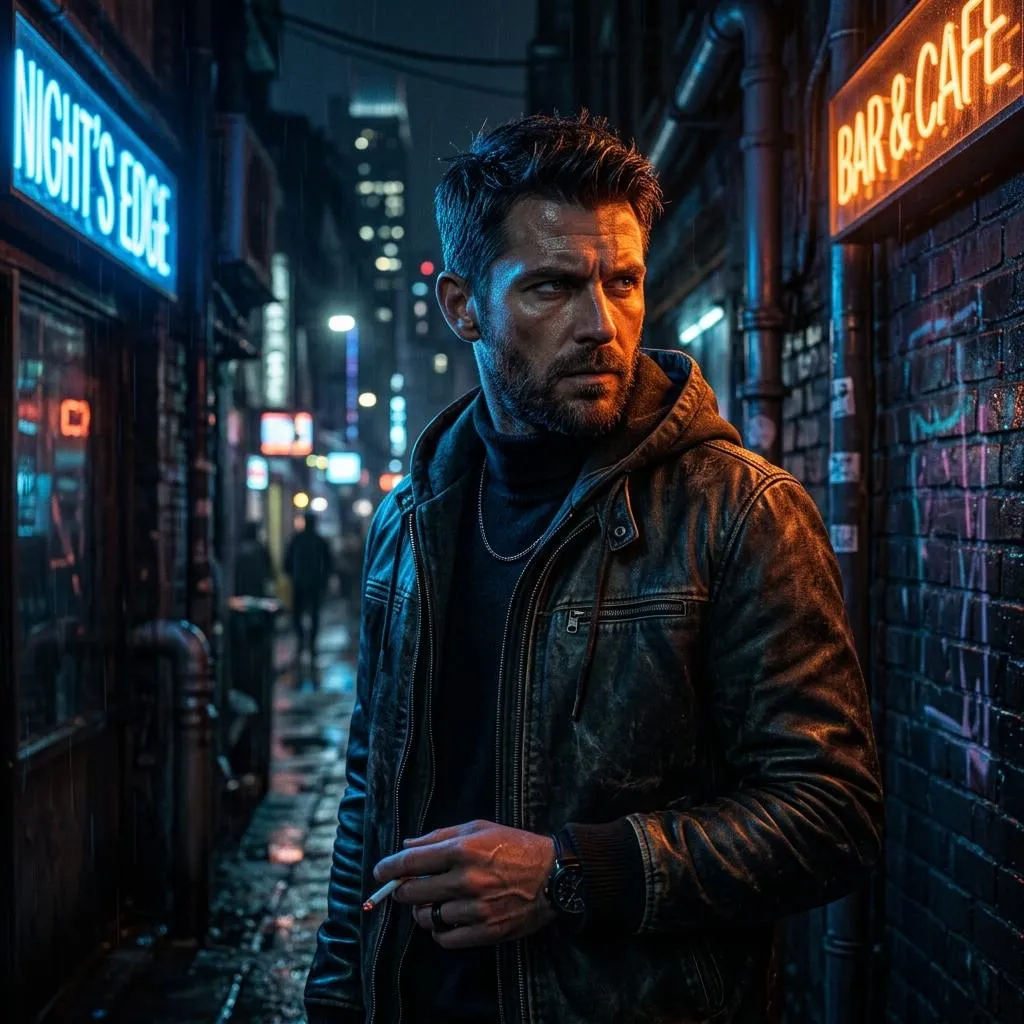
How to Write Better AI Image Prompts: A Comprehensive Guide
“Master the art of crafting compelling AI image prompts. Learn how to leverage Gemini's native multimodality, structure your descriptions, and avoid common prompting mistakes.”
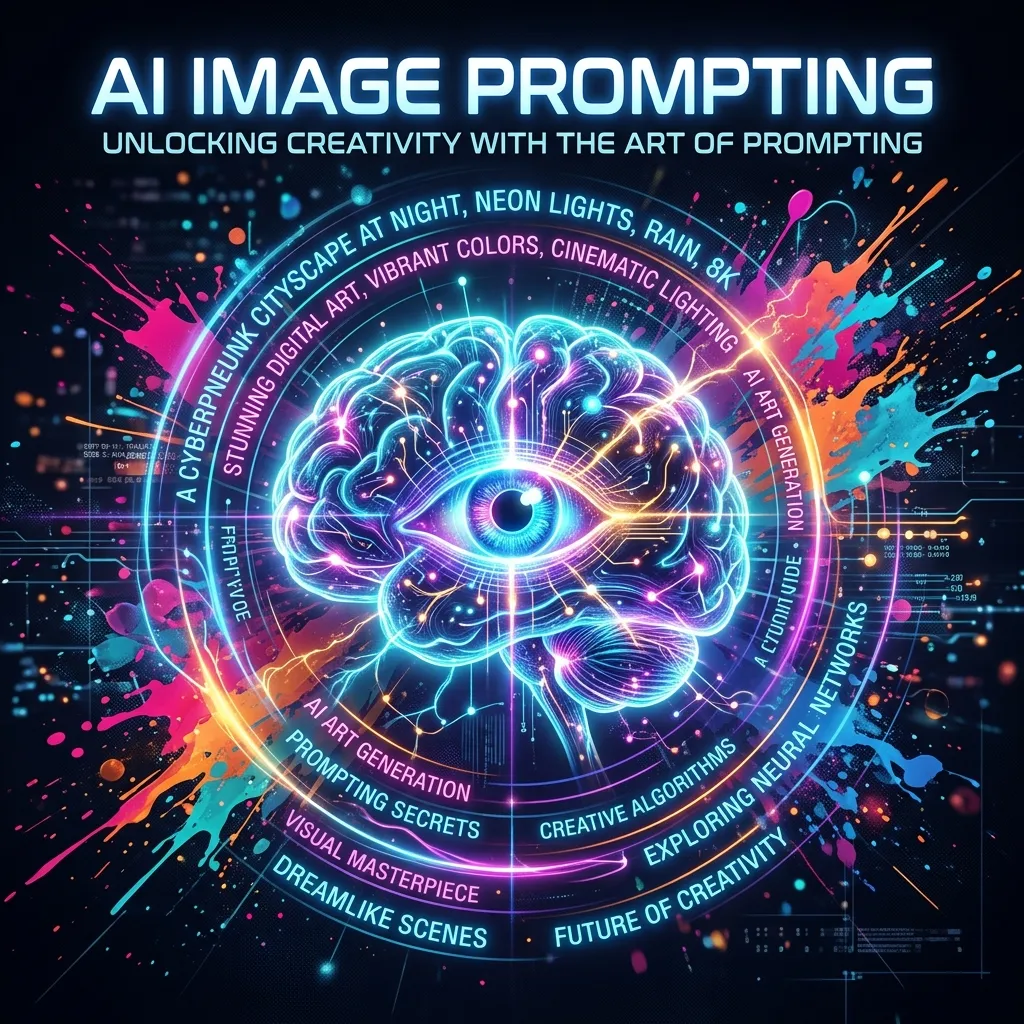
Introduction
Artificial intelligence has revolutionized the way we create visual content, but there's an art to communicating effectively with these digital artists. Whether you're using Midjourney, DALL-E, Stable Diffusion, or Gemini, the quality of your output depends heavily on the quality of your input.
In this guide, we'll explore the nuances of crafting compelling AI image prompts that consistently produce stunning results, with a special focus on Gemini's unique capabilities.
Understanding the AI Mindset
Before diving into prompt construction, it's essential to understand how AI image generators work. These systems have been trained on vast datasets containing billions of images with associated text descriptions. When you provide a prompt, the AI analyzes your text, breaks it down into recognizable concepts, and attempts to generate an image that matches these concepts based on patterns it learned during training.
Think of AI as a brilliant but literal-minded assistant. It doesn't understand context, nuance, or implication in the way humans do. Instead, it relies on the precise words and phrases you provide to construct its visual interpretation. This understanding forms the foundation of effective prompt writing.
Gemini's Unique Advantage: Native Multimodality
What sets Google's Gemini apart is its native multimodal architecture. Unlike models that rely on separate systems for text and image processing, Gemini was trained from the ground up to process text and images in a single, unified step. This enables powerful capabilities that go beyond simple image generation:
Conversational editing
Refine images through natural back-and-forth dialogue.
Multi-image composition
Combine elements from multiple photos into one coherent scene.
Logical reasoning
Generate complex scenes that understand real-world relationships.
The Golden Rule of Gemini Prompting
As Google's developers note, the fundamental principle for Gemini prompting is simple: "Describe the scene, don't just list keywords." The model's deep language understanding means a narrative, descriptive paragraph will almost always produce better results than a disconnected list of words.
The Anatomy of a Great AI Prompt
A well-constructed prompt typically contains several key elements:
1. Subject Matter (The "What")
Clearly state what you want to see in the image. Be specific about the main focus, whether it's a person, object, scene, or abstract concept. Instead of "a dog," try "a golden retriever puppy" or "a cyberpunk-themed robotic wolf."
Gemini Tip: Subject Consistency
Use clear reference images to maintain subject consistency. Assign a distinct name to each character or object in your prompt so the model can follow along and maintain their look as you build out scenes.
2. Style and Medium (The "How")
Specify the artistic style or medium you're aiming for. This is where you can get incredibly creative with options like:
- Art movements: impressionism, cubism, surrealism, art deco
- Mediums: oil painting, watercolor, charcoal sketch, digital art, 3D render
- Artist inspirations: "in the style of Salvador Dali" or "reminiscent of Studio Ghibli"
- Photography terms: macro photography, long exposure, bokeh effect, cinematic lighting
Gemini Tip: Style Transfer
Gemini excels at style transfer – you can apply a style, texture, or design from one concept to another. For example, "Transform this photograph into the artistic style of Van Gogh's 'Starry Night'."
3. Composition and Framing (The "Where")
Describe how the image should be arranged. Consider elements like:
- Perspective: bird's eye view, close-up, wide shot, macro
- Camera angles: low angle, high angle, Dutch angle
- Framing: full body shot, portrait, environmental portrait
- Lighting: dramatic lighting, golden hour, studio lighting, moody atmosphere
Gemini Tip: Photorealistic Template
The official template for photorealistic scenes in Gemini 2.5 Flash includes specific camera and lens details: "A photorealistic [shot type] of [subject], [action or expression], set in [environment]. The scene is illuminated by [lighting description], creating a [mood] atmosphere. Captured with a [camera/lens details], emphasizing [key textures and details]."
4. Color and Mood (The "Feel")
Paint with words to establish the emotional tone and color palette:
- Mood: serene, chaotic, mysterious, joyful, melancholic
- Color schemes: monochromatic, complementary, pastel, vibrant
- Atmosphere: foggy, clear, ethereal, gritty, dreamy
Gemini-Specific Prompting Strategies
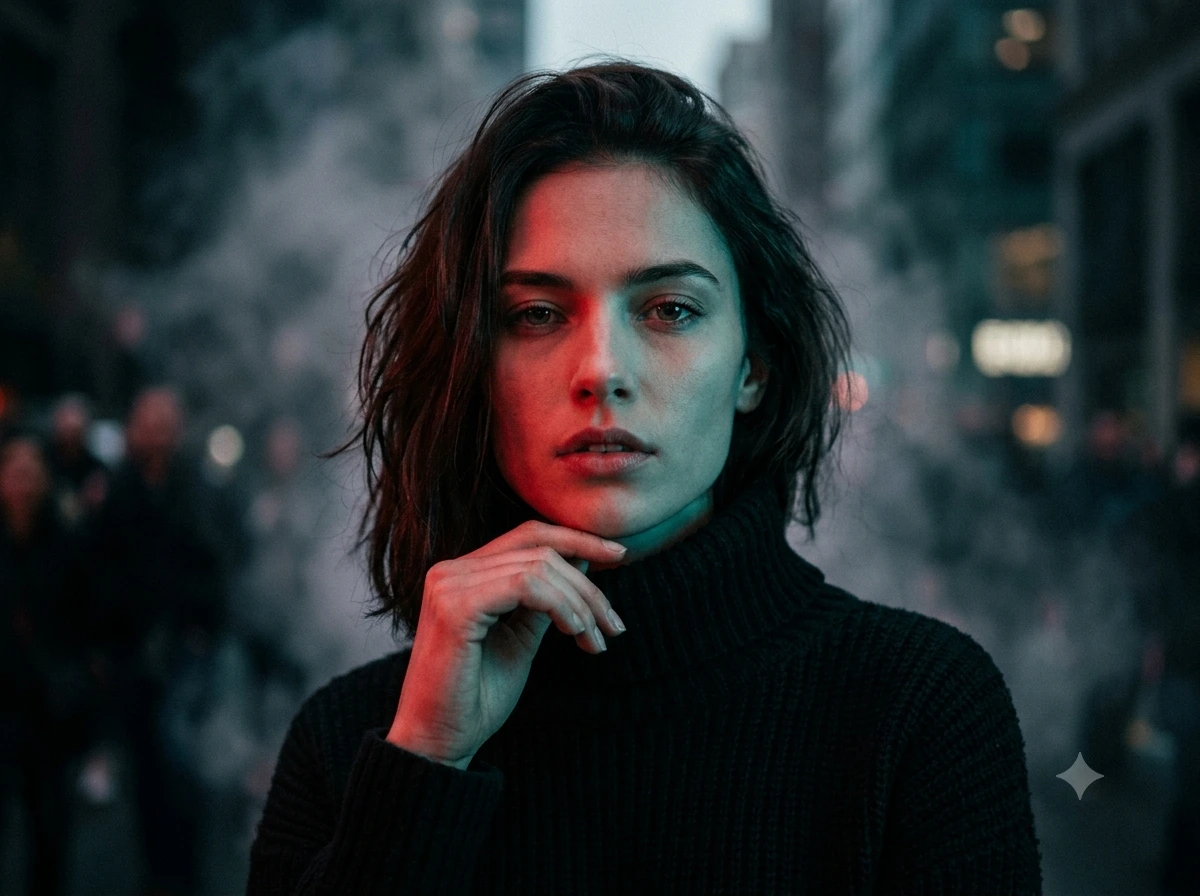
1. Think Like a Photographer
For photorealistic images, Google recommends mentioning camera angles, lens types, lighting, and fine details to guide the model toward realistic results.
2. Leverage Conversational Editing
One of Gemini's standout features is the ability to refine images through conversation. Don't expect perfection on the first try – follow up with prompts like:
- "That's great, but can you make the lighting a bit warmer?"
- "Keep everything the same, but change the character's expression to be more serious."
3. Use Multi-Image Composition
Gemini can combine up to 14 reference images in a single prompt, maintaining consistency for up to 5 people. This is perfect for creating professional e-commerce fashion photos or creative collages.
Create a professional e-commerce fashion photo. Take the blue floral dress from the first image and let the woman from the second image wear it. Generate a realistic, full-body shot of the woman wearing the dress.
4. Render Text Accurately
Gemini 3.5 Flash and Gemini 3 Pro can render clear, well-placed text in images – ideal for logos, diagrams, and posters. Enclose your desired words in quotes and describe the typography style:
Create a modern, minimalist logo for a coffee shop called 'The Daily Grind'. The text should be in a clean, bold, sans-serif font.
5. Use "Semantic Negative Prompts"
Instead of saying "no cars," describe the desired scene positively: "an empty, deserted street with no signs of traffic". This approach works better across all AI generators.
Practical Prompt Examples
Let's break down a few examples to see these principles in action:
A European fairytale village
A charming European fairytale village with colorful historic buildings, cobblestone streets, elegant cafés, flower-filled balconies, an ancient stone bridge crossing a peaceful river, majestic mountains in the distance, warm golden-hour sunlight, cinematic travel photography, realistic architecture, vibrant natural colors, ultra detailed, photorealistic, masterpiece, 8K.
The 6 Elements of Constructing Effective Prompts for Gemini
Google's official guidance identifies these key elements for Gemini prompting:
| Element | Description | Example |
|---|---|---|
| Subject | Who or what is in the image? Be specific. | "a stoic robot barista with glowing blue optics" |
| Composition | How is the shot framed? | extreme close-up, wide shot, low angle |
| Action | What is happening? | "brewing a cup of coffee" |
| Location | Where does the scene take place? | "a futuristic cafe on Mars" |
| Style | What is the overall aesthetic? | 3D animation, film noir, watercolor |
| Editing Instructions | For modifying an existing image, be direct and specific. | "change the man's tie to green" |
Advanced Techniques for Gemini
Character Consistency Across Generations
Gemini can maintain the likeness of a person or character across different poses, lighting, and environments. Establish a clearly defined character with specific details in your first prompt, then use follow-up prompts to place that same character in new contexts:
A whimsical illustration of a tiny, glowing mushroom sprite. The sprite has a large, bioluminescent mushroom cap for a hat, wide, curious eyes, and a body made of woven vines.
Now, show the same sprite riding on the back of a friendly, moss-covered snail through a sunny meadow.
Precise Local Edits
Make targeted changes to specific parts of an image without re-generating the entire scene:
Using the provided image, change only the blue sofa to be a vintage, brown leather chesterfield sofa. Keep everything else exactly the same.
Use Logic and Reasoning
Gemini's real-world understanding allows it to predict what comes next in a sequence:
Generate an image of a person holding a 3-tiered cake.
Generate an image showing what would happen if they tripped. The model understands the context and physics to simulate a plausible outcome.
Common Mistakes to Avoid
- Being Too Vague: 'Create something beautiful' is essentially useless. Be specific about what beauty means in this context.
- Overcrowding the Prompt: While detail is good, cramming too many elements can confuse the AI. Focus on the most important aspects and let the AI fill in the rest.
- Forgetting About Composition: Many users focus only on subject matter and style, neglecting how the image is framed and composed.
- Not Specifying Aspect Ratio: Gemini works best when you specify your desired format, like 4:3, 1:1, or 16:9.
Platform-Specific Considerations
Different AI image generators interpret prompts differently:
Gemini (2.5 Flash & 3 Pro)
Responds exceptionally well to narrative, descriptive prompts. Excels at conversational editing and refinement, multi-image composition, character consistency, and text rendering.
Midjourney
Uses natural language prompts effectively. Appreciates artistic references and mood descriptors. Has specific parameters like --stylize and --chaos.
DALL-E
Handles detailed descriptions well. Excels at conceptual combinations. Responds well to style-specific terminology.
Stable Diffusion
More technical prompts often work better. Benefits from specific camera and lens references. Negative prompts are particularly important.
Conclusion
Mastering AI image prompts is a journey of continuous learning and experimentation. Start with clear, well-structured descriptions, gradually incorporate more sophisticated techniques, and most importantly, practice regularly. Each generation provides valuable feedback that helps you better understand how to communicate your visual ideas to the AI.
With Gemini's native multimodal architecture, you have powerful tools at your disposal – from conversational editing and multi-image composition to precise local edits and text rendering. Remember the golden rule: describe the scene, don't just list keywords. Provide context and intent, iterate and refine, and don't be afraid to experiment with different prompting strategies.
As these AI systems continue to evolve, the possibilities for creative expression will only expand, making this an exciting time to explore the intersection of language and visual art. Keep experimenting, maintain a curious mindset, and don't be afraid to try unconventional approaches. The most impressive AI images often come from prompts that break the rules in interesting ways. Happy prompting!