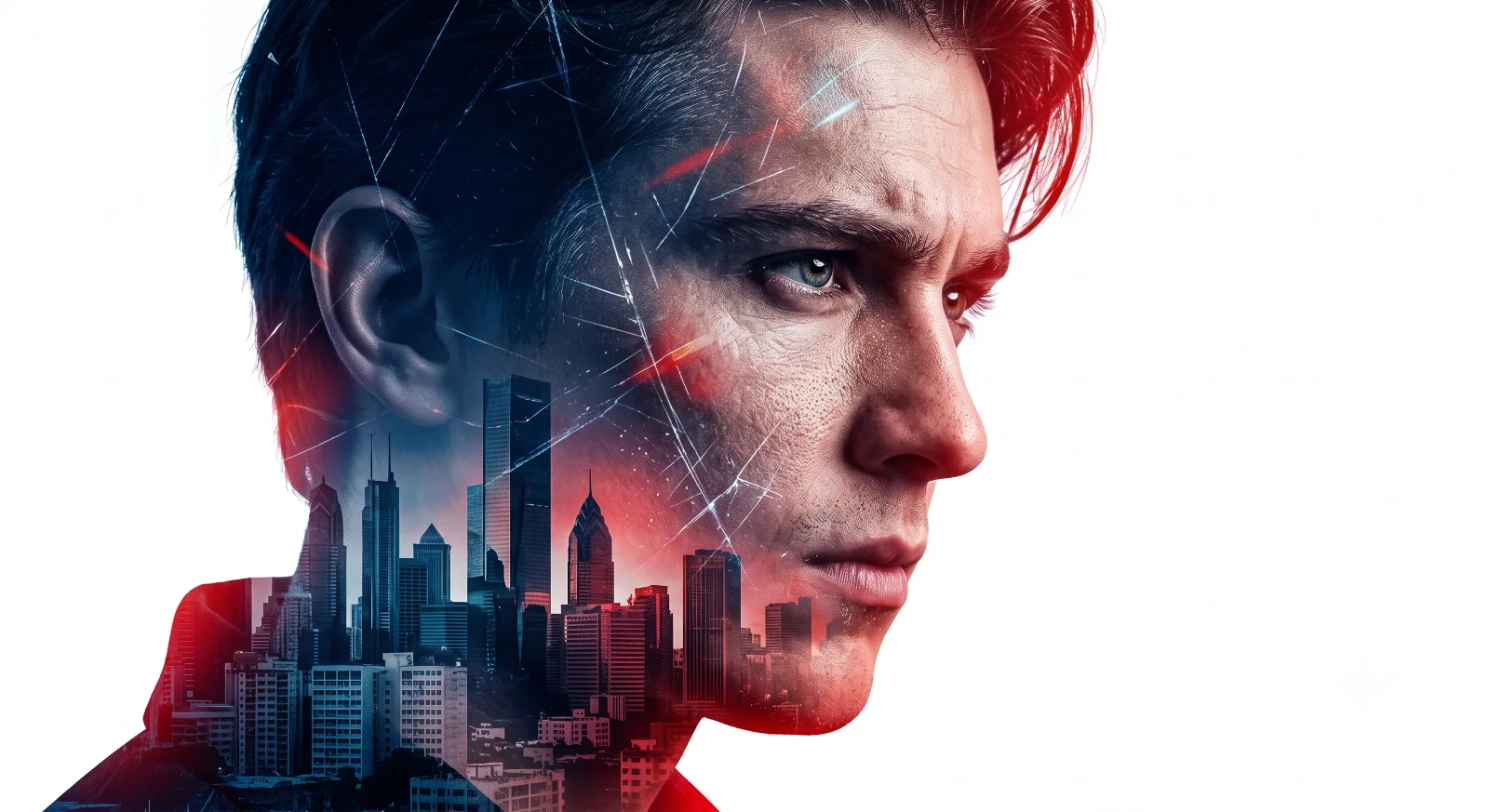
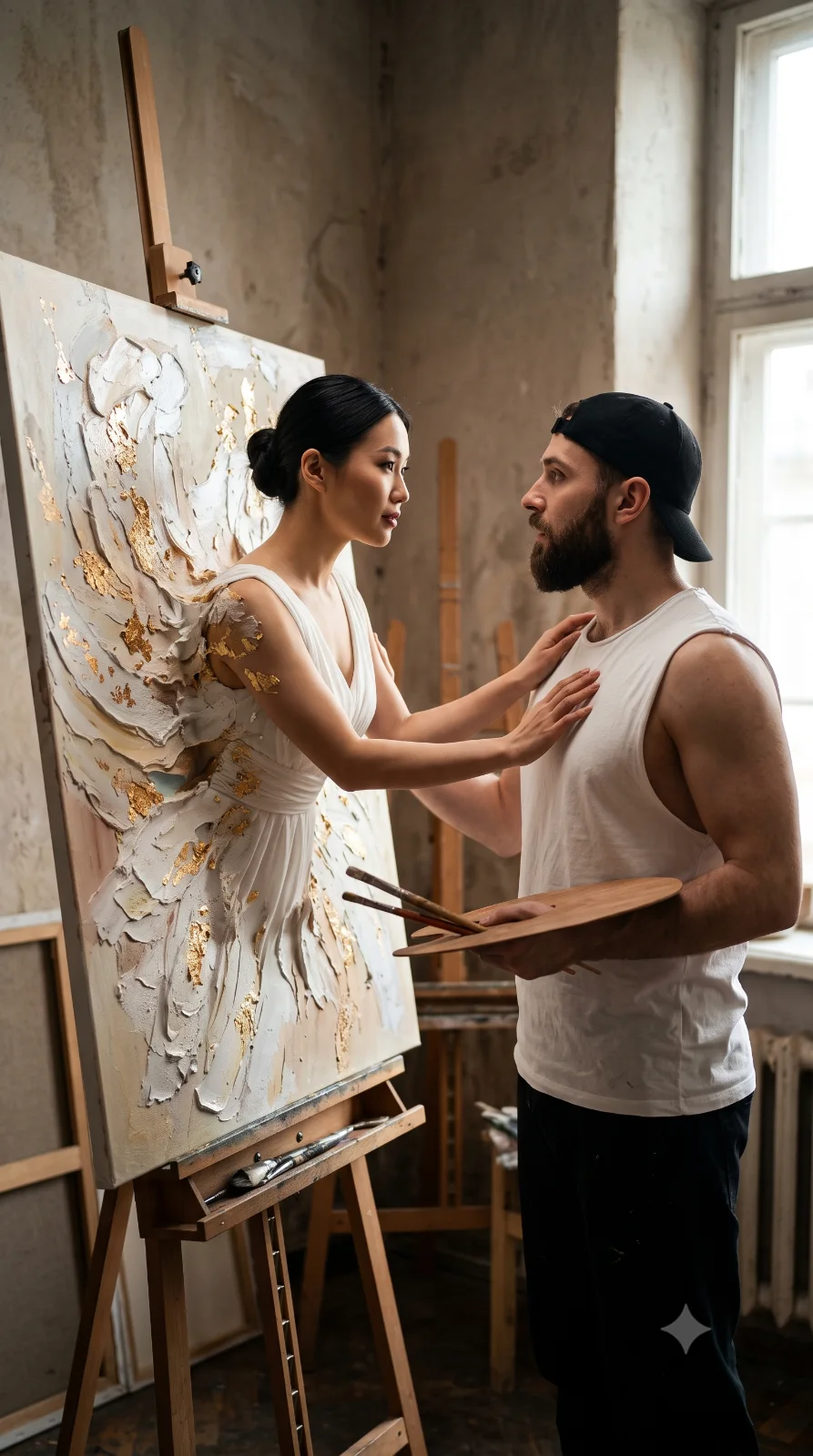
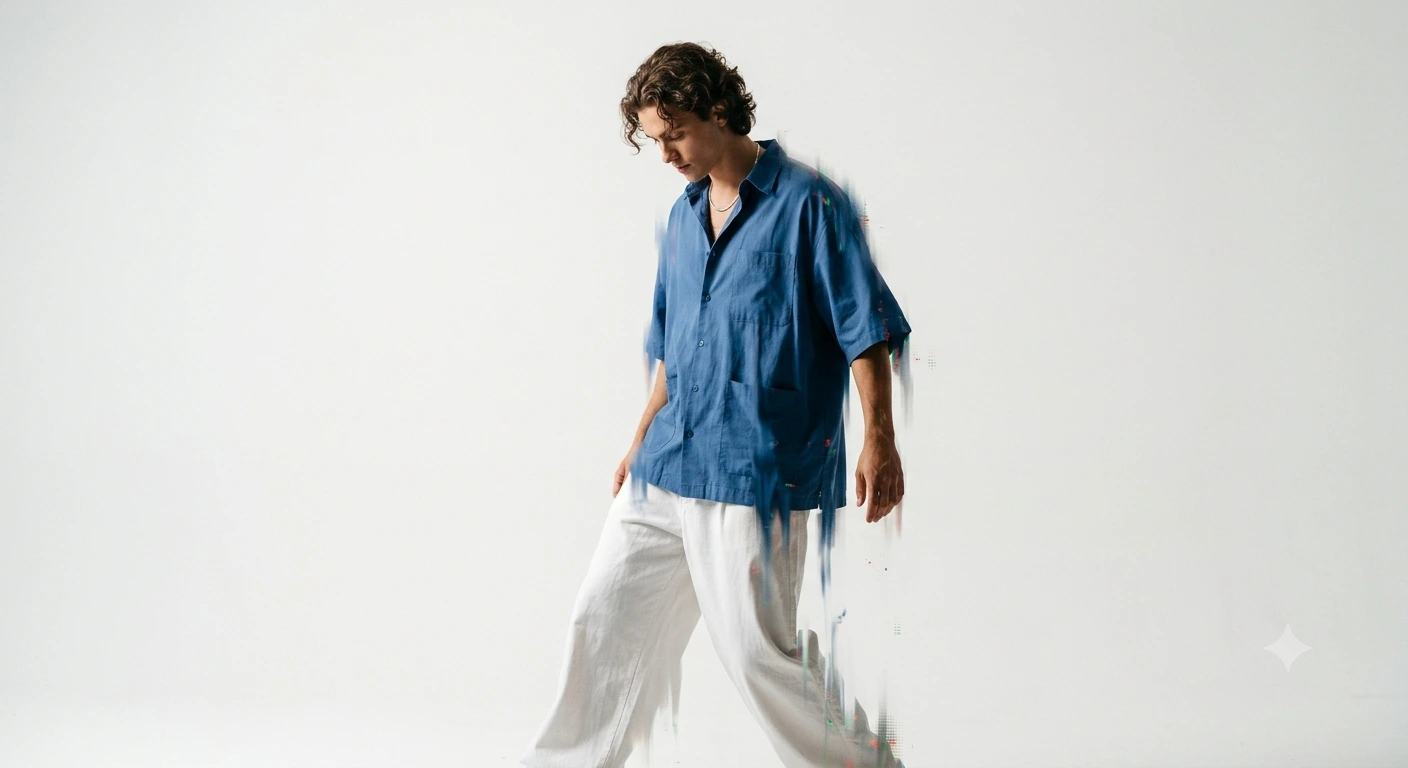
Then vs Now” Emotional Portrait (AI Photo Editing)
Create an epic portrait AI image using this high-quality prompt optimized for Gemini AI image generation.
Prompt Content
Use this prompt in your favorite AI image generator.
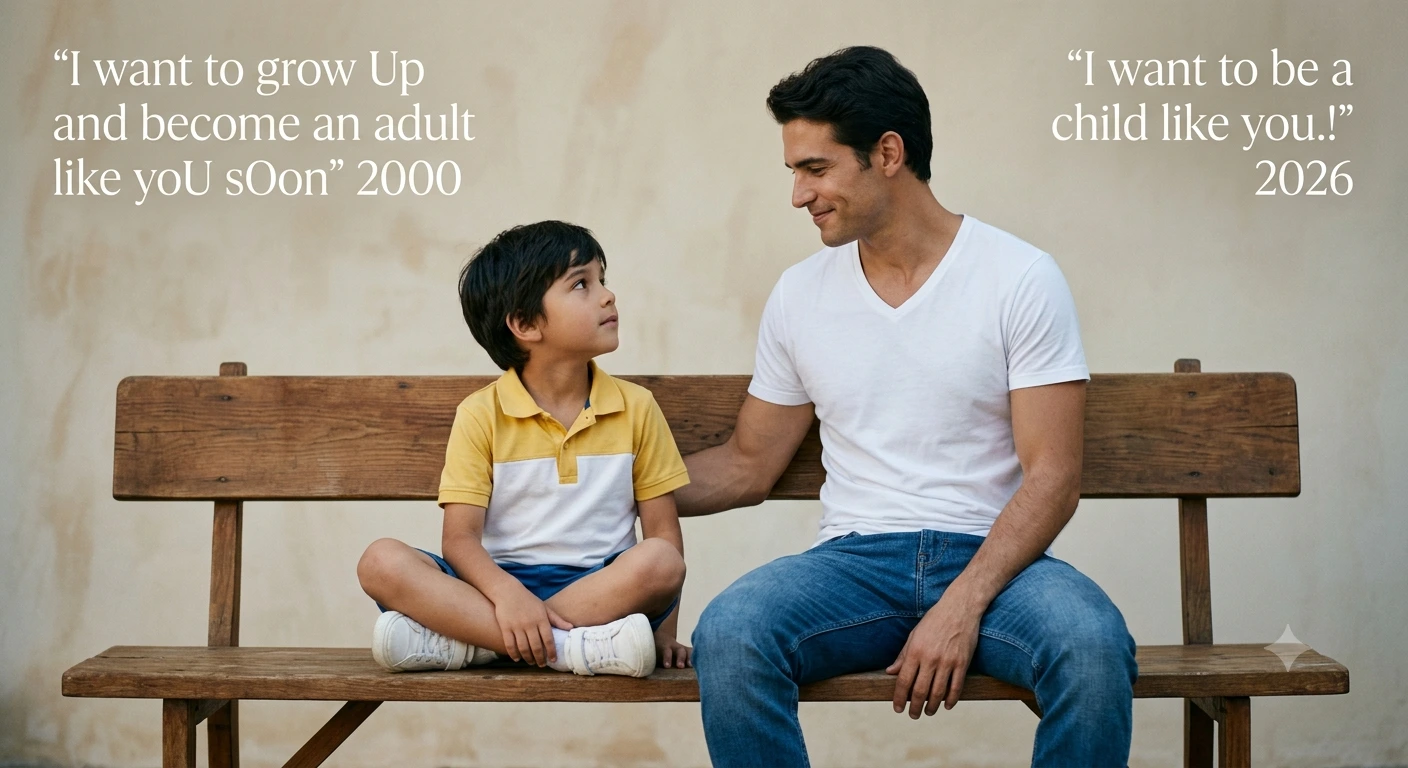
Create a highly realistic emotional portrait using two uploaded photos of the same person (one childhood photo and one current photo). Scene: Both versions of the person are sitting together on the SAME WoOden bench, side by side, facing slightly toward each other, as if interacting. No split screen, no dividing line -a single natural Scene. Face aCCuracy: IMPORTANT: Preserve the exact facial features from both uploaded images. Do NOT alter face shape, jawline, or proportions. The adult face must look exactly like the real person natural, sharp, and not overweight or distorted. Composition: - Child version on the left, adult version on the right - Both seated naturally on one continuous bench - Eye contact between them (emotional connection) Match skin tone, facial structure, and identity accurately Style: - Ultra-realistic photography - Soft natural studio lighting Clean, minimal background (light gray o r beige) - Subtle shadows, high detail, sharp focus Outfit: - Keep original clothing from uploaded images (or realistic equivalent) Text (minimal, elegant font): Top left: "一wantto grow Up anc become an adult ike yoU sOon" 2000 Top right: "I want to be a child like you.!" 2026 Mood: Nostalgic, emotional, cinematic, meaningful Quality: 8K resolution, DSLR quality, realistic skin texture, no cartoon effect, no Al distortion
About This Prompt
Auto GeneratedThis is a high-quality Portrait AI prompt crafted by Admin. It is designed to produce realistic, expressive portrait visuals with minimal iteration. The prompt uses carefully selected descriptors and stylistic cues optimised for Gemini AI, making it ideal for creators who want consistent, professional results.
How To Use
Reusable Guide- 1Copy the prompt using the "Copy Prompt" button above.
- 2Open your preferred AI model (Gemini AI) and paste the prompt into the input field.
- 3Optionally, replace bracketed placeholders (e.g. [subject], [style]) with your own values to personalise the output.
- 4Run the prompt and review the result — iterate by tweaking descriptors for different moods or compositions.
- 5Save or export your favourite generations directly from the AI tool's interface.
For best results, use this prompt as-is before making edits — the defaults are already optimised.