Azure Spirit: Dragonbound Warrior
Create an epic cinematic AI image using this high-quality prompt optimized for Gemini AI image generation.
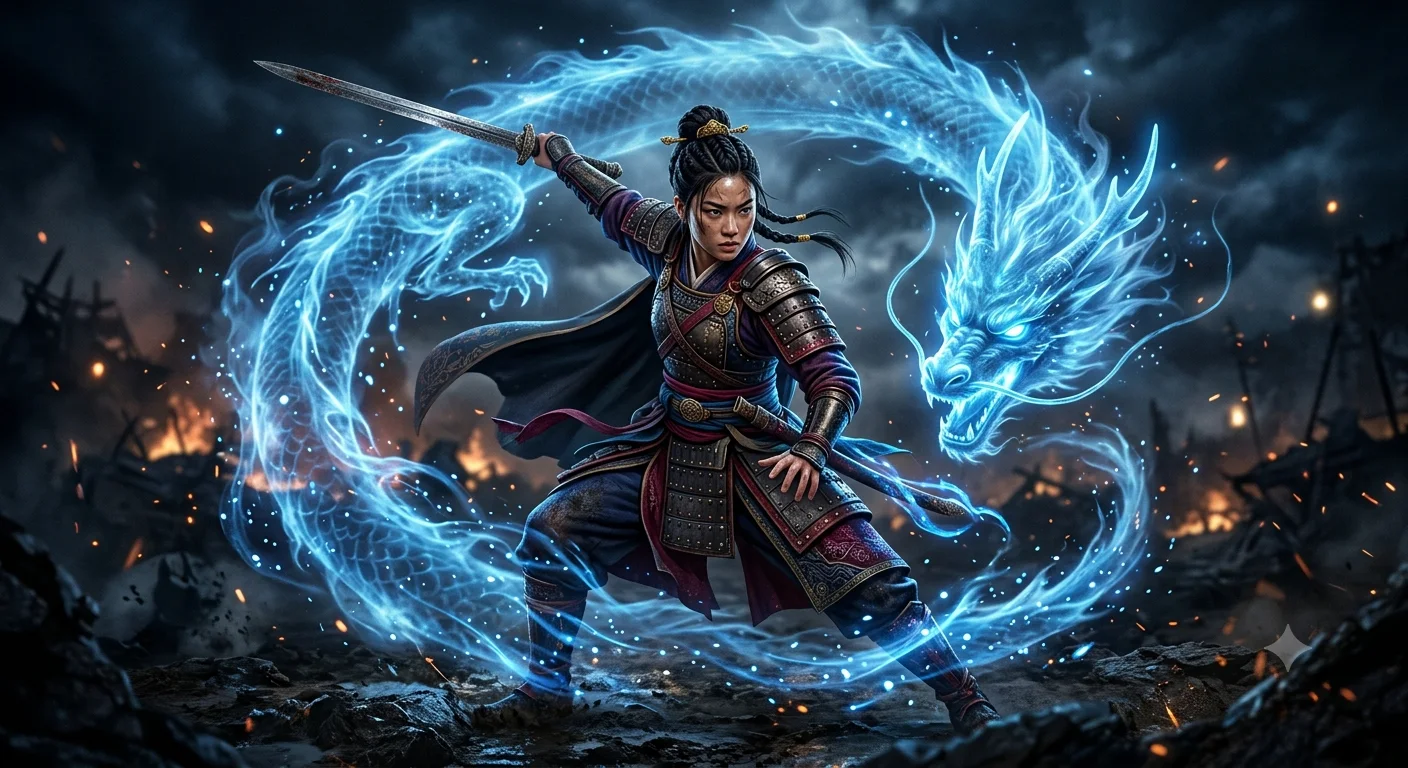
Prompt Content
Use this prompt in your favorite AI image generator.
A fierce young female warrior standing in a dynamic battle pose, wearing detailed ancient Asian-inspired armor with layered fabrics and leather plates, holding a sword raised behind her back. Her hair is tied in a tight bun, her expression focused and intense. Surrounding her is a glowing, ethereal blue spirit dragon made of swirling energy and mist, coiling around her body in a circular motion. The dragon has a semi-transparent, luminous form with flowing, smoky textures and glowing eyes. Blue energy trails wrap around her legs and arms, with sparks and particles floating in the air. Dark background, cinematic lighting, high contrast, ultra-detailed, photorealistic, dramatic atmosphere, fantasy style, 8K resolution.
About This Prompt
Auto GeneratedThis is a high-quality Cinematic AI prompt crafted by Admin. It is designed to produce cinematic, film-quality visuals with minimal iteration. The prompt uses carefully selected descriptors and stylistic cues optimised for Gemini AI, making it ideal for creators who want consistent, professional results.
How To Use
Reusable Guide- 1Copy the prompt using the "Copy Prompt" button above.
- 2Open your preferred AI model (Gemini AI) and paste the prompt into the input field.
- 3Optionally, replace bracketed placeholders (e.g. [subject], [style]) with your own values to personalise the output.
- 4Run the prompt and review the result — iterate by tweaking descriptors for different moods or compositions.
- 5Save or export your favourite generations directly from the AI tool's interface.
For best results, use this prompt as-is before making edits — the defaults are already optimised.


