CHARCOAL SOUL : THE ORANGE ECHO
Create an epic cinematic AI image using this high-quality prompt optimized for Gemini AI image generation.
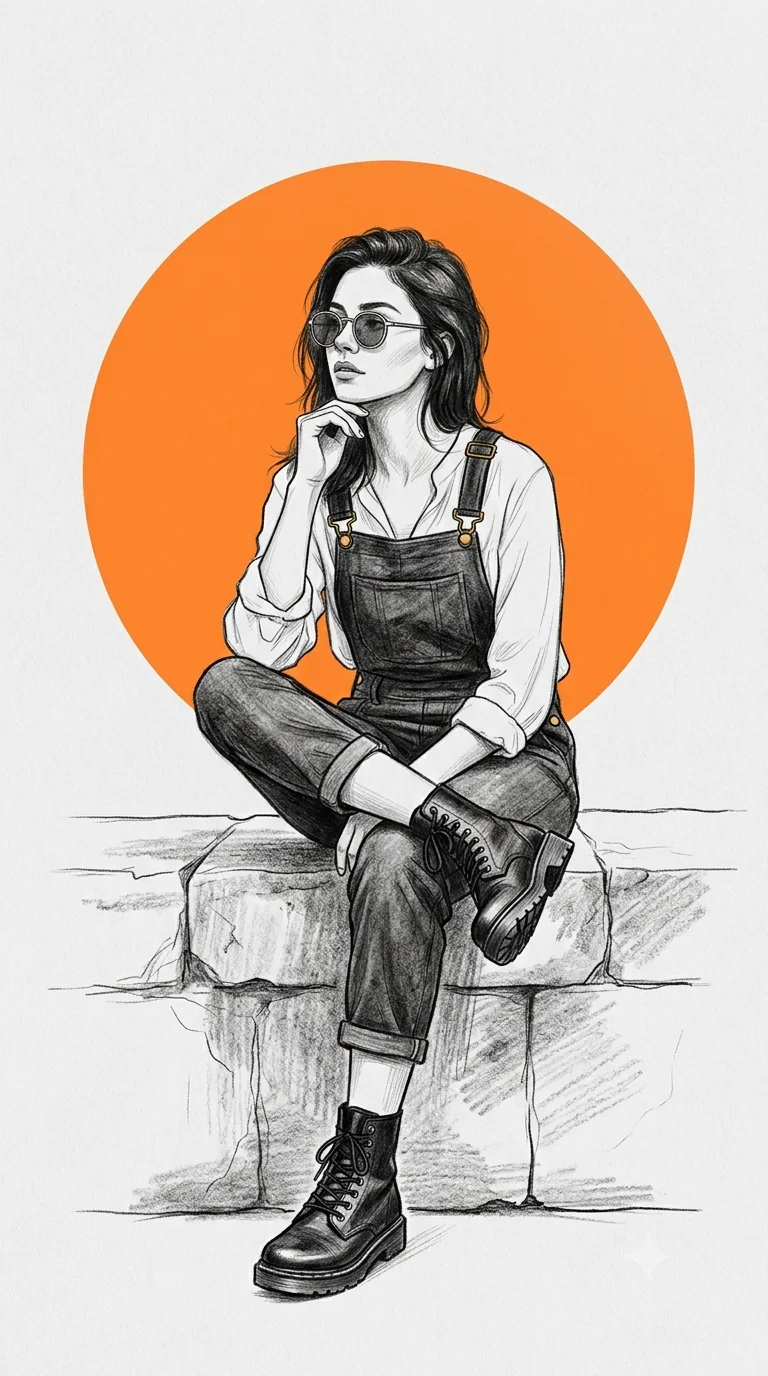
Prompt Content
Use this prompt in your favorite AI image generator.
A high-detail digital illustration of a stylish woman sitting gracefully on a stone ledge, posing with one hand near her chin and legs crossed. She is wearing vintage-inspired round sunglasses, a white blouse with rolled-up sleeves, denim overalls, and rugged lace-up combat boots. The subject is rendered in a desaturated, monochromatic pencil-sketch style with soft cross-hatching and charcoal textures.In the background, a large, vibrant solid orange circle creates a bold geometric contrast against a clean, light grey backdrop. The overall composition is minimalist, editorial, and features a clean "indie-magazine" aesthetic with sharp linework and soft shading. Aspect ratio is 9:16
About This Prompt
Auto GeneratedThis is a high-quality Cinematic AI prompt crafted by Admin. It is designed to produce cinematic, film-quality visuals with minimal iteration. The prompt uses carefully selected descriptors and stylistic cues optimised for Gemini AI, making it ideal for creators who want consistent, professional results.
How To Use
Reusable Guide- 1Copy the prompt using the "Copy Prompt" button above.
- 2Open your preferred AI model (Gemini AI) and paste the prompt into the input field.
- 3Optionally, replace bracketed placeholders (e.g. [subject], [style]) with your own values to personalise the output.
- 4Run the prompt and review the result — iterate by tweaking descriptors for different moods or compositions.
- 5Save or export your favourite generations directly from the AI tool's interface.
For best results, use this prompt as-is before making edits — the defaults are already optimised.


