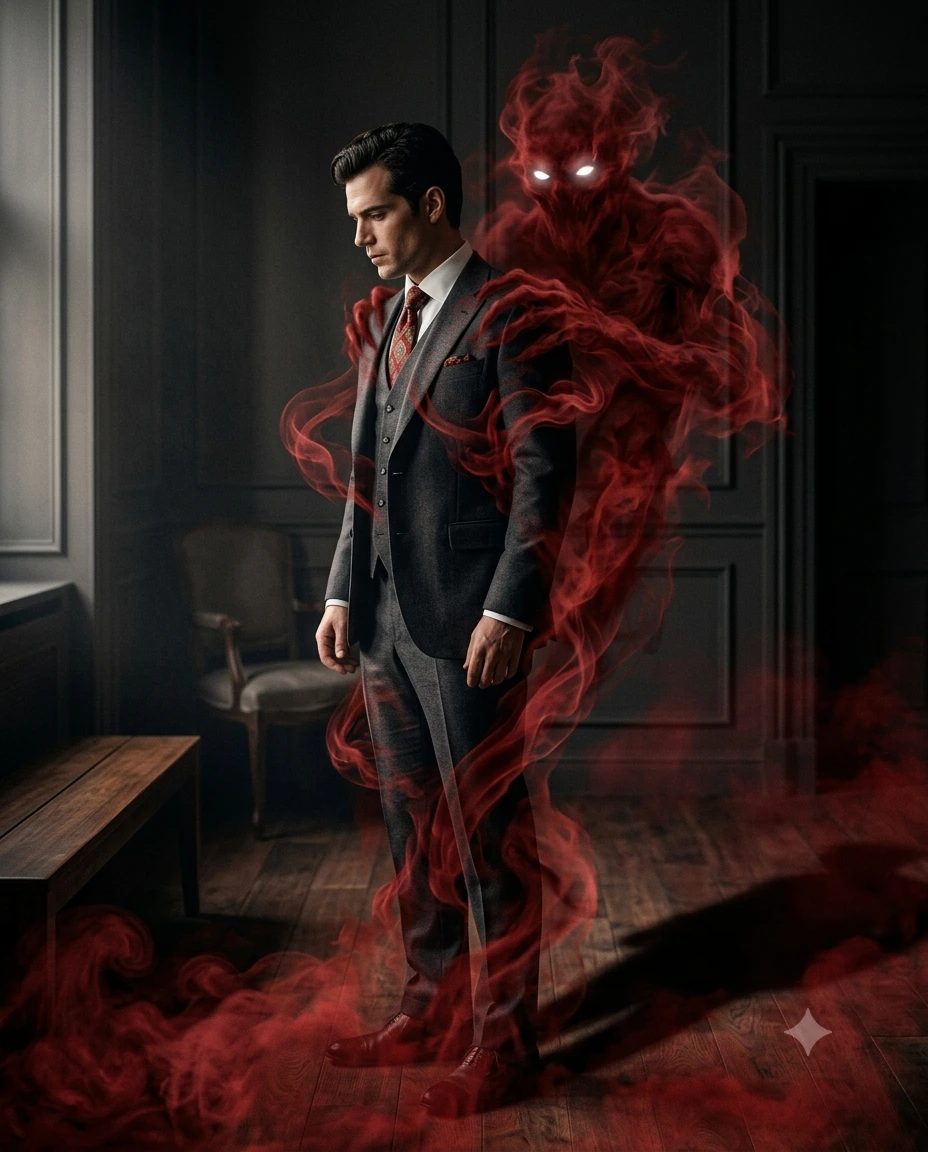
Crimson Wraith Emergence
Create an epic cinematic AI image using this high-quality prompt optimized for Gemini AI image generation.
Prompt Content
Use this prompt in your favorite AI image generator.
Keep the person exactly the same same face, pose, outfit, lighting, and 1,background. Add a shadowy, smoke-like demonic entity emerging from behind the person's back, The entity should be made of swirlinc Red smoke, semi-transparent, with glowing white eves, The smoke wraps around the body and filows down to the floor natrally Wanding with the environme Mainam realistic shadows, reflectinnsn and dapth so the creature feela pand the scend Dark, moody mosphere, high contrast, cinematic lighting, ultra-realistic ek quality. No change to fac tures, clothing, or camera anqle Instagrammable 4:5 ratio
About This Prompt
Auto GeneratedThis is a high-quality Cinematic AI prompt crafted by Admin. It is designed to produce cinematic, film-quality visuals with minimal iteration. The prompt uses carefully selected descriptors and stylistic cues optimised for Gemini AI, making it ideal for creators who want consistent, professional results.
How To Use
Reusable Guide- 1Copy the prompt using the "Copy Prompt" button above.
- 2Open your preferred AI model (Gemini AI) and paste the prompt into the input field.
- 3Optionally, replace bracketed placeholders (e.g. [subject], [style]) with your own values to personalise the output.
- 4Run the prompt and review the result — iterate by tweaking descriptors for different moods or compositions.
- 5Save or export your favourite generations directly from the AI tool's interface.
For best results, use this prompt as-is before making edits — the defaults are already optimised.


