DEPARTURE: Destination Anywhere – Cinematic Airport Travel Editorial
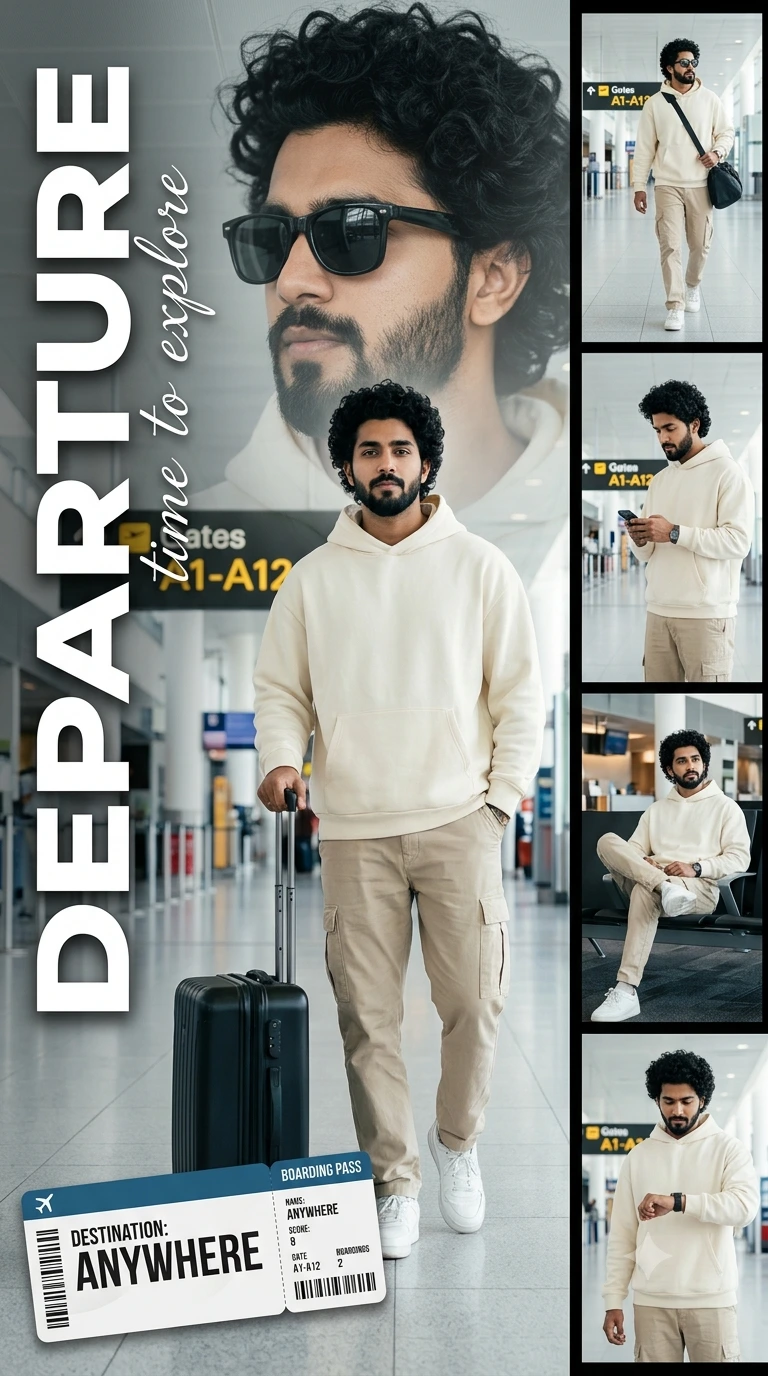
Create an epic cinematic AI image using this high-quality prompt optimized for Gemini AI image generation.
Prompt Content
Use this prompt in your favorite AI image generator.
professional 8k travel lifestyle poster in a vertical 9:16 aspect ratio. The main subject is a handsome young Indian man with thick, curly black hair and a well-groomed beard. He is standing in the center of a modern airport terminal wearing an oversized cream-colored hoodie, beige cargo pants, and white sneakers, with one hand resting on a black hardshell suitcase. Behind him is a large, faded, cinematic close-up of his face wearing black sunglasses. On the right side, a vertical strip contains four smaller rectangular frames showing the same man in various travel poses: walking with a bag, checking his phone, sitting in a lounge, and looking at his watch. The background features blurred airport gates and 'Gates A1-A12' signage. Bold white vertical text on the left reads 'DEPARTURE' with 'time to explore' in elegant script below it. A realistic boarding pass graphic that says 'DESTINATION: ANYWHERE' is placed at the bottom left.Bright, clean terminal lighting, minimalist travel aesthetic, high-quality digital collage.
About This Prompt
Auto GeneratedThis is a high-quality Cinematic AI prompt crafted by Admin. It is designed to produce cinematic, film-quality visuals with minimal iteration. The prompt uses carefully selected descriptors and stylistic cues optimised for Gemini AI, making it ideal for creators who want consistent, professional results.
How To Use
Reusable Guide- 1Copy the prompt using the "Copy Prompt" button above.
- 2Open your preferred AI model (Gemini AI) and paste the prompt into the input field.
- 3Optionally, replace bracketed placeholders (e.g. [subject], [style]) with your own values to personalise the output.
- 4Run the prompt and review the result — iterate by tweaking descriptors for different moods or compositions.
- 5Save or export your favourite generations directly from the AI tool's interface.
For best results, use this prompt as-is before making edits — the defaults are already optimised.


