MINI ME: SHADOW EDITION
Create an epic cinematic AI image using this high-quality prompt optimized for Flow AI image generation.
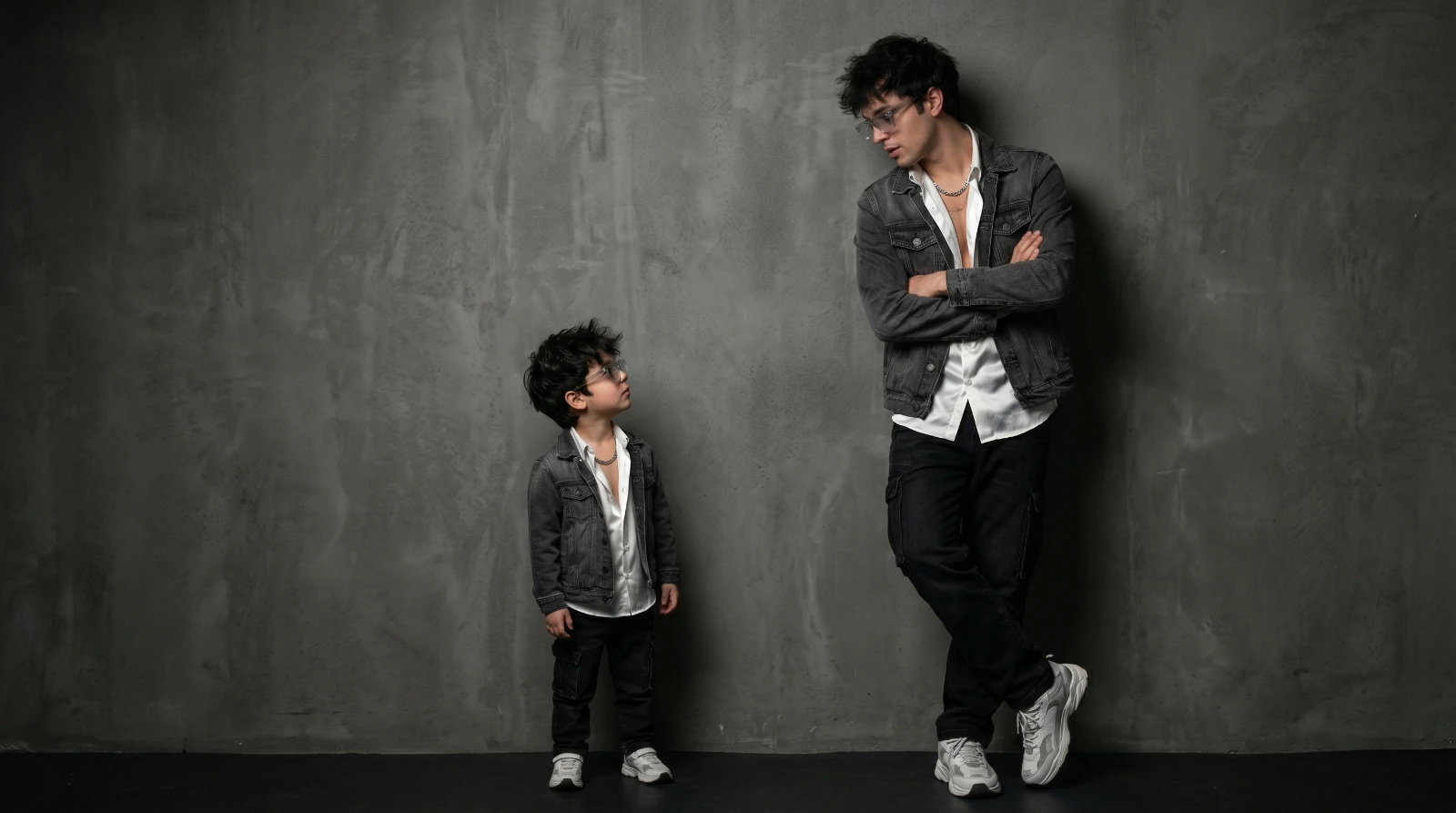
Prompt Content
Use this prompt in your favorite AI image generator.
A conceptual full-body black/gray luxury studio portrait featuring two versions of [uploaded image face 100% match with dark messy hair ], identical in features, hair, and styling. On the right stands the normal-sized mini gibili style subject, wearing a dark gray denim jacket white silky shirt open two bottom stylish silver chain and stylish transparent sunglasses black cargo jeans white and gray chunky sneakers.Their pose is leaning casually against a textured, dark gray/black concrete wall, arms crossed, looking down and to the left with a curious expression. On the left stands a second, miniature version of the same subject, no taller than the adult’s shin.
About This Prompt
Auto GeneratedThis is a high-quality Cinematic AI prompt crafted by Admin. It is designed to produce cinematic, film-quality visuals with minimal iteration. The prompt uses carefully selected descriptors and stylistic cues optimised for Flow AI, making it ideal for creators who want consistent, professional results.
How To Use
Reusable Guide- 1Copy the prompt using the "Copy Prompt" button above.
- 2Open your preferred AI model (Flow AI) and paste the prompt into the input field.
- 3Optionally, replace bracketed placeholders (e.g. [subject], [style]) with your own values to personalise the output.
- 4Run the prompt and review the result — iterate by tweaking descriptors for different moods or compositions.
- 5Save or export your favourite generations directly from the AI tool's interface.
For best results, use this prompt as-is before making edits — the defaults are already optimised.


