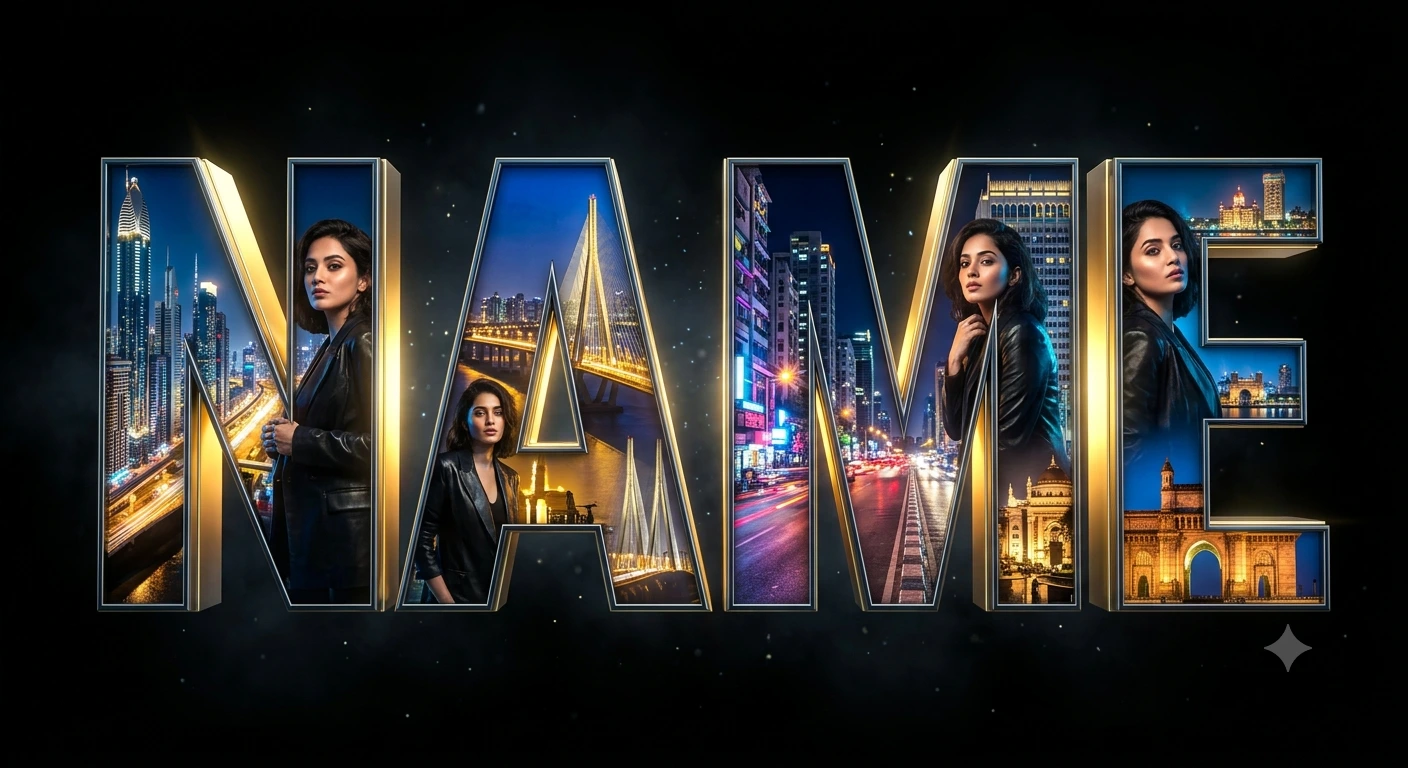
"Name" : CITY OF LIGHTS
Create an epic cinematic AI image using this high-quality prompt optimized for Gemini AI image generation.
Prompt Content
Use this prompt in your favorite AI image generator.
A highly realistic 3D illustration of the text “ Name” in large, bold, cinematic capital letters. Each letter is intricately filled with detailed Indian cityscapes featuring glowing skyscrapers, illuminated bridges, luxury streets, neon lights, traffic reflections, and iconic architectural landmarks. The interiors of the letters emit vibrant golden and blue night lighting with a dramatic cinematic glow, creating extreme depth and ultra-realistic detail.se uploaded image as high-priority facial reference hairstyle, expression, and identity consistently across all letters. She should appear naturally integrated into the environment, stylishly posed within the glowing city interiors, wearing fashionable modern clothing with cinematic lighting reflecting on her skin and outfit. The letters should have glossy metallic edges, realistic reflections, depth shadows, and premium 3D typography styling.Background completely dark black with subtle fog, particles, and atmospheric lighting to enhance the luxury futuristic mood. Hyper-detailed, ultra-realistic, 8K render, octane render, photorealistic lighting, depth of field, cinematic composition, luxury urban aesthetic.
About This Prompt
Auto GeneratedThis is a high-quality Cinematic AI prompt crafted by Admin. It is designed to produce cinematic, film-quality visuals with minimal iteration. The prompt uses carefully selected descriptors and stylistic cues optimised for Gemini AI, making it ideal for creators who want consistent, professional results.
How To Use
Reusable Guide- 1Copy the prompt using the "Copy Prompt" button above.
- 2Open your preferred AI model (Gemini AI) and paste the prompt into the input field.
- 3Optionally, replace bracketed placeholders (e.g. [subject], [style]) with your own values to personalise the output.
- 4Run the prompt and review the result — iterate by tweaking descriptors for different moods or compositions.
- 5Save or export your favourite generations directly from the AI tool's interface.
For best results, use this prompt as-is before making edits — the defaults are already optimised.


